Best Replit Alternatives in 2026: For Developers & Builders
7 alternatives reviewedlast reviewed 5 april 2026
Editorial note:this was originally published in april of 2026
Replit's browser-based IDE and AI agent are genuinely fast for spinning up a prototype, but the credit-burning checkpoint system, unreliable code generation on complex tasks, and resource limits at scale push a lot of people to look elsewhere. This page covers seven alternatives built for different situations: full cloud IDEs, AI-first app generators, local-first editors with AI, and wireframing tools for teams that want to think before they build.
Each pick is evaluated on actual pricing (not just "free plan available"), what the AI can realistically do without a developer cleaning up afterward, and how painful the switch is. Whether you're a solo developer, a product team, or a non-technical founder, there's a different right answer here.
We collect first-hand reviews from people who use these tools every day — what works, what doesn't, whether it's worth paying for. We research pricing, features, and comparisons so that feedback has real context behind it. For this guide, we prioritised how well each tool handles the specific failure modes that drive people away from Replit: unpredictable costs, unreliable AI on complex tasks, and weak production deployment. Read our full research methodology.
looking for a Replit alternative?
tell us what you're considering and why — it helps others in the same position.
What is Replit?
Replit is a cloud-based IDE where you can write, run, and deploy code entirely in a browser, with support for over 50 programming languages. Its main draw is the AI agent: describe an app in plain English and it generates working full-stack code, including database setup and authentication, without any local environment configuration.
It's used heavily by CS students who want to skip setup, product managers prototyping ideas without a dev, and developers who want to get something live quickly. The free tier is limited but functional for learning and small experiments.
People look for alternatives for a few specific reasons: the credit-based pricing makes costs hard to predict, the AI agent gets stuck in error loops on complex apps, and pushing a Replit project into production-grade reliability requires more engineering than the tool implies. For teams who need version control workflows, persistent environments, or serious compute, the cracks show quickly.
Automated cloud dev environments that spin up from any Git repo.
Engineering teams with complex environment setups
FreemiumFree tier (50 hrs/mo); paid from $9/mo per user
vs ReplitBetter than Replit for teams that need real Git workflows, code review, and consistent environments without paying per AI prompt.
our top pick
1
GitHub Codespaces
A full VS Code environment in the cloud, tied directly to your GitHub repo.
Freemium
Best for · Developer teams on GitHubPricing · Free for 60 hrs/mo; from $0.18/hr after
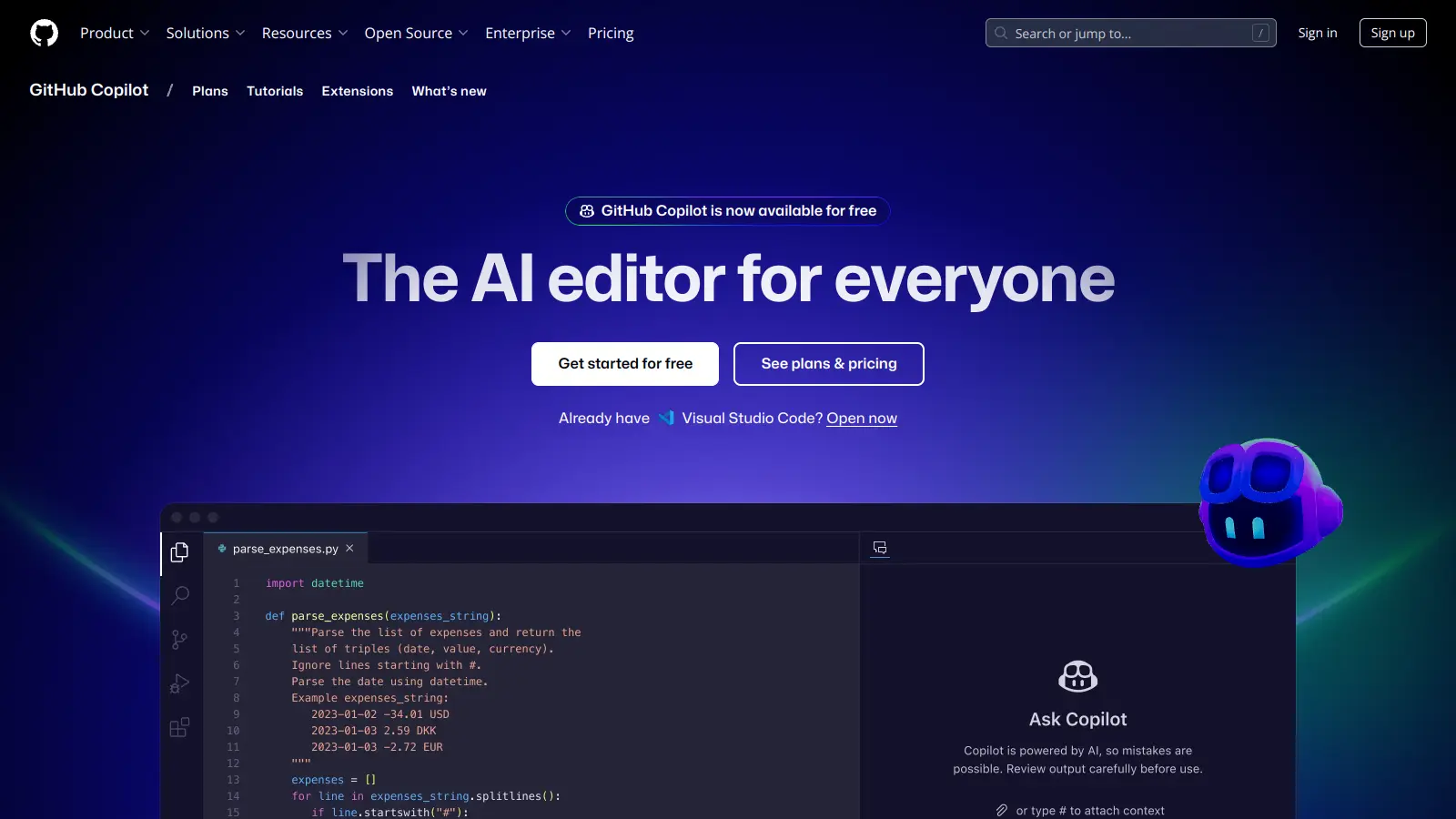
GitHub Codespaces spins up a containerised development environment from any GitHub repository in under a minute. You get a full VS Code experience, port forwarding for live previews, and all your dotfiles and extensions synced from your personal settings. It's built for developers who want cloud convenience without giving up a proper IDE.
Pros
✓Native GitHub integration with PR and branch workflows
vs ReplitBetter than Replit for building polished React or Next.js apps when you want flat-rate pricing instead of per-checkpoint credits.
2
Bolt
AI generates and hosts full-stack React apps from a single prompt.
Freemium
Best for · Non-technical founders and frontend-focused teamsPricing · Free plan; Pro from $18/mo; Teams from $27/mo per member
Bolt uses AI to generate full-stack web apps from text descriptions, with built-in hosting, databases, authentication, and analytics. It handles larger projects than most AI generators without losing context, and it integrates directly with Figma and GitHub for teams who need design-to-code workflows. The visual interface means non-developers can iterate without touching code.
Pros
✓Handles large projects without losing context
✓Built-in hosting, DB, and auth with no extra accounts
vs ReplitBetter than Replit for developers who want AI pair-programming without ceding control of the codebase or paying per AI request.
3
Cursor
A VS Code fork where the AI knows your entire codebase.
Freemium
Best for · Experienced developers who want AI assistancePricing · Free plan (2,000 completions); Pro at $20/mo
Cursor is a desktop code editor built on VS Code that embeds AI at every level: inline completions, multi-file edits, and a chat interface that has full context of your entire project. It's not a browser-based environment or an app generator, it's a local editor where AI assists without taking over. Developers who want speed without giving up control over the codebase tend to find it more reliable than Replit's agent.
Pros
✓Full VS Code feature set with codebase-wide AI context
✓Works with any language and local environment
✓Predictable flat monthly pricing
Cons
✗No built-in deployment or hosting
✗Requires a local setup, unlike Replit's zero-install browser access
vs ReplitBetter than Replit when the team includes non-technical members who need to iterate on UI and product managers who want to see real code in GitHub.
4
Lovable
Design-first AI app builder that outputs real React code to GitHub.
Freemium
Best for · Product teams mixing design and engineeringPricing · Free plan; paid plans from $20/mo
Lovable generates full-stack React applications from text prompts or mockups, with a visual editor for refining the output without writing code. Every project is connected to a GitHub repository, so developers can pull the code and continue in a normal IDE. It's aimed at product teams where designers and developers need to collaborate on the same artifact.
Pros
✓Outputs clean React code committed directly to GitHub
✓Visual editor lets non-devs iterate without coding
✓Good for design-to-code workflows
Cons
✗Less flexible than Replit for backend-heavy or multi-language projects
✗Complex business logic still needs a developer to review the output
vs ReplitBetter than Replit when you haven't decided what to build yet and need team alignment before any code gets written.
5
Balsamiq
Low-fidelity wireframing that gets teams aligned before writing any code.
Paid
Best for · Product teams in early ideationPricing · From $12/mo for 2 projects; $18/mo for Enterprise
Balsamiq is a wireframing tool for sketching app flows and UI concepts quickly, with a deliberately rough visual style that keeps feedback focused on structure rather than aesthetics. It's not an IDE or a code generator, it's the step before either. Teams that jump into Replit before knowing exactly what they're building often end up rebuilding things twice; Balsamiq is the tool that prevents that.
Pros
✓Forces clarity on product decisions before coding starts
✓Real-time co-editing and commenting built in
✓14-day free trial, free for educators and students
Cons
✗No code generation or deployment, it's purely a design tool
✗Paid from day one once the trial ends, no permanent free tier
vs ReplitBetter than Replit for JS/TS projects where you want instant environment startup, offline support, and GitHub PR previews without a backend server.
6
StackBlitz
Browser-based IDE that runs Node.js natively without a server.
Freemium
Best for · JavaScript and TypeScript developersPricing · Free for public projects; paid plans from $8/mo
StackBlitz runs a full Node.js development environment directly in the browser using WebContainers technology, which means there's no remote server, your code runs locally in the tab. It's fast, works offline, and is particularly strong for JavaScript and TypeScript projects. The Codeflow product connects it to GitHub for full PR-based collaboration without any server spin-up time.
Pros
✓Instant startup with no server, runs in-browser via WebContainers
✓GitHub integration with PR preview environments
✓Works offline once loaded
Cons
✗Primarily JavaScript and TypeScript, limited language support
vs ReplitBetter than Replit for engineering teams where environment consistency across developers and CI pipelines is the actual problem, not speed of initial prototyping.
7
Gitpod
Automated cloud dev environments that spin up from any Git repo.
Freemium
Best for · Engineering teams with complex environment setupsPricing · Free tier (50 hrs/mo); paid from $9/mo per user
Gitpod creates on-demand development environments from a configuration file checked into your repository. Every team member, and every CI run, gets an identical environment with no manual setup. It supports VS Code, JetBrains IDEs, and a browser-based editor. The focus is on consistency and automation rather than AI code generation.
Pros
✓Reproducible environments defined in code, no drift
✓Supports VS Code and JetBrains, not just a browser editor
✓Strong for team onboarding and open source contributions
Cons
✗No AI app generation, it's an environment tool not a code generator
✗Setup requires writing devcontainer or .gitpod.yml config files upfront
If you're still figuring out what to build, a wireframing tool like Balsamiq is more useful than any AI code generator. If you have a clear spec and just need to ship fast, Bolt or Lovable will get you further than Replit's agent on frontend-heavy projects.
How much control do you need over the code?
Replit's agent abstracts a lot away, which is fine until something breaks. If you want to understand and own the codebase, tools like Cursor or GitHub Codespaces pair AI assistance with a real local-style editor where you stay in control of every file.
Will you need this in production?
Replit projects can be deployed, but they hit resource ceilings quickly and the infrastructure isn't designed for high-traffic apps. If you're building something that needs to scale, check whether the alternative includes proper hosting, CI/CD, and monitoring, or whether it's just a code generator that hands you a zip file.
What's your actual budget?
Replit's credit system means costs vary unpredictably. Some alternatives charge a flat monthly fee regardless of how many AI prompts you run, which is much easier to budget for. Compare the realistic monthly cost for your usage pattern, not just the headline free tier.
Do you need a team workflow?
Replit has real-time collaboration, but its Git integration is limited compared to GitHub-native tools. If your team already lives in GitHub, GitHub Codespaces or Cursor with a normal Git workflow will create less friction than migrating to a new collaboration model.
frequently asked questions
Yes, several. GitHub Codespaces is free for 60 hours per month on personal accounts. Bolt has a free tier with limited monthly tokens. Cursor offers a free plan with 2,000 code completions. The catch is that AI-heavy features usually require a paid plan on any of these tools, just as with Replit.
The credit system is the most common trigger. Replit charges per AI checkpoint, so a debugging session where the agent loops on the same error can drain your budget quickly with nothing to show for it. Flat-rate monthly pricing on alternatives like Cursor or Bolt makes costs predictable.
Tools like Bolt and Lovable are designed for non-technical users and can generate working web apps from a text prompt. However, anything beyond a simple MVP will eventually need developer input regardless of which AI tool you use. Wireframing tools like Balsamiq are actually more useful early on if your goal is to validate an idea before writing any code.
It depends on how much Replit-specific infrastructure is baked in. If you used Replit's built-in database and deployment, you'll need to re-provision those elsewhere. Pure code projects are straightforward to export, and most alternatives support GitHub import. Plan for a few hours of work, not a weekend project.
GitHub Codespaces is the strongest choice for developer teams already using GitHub, because it slots into existing pull request and code review workflows without changing anything. For product teams mixing technical and non-technical members, Lovable's GitHub-connected workspace and visual editor give both sides something to work with.
tools for humans
toolsforhumans editorial team
Reader ratings and community feedback shape every score. Since 2022, ToolsForHumans has helped 600,000+ people find software that holds up after launch. The picks here come from that.