Best Cursor Alternatives in 2026: For Every Dev Workflow
7 alternatives reviewedlast reviewed 21 march 2026
Editorial note:this was originally published in march of 2026
Cursor is a capable AI IDE, but it has real problems: unpredictable monthly costs, Electron performance overhead, and a workflow that assumes you want a chat sidebar at the center of everything. If any of those are bothering you, there are solid alternatives worth knowing about.
This page covers 7 alternatives to Cursor, ranging from free open-source options to enterprise-grade agents. Each pick is evaluated on agentic depth, editor lock-in, pricing transparency, and how much of your existing setup you'd have to abandon.
Whether you're a solo developer watching your API spend or an engineering manager questioning $40/month seats for every junior dev, there's a better-fit option here.
We collect first-hand reviews from people who use these tools every day — what works, what doesn't, whether it's worth paying for. We research pricing, features, and comparisons so that feedback has real context behind it. For this page, prioritisation went to tools offering comparable code completion and editor integration capabilities. Read our full research methodology.
looking for a Cursor alternative?
tell us what you're considering and why — it helps others in the same position.
What is Cursor?
Cursor is an AI-first IDE built as a fork of VS Code. It adds a repo-indexing engine, a multi-file editing agent called Composer, and an inline chat that can read and modify your entire codebase. Because it's built on VS Code, most extensions and keybindings carry over without reconfiguration.
It's used primarily by individual developers and small teams who want deep AI integration without switching editors entirely. The free tier is limited; most active users end up on the $20/month Pro plan, with heavy usage pushing actual spend to $40-50/month once overages kick in.
The most common reasons developers look for alternatives are cost overruns, crashes and file-saving instability, frustration with the VS Code fork lock-in preventing clean migration to JetBrains or Neovim, and a chat-sidebar workflow that doesn't suit terminal-first or GUI-canvas developers.
AI assistance built into JetBrains IDEs, included with an active subscription.
JetBrains IDE users who don't want to pay separately for AI assistance
PaidIncluded with JetBrains All Products Pack from $28.90/mo
vs CursorBetter than Cursor if you use JetBrains IDEs or need AI assistance across multiple editors without managing a separate fork.
our top pick
1
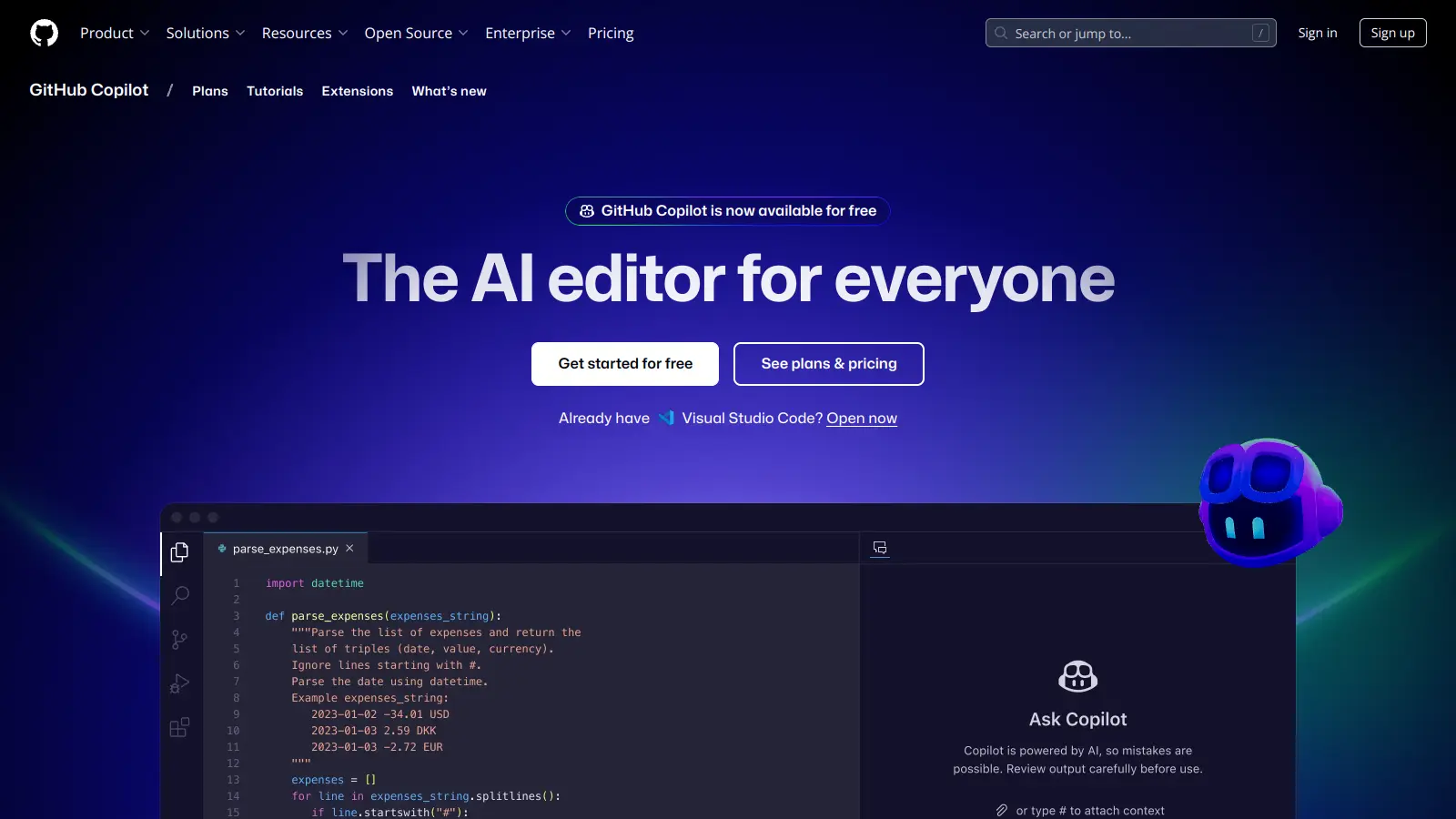
GitHub Copilot
Microsoft's AI coding assistant, built into VS Code and JetBrains.
Freemium
Best for · Developers who want AI assistance without changing their editorPricing · Free tier available; Pro from $10/mo
GitHub Copilot is the most widely deployed AI coding assistant, with native integration across VS Code, JetBrains, Neovim, and Visual Studio. The Pro plan at $10/month includes inline completions, a multi-turn chat panel, and a limited agent mode that can propose multi-file changes. It doesn't require switching editors and works with your existing GitHub workflow out of the box.
Pros
✓Works in JetBrains, Neovim, and VS Code natively
✓Free tier with 2,000 completions/month
✓Direct GitHub integration for PR summaries and code review
Cons
✗Agent mode less capable than Cursor Composer for complex multi-file tasks
✗Chat context window smaller than Cursor's repo-indexed search
vs CursorBetter than Cursor for autonomous multi-step coding tasks where you want agents to coordinate across files and fix their own errors without constant prompting.
2
Claude Code
Anthropic's terminal-native agent with the highest published SWE-bench score.
Paid
Best for · Developers working on large, complex codebases who prioritize autonomous task executionPricing · Pro from $20/mo; Max plan $200/mo
Claude Code is a CLI-first coding agent that also ships a VS Code extension. It runs coordinated sub-agents that can share task lists and communicate with each other, which is a step beyond Cursor's parallel-but-isolated agent approach. Claude Opus 4.6 scores 80.8% on SWE-bench Verified, the highest published score among coding agents. The trade-off is that there are no inline tab completions, so it's not a replacement for fast single-line suggestions.
Pros
✓80.8% SWE-bench Verified score, highest published
✓Sub-agents coordinate via shared task lists
✓Works in any terminal, not tied to a specific editor
Cons
✗No inline tab completions for quick edits
✗Max plan costs the same as Cursor Ultra at $200/mo
vs CursorBetter than Cursor for teams where the $5/month price difference matters at scale, though the acquisition uncertainty makes it a riskier long-term bet.
3
Windsurf
A VS Code fork at $15/mo with RL-trained code retrieval and Devin integration.
Freemium
Best for · Cursor users who want a similar workflow at lower costPricing · Free tier; Pro from $15/mo
Windsurf (formerly Codeium) is the closest like-for-like Cursor alternative. It's a VS Code fork with a similar chat-sidebar-plus-inline-diff workflow, priced at $15/month for individuals and teams. Recent updates added Arena Mode for blind model comparison, Plan Mode for structured agent workflows, and SWE-grep, a reinforcement-learning-trained retrieval system that finds relevant code faster than standard model-based search. The significant caveat is that Cognition (Devin's parent company) acquired Windsurf in early 2026 for $250M, and the product roadmap is now subject to Cognition's priorities.
Pros
✓Cheapest paid Cursor alternative at $15/mo
✓SWE-grep retrieval faster than frontier model search
✓Arena Mode for blind model comparison before committing
Cons
✗Cognition acquisition creates real product roadmap uncertainty
✗Still a VS Code fork, so you're trading one lock-in for another
vs CursorBetter than Cursor for developers who want full agentic capability and predictable costs, since you pay per token at API rates rather than a flat seat fee with opaque overages.
4
Cline
Open-source VS Code agent that runs on your own API keys.
Free
Best for · Cost-conscious developers who want agentic depth without a subscriptionPricing · Free (BYOK: pay only API costs)
Cline is a free, open-source VS Code extension that connects to any AI provider via your own API key. You're not paying a tool subscription; you pay only for the model tokens you use. With Claude Sonnet as the backend, a moderate user typically spends $5-15/month in API costs. Cline can read and write files, run terminal commands, and execute browser actions, putting it in the same agentic tier as Cursor Composer. Because it runs inside standard VS Code (not a fork), there's no migration cost.
Pros
✓Completely free: pay only underlying API costs
✓Runs inside standard VS Code, no fork lock-in
✓Supports any OpenAI-compatible API provider
Cons
✗No built-in tab completions; requires a separate extension for that
✗API cost management is your responsibility, which adds overhead
vs CursorBetter than Cursor for developers on lower-powered machines or those who notice Cursor's RAM usage during repo indexing, since Zed's native Rust architecture runs significantly leaner.
5
Zed
A native, GPU-accelerated code editor with built-in AI and real-time collaboration.
Freemium
Best for · Performance-focused developers frustrated by Electron overheadPricing · Free for individuals; Teams from $10/user/mo
Zed is not a VS Code fork. It's a ground-up native editor written in Rust, which makes it noticeably faster than Electron-based tools on the same hardware. It has built-in AI assistance via a configurable provider (Anthropic, OpenAI, or local models), real-time collaborative editing (think Google Docs for code), and a channel-based team communication system. The extension ecosystem is much smaller than VS Code's, which is the main reason to hesitate.
Pros
✓Native Rust editor: no Electron, significantly less RAM usage
✓Real-time collaborative editing built in, not bolted on
✓Supports local AI models for private codebases
Cons
✗Extension ecosystem is a fraction of VS Code's size
✗Learning curve if you rely on VS Code-specific extensions or workflows
vs CursorBetter than Cursor for regulated industries where sending source code to Anthropic or OpenAI servers is a compliance blocker, since Tabnine supports fully on-premise deployment.
6
Tabnine
Privacy-first AI completions with on-premise deployment for enterprise teams.
Freemium
Best for · Enterprise teams with strict data residency or on-premise requirementsPricing · Free tier; Pro from $12/mo; Enterprise pricing on request
Tabnine predates most AI coding tools and has positioned itself around enterprise privacy requirements. It supports on-premise deployment where no code leaves your infrastructure, which matters for financial services, healthcare, and defense contractors. The completions model is fast and trained specifically on code rather than general text. It's not trying to be an autonomous agent; it focuses on inline suggestions and a contained chat interface, which makes it easier to adopt in organizations with strict security reviews.
Pros
✓On-premise deployment option keeps code off external servers
✓Fast completions model trained specifically on code
✓Mature enterprise support with SSO and audit logging
Cons
✗Agentic capabilities are limited compared to Cursor or Claude Code
✗Enterprise on-premise pricing requires a custom quote
vs CursorBetter than Cursor for Java, Kotlin, or Python teams already paying for JetBrains IDE licenses, since AI assistance is included at no additional cost and integrates with JetBrains' refactoring and debugging tools.
7
JetBrains AI Assistant
AI assistance built into JetBrains IDEs, included with an active subscription.
Paid
Best for · JetBrains IDE users who don't want to pay separately for AI assistancePricing · Included with JetBrains All Products Pack from $28.90/mo
JetBrains AI Assistant is included with all JetBrains IDE subscriptions (IntelliJ, PyCharm, WebStorm, etc.) at no extra charge beyond the existing $7.90-$24.90/month IDE cost. It provides inline completions, a chat interface with codebase context, and AI-generated commit messages and code review comments. The standout advantage is deep IDE integration: it understands JetBrains' existing refactoring engine, run configurations, and debugger context in ways a VS Code extension can't replicate in JetBrains.
Pros
✓No extra cost if you already have a JetBrains subscription
✓Deep integration with JetBrains refactoring and debugger
✓Consistent experience across all JetBrains IDEs
Cons
✗Only useful if JetBrains IDEs are already part of your workflow
✗Agent capabilities are less mature than Cursor Composer or Claude Code
Cursor is a VS Code fork, and so are several alternatives like Windsurf. If you want to keep your current editor (JetBrains, Neovim, Zed), you need an alternative that ships as an extension or CLI rather than a standalone IDE.
Figure out whether you need agentic depth or fast completions
Tools like Claude Code can orchestrate sub-agents that coordinate across tasks and run terminal commands autonomously. If most of your AI usage is tab completions on short edits, that power is wasted and a lighter-weight tool will feel faster.
Check whether pricing is predictable
Cursor's overage model makes monthly costs hard to forecast. Look for alternatives with flat-rate pricing or clear token budgets, especially if you're buying seats for a team.
Consider privacy and data handling
Cloud-first tools send your code to external servers. If you're working on proprietary codebases or regulated industries, you need either a self-hosted option, a strong data-processing agreement, or a local model setup.
Test whether it supports your language and toolchain
AI IDE quality varies significantly by language. A tool that excels at TypeScript may give poor completions for Rust or Go. Check LSP support and whether the tool's training data covers your stack before committing.
frequently asked questions
Yes. GitHub Copilot has a free tier with 2,000 completions per month and 50 chat messages, which covers light use. Cline is open-source and free if you bring your own API key; using Claude Sonnet via API can cost less than $10/month for moderate usage. Both are production-quality tools, not stripped-down demos.
Expect $10-20/month for most paid alternatives. Windsurf is $15/month, GitHub Copilot Pro is $10/month, and JetBrains AI Assistant is included with an active JetBrains IDE subscription. Claude Code's Max plan runs $200/month, but that's aimed at power users running long autonomous tasks, not everyday completions.
If you switch to GitHub Copilot or Cline, you stay in standard VS Code and keep everything. If you switch to Windsurf, you're in another VS Code fork and will face similar migration friction later. Zed requires the most adjustment since it's a distinct native editor with its own keybinding model.
The three complaints that come up most often are unpredictable monthly billing (overages on the Pro plan), crashes and the AI editing wrong files without permission, and the Electron performance overhead on lower-powered machines. A smaller group leaves specifically because they want a terminal-first or non-VS-Code workflow.
Several do. GitHub Copilot has a mature JetBrains plugin. Tabnine and Codeium also support JetBrains. Claude Code works in any terminal, so it pairs with JetBrains via the built-in terminal. Windsurf and Zed do not support JetBrains since they are standalone editors.
tools for humans
toolsforhumans editorial team
Reader ratings and community feedback shape every score. Since 2022, ToolsForHumans has helped 600,000+ people find software that holds up after launch. The picks here come from that.