Best Gemini Alternatives in 2026: For Every Use Case
7 alternatives reviewedlast reviewed 13 april 2026
Editorial note:this was originally published in april of 2026
Gemini works well if you live inside Google Workspace, but its instruction-following can be inconsistent, its free tier is capped, and it gives you little control outside the Google ecosystem. If any of those are pain points, there are better options depending on what you actually need.
This page covers 7 alternatives to Gemini: general-purpose AI assistants, research-focused tools, coding-first options, and a couple of less obvious picks for specific workflows. Each one is assessed on pricing, what it actually does better than Gemini, and where it falls short.
Tools were chosen based on real availability, transparent pricing, and meaningful differences from Gemini, not just a different name on similar tech.
We collect first-hand reviews from people who use these tools every day — what works, what doesn't, whether it's worth paying for. We research pricing, features, and comparisons so that feedback has real context behind it. For this guide, we prioritised tools with meaningful functional differences from Gemini rather than tools that are simply powered by a different underlying model. Read our full research methodology.
looking for a Gemini alternative?
tell us what you're considering and why — it helps others in the same position.
What is Google Gemini?
Gemini is Google's AI assistant, available as a standalone app and web interface, and embedded inside Google Workspace apps like Gmail, Docs, and Sheets. It's built on Google's multimodal models, meaning it can process text, images, audio, video, and code in a single conversation. The free tier uses Gemini Flash with daily usage limits; Gemini Advanced (via the Google AI Pro plan at $19.99/month) gives access to the more capable Gemini Ultra model.
It's most useful for people already using Google's productivity suite. The Workspace integration is genuinely tight: you can summarise a thread in Gmail, draft in Docs, or analyse data in Sheets without leaving those apps. Outside that ecosystem, it competes directly with ChatGPT and Claude but doesn't clearly outperform them.
People typically look for alternatives when they need more reliable long-form instruction-following, better coding assistance, a privacy-focused option, or simply don't use Google Workspace and want a tool that fits their actual stack.
Google's document-grounded AI that only answers from your sources.
Students and document-heavy researchers
FreemiumFree; Plus via Google AI Pro at $19.99/mo
vs GeminiBetter than Gemini for complex, multi-step instructions where Gemini loses context or hedges excessively.
our top pick
1
ChatGPT
The most capable general-purpose AI assistant available today.
Freemium
Best for · General professional usePricing · Free; Plus from $20/mo
ChatGPT runs on OpenAI's GPT-4o and o-series reasoning models. It handles text, images, file uploads, web search, and code execution in a single interface. The free tier is genuinely functional; ChatGPT Plus at $20/month unlocks higher usage limits, advanced voice mode, and access to newer models as they release.
Pros
✓Instruction-following more reliable than Gemini
✓Code interpreter runs Python in-browser
✓Custom GPTs let you save reusable configurations
Cons
✗Free tier has noticeable usage caps during peak hours
vs GeminiBetter than Gemini when you're working with long documents that need careful, consistent analysis across the whole text.
2
Claude
An AI assistant built for long documents and careful reasoning.
Freemium
Best for · Writers, researchers, legal and finance professionalsPricing · Free; Pro from $20/mo
Claude is Anthropic's AI assistant, and its strongest differentiator is handling very long documents without degrading in quality. Claude 3.5 Sonnet can process up to 200,000 tokens in context, which is useful for legal documents, research papers, and large codebases. Its responses tend to be more nuanced and less likely to produce confident-sounding nonsense than Gemini.
Pros
✓200K token context window on paid plans
✓Noticeably cautious about factual accuracy
✓Handles nuanced writing tasks without over-formatting
Cons
✗No image generation; analysis only
✗Web search access is limited compared to ChatGPT and Gemini
vs GeminiBetter than Gemini when you need sourced, verifiable answers rather than the confident-but-uncited responses Gemini often produces.
3
Perplexity
A search-first AI that cites every claim it makes.
Freemium
Best for · Researchers and fact-checkersPricing · Free; Pro from $20/mo
Perplexity is built around real-time web search with inline citations, so you can verify exactly where each piece of information came from. It's not trying to be a general-purpose writing assistant; it's designed for research and fact-finding. The free tier is very capable; Perplexity Pro at $20/month adds access to GPT-4o and Claude models and higher daily search limits.
Pros
✓Every response links to primary sources
✓Real-time web index, not a training cutoff
✓Pro lets you choose between GPT-4o and Claude models
Cons
✗Not suitable for creative writing or long-form drafting
vs GeminiBetter than Gemini if your team works in Microsoft 365 and needs the same native integration Gemini provides inside Google Workspace.
4
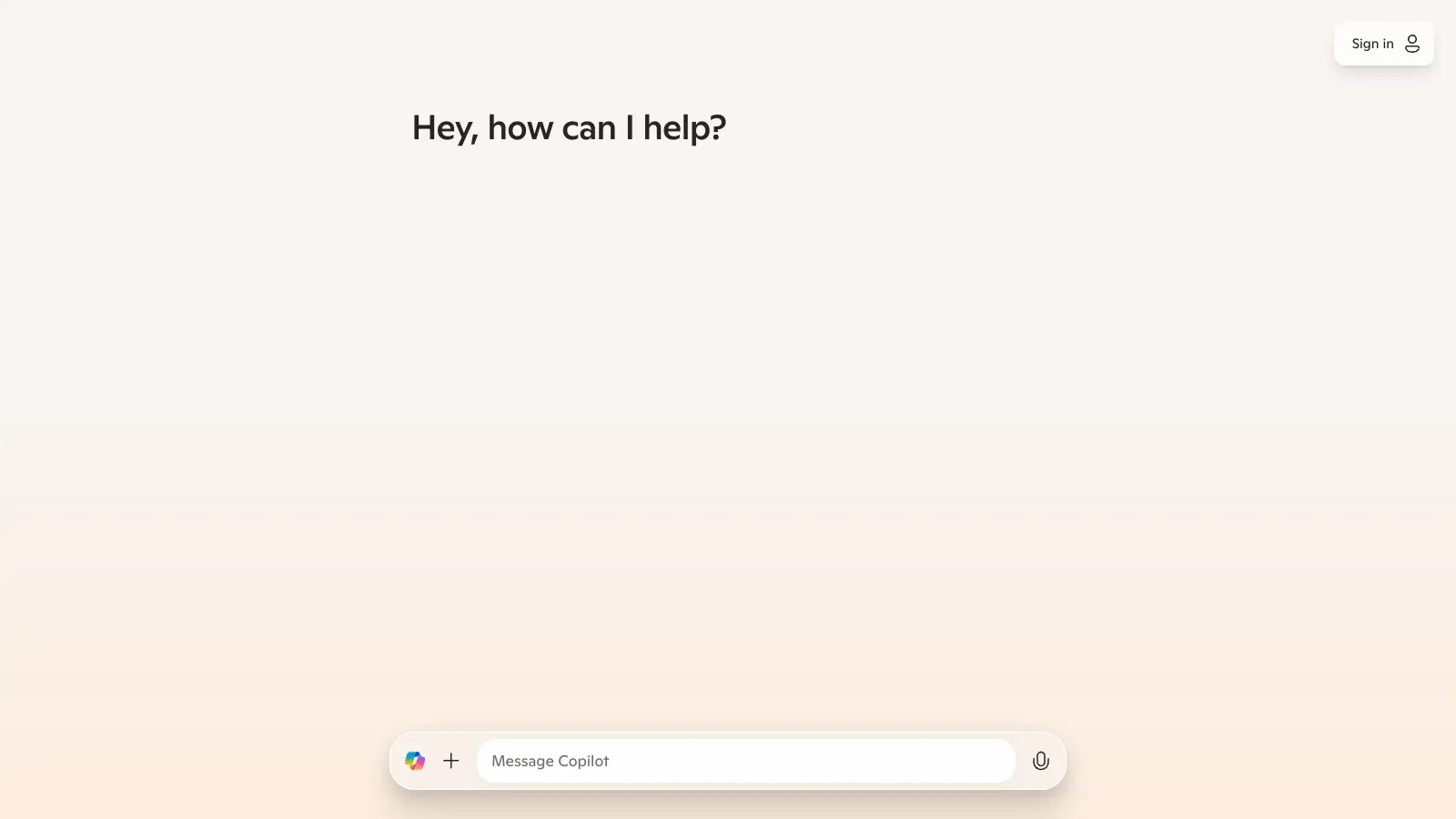
Microsoft Copilot
AI built into Microsoft 365 and the Windows ecosystem.
Freemium
Best for · Microsoft 365 usersPricing · Free; M365 Copilot from $30/user/mo
Microsoft Copilot is powered by OpenAI's models and sits inside Word, Excel, Outlook, Teams, and the Copilot consumer web app. For Microsoft 365 users, it's the direct equivalent of what Gemini is for Google Workspace users. The free consumer version is accessible without a subscription; the Microsoft 365 Copilot for business costs $30/user/month on top of a Microsoft 365 plan.
Pros
✓Native integration across Word, Excel, and Outlook
✓Free consumer tier has no message caps for basic use
✓Handles Excel formula generation and data analysis natively
Cons
✗Business tier is expensive on top of existing M365 costs
✗Less capable than ChatGPT or Claude as a standalone chatbot
vs GeminiBetter than Gemini for monitoring real-time public conversation on X, which Gemini has no access to.
5
Grok
An AI assistant with real-time access to X and fewer content restrictions.
Paid
Best for · Social media managers and journalistsPricing · From $8/mo via X Premium
Grok is xAI's assistant, available through X (formerly Twitter) and at grok.com. Its main advantages are real-time access to posts on X, which makes it useful for tracking live conversations and news, and a notably permissive content policy compared to Gemini. Grok 3 is competitive on reasoning benchmarks. Access requires an X Premium subscription ($8/month) or Grok standalone.
Pros
✓Real-time access to X posts and trending topics
✓Fewer refusals on edgy or sensitive topics
✓Grok 3 reasoning model is competitive with GPT-4o
vs GeminiBetter than Gemini for professional developers who need AI assistance inside their IDE rather than a browser tab.
6
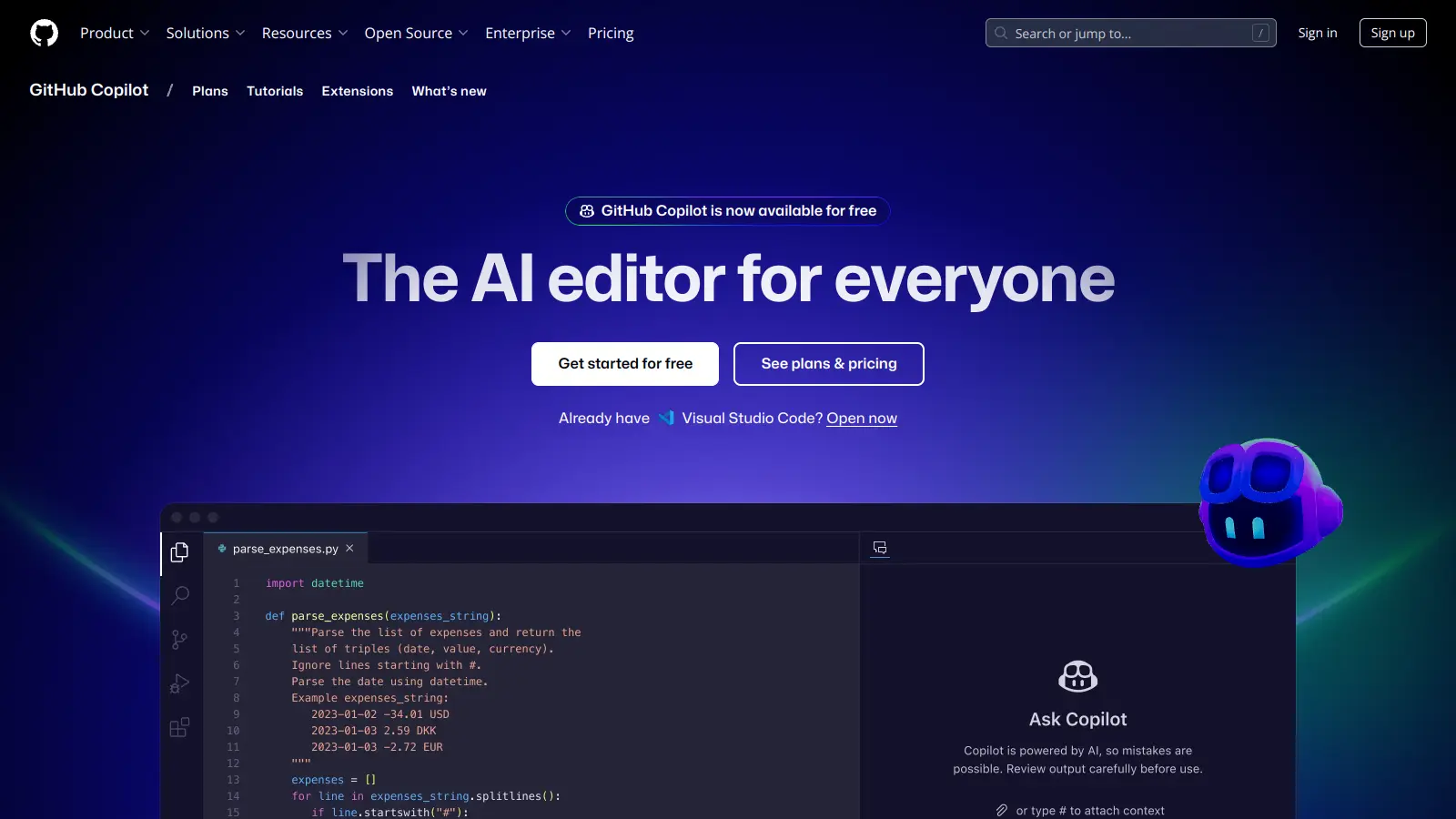
GitHub Copilot
An AI coding assistant that lives inside your IDE.
Freemium
Best for · Software developersPricing · Free for students; from $10/mo
GitHub Copilot integrates directly into VS Code, JetBrains, Neovim, and other editors, providing inline code suggestions, chat-based debugging, and pull request summaries. It uses a combination of OpenAI Codex and GPT-4 under the hood. At $10/month for individuals or $19/user/month for teams, it's purpose-built for developers in a way that Gemini's general coding help isn't.
Pros
✓Inline autocomplete works without leaving the editor
✓Understands your codebase context, not just the current file
✓PR summaries and code review tools built in
Cons
✗Useless outside of coding tasks
✗Suggestions can be confidently wrong for niche libraries
vs GeminiBetter than Gemini when you need answers strictly grounded in your own documents, with no risk of the AI inventing supporting evidence.
7
NotebookLM
Google's document-grounded AI that only answers from your sources.
Freemium
Best for · Students and document-heavy researchersPricing · Free; Plus via Google AI Pro at $19.99/mo
NotebookLM is a less obvious pick: it's actually made by Google, but it's a distinct product from Gemini. You upload your own documents, PDFs, or URLs, and it only answers questions based on that material. This means zero hallucination from external training data. It's free to use and has a paid Google One AI Premium tier. Particularly useful for students, researchers, and anyone doing deep work on a fixed corpus of documents.
Pros
✓Answers are grounded only in your uploaded sources
✓Auto-generates audio overviews of your documents
✓Free tier is genuinely full-featured for most users
Cons
✗Useless without source documents uploaded first
✗No general-purpose chat outside your notebook context
If you're not in Google Workspace, Gemini's main advantage disappears. Look for tools that integrate with the apps you use daily, whether that's Notion, Slack, VS Code, or Microsoft 365.
Decide whether you need a general chatbot or a task-specific tool
General assistants like ChatGPT and Claude handle a wide range of tasks reasonably well. If you have a specific need like coding, web research, or document Q&A, a more focused tool will usually outperform a general one.
Be clear about your privacy requirements
Most AI assistants use conversation data to improve their models by default. If that's a concern for your work, look for tools with explicit opt-out settings or business tiers with data processing agreements.
Test the free tier before paying
Every major Gemini alternative has a free tier. The differences between free and paid are significant across tools: some cap message volume, others restrict access to the best model. Spend a week on the free version before committing to a subscription.
Factor in the total cost if you're running a team
Individual plans are often priced per user, and costs add up quickly. Claude Pro is $20/month per user; ChatGPT Plus is $20/month per user. Team plans usually offer shared usage pools or admin controls that change the value calculation significantly.
frequently asked questions
The most common complaints are inconsistent instruction-following in long conversations and over-cautious responses that refuse tasks other tools handle without issue. Some users also switch because they don't use Google Workspace and find Gemini's integrations irrelevant to their work.
Yes. ChatGPT's free tier uses GPT-4o with usage limits, Claude's free plan includes access to Claude Sonnet, Perplexity is free for most web searches, and Microsoft Copilot is free for consumer use. All of these are genuinely usable without paying.
For instruction-following, coding tasks, and long-context document work, ChatGPT with GPT-4o is generally more reliable than Gemini's free tier. Gemini has an edge for users in Google Workspace due to native integration. The paid tiers are roughly comparable in capability.
There's no data migration required since conversation history doesn't transfer between AI tools. The main switching cost is rebuilding any custom prompts or workflows you've set up. Tools like Claude and ChatGPT have similar interfaces, so there's minimal learning curve for basic use.
Claude 3.5 Sonnet and ChatGPT with GPT-4o both outperform Gemini on most coding benchmarks. For IDE-integrated coding, GitHub Copilot is purpose-built and integrates directly into VS Code and JetBrains, which no general AI assistant matches for that specific workflow.
tools for humans
toolsforhumans editorial team
Reader ratings and community feedback shape every score. Since 2022, ToolsForHumans has helped 600,000+ people find software that holds up after launch. The picks here come from that.