Best Copy.ai Alternatives in 2026: For Teams & SEO
7 alternatives reviewedlast reviewed 27 march 2026
Editorial note:this was originally published in march of 2026
Copy.ai is a capable tool for spinning up marketing copy fast, but it has real gaps: outputs often lack depth, customer support is inconsistent, and the GTM automation angle doesn't suit everyone. If you're running an SEO content operation, a solo writing workflow, or a sales team that needs more than templated outreach, there are better fits.
This page covers 7 alternatives selected based on output quality, pricing transparency, workflow compatibility, and how well each one handles the specific tasks Copy.ai falls short on. Every tool here solves a concrete problem, not just a vague need for 'better AI writing.'
Whether you need built-in SEO clustering, tighter brand voice control, or a cheaper path for solo creators, at least one of these will fit better than Copy.ai for your situation.
We collect first-hand reviews from people who use these tools every day — what works, what doesn't, whether it's worth paying for. We research pricing, features, and comparisons so that feedback has real context behind it. For this guide, we prioritised tools with transparent public pricing, verifiable output quality, and clear differentiation from Copy.ai's generalist approach. Read our full research methodology.
looking for a Copy.ai alternative?
tell us what you're considering and why — it helps others in the same position.
What is Copy.ai?
Copy.ai is an AI-powered Go-To-Market platform that generates marketing copy, blog posts, ad creatives, email sequences, and sales enablement content. It runs on multiple LLMs including GPT-4 and Claude, supports 25+ languages, and has around 17 million registered users. Paid plans start at $36/month and include unlimited words, a brand voice tool, and workflow automation features.
It targets solopreneurs, marketing teams, and sales professionals who want to produce content at volume without hiring more writers. The platform has expanded well beyond simple copywriting into multi-step GTM workflows, which makes it more powerful but also more complex than many users need.
People look for alternatives mainly because of three recurring issues: generic, surface-level output that requires heavy editing; content inaccuracies that need fact-checking; and a pricing structure that feels steep once teams scale up. SEO-focused teams also find the tool lacks built-in research, citation, and keyword clustering features that dedicated platforms handle much better.
The underlying model that powers much of Copy.ai, used directly.
Power users comfortable writing detailed prompts
FreemiumFree plan available; Plus at $20/mo, Team at $25/user/mo
vs Copy.aiPick Jasper over Copy.ai if your team needs separate brand voice profiles for multiple clients or product lines — Copy.ai's Infobase handles one brand reasonably well, but Jasper's multi-brand setup is cleaner for agencies.
our top pick
1
Jasper
Long-form AI writing with team collaboration and brand controls.
Paid
Best for · Marketing teams managing multiple brandsPricing · From $39/mo (Creator), $59/mo (Pro), custom for Business
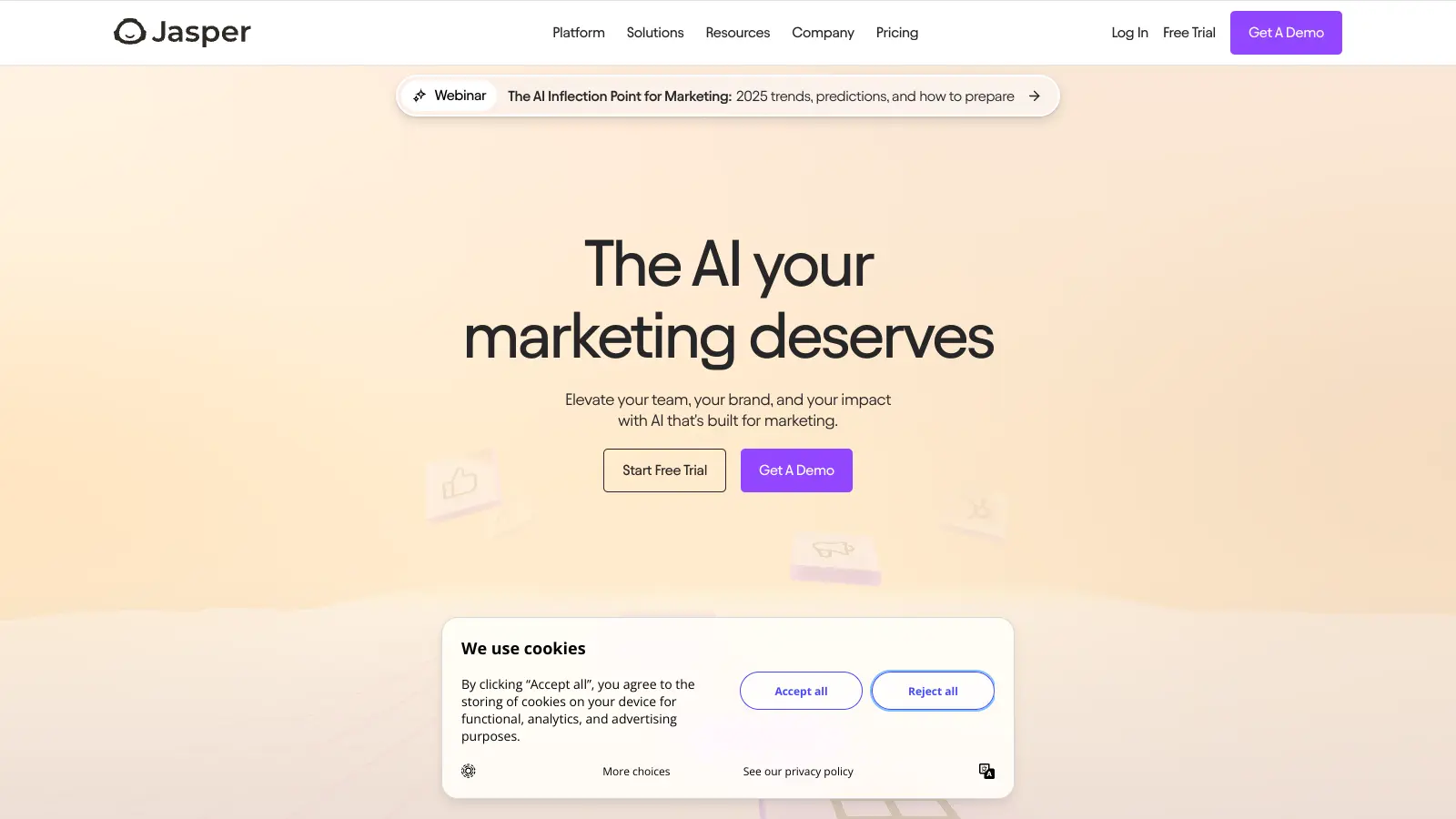
Jasper is a dedicated AI writing platform that covers blog posts, ad copy, social content, and email. It has a document editor, a chat interface, and a Brand Voice feature that learns your tone from existing content samples. Team plans include collaboration tools, multiple brand profiles, and a knowledge base for storing company-specific context.
Pros
✓Multiple brand voice profiles on Pro and above
✓Document editor handles 2,000+ word drafts well
✓Native Surfer SEO integration on higher plans
Cons
✗No free plan; 7-day trial requires a credit card
✗Business plan pricing is opaque and requires a sales call
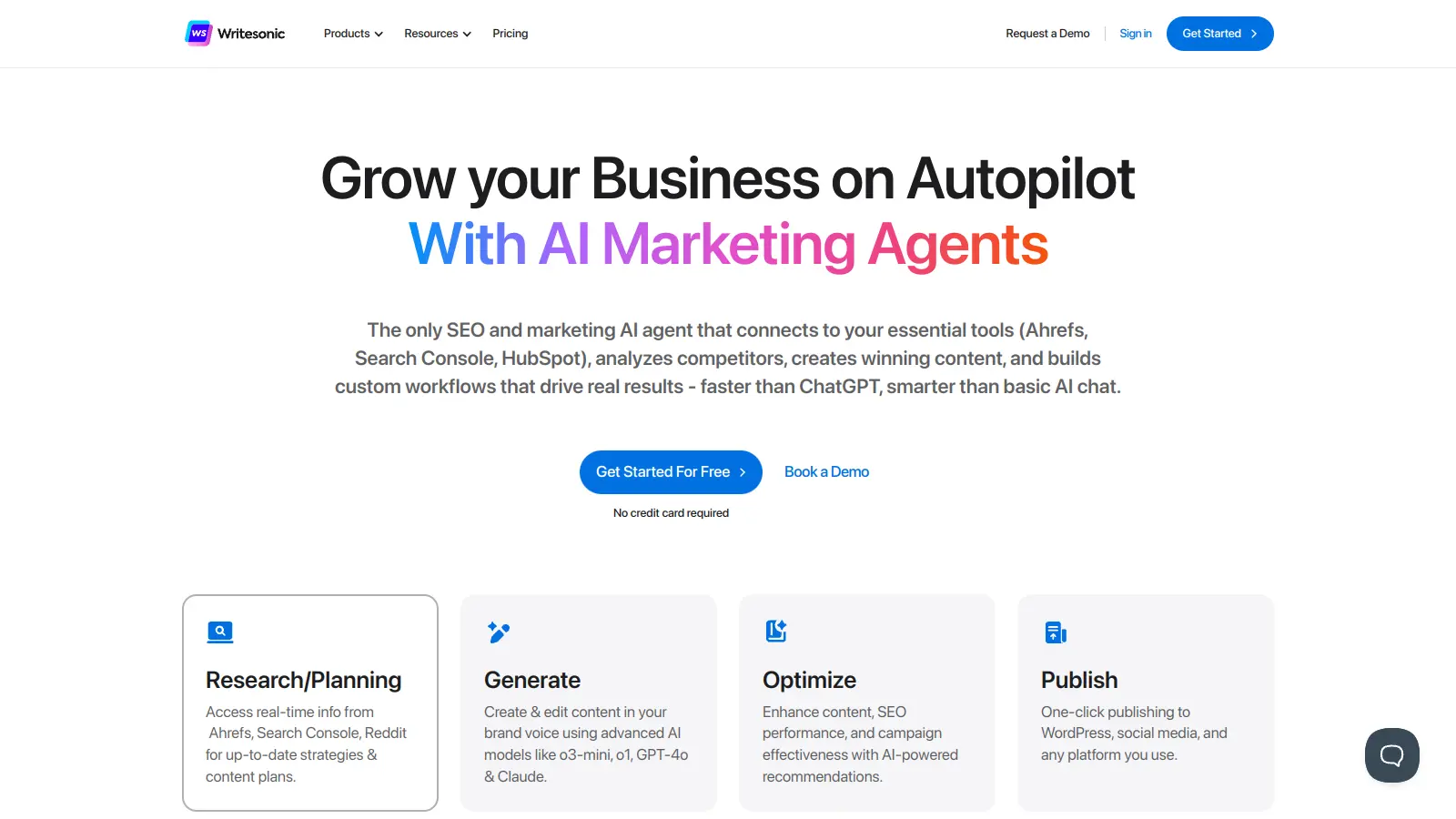
vs Copy.aiPick Writesonic over Copy.ai if you're actively optimizing for AI search platforms like Perplexity or Google's AI Overviews — Writesonic's GEO features address that directly, while Copy.ai doesn't.
2
Writesonic
Fast content generation with built-in SEO and GEO tools.
Freemium
Best for · Brands focused on both traditional SEO and AI search visibilityPricing · Free plan available; paid from $16/mo (Individual), $79/mo (Standard)
Writesonic generates blog articles, product descriptions, ads, and landing page copy. It includes a real-time web search feature for factual content, a built-in SEO checker, and Generative Engine Optimization tools aimed at visibility in AI-driven search results. The platform supports over 30 languages and connects directly to WordPress for publishing.
Pros
✓Real-time web search reduces factual errors noticeably
✓GEO optimization tools built into the workflow
✓Free plan includes 25 credits/month with no time limit
Cons
✗Output still needs editing for tone and originality
✗Credit limits on lower plans run out fast for bulk content
vs Copy.aiPick Machined.ai over Copy.ai if you're running a cluster-based SEO strategy — Copy.ai generates standalone articles with no keyword architecture, while Machined builds the full interconnected structure automatically.
3
Machined.ai
Automated SEO content clusters from keyword research to CMS publishing.
Paid
Best for · SEO teams building topical authority at scalePricing · Subscription plus API costs (~$0.04-$0.40 per article)
Machined.ai builds entire SEO content clusters rather than individual articles. Enter a topic, and the platform handles keyword discovery, intent grouping, pillar and supporting page structure, internal linking with contextual anchor text, and one-click publishing to WordPress. It pulls citations from authoritative sources automatically, which helps with E-E-A-T signals. Pricing uses a bring-your-own-key model — you pay for the software separately from your AI usage costs.
Pros
✓Full cluster workflow: research, linking, and publishing in one pipeline
✓Automated internal linking with keyword-optimized anchor text
✓BYOK model keeps costs predictable at high volume
Cons
✗BYOK setup requires managing payments across two platforms
✗Poor fit for short-form or campaign copy — it's built for SEO scale
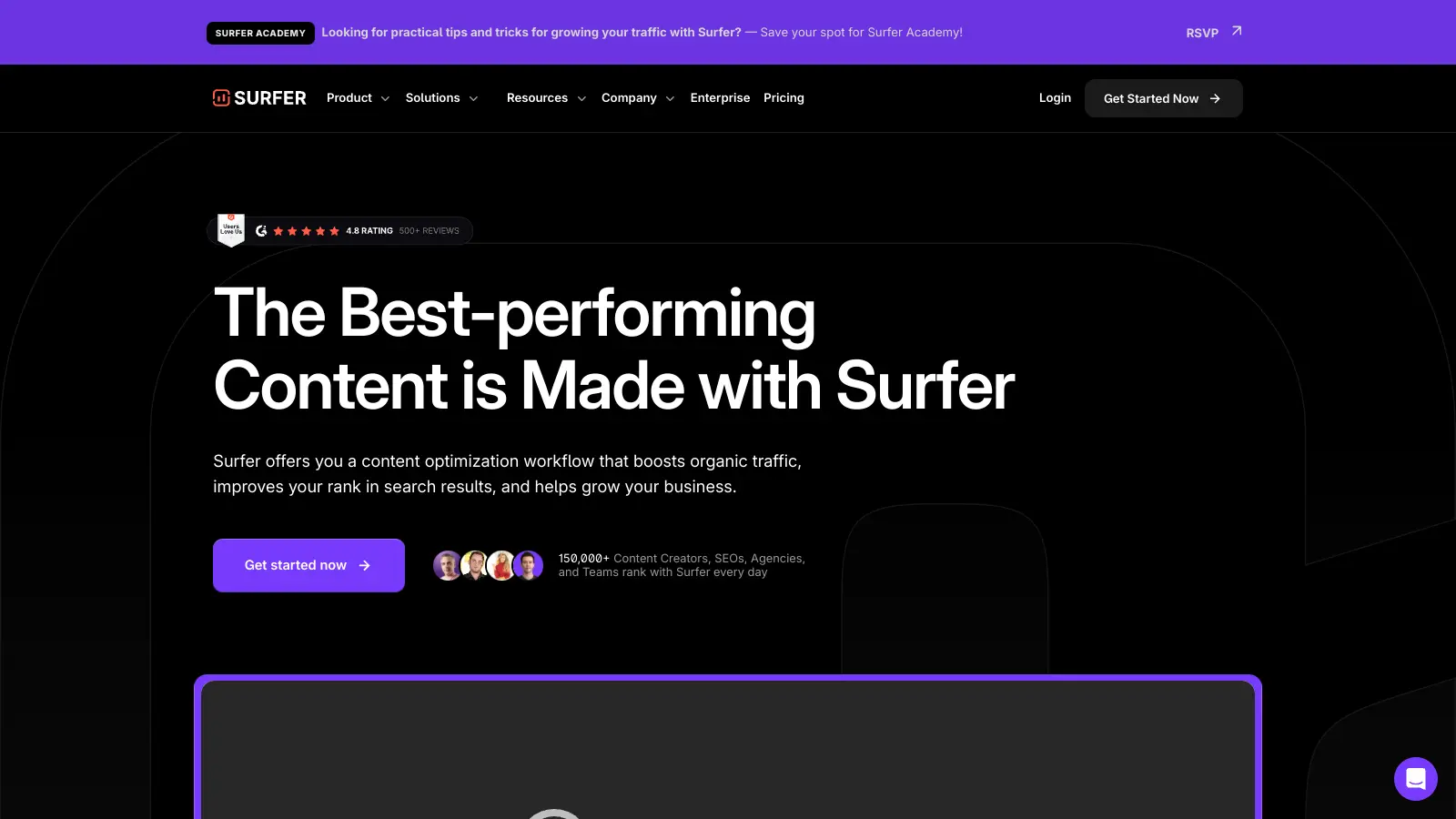
vs Copy.aiPick Surfer SEO over Copy.ai when you already have content and need to close the gap with ranking pages — Copy.ai creates drafts from scratch but has no SERP-based scoring to tell you what's actually missing.
4
Surfer SEO
Data-driven on-page SEO optimization scored against live SERP data.
Paid
Best for · SEO professionals optimizing existing contentPricing · From $99/mo (Essential), $219/mo (Scale), from $999/mo (Enterprise)
Surfer SEO scores your content against the top-ranking pages for a target keyword and tells you exactly what to adjust: word count, heading structure, keyword density, and missing topics. It has a built-in AI writer, but most users treat it as an optimization layer on top of their existing writing workflow. The Content Editor integrates with Google Docs and WordPress.
Pros
✓Content score updates in real time as you write or edit
✓SERP-based topic gap analysis is genuinely useful for briefs
✓Google Docs and WordPress integrations are stable
Cons
✗More expensive than Copy.ai for teams that also need bulk content creation
✗AI writer is secondary — the real value is the optimization layer, not generation
vs Copy.aiPick Rytr over Copy.ai if you're a solo creator who needs quick short-form drafts and doesn't want to pay $36/month — Rytr's Unlimited plan at $7.50/month covers the same basic writing tasks at a fraction of the price.
5
Rytr
Affordable AI writing for solos who need copy fast without the overhead.
Freemium
Best for · Freelancers and solopreneurs on a tight budgetPricing · Free plan available; Unlimited from $7.50/mo
Rytr is a lightweight AI writing tool covering 40+ use cases including blog outlines, email copy, product descriptions, and social posts. It has a simple tone selector, a basic plagiarism checker, and a Chrome extension. There's no complex workflow setup — you pick a use case, add context, and get output in seconds. The free plan includes 10,000 characters per month, and the paid Unlimited plan is $7.50/month billed annually.
Pros
✓Cheapest unlimited-word plan of any major AI writer
✓40+ use case templates cover most short-form copy needs
✓No learning curve — usable in under five minutes
Cons
✗No long-form document editor or SEO integration
✗Output quality is noticeably weaker than GPT-4-based tools on complex briefs
vs Copy.aiPick Hypertxt over Copy.ai when your content strategy depends on original opinions and differentiated insights rather than speed — Copy.ai generates volume; Hypertxt generates content with a defensible point of view.
6
Hypertxt
AI writing built around your actual point of view, not generic summaries.
Paid
Best for · Founders and professionals publishing thought leadershipPricing · From $49/mo (Basic), $99/mo (Pro), $149/mo (Premium)
Hypertxt takes a different approach than most AI writers: it asks you for your specific perspective, data points, and source material before it writes anything. The result is content that reflects a genuine point of view rather than a rephrase of what's already indexed. It targets marketers and founders who want thought leadership content and long-form SEO articles that don't sound like every other AI-generated piece on the topic.
Pros
✓Forces structured POV input before generating — reduces generic output
✓Good fit for LinkedIn long-form and thought leadership pieces
✓Research and fact-checking are part of the workflow, not an afterthought
Cons
✗Slower workflow than one-click generators — requires meaningful user input upfront
✗Higher price floor than Copy.ai for solo users who just need quick drafts
vs Copy.aiPick ChatGPT over Copy.ai if you're confident writing your own prompts and don't need pre-built templates — you'll get equivalent or better output at $20/month instead of $36/month, with no usage limits on words.
7
ChatGPT
The underlying model that powers much of Copy.ai, used directly.
Freemium
Best for · Power users comfortable writing detailed promptsPricing · Free plan available; Plus at $20/mo, Team at $25/user/mo
ChatGPT is the direct interface to OpenAI's GPT-4o model. Since Copy.ai uses GPT-4 as one of its underlying models, using ChatGPT directly cuts out the middleman for many writing tasks. The free tier is genuinely capable; ChatGPT Plus at $20/month adds faster responses, image generation via DALL-E, and access to custom GPTs. It lacks Copy.ai's templates and brand voice storage, but the raw output quality is comparable and often better when you write specific prompts.
Pros
✓Free tier covers brainstorming, drafts, and short copy without limits
✓No word caps on any paid plan
✓Image generation, code, and data analysis in one tool
Cons
✗No templates, brand voice storage, or workflow automation
✗Output quality depends heavily on how well you write the prompt
Copy.ai tries to do everything from short ad copy to long-form blog posts to sales sequences. Most alternatives are sharper in one area. Pick a tool built specifically for your dominant use case rather than one that covers it as an afterthought.
Check whether SEO features are built in or bolted on
If ranking content is the goal, you need keyword research, internal linking, and cluster structure baked into the workflow. Tools that generate a single article without any search context force you back to juggling separate platforms.
Understand the real cost at your volume
Per-seat pricing, credit-based plans, and bring-your-own-key models all have different cost curves. A tool that looks cheaper at low volume can get expensive fast once you're generating dozens of articles a month. Run the numbers at your actual output level before committing.
Test brand voice and consistency controls
Copy.ai has an Infobase feature for storing brand guidelines. If brand consistency matters to your team, check whether the alternative has a comparable system or whether you'd need to re-prompt from scratch every session.
Factor in how much editing you're willing to do
Some tools produce a solid 80% draft; others get you to 60% and expect you to do the rest. If you're paying for speed, make sure the output quality matches your editing bandwidth. A cheaper tool that doubles your revision time often isn't cheaper in practice.
frequently asked questions
Output quality is the top complaint. Copy.ai produces fluent text quickly, but it tends toward generic content that restates common knowledge rather than adding original analysis or verified facts. Teams trying to rank content in competitive niches find they spend more time editing than they save in writing. Customer support issues and unexpected billing changes also push people to look elsewhere.
Yes. ChatGPT's free tier covers a lot of the same ground as Copy.ai's basic plan, especially for brainstorming and short-form copy. Writesonic and Rytr both have free plans with limited monthly credits. These won't replace Copy.ai's workflow automation features, but for solo creators who mainly need a writing assistant, they're practical starting points.
Solo plans start around $9-20/month for credit-based tools like Rytr. Mid-tier platforms with SEO features or brand controls typically run $49-99/month. Enterprise-grade tools with workflow automation, team seats, and custom integrations generally start at $500+/month or require a custom quote. Copy.ai's Pro plan is $36/month, which sits in the mid-range.
There's no direct export. The practical approach is to copy the brand guidelines, tone examples, and sample outputs you've stored in Copy.ai's Infobase, then paste them into the new tool's equivalent settings. Most platforms have some form of brand voice input — you'll need to re-train it with your examples, which usually takes 30-60 minutes per brand.
Machined.ai is the most purpose-built option for SEO content clusters — it handles keyword research, cluster architecture, internal linking, and CMS publishing in one pipeline. Jasper works well if you need SEO features alongside broader campaign content and prefer a more traditional editor. For pure on-page optimization rather than content creation, Surfer SEO is the specialist choice.
tools for humans
toolsforhumans editorial team
Reader ratings and community feedback shape every score. Since 2022, ToolsForHumans has helped 600,000+ people find software that holds up after launch. The picks here come from that.