Project Management Software+2 more

Smartsheet
best deal
Get a 30-day free trial to test all features before committing to a paid plan
redeem now
Smartsheet
best deal
Get a 30-day free trial to test all features before committing to a paid plan
redeem nowWe start with direct ratings from our readers, then look at what real users are saying in practitioner forums and community spaces. We pair that with search demand data and profession-level persona analysis.
Editorial note: this was originally published in september of 2024
quick take
based on real user feedback, community sentiment, pricing value, and fit for target audience. see our full methodology
used Smartsheet? we'd love to know your thoughts
reader ratings shape our score
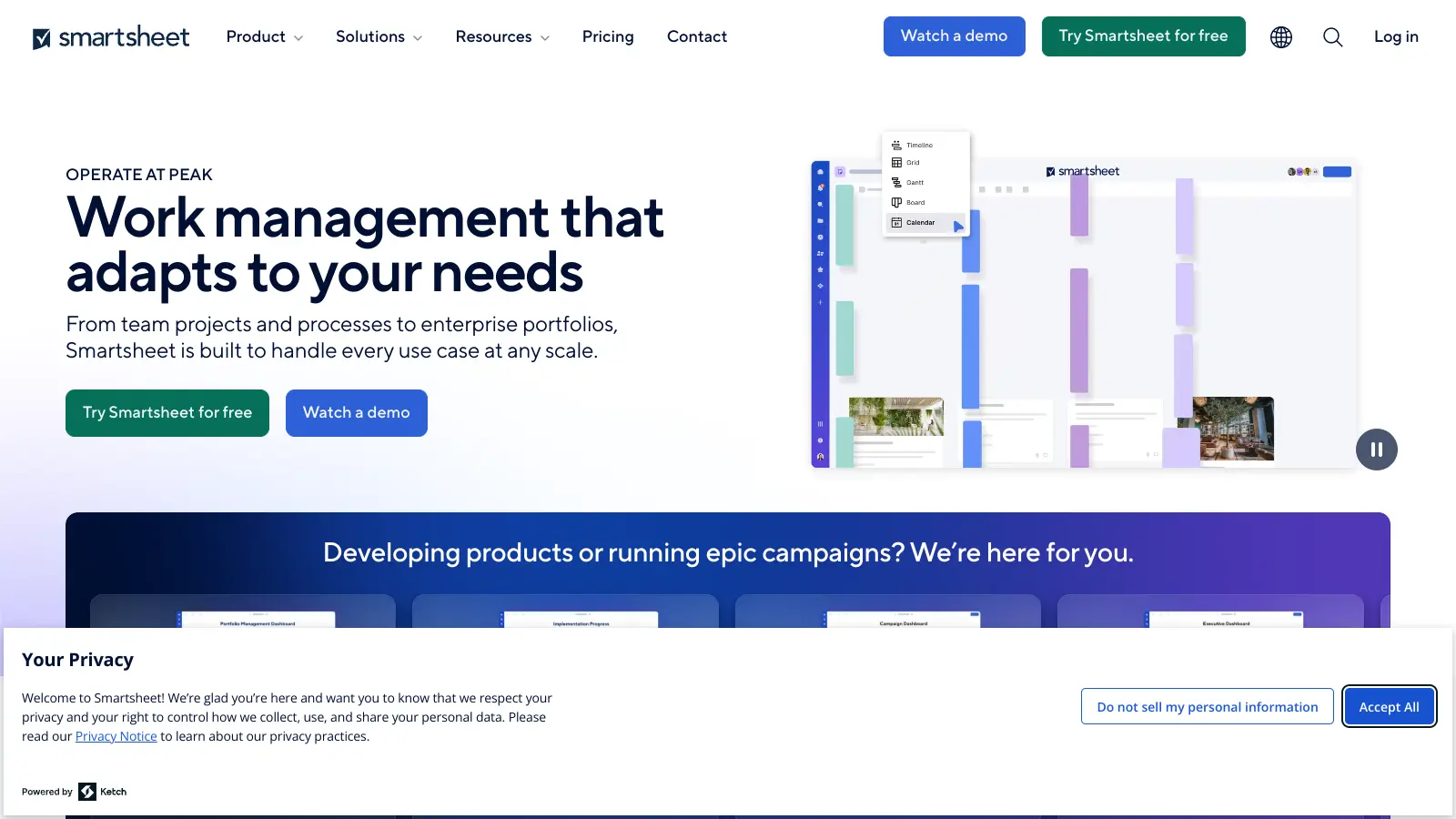
Smartsheet takes the spreadsheet interface most teams already know and layers in Gantt charts, workflow automation, cross-sheet reporting, and real-time collaboration on top. Project managers running complex multi-stakeholder timelines get the most value, alongside operations leaders who want to reduce manual processes without switching entirely to a purpose-built PM tool. It beats simpler task tools on structured project visibility and reporting depth, but it costs more than almost anything else in the category and requires meaningful setup time to get automations working properly.
Pricing starts at $9 per user per month on the Pro plan (annual billing), stepping up to $19 per user per month on Business, with an Enterprise tier at custom pricing. It runs on web and mobile, with a desktop experience that's noticeably stronger than the mobile app. Before you commit, know that the free plan is limited to two editors and two sheets, which is enough to test the interface but not enough to evaluate whether it fits your real workflow. If you're already using Microsoft 365, check whether Microsoft Planner covers your needs first. If it doesn't, Smartsheet is worth a proper trial.
monthly search interest
301k/mo now
Smartsheet's search volume has been remarkably stable across three years, oscillating between roughly 246,000 and 368,000 monthly searches with no sustained upward or downward trend. This is the pattern of a mature, established tool with a loyal user base rather than a product riding a wave. The hype phase is long past, which means you're getting the real product now: well-documented, battle-tested, and unlikely to change dramatically.
Whether Smartsheet is worth it depends almost entirely on what you're managing and how many people you're paying for. Pick your role below to see the honest breakdown.
overall sentiment
select your role to see what people like you are saying
Project Manager
positiveIf you're managing projects with real dependencies, multiple stakeholders, and timeline visibility requirements, Smartsheet delivers. Gantt chart creation is genuinely intuitive, the familiar spreadsheet layout means most people get up to speed without a training programme, and real-time updates keep everyone looking at the same information. The concern kicks in when your team grows: at $19 per user per month on Business, a team of 15 is a significant recurring cost, and you'll want to be sure most of those seats are actively used.
strengths
concerns
Operations Leader
mixedSmartsheet can meaningfully reduce manual data entry and standardize processes across departments, but you'll earn those gains. Setting up automation rules properly takes time and experimentation, and rolling out standardized templates enterprise-wide is a project in itself. The AI-assisted formula generation helps lower the technical bar, but this isn't a plug-and-play automation tool. If you're evaluating it for a large organisation, get a realistic implementation timeline from your team before committing to the pricing.
strengths
concerns
Remote/Hybrid Team Coordinator
positiveThe real-time sync and multiple view options (grid, Gantt, calendar) make Smartsheet a solid choice for distributed teams that need a single source of truth. Most remote coordination needs are well covered on desktop. The gap is mobile: the app works for checking status and basic updates, but power users who rely on mobile will find it frustrating compared to the desktop experience. If your team works primarily from phones or has unreliable connectivity, test the mobile app carefully before committing.
strengths
concerns
Budget-Conscious Small Business Owner
mixedThe free plan gives you two editors and two sheets, which is enough to test the interface but not enough to run a real business on. The Pro plan at $9 per user per month is only reasonable if you're actively using Gantt charts, automations, and reporting. For straightforward task tracking and team communication, Notion or Asana's free tiers cover most small business needs at no cost. Smartsheet earns its price for structured project management, but if your work is more general coordination, the value ratio is hard to justify.
strengths
concerns
“At $19 per user per month on Business, a team of ten is paying $2,280 a year before you've touched enterprise features, and that math gets uncomfortable fast.”
Independent reviewers position Smartsheet as a genuinely capable project management tool for teams that live in spreadsheets and need more than Excel can offer. The Digital Project Manager's 2026 review highlights its strength for cross-functional teams in operations, marketing, and PMO roles, specifically calling it a good fit for industries like construction, healthcare, and IT that require structured coordination across departments. A PCMag review from late 2025 gives it credit for impressive depth but flags the high price tag and the time investment required to get real value from it. The most substantive community conversation comes from a Reddit thread in r/smartsheet where a seven-person architecture team asked how Smartsheet stacks up against Microsoft Planner, Asana, and Notion before committing. That framing is telling: even teams being actively recommended Smartsheet want to pressure-test it against cheaper or simpler alternatives before signing up. Pricing consistently comes up as the friction point, especially for smaller teams that don't need enterprise-grade complexity.
It depends which plan you're on. The Pro plan at $9 per user per month is defensible if you're running real projects with dependencies and timelines. The Business plan at $19 per user per month only makes sense if your team actively uses the automation, resource management, and cross-sheet reporting features. For a ten-person team on Business, you're spending $2,280 a year. If your projects are mostly task lists and status updates, Asana or Notion will do that for less. The free plan is too limited for anything beyond personal testing: two editors, two sheets, that's it.
Project managers running multi-stakeholder projects with real Gantt chart and dependency needs get the most out of it. Operations leaders who want to automate repetitive workflows and standardize processes across departments also find genuine value, though setup takes time. Remote and hybrid team coordinators benefit from the real-time sync and multiple view options. It's not a great fit for solo users or very small teams where the per-seat pricing creates a poor value ratio.
First, the per-seat pricing scales badly. A team that grows past 20 people is paying serious money every month for features that many members may rarely use. Second, the mobile app is meaningfully weaker than the desktop version, which is a real problem if any of your team works primarily on mobile. Third, automation rule setup is time-consuming: it's not drag-and-drop simple, and getting workflows right requires trial, error, and patience. Performance can also degrade noticeably on very large sheets with complex formulas.
Choose Smartsheet if your team is already comfortable in spreadsheets and you need Gantt charts, cross-sheet reporting, and structured project tracking with dependencies. Choose Asana if your work is more task and workflow-oriented, your team is smaller, or you want a cleaner onboarding experience. Asana's free tier is genuinely usable for small teams; Smartsheet's is not. For construction, operations, or PMO teams managing complex timelines, Smartsheet wins. For marketing teams, product teams, or anyone running sprints and task boards, Asana is less friction for less money.
Partially. Individual teams and department leads can set up sheets, automations, and dashboards without IT, and the no-code workflow builder handles most common use cases. But enterprise-wide deployment, SSO, admin controls, and compliance features require the Enterprise plan, and that pricing is custom (meaning: expensive). Operations leaders evaluating Smartsheet at scale should factor in not just licensing costs but implementation time, because rolling out standardized templates and automation rules across departments is a real project in itself.
toolsforhumans editorial team
Reader ratings and community feedback shape every score. Since 2022, ToolsForHumans has helped 600,000+ people find software that holds up after launch. how we research →
is this your tool?
claim your listing to update details, respond to our review, or upgrade to a featured partnership.
claim this listing →
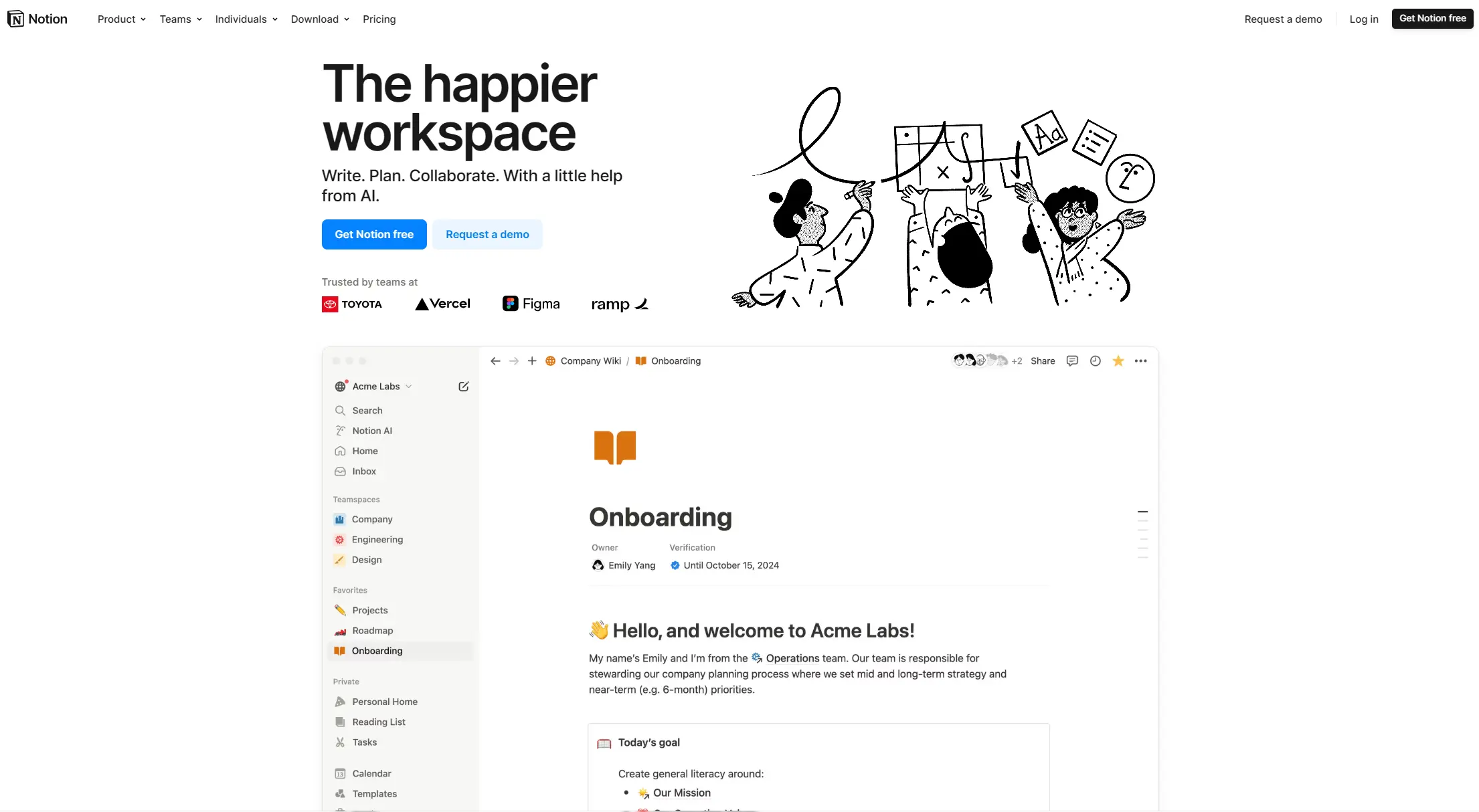
Notion is an all-in-one productivity platform for creating, organizing, and collaborating on notes, databases, wikis, tasks, and projects. Its block-based system allows for customizable workspaces with multiple views like tables, boards, and calendars. It includes AI assistance, collaboration features, and integrations with other tools.
best deal
Annual billing saves 20% across all paid plans—Plus starts at $8/month with unlimited blocks and file uploads

Asana is a web-based project management platform that enables teams to organize, track, and collaborate on work. It offers task management, multiple project views (lists, boards, timelines), AI features for automating workflows, communication tools, progress tracking, and integrations with over 200 apps. Available in free and paid plans, Asana supports teams of all sizes with flexible project visualization options.
best deal
Try Asana free with the Personal Plan for 1-2 users, or start a 30-day free trial of paid plans to test AI features and advanced workflows.

Polaris PSA is a professional services automation tool that helps service organizations manage projects, resources, and financials. It uses AI to capture real-time data, provide recommendations, and enable proactive decision-making. The platform includes automatic time tracking, resource matching, and integrations with Salesforce and 100+ work apps.
best deal
Free Trial Available for Polaris PSA

ClickUp is a comprehensive cloud-based project management platform that combines task management, collaboration tools, automation, and AI assistance in one workspace. It offers customizable features including multiple project views, document creation, time tracking, and AI-powered workflow automation across multiple pricing tiers, catering to teams of all sizes from freelancers to large enterprises.
best deal
Try ClickUp's Free Forever Plan with unlimited tasks and collaborative docs, or get a 14-day free trial on paid plans!

Trello is a project management tool that helps teams organize work using boards, lists, and cards. It enables users to track tasks, collaborate in real-time, and manage workflows visually. With features like task assignment, due dates, integrations, and AI-powered automation, Trello supports project management for teams of any size, from small startups to large enterprises.
best deal
Try Trello Free - Organize projects with unlimited cards, lists, and members across up to 10 boards per workspace

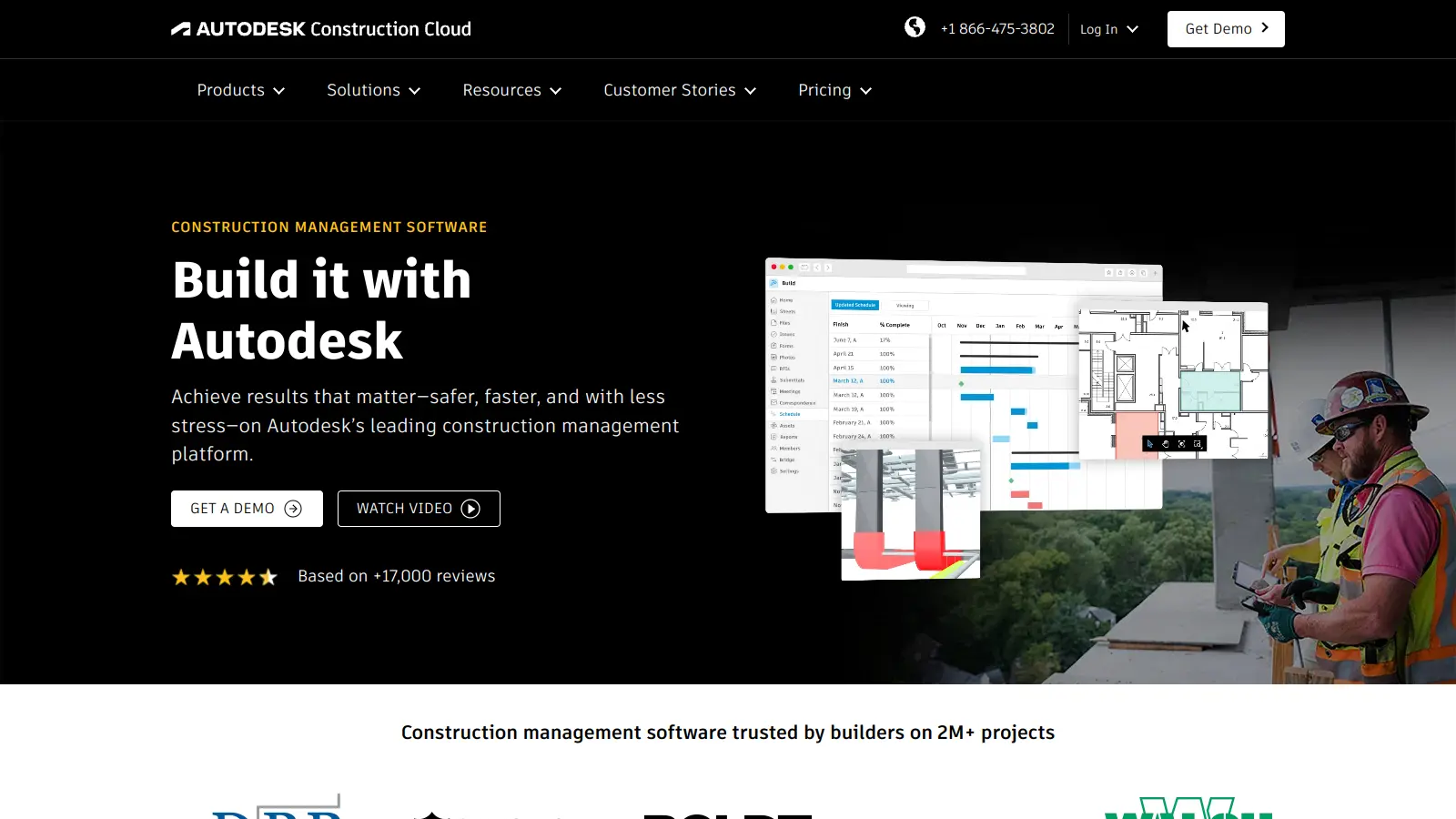
Autodesk Construction Cloud is a construction management platform that connects project teams from design to operations. It offers AI-powered workflow automation, document management, model coordination, and project management tools, letting construction professionals collaborate securely, reduce risks, and deliver projects on time and on budget through cloud-based web and mobile interfaces.
best deal
Free access available for educators through Autodesk Education Plan