Best Jobber Alternatives in 2026: For Every Budget and Trade
7 alternatives reviewedlast reviewed 7 april 2026
Editorial note:this was originally published in april of 2026
Jobber covers the basics well, but it's not the right fit for every home service business. Some outgrow it as their team scales. Others find the automation and reporting they actually need are locked behind the $149/month Connect plan. And some solo operators just don't need everything Jobber packages together.
This page covers 7 alternatives, from enterprise-grade platforms for multi-truck HVAC companies to lightweight apps for solo tradespeople. Each pick includes honest notes on pricing, what it actually does better than Jobber, and where it falls short.
Selection criteria: pricing transparency, feature depth at each tier, ease of onboarding, and fit for specific trade types and team sizes.
We collect first-hand reviews from people who use these tools every day — what works, what doesn't, whether it's worth paying for. We research pricing, features, and comparisons so that feedback has real context behind it. For this guide, we prioritised how well each tool handles the specific workflow steps that field service businesses run daily: quoting, scheduling, dispatch, and invoicing. Read our full research methodology.
looking for a Jobber alternative?
tell us what you're considering and why — it helps others in the same position.
What is Jobber?
Jobber is field service management software built specifically for home service businesses: landscaping, cleaning, HVAC, plumbing, handyman, and similar trades. It combines quoting, scheduling, dispatching, invoicing, and client communication in one platform. Over 350,000 home service pros use it, mostly small businesses with one to twenty employees.
The Core plan starts at $29/month and covers basic job and client management. Useful features like two-way SMS, automated follow-ups, and online booking require the $99/month Connect plan or higher. The Grow plan at $149/month adds features like automated quote follow-ups and referral campaigns.
The most common reasons people look for alternatives: the price-to-feature ratio at lower tiers feels unbalanced, reporting tools lack depth for growing businesses, and larger teams with multiple locations or divisions need capabilities Jobber simply wasn't designed to handle.
All-in-one field service management with a flat per-account price.
Small to mid-sized field service teams with 4+ staff
PaidFrom $99/mo
vs JobberBetter than Jobber for HVAC, plumbing, or electrical businesses that need real-time job costing, flat-rate pricebook management, and reporting that goes beyond basic job tracking.
our top pick
1
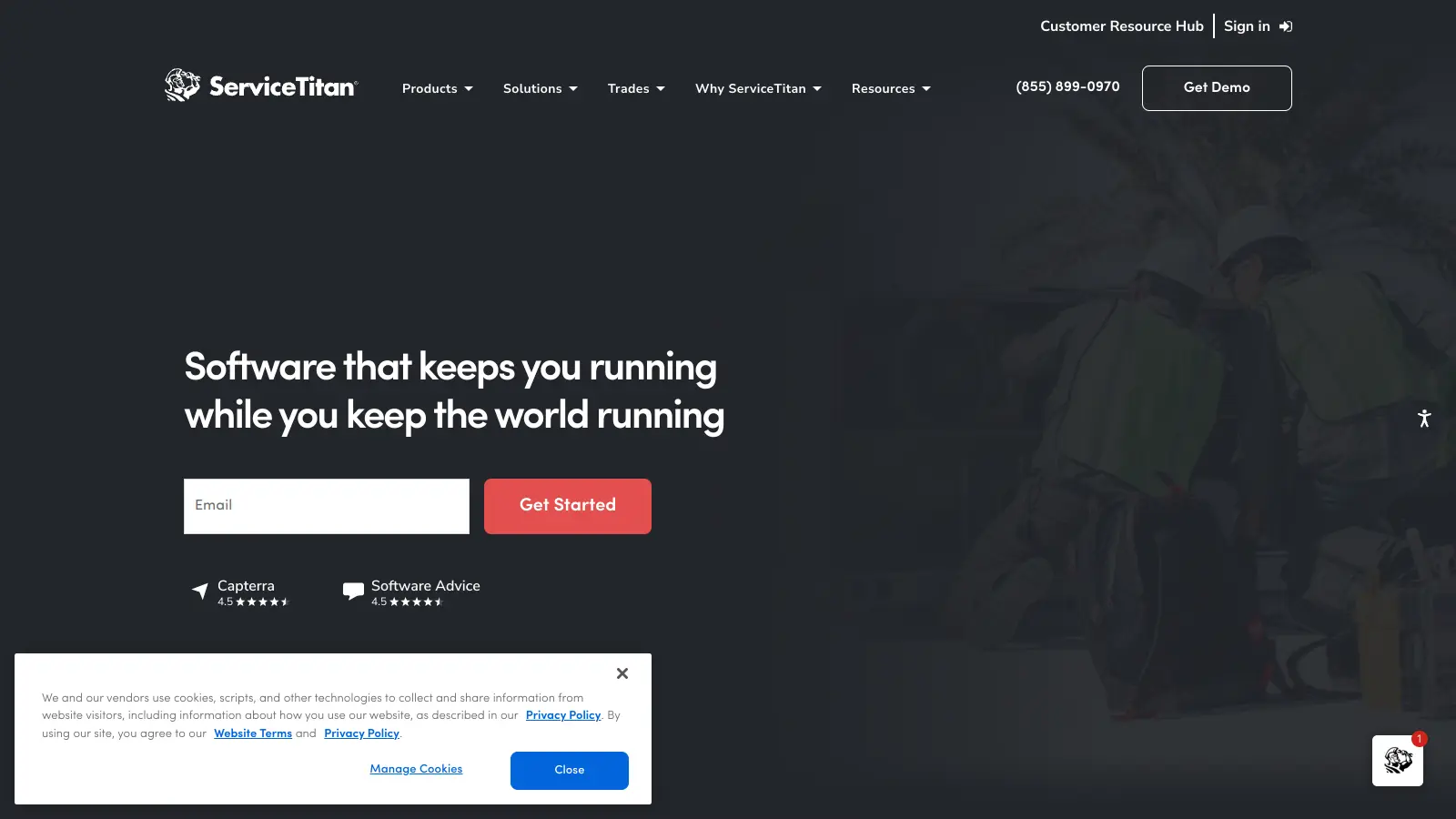
ServiceTitan
Enterprise-grade FSM built specifically for the trades.
Custom
Best for · Growing trade businesses with 5+ techniciansPricing · Pricing on request
ServiceTitan is the platform that HVAC, plumbing, and electrical contractors move to when they've outgrown Jobber. It has deeper job costing, a built-in flat-rate pricebook, advanced dispatching, and reporting that actually lets you drill down into technician performance and profitability. The tradeoff is cost and complexity: pricing is custom and typically starts in the hundreds per month, plus onboarding fees.
Pros
✓Built-in flat-rate pricebook with dynamic pricing
✓Real-time job costing per technician and job type
✓200+ new features released annually
Cons
✗Pricing is opaque and typically much higher than Jobber
vs JobberA better fit than Jobber for solo operators who want a cleaner mobile-first experience and don't need the breadth of Jobber's higher-tier features.
2
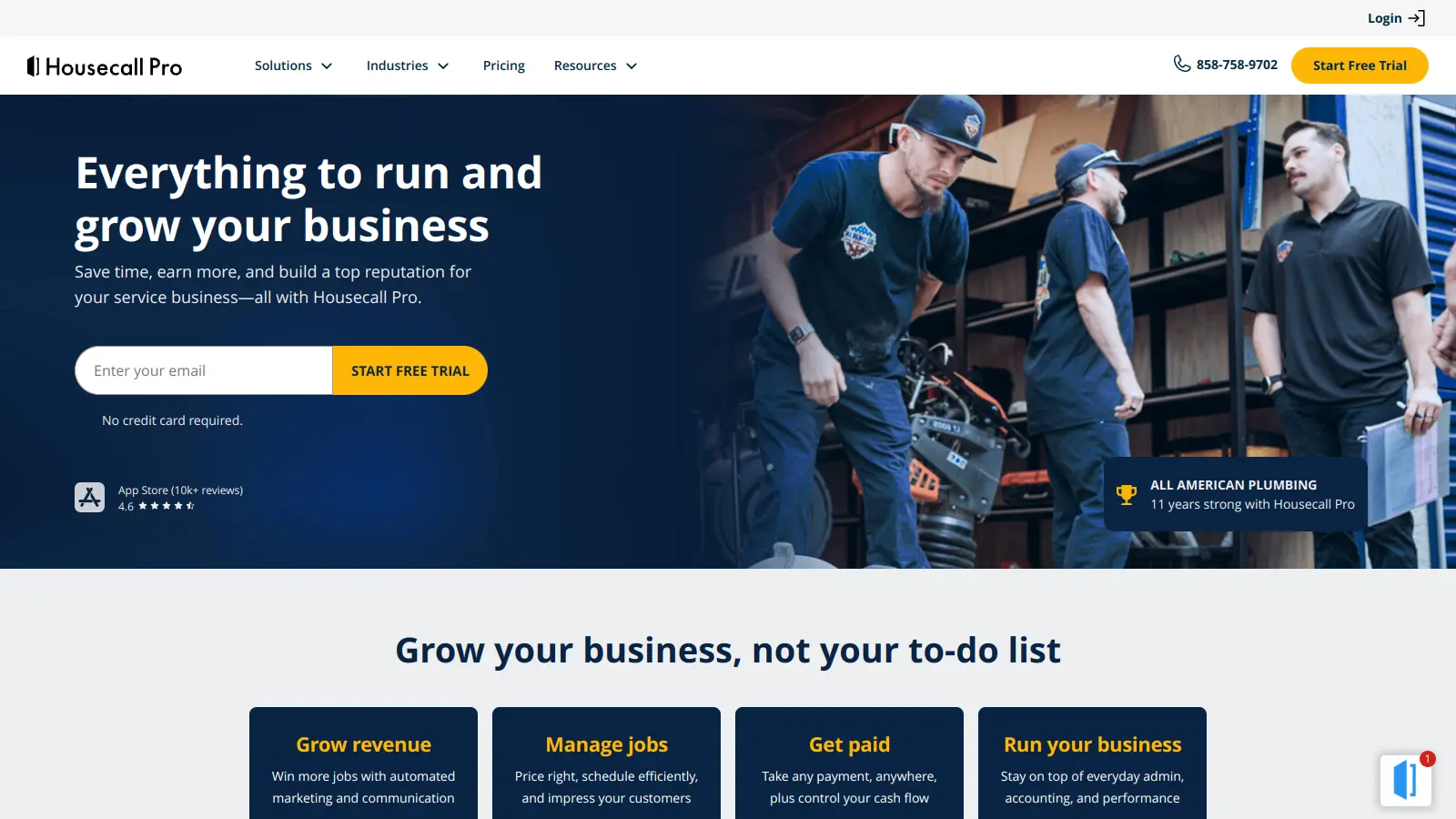
Housecall Pro
Straightforward FSM for small home service teams.
Paid
Best for · Solo operators and small cleaning or handyman businessesPricing · From $49/mo
Housecall Pro targets the same home service audience as Jobber with a similar feature set: scheduling, dispatching, invoicing, and customer notifications. Its Basic plan starts at $49/month for one user and includes online booking and automated receipts. The main advantages over Jobber are a cleaner mobile experience and slightly lower per-user costs at the entry level, though pricing scales up quickly for larger teams.
Pros
✓Clean, intuitive mobile app for field technicians
✓Automated customer review requests built in
✓Instant payouts via Housecall Pro Payments
Cons
✗Advanced reporting only on higher-priced plans
✗Customer support quality gets mixed reviews from existing users
vs JobberCheaper than Jobber for small teams because its per-job pricing model means you only pay for active work, not for the number of staff using the app.
3
ServiceM8
Job management for sole traders and small trade businesses.
Paid
Best for · Sole traders and small trade businesses using Apple devicesPricing · From $29/mo
ServiceM8 is an iOS-first field service app built around job cards, with strong native integrations for Xero and QuickBooks. It charges per active job rather than per user, which makes it cost-effective for small teams where cost predictability matters. It works well for electricians, plumbers, and similar trades who need digital job cards, photos, and client signatures on-site.
Pros
✓Per-job pricing keeps costs low for small operations
✓Strong Xero and QuickBooks Online sync
✓On-site job cards with photo capture and signatures
Cons
✗iOS-only for field staff, no Android app
✗Limited scheduling and dispatch features compared to Jobber
vs JobberBetter than Jobber for UK-based businesses that want lower starting costs and a platform designed around UK compliance and payment practices rather than the North American market.
4
Workever
UK-based field service software for teams up to 250 people.
Paid
Best for · UK-based field service businessesPricing · From $13/mo
Workever is a UK-focused field management tool that covers job scheduling, work orders, invoicing, and team tracking. It's designed for businesses with up to 250 field workers and positions itself on ease of use. Pricing is more accessible than Jobber at comparable feature levels, and it tends to be a better fit for UK-based businesses that want a platform built around local compliance and payment norms.
Pros
✓Lower starting price than Jobber at comparable tiers
vs JobberBetter than Jobber for trade contractors who need job-level cost tracking and timesheet management without paying for Jobber's upper-tier plan.
5
Fergus
Job management built for tradespeople, not generalists.
Paid
Best for · Plumbers, electricians, and builders tracking job costsPricing · From $39/mo
Fergus is purpose-built for trade contractors, particularly plumbers, electricians, and builders. It handles quoting, job tracking, timesheets, and invoicing with trade-specific workflows, and its job cost tracking is more accessible than Jobber's at lower price points. It's popular in Australia, New Zealand, and the UK, and works well for businesses where tracking job profitability on individual work orders is a daily need.
Pros
✓Job cost tracking available at lower price tiers
✓Timesheet and labour tracking built in from the start
✓Strong fit for plumbing, electrical, and building trades
Cons
✗Less polished mobile app compared to Jobber
✗Smaller user community and fewer learning resources
vs JobberBetter than Jobber for trade businesses that need to manage multi-stage construction or installation projects alongside regular service jobs, with inventory and purchase order tracking in the same system.
6
Simpro
Project and job management for larger trade contracting businesses.
Custom
Best for · Trade contractors managing both service jobs and quoted projectsPricing · Pricing on request
Simpro is a trade-specific platform that handles both service jobs and multi-stage projects. It's a common choice for electrical, HVAC, and plumbing businesses that need to manage quoted projects alongside reactive service work, with features like inventory management, purchase orders, and detailed cost reporting. It's more complex than Jobber and better suited to businesses with structured operations and dedicated admin staff.
Pros
✓Handles both service jobs and project-based work
✓Inventory management and purchase orders built in
✓Detailed cost and profitability reporting per job
vs JobberCheaper than Jobber for teams of four or more people because FieldPulse's flat per-account pricing doesn't increase with each additional user you add.
7
FieldPulse
All-in-one field service management with a flat per-account price.
Paid
Best for · Small to mid-sized field service teams with 4+ staffPricing · From $99/mo
FieldPulse offers scheduling, quoting, invoicing, team management, and customer communication in a single platform with a pricing model that doesn't charge per user, which makes it significantly cheaper than Jobber for teams of four or more. It has a built-in pricebook, GPS tracking, and a customer-facing portal. The feature set is comparable to Jobber's Connect plan, but the cost advantage grows with team size.
Pros
✓Flat per-account pricing, not per-user
✓Built-in pricebook included at base tier
✓GPS tracking for field staff without an add-on
Cons
✗Fewer native integrations than Jobber
✗Reporting tools are less mature than enterprise alternatives
Some tools are built broadly for any field service work; others are designed specifically for HVAC, plumbing, or electrical. If your trade has specific workflows like maintenance agreements or permit tracking, a trade-specific platform will serve you better than a general one.
Check which features are gated behind higher tiers
Nearly every FSM platform locks its best automation, reporting, or communication tools behind mid-to-high pricing tiers. Before committing, map the features you actually need to the specific plan they require, not just the starting price advertised.
Consider your team size and growth trajectory
A solo operator and a 15-truck company have very different needs. Platforms like ServiceTitan are built to scale but are overkill for small teams. Lighter tools like Workever or Housecall Pro are faster to set up but may hit a ceiling as you grow.
Check accounting integration depth
Most FSM tools integrate with QuickBooks or Xero, but the quality varies. Some sync invoices and payments automatically; others require manual exports or have sync errors that create reconciliation headaches. If accounting accuracy matters, test the integration before committing.
Factor in onboarding and support costs
Enterprise tools like ServiceTitan often require a paid onboarding process and a dedicated account manager before you can use the software properly. Budget the total cost of switching, not just the monthly subscription fee.
frequently asked questions
There is no direct free alternative that matches Jobber's full feature set. Workever has a lower starting price and is closer to budget-friendly, while some businesses use a combination of free tools like Google Calendar and Wave for invoicing when just starting out. If you need scheduling, dispatch, and invoicing in one place, expect to pay at least $20-$50/month.
Most platforms let you export client and job data from Jobber as CSV files. The real cost is time: re-entering data, retraining staff, and reconfiguring templates. Enterprise platforms like ServiceTitan include onboarding fees that can add hundreds or thousands of dollars to the total switch cost. Budget at least a few weeks for the transition regardless of which tool you move to.
Probably not. ServiceTitan's pricing starts well above Jobber and is aimed at businesses doing significant revenue with multiple trucks and technicians. Its depth is genuinely impressive, but a two-person landscaping company would pay for features they'd never use. It makes more sense for HVAC or plumbing businesses with 5+ technicians and a focus on scaling.
The most frequent complaints are around pricing tiers (key features like two-way texting require more expensive plans), limited reporting depth, and the lack of a built-in pricebook for flat-rate pricing. Larger businesses also run into scaling issues, particularly around multi-location management and advanced job costing.
Yes. Jobber allows you to export client lists, job history, and invoice records. Most competing platforms accept CSV imports, though the field mapping process can be tedious. Check whether the new platform offers a migration service or support before you start, since some do and some don't.
tools for humans
toolsforhumans editorial team
Reader ratings and community feedback shape every score. Since 2022, ToolsForHumans has helped 600,000+ people find software that holds up after launch. The picks here come from that.