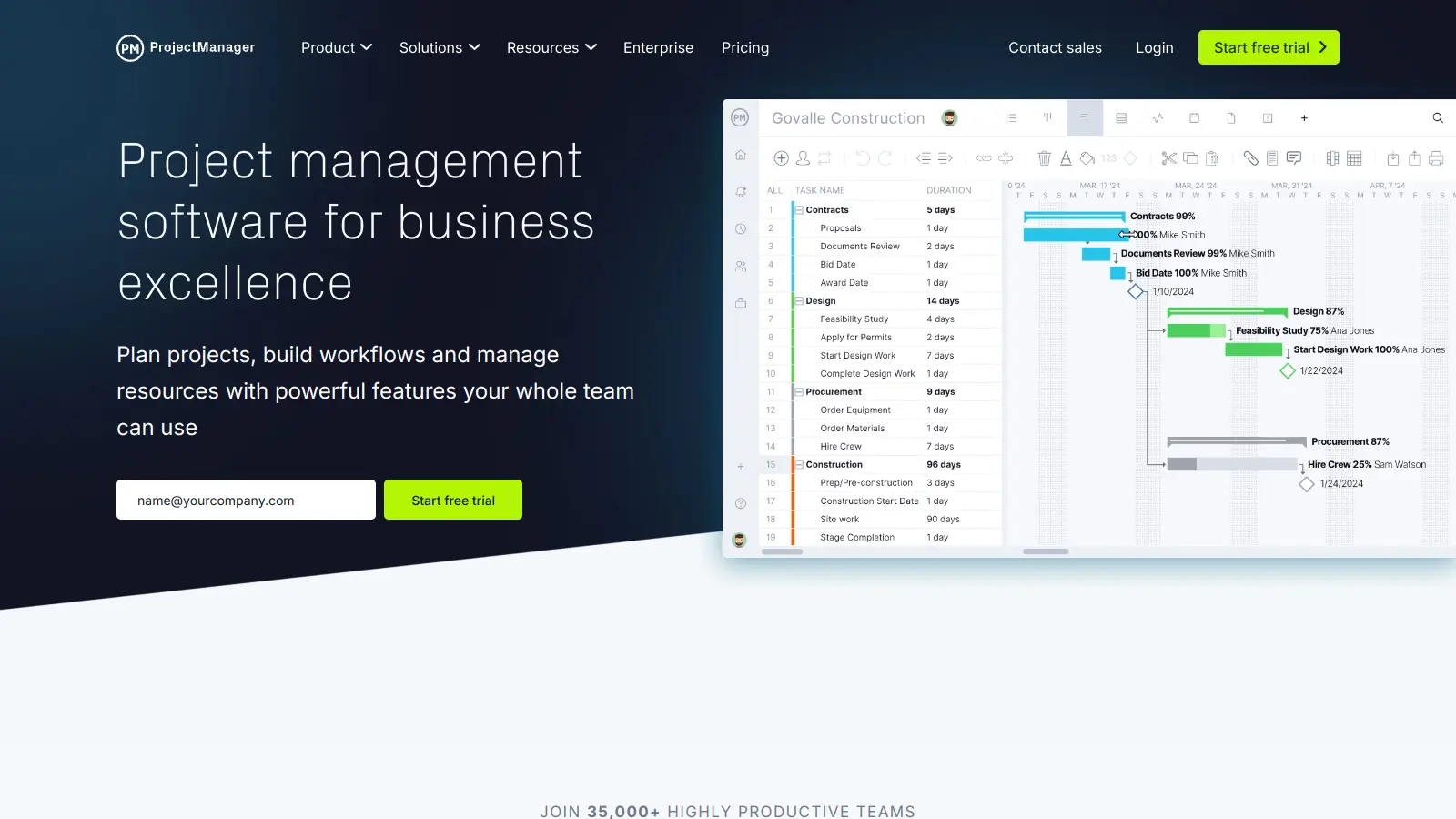
ProjectManager is a cloud-based platform that helps teams plan, track, and deliver projects. The software combines traditional project management tools with modern collaboration features, making it suitable for businesses of all sizes.
Teams can organize their work through multiple views, including Gantt charts, Kanban boards, task lists, calendars, and risk views. Real-time dashboards give quick insights into project progress, while resource management tools help balance team workloads and track costs. The platform now includes AI-powered project insights that generate executive summaries, identify risks, and provide recommendations with one click, using ChatGPT technology combined with a proprietary intelligence layer.
The software works with common business tools like Office 365, Google Workspace, and Jira. Companies can choose from several pricing tiers, starting at $15 per user per month for the Team plan, with custom Enterprise solutions available for larger organizations.
Companies like NASA, Marriott, and AT&T use ProjectManager. Third-party integrations have limitations, and the mobile app is buggy with missing features.
ProjectManager is ideal for teams that need to organize, track, and deliver projects without getting lost in complexity. This cloud-based platform helps teams save time and reduce confusion by combining traditional project management tools with modern collaboration features.
Companies like NASA, Marriott, and AT&T use ProjectManager across industries including construction, IT, marketing, and professional services.
ProjectManager gets praise for its intuitive interface that small teams find easy to navigate. Users appreciate the Gantt charts and task tracking features, with many noting that the pricing is more affordable than competitors like Asana. Customer support receives positive mentions on G2, and the resource management tools have been praised on Product Hunt.
The reporting and analytics capabilities are limited. The mobile app is buggy and missing features found in the web version. Third-party integrations can be hit-or-miss according to Reddit threads, and Trustpilot reviews mention slow performance when working with large projects. The advanced features have a steep learning curve.
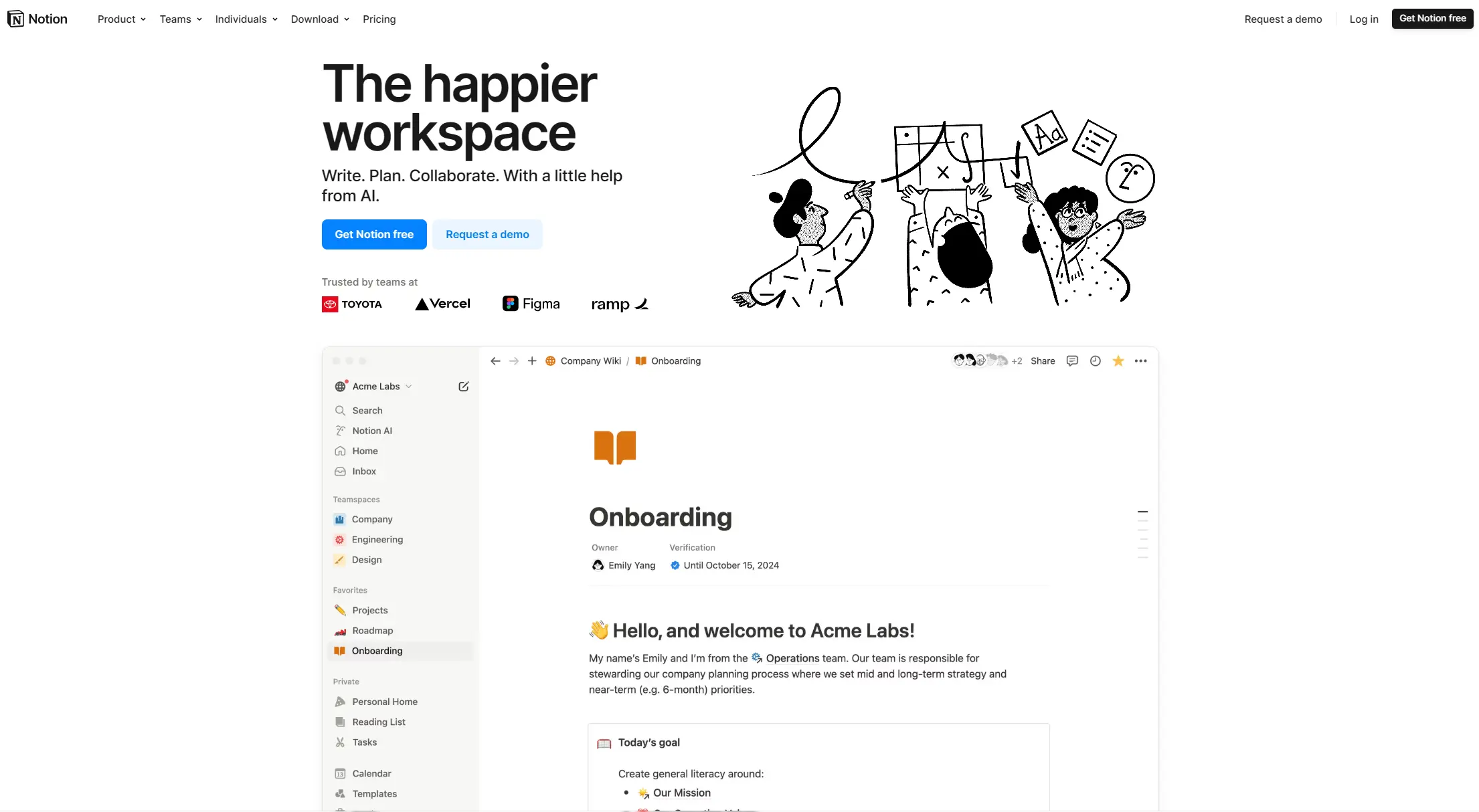
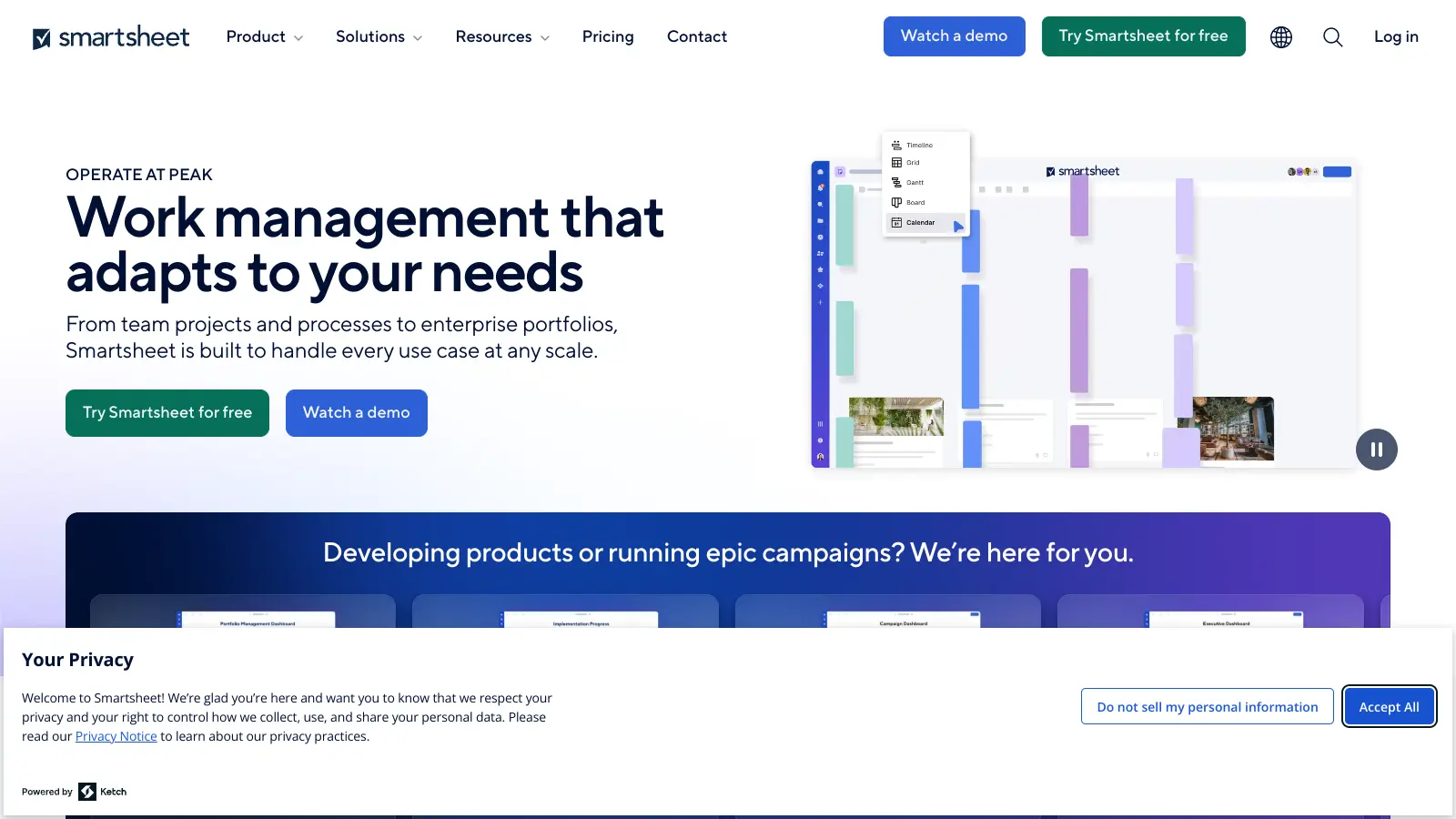
ProjectManager stands out with its mix of traditional and modern project tools, now including AI-powered insights that competitors like Monday.com and Jira don't offer at this level. Unlike some tools that focus only on boards or charts, ProjectManager offers multiple views (Gantt charts, Kanban boards, calendars, risk views) in one package. Compared to basic tools like Trello, it provides more robust resource management and predictive analytics. While Asana might have more integrations, ProjectManager often wins with its real-time dashboards and reporting. The platform isn't as complex as enterprise solutions like Microsoft Project, making it more approachable for teams of all sizes without sacrificing power.
Can I use ProjectManager if I'm not a certified project manager?Absolutely! You don't need formal project management training to use ProjectManager. The platform is built with an intuitive interface that works for beginners and experts alike. Many teams use it simply to organize tasks, track time, and share updates without diving into complex project methodologies. The drag-and-drop features and visual dashboards make it accessible even if terms like "critical path" or "resource allocation" aren't part of your daily vocabulary. As you grow more comfortable, you can explore the more advanced features like AI insights and predictive analytics.
Is there a free plan available?ProjectManager doesn't offer a permanently free plan, but they do provide a 30-day free trial that gives you full access to test the platform's features. This trial period lets you explore the interface, set up projects, and see if it fits your team's needs before committing to a paid plan. The Team plan starts at $15 per user per month when billed annually, which is fairly affordable for small teams just getting started with project management software.
Does ProjectManager work well for remote teams?ProjectManager works well for remote teams. The cloud-based platform lets team members access projects from anywhere with internet connection. Real-time updates mean everyone stays on the same page regardless of location or time zone. The collaboration features like comments, file sharing, and @mentions help remote teams communicate within the context of specific tasks. Managers particularly like the visibility into who's working on what without having to schedule constant check-in meetings. Just be aware that the mobile app has some bugs and doesn't include all the features available on the web version.
What kind of support does ProjectManager offer?ProjectManager offers several support options depending on your plan. All users get access to the knowledge base with tutorials and guides. Team plan users receive email support with typical response times of 24 hours or less. Business plan users get priority support with faster response times. Enterprise customers get dedicated support teams for personalized help. The company also provides onboarding assistance and training resources to help teams get up to speed quickly. Many users report on G2 that the support team is helpful and responsive when issues come up.


Our newsletter comes with exclusive discounts, trials and practical insights from within the industry