Best ClickUp Alternatives in 2026: For Every Team Size
7 alternatives reviewedlast reviewed 7 april 2026
Editorial note:this was originally published in april of 2026
ClickUp is one of the most feature-packed project management tools available, but that's exactly why some teams leave it. The setup takes real time, the mobile app has known performance issues, and paying for features your team never uses adds up fast.
This page covers seven alternatives worth considering, ranging from free tools for solo users to enterprise-grade platforms for large teams. Each one is assessed on real pricing, what it actually does well, and the specific type of team it suits best.
Selections were made based on pricing transparency, workflow fit for common ClickUp use cases, and how much effort a realistic migration would take.
We collect first-hand reviews from people who use these tools every day — what works, what doesn't, whether it's worth paying for. We research pricing, features, and comparisons so that feedback has real context behind it. For this guide, we prioritised tools with transparent public pricing, a realistic migration path from ClickUp, and a clearly differentiated use case rather than near-identical feature sets. Read our full research methodology.
looking for a ClickUp alternative?
tell us what you're considering and why — it helps others in the same position.
What is ClickUp?
ClickUp is a cloud-based project management platform that combines task management, docs, whiteboards, Gantt charts, time tracking, and chat in a single workspace. It targets teams who want to cut down on their SaaS stack by running multiple workflows from one tool.
It's used by freelancers, product teams, marketing agencies, and large enterprises. The free plan is genuinely functional, and paid plans start at $7 per user per month. Most teams that get value from it have a dedicated person who owns the configuration.
The most common reasons people look for alternatives: the interface is slower than competitors under heavy use, automation setup is complex compared to tools like Monday.com, and the volume of options makes onboarding new team members harder than expected.
All-in-one work management with built-in time tracking and reporting.
Teams that need database-style project tracking
FreemiumFree plan; paid from $10/user/mo
vs ClickUpBetter than ClickUp for teams that need to onboard new members quickly without assigning someone to own the configuration.
our top pick
1
Asana
Task and project tracking with cleaner setup than ClickUp.
Freemium
Best for · Teams that need fast onboardingPricing · Free plan; paid from $10.99/user/mo
Asana is a project management tool built around tasks, timelines, and team assignments. It has a polished interface, a well-designed onboarding flow, and a solid free plan for teams of up to fifteen people. Automation is available on paid plans and is noticeably easier to configure than ClickUp's equivalent.
Pros
✓Free plan supports up to 15 users
✓Timeline view included on paid plans
✓Automation rules are easy to read and edit
Cons
✗No built-in time tracking on any plan
✗Reporting is limited unless you're on Business tier
vs ClickUpBetter than ClickUp for teams that want drag-and-drop automation that doesn't require reading documentation to set up.
2
Monday.com
Visual project boards with drag-and-drop automation.
Freemium
Best for · Marketing and operations teamsPricing · Free for 2 seats; paid from $9/user/mo
Monday.com organizes work in visual boards with column-based data tracking. It's particularly good at automation: the recipe-based system lets non-technical users build workflows without writing conditions from scratch. The free plan is limited to two seats, so it's not suitable for larger teams on a budget.
Pros
✓Automation builder is visual and beginner-friendly
vs ClickUpBetter than ClickUp when your team's primary output is written content and documentation, and tasks are secondary to that workflow.
3
Notion
Docs and databases in one workspace, no extra tools needed.
Freemium
Best for · Content teams and knowledge workersPricing · Free plan; paid from $10/user/mo
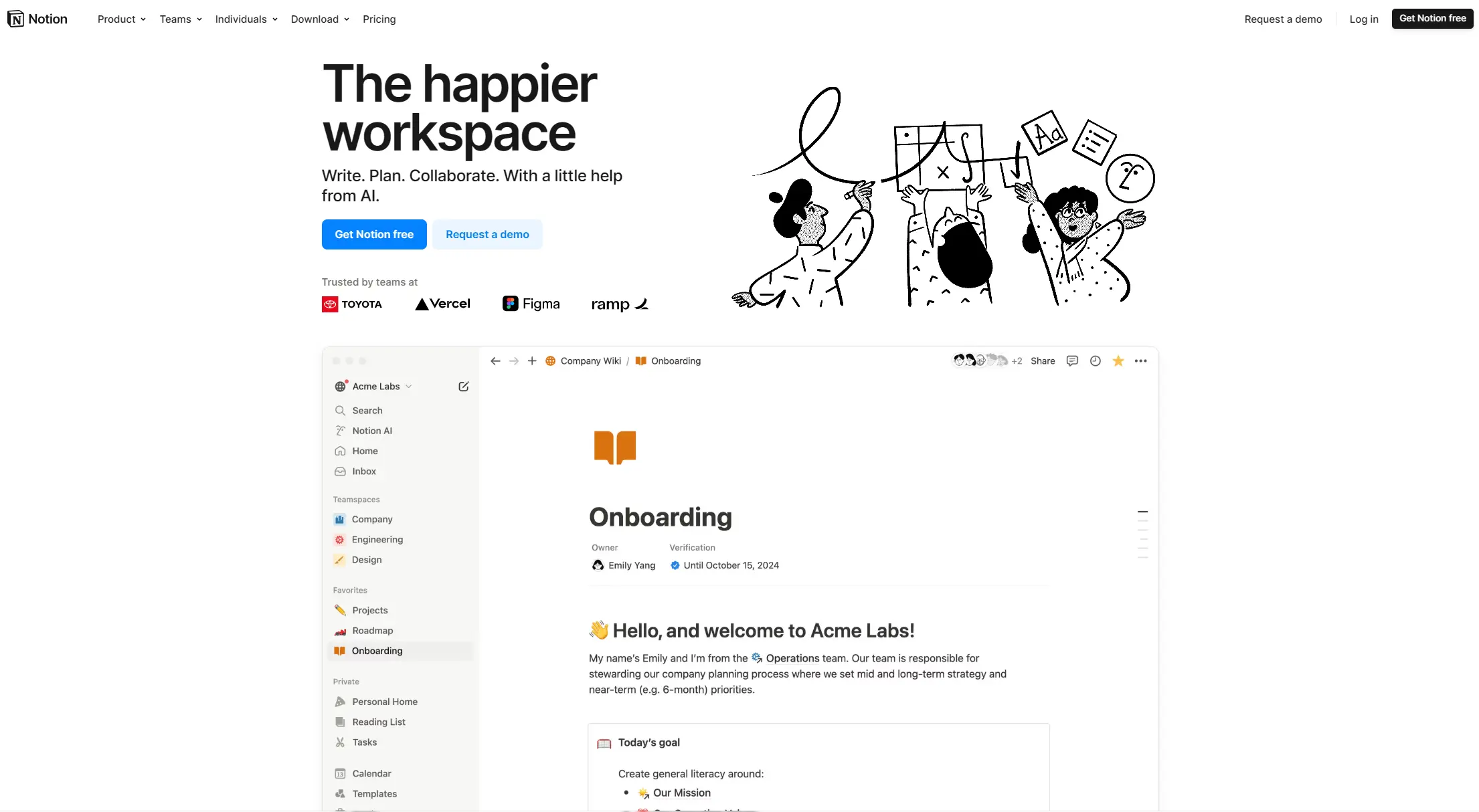
Notion combines notes, wikis, and databases in a flexible block-based editor. It can function as a project tracker, but its strength is documentation-heavy workflows where writing and task management need to live in the same place. Project views like board and timeline were added in recent years and work well for lighter project tracking.
vs ClickUpBetter than ClickUp for engineering teams that need a fast, low-friction issue tracker without the overhead of a general-purpose workspace.
4
Linear
Fast, keyboard-driven issue tracking built for software teams.
Freemium
Best for · Software development teamsPricing · Free for small teams; paid from $8/user/mo
Linear is a product and engineering issue tracker that prioritizes speed above everything else. The interface loads almost instantly, keyboard shortcuts cover most actions, and the workflow is designed around cycles and sprints. It has no generic project management features: it's purpose-built for software development teams.
vs ClickUpBetter than ClickUp for teams that only need kanban-style task tracking and want something running in under an hour with no configuration.
5
Trello
Kanban boards that anyone can use from day one.
Freemium
Best for · Small teams and personal projectsPricing · Free plan; paid from $5/user/mo
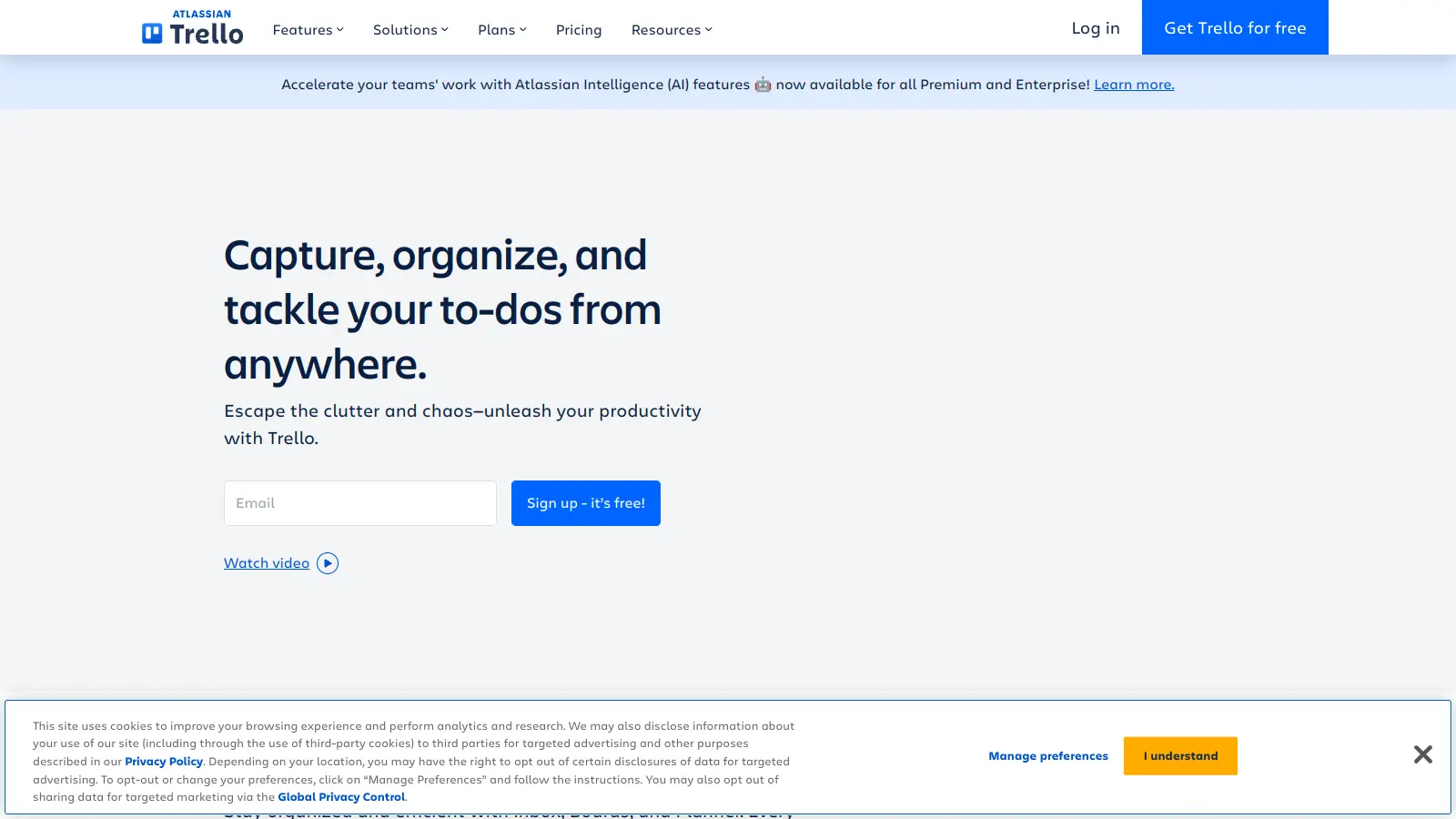
Trello is a card-and-board tool that's one of the fastest to learn in the category. The free plan supports unlimited users and unlimited cards, though it caps workspaces at ten boards. Power-Ups (integrations) extend functionality for time tracking, reporting, and automation, but heavy reliance on add-ons can add friction for complex workflows.
Pros
✓Free plan has no user limit
✓Setup time is under 30 minutes for most teams
✓Lowest paid tier in the category at $5/user/mo
Cons
✗Free plan capped at 10 boards per workspace
✗No native Gantt chart or timeline view without Power-Ups
vs ClickUpBetter than ClickUp for teams with twenty-plus members who want a fixed monthly cost and don't need advanced reporting or custom views.
6
Basecamp
Flat-rate team project management with no per-user pricing.
Paid
Best for · Teams of 20 or more who want predictable costsPricing · From $299/mo flat (unlimited users)
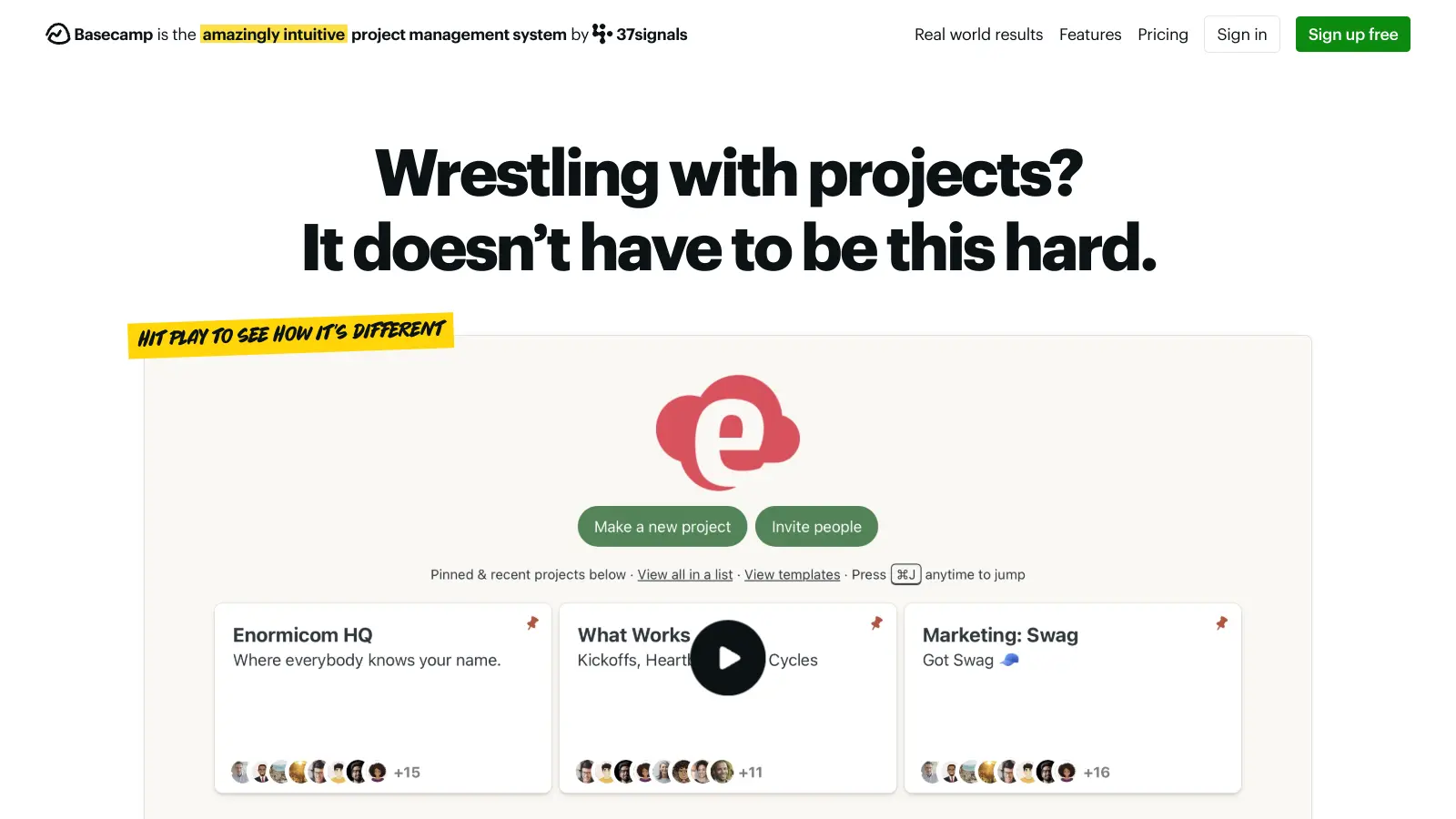
Basecamp charges a flat $299 per month for unlimited users rather than per seat, which makes it unusually affordable for larger teams. It covers to-do lists, message boards, file storage, group chat, and scheduling in a deliberately simple layout. It lacks Gantt charts and advanced reporting, but that simplicity is the point.
Pros
✓Flat pricing means no per-seat cost surprises
✓Includes client access on all plans
✓Simple enough for non-technical staff to use immediately
Cons
✗No Gantt chart or dependency tracking
✗Less flexible than ClickUp for complex project structures
vs ClickUpBetter than ClickUp for teams that want built-in time tracking with timesheet reporting included at a mid-tier price, without configuring it as an add-on.
7
SmartSuite
All-in-one work management with built-in time tracking and reporting.
Freemium
Best for · Teams that need database-style project trackingPricing · Free plan; paid from $10/user/mo
SmartSuite is a work management platform that combines project tracking, process management, and reporting in a single database-driven workspace. It has seven built-in views including timeline and map, a My Work section that consolidates all assigned tasks across every project, and time tracking with timesheet reporting on paid plans. It's less well-known than ClickUp but closer in feature scope than most alternatives.
Pros
✓Time tracking with billable/non-billable reporting built in
✓My Work view consolidates tasks across all projects
✓Seven view types including map and chart on all plans
Cons
✗Smaller integration ecosystem than ClickUp or Asana
✗Less name recognition means fewer community resources
If your team only uses tasks, a board view, and comments, you don't need a full ClickUp replacement. A lighter tool like Trello or Plaky will be faster to learn and cheaper to run.
Do you need a free plan that scales?
ClickUp's free plan is one of the most generous in the category. If a free tier is important, check whether alternatives like Notion or Asana impose user limits or feature caps that will force an upgrade sooner than you'd expect.
How complex are your workflows?
Teams with conditional automations, recurring tasks across multiple projects, and dependency chains need a tool that handles that natively. Simpler tools cut setup time but may not support those structures without workarounds.
What's the real cost at your team size?
Per-user pricing compounds quickly. A tool that looks cheaper than ClickUp at five users may cost more at twenty. Check whether pricing is per user per month or flat, and whether annual billing is required to get the advertised rate.
How fast do you need to be up and running?
ClickUp has a known onboarding curve. If your team needs to be productive within a day or two, prioritize tools with template libraries, guided setup, and fewer configuration decisions out of the box.
frequently asked questions
Asana and Monday.com both have CSV import options and structured onboarding flows that make migration straightforward. Notion requires more manual setup but gives you more flexibility in how you structure your workspace.
Trello's free plan has no user limit but caps you at ten boards per workspace. Notion's free plan supports unlimited members on the basic tier. Most free plans impose some constraint, so check whether the limits affect your specific workflow before committing.
The three most common reasons are slow load times on large workspaces, overly complex automation setup, and difficulty getting new team members up to speed. Teams that outgrow their ClickUp admin's availability often find the tool harder to maintain over time.
ClickUp's paid plan starts at $7 per user per month, which is competitive. However, several key features like unlimited automations and advanced dashboards require the Business plan at $12 per user per month. Alternatives like Linear or Trello can be cheaper for smaller teams with narrower needs.
A realistic migration for a team of ten with active projects takes one to three days including data export, re-importing tasks, and reconfiguring views. Factor in another week for team members to adjust their daily workflow habits before productivity returns to normal.
tools for humans
toolsforhumans editorial team
Reader ratings and community feedback shape every score. Since 2022, ToolsForHumans has helped 600,000+ people find software that holds up after launch. The picks here come from that.