Best Webflow Alternatives in 2026: For Designers & Teams
7 alternatives reviewedlast reviewed 22 march 2026
Editorial note:this was originally published in march of 2026
Webflow is a capable platform, but it's not the right fit for everyone. The learning curve is steep, the pricing gets expensive fast, and the ecommerce side has been largely left to stagnate. If any of those are friction points for you, there are solid alternatives worth considering.
This page covers 7 alternatives: obvious contenders like Wix and Squarespace, developer-preferred options like WordPress and Framer, and a couple of less obvious picks for specific workflows. Each one is assessed on pricing, real feature parity, and where it actually beats Webflow.
Selection criteria: pricing transparency, CMS capability, design flexibility, and how painful the migration actually is.
We collect first-hand reviews from people who use these tools every day — what works, what doesn't, whether it's worth paying for. We research pricing, features, and comparisons so that feedback has real context behind it. For this page, prioritised tools that offer visual design interfaces and host websites without requiring external servers. Read our full research methodology.
looking for a Webflow alternative?
tell us what you're considering and why — it helps others in the same position.
What is Webflow, and why do people switch?
Webflow is a visual website builder and CMS aimed at designers and front-end developers who want pixel-level control without writing code. It renders HTML, CSS, and JavaScript visually, meaning you're essentially designing in the browser rather than using a simplified drag-and-drop abstraction.
It's used by freelance designers, in-house marketing teams, and agencies building client sites. The platform sits between a traditional website builder and a full CMS, and it does that middle ground better than most.
The most common reasons people look for alternatives: the editor has a steep learning curve that trips up non-technical users; paid plans are expensive relative to competitors; the ecommerce features are limited and haven't kept pace with platforms like Shopify; and as a closed, proprietary system it lacks the extensibility of open-source tools like WordPress.
An affordable, AI-assisted builder bundled with hosting.
Budget-conscious small businesses
PaidFrom $2.99/mo (includes hosting)
vs WebflowBetter than Webflow for users who want a site live in an afternoon without learning box model logic or CSS concepts.
our top pick
1
Wix
A drag-and-drop website builder built for non-developers.
Freemium
Best for · Beginners and small businessesPricing · Free plan available; paid plans from $17/mo
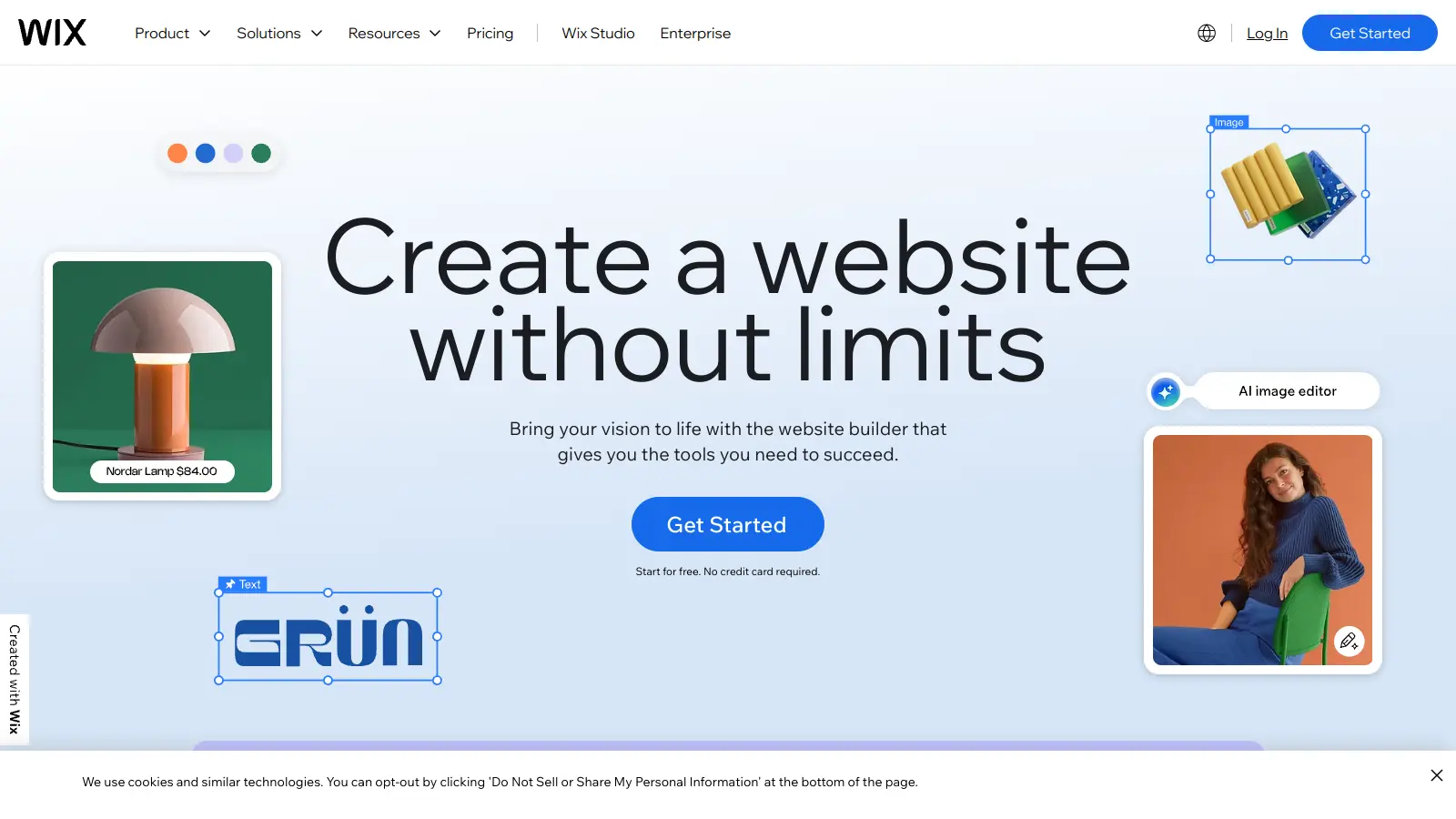
Wix is a fully hosted website builder with over 800 templates and an open drag-and-drop editor. It covers the basics well: marketing tools, an app marketplace, and a functional ecommerce layer that Webflow can't match for casual sellers. The editor hides CSS complexity entirely, which speeds up simple builds but limits fine-grained control.
vs WebflowBetter than Webflow for selling products online, since it includes customer accounts and multi-currency support that Webflow still lacks.
2
Squarespace
Template-first website builder with strong ecommerce.
Paid
Best for · Creatives and portfolio sitesPricing · From $16/mo (billed annually)
Squarespace is a hosted website builder known for high-quality, design-consistent templates. It's particularly strong for creatives — photographers, portfolio builders, and small shop owners. Ecommerce is better developed than Webflow's, with customer accounts, discount codes, and multi-currency support on business plans. The editor is less flexible than Webflow's but easier to pick up.
Pros
✓Polished templates with consistent visual quality
✓Ecommerce includes customer accounts and discounts
vs WebflowBetter than Webflow when your team works in Figma and needs to go from design to live site without a separate developer or a long Webflow learning period.
3
Framer
A design-first site builder for fast, polished marketing sites.
Freemium
Best for · Designers building marketing sitesPricing · Free plan available; paid plans from $5/mo per seat
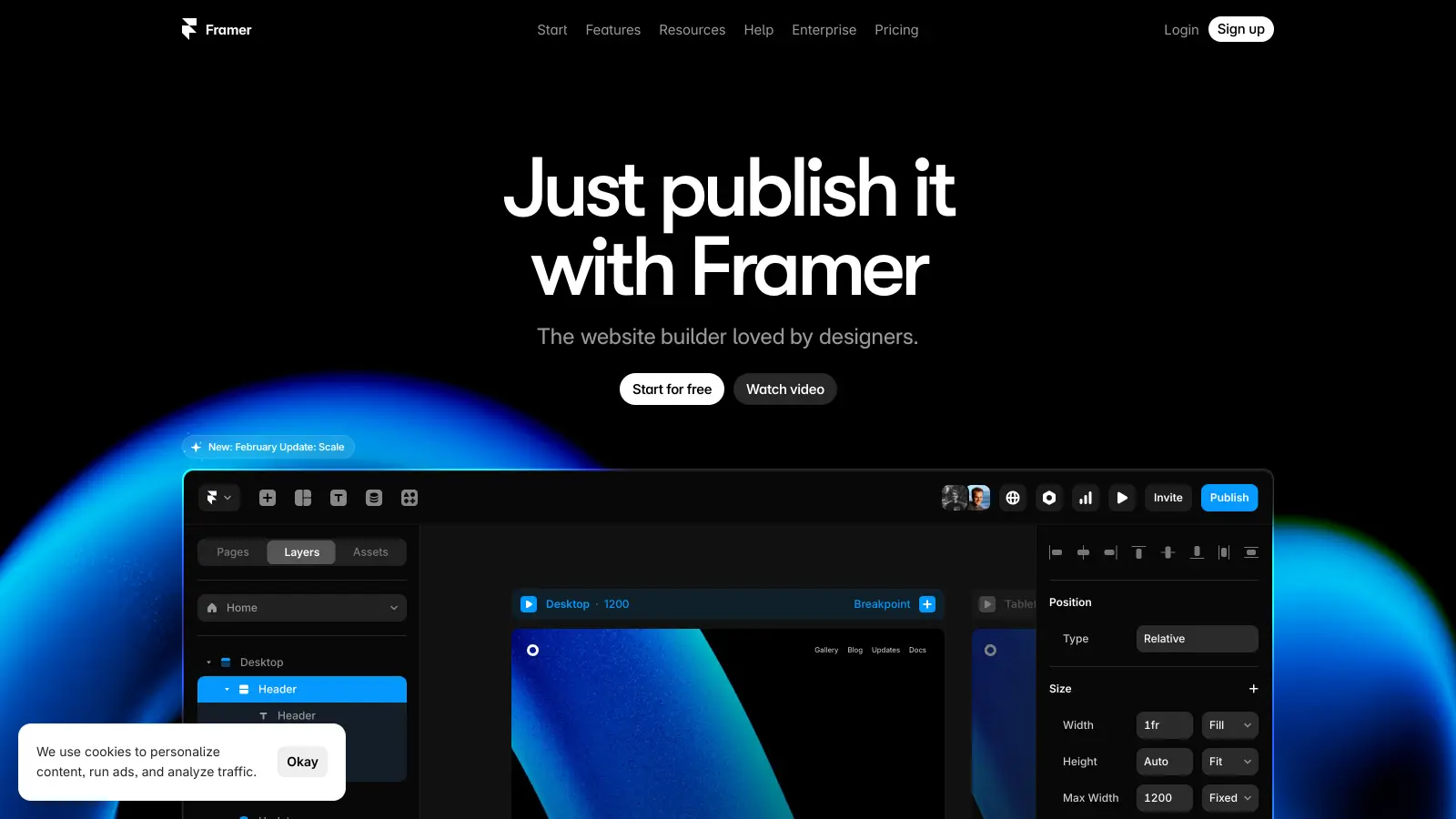
Framer is a no-code site builder aimed at designers who want visual control and fast publishing. It handles animations and interactions well, has a clean CMS for structured content, and builds on a component system that speeds up design. Teams moving from Figma will find the workflow familiar. It's less mature than Webflow for large-scale CMS content, but ships faster for most marketing site work.
vs WebflowBetter than Webflow for any project that needs real extensibility, since plugins and direct server access let you build functionality that Webflow's closed system simply won't allow.
4
WordPress.org
Open-source CMS that runs 43% of the web.
Free
Best for · Developers and content-heavy sitesPricing · Free (hosting from ~$3-10/mo separately)
WordPress.org is self-hosted, open-source software you install on your own hosting. It's far more extensible than Webflow: tens of thousands of plugins, full database access, and no platform lock-in. The trade-off is that you manage your own hosting, updates, and security. For any site that needs a genuine content publishing operation or deep ecommerce via WooCommerce, it's hard to beat.
Pros
✓Fully open-source with no vendor lock-in
✓50,000+ plugins cover almost any functionality
✓WooCommerce handles large-scale ecommerce
Cons
✗You manage hosting, security, and updates yourself
✗No unified visual editor without additional plugins
vs WebflowBetter than Webflow for any business where selling products is the primary goal, not an afterthought bolted onto a design tool.
5
Shopify
Purpose-built ecommerce platform for selling at any scale.
Paid
Best for · Online stores and product-based businessesPricing · From $29/mo (Basic Shopify)
Shopify is a hosted ecommerce platform that handles everything from payment processing to inventory to shipping integrations. Unlike Webflow, selling isn't an add-on feature — it's the entire product. You get customer accounts, abandoned cart recovery, hundreds of payment gateways, and a mature app ecosystem out of the box. It's overkill for a portfolio or marketing site, but it's the right call for any serious online store.
Pros
✓Built-in abandoned cart, discounts, and customer accounts
✓8,000+ apps in the Shopify App Store
✓Handles tax, shipping, and multi-currency natively
Cons
✗Design flexibility is more limited than Webflow
✗Transaction fees apply unless using Shopify Payments
vs WebflowBetter than Webflow specifically for publishing a documentation or knowledge-base site when your content already lives in Notion and you don't want a separate CMS.
6
Notion + Super.so
Turn Notion pages into a published website without any build step.
Paid
Best for · Teams already using Notion for contentPricing · From $16/mo per site
Super.so is a hosting layer that publishes Notion databases as websites. It's a niche pick, but genuinely useful: if your team already lives in Notion for documentation or content, Super converts that content into a clean, fast site with custom domains, basic SEO settings, and some style customization. It's not a design tool, and it can't do what Webflow does visually — but for internal wikis, documentation sites, or content-light landing pages, the workflow is unbeatable.
Pros
✓Zero content migration if your team uses Notion
✓Instant publishing with no build or deploy step
✓Custom domain, SEO settings, and analytics included
Cons
✗Very limited design control compared to any real builder
✗Tied entirely to Notion's content structure and limitations
vs WebflowBetter than Webflow for anyone whose budget is under $5/month and who doesn't need custom interactions or a structured CMS.
7
Hostinger Website Builder
An affordable, AI-assisted builder bundled with hosting.
Paid
Best for · Budget-conscious small businessesPricing · From $2.99/mo (includes hosting)
Hostinger's website builder is included with Hostinger hosting plans and is aimed at users who want the cheapest possible path to a professional-looking site. It has AI site generation, 150+ templates, and basic ecommerce. The feature set doesn't rival Webflow, but at under $3/month on annual plans, the pricing is in a different class. Best for small businesses or personal sites that just need to exist online without a large ongoing cost.
Pros
✓One of the lowest prices in the market with hosting included
✓AI site generator produces a usable starting point quickly
✓Free domain name on annual plans
Cons
✗Design customization is much more constrained than Webflow
✗No meaningful CMS for structured or dynamic content
Webflow's main draw is fine-grained layout control. If you're a designer who needs custom interactions and precise CSS-style control, you need an alternative like Framer that matches that. If you're building a standard marketing site, Wix or Squarespace are faster and cheaper.
Does your site need a CMS?
Webflow's CMS is one of its strongest features — structured content collections with dynamic pages. Not every alternative matches this. WordPress is more powerful for complex content structures; most simple website builders are much weaker here.
What's your realistic budget?
Webflow's paid plans start at $14/month for basic hosting and jump quickly once you need a CMS or team collaboration. Some alternatives like WordPress.org or Wix offer genuinely usable free or low-cost tiers. Know the total cost including hosting before you commit.
Do you need ecommerce?
If selling online is a primary goal, Webflow isn't the best choice. Squarespace has stronger ecommerce templates, Shopify is purpose-built for it, and WooCommerce on WordPress gives you the most control. Check whether the alternative supports your required payment methods, currencies, and customer account features.
Who will maintain the site?
Webflow is manageable for a solo designer but gets complicated when non-technical clients or content editors need to use it. If content updates will be done by someone without a web background, prioritize alternatives with simpler editing interfaces — Squarespace and Wix are much easier to hand off.
frequently asked questions
WordPress.org with a free theme and a low-cost host (around $3-5/month) is the closest free option with comparable content management power. Wix also has a free plan, though it forces a Wix-branded subdomain and ads on your site until you upgrade.
Basic website builder plans run $10-25/month for most platforms. CMS-capable tiers, which are the real Webflow comparison point, are typically $20-40/month. WordPress.org is the exception: the software is free, and you control hosting costs separately, which can be as low as $5/month.
Webflow lets you export clean HTML/CSS on paid plans, which gives you a reasonable starting point. CMS content can be exported as CSV. The hard part is recreating custom interactions and animations — those are Webflow-specific and will need to be rebuilt in your new platform's toolset.
Stay with Webflow if you need its specific combination of visual CSS control, a structured CMS, and clean code export — all in one platform. No other tool nails all three simultaneously at the same level. It's also worth keeping if your team is already trained on it and switching costs outweigh the savings.
Yes, most alternatives are significantly easier for non-developers than Webflow. Squarespace and Wix are the most accessible for content editors with no technical background. Even WordPress, which has more complexity under the hood, has page builder plugins like Elementor that keep day-to-day editing simple.
tools for humans
toolsforhumans editorial team
Reader ratings and community feedback shape every score. Since 2022, ToolsForHumans has helped 600,000+ people find software that holds up after launch. The picks here come from that.