Best Typeform Alternatives in 2026: Free & Paid Options
7 alternatives reviewedlast reviewed 27 march 2026
Editorial note:this was originally published in march of 2026
Typeform's conversational form design is genuinely good. The problem is the pricing: 10 responses per month on the free plan, and $29/mo just to remove that cap. If you're running anything beyond a small pilot, the cost adds up fast.
This page covers 7 alternatives worth switching to, selected based on response limits, conditional logic availability, design flexibility, and how painful the migration is. Whether you need a completely free option or a paid tool with features Typeform doesn't have, there's a real choice here.
Each pick includes honest tradeoffs, not just a feature checklist.
We collect first-hand reviews from people who use these tools every day — what works, what doesn't, whether it's worth paying for. We research pricing, features, and comparisons so that feedback has real context behind it. For this guide, we prioritised response limits, conditional logic availability on free tiers, and the ease of migrating existing Typeform forms. Read our full research methodology.
looking for a Typeform alternative?
tell us what you're considering and why — it helps others in the same position.
What is Typeform, and why do people look for alternatives?
Typeform is a form and survey builder that shows respondents one question at a time, creating a conversational flow rather than a traditional multi-field form. It's popular with marketers, researchers, and product teams who want higher completion rates and a polished look.
The most common reason teams look for alternatives is the response cap. The free plan allows just 10 responses per month, which is effectively unusable for anything real. The $29/mo Basic plan raises that to 100 responses, and unlimited responses require the $59/mo Plus plan or higher. For high-volume use, that's a significant recurring cost.
Other reasons include limited multi-question pages (Typeform forces one question per page), restricted design customization on lower plans, and a growing number of competitors that offer comparable quality at a fraction of the price or for free.
Research-grade survey analytics with benchmarking data.
Market researchers and insights teams who need statistical analysis
FreemiumFree (limited), from $99/mo
vs TypeformBetter than Typeform when you need unlimited responses and conditional logic without paying a monthly fee.
our top pick
1
Tally
A fully free form builder with no response limits.
Freemium
Best for · Freelancers and small teams hitting Typeform's response capsPricing · Free, Pro from $29/mo
Tally's free plan includes unlimited forms, unlimited responses, conditional logic, file uploads, and calculations — features Typeform gates behind a $29-59/mo plan. The editor works inside a document-style interface similar to Notion, which is faster to learn than most drag-and-drop builders. Custom CSS, team workspaces, and branding removal require the Pro plan at $29/mo.
Pros
✓Unlimited responses on free plan
✓Conditional logic free, not gated
✓Rated 4.8/5 on G2, above Typeform
Cons
✗Smaller template library than Typeform or JotForm
vs TypeformBetter than Typeform for teams that collect more than 100 responses per month and can't justify the upgrade cost.
2
Youform
Unlimited forms and responses, permanently free.
Free
Best for · High-volume form collection on a zero budgetPricing · Free
Youform is built specifically as a Typeform replacement for teams priced out by response limits. The free plan has no caps on forms or submissions and includes conditional logic, file uploads, calculations, hidden fields, and custom domains. It connects to 6,000+ tools via Zapier and has direct integrations with Stripe, Google Sheets, Slack, and Calendly. The template library has 500+ options covering surveys, quizzes, and registration forms.
Pros
✓Truly unlimited forms and responses at no cost
✓Custom domains included on free plan
✓Stripe payments supported without upgrading
Cons
✗Smaller community and fewer third-party tutorials than Typeform
✗Analytics are basic compared to SurveyMonkey or Typeform
vs TypeformBetter than Typeform for teams that need native Notion or Airtable sync and a free plan that actually handles real traffic.
3
Fillout
Multi-page forms with 1,000 free submissions per month.
Freemium
Best for · Teams using Notion or Airtable as their primary workspacePricing · Free, from $15/mo
Fillout's free tier allows 1,000 responses per month, which is 100x what Typeform gives you for free. It supports multi-question pages, transition animations, and direct integrations with Notion, Airtable, Google Sheets, and Salesforce. The paid plans start at $15/mo for Starter and $75/mo for Business, both priced below Typeform's equivalent tiers. GDPR compliance and local data residency options are available, which matters for teams handling sensitive data.
vs TypeformBetter than Typeform when you need a specific form template for a regulated industry like healthcare or legal that Typeform's library doesn't cover.
4
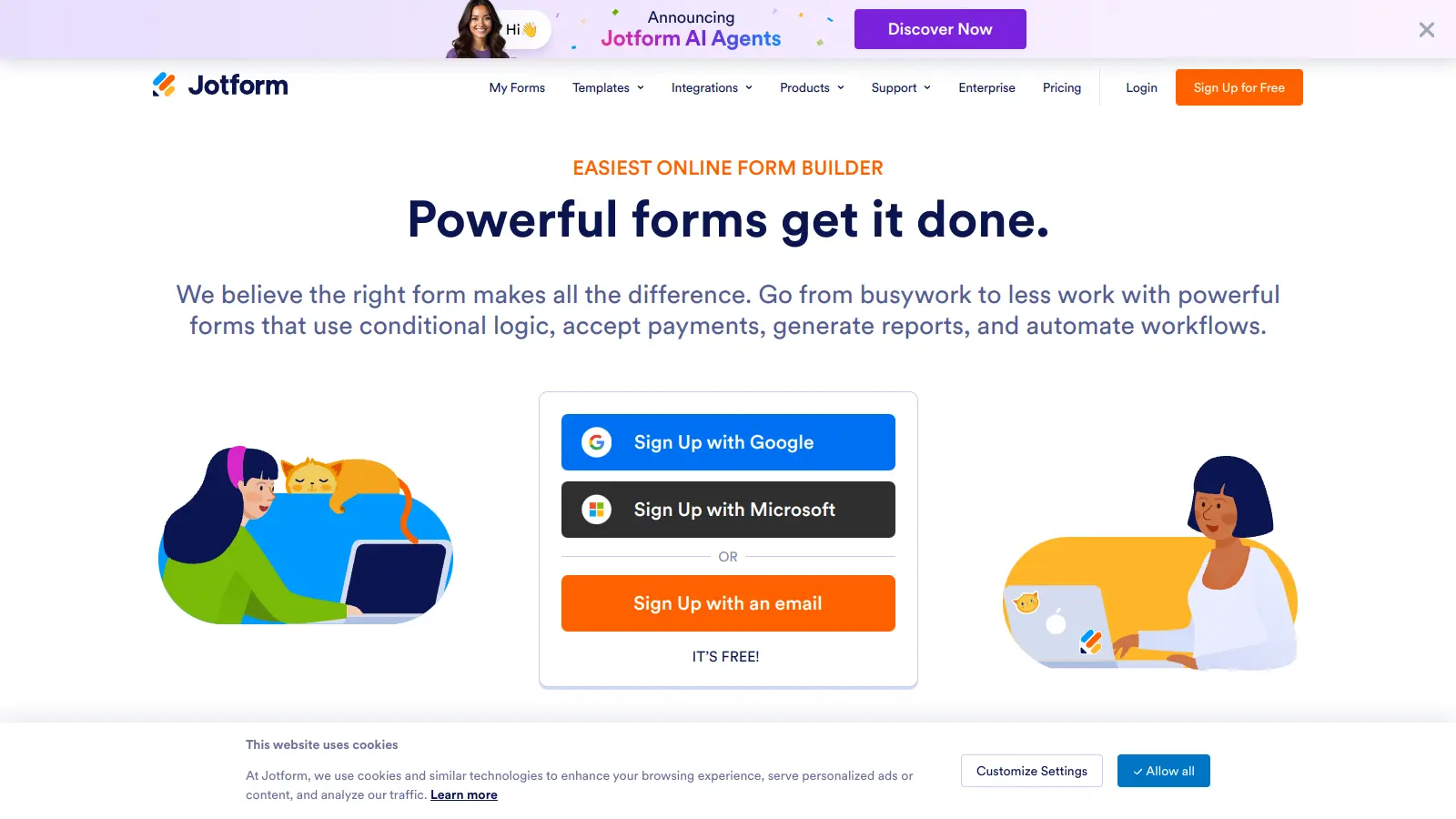
JotForm
10,000+ templates with a drag-and-drop editor.
Freemium
Best for · Teams that need industry-specific templates out of the boxPricing · Free, from $39/mo
JotForm has the largest template library in this category, covering healthcare, legal, education, e-commerce, and more. The free plan allows 5 forms and 100 monthly submissions, which is still more generous than Typeform's 10. Paid plans start at $39/mo and include approval workflows, document generation, and over 150 native integrations. It's not conversational by default, but conditional logic and multi-page layouts are available on all plans.
Pros
✓10,000+ pre-built templates
✓Approval workflows on paid plans
✓HIPAA-compliant plans available
Cons
✗Free plan capped at 5 forms and 100 submissions
✗Interface feels dated compared to Typeform or Tally
vs TypeformBetter than Typeform when the form is internal, design doesn't matter, and you need zero per-month cost with no response ceiling.
5
Google Forms
Unlimited forms and responses, free with any Google account.
Free
Best for · Teams already in Google Workspace who need simple, high-volume formsPricing · Free
Google Forms has no response limits, no submission caps, and no paid plans. It connects directly to Google Sheets for real-time response tracking. The design is minimal with limited customization, and there's no payment collection or advanced logic. It's a poor match for branded or conversational forms, but for internal surveys, quick feedback collection, or event registration it's hard to argue with free and unlimited.
Pros
✓Completely unlimited responses, always free
✓Native Google Sheets integration
✓No account setup needed beyond Google login
Cons
✗No payment collection or advanced conditional logic
vs TypeformBetter than Typeform for design-heavy forms where you need full CSS control and mixed content layouts without a per-response cap.
6
Paperform
Landing page-style forms with full design control.
Paid
Best for · Designers and marketers who need forms that look like branded landing pagesPricing · From $29/mo
Paperform treats forms like landing pages: you can mix text, images, videos, and form fields on the same canvas, and control styling with full CSS access. There's no free plan, but the $29/mo Essentials tier includes unlimited forms, unlimited submissions, and payment collection via Stripe, PayPal, and Square. It's a paid-only product, which makes the comparison to Typeform straightforward: similar pricing, more design flexibility, and no response caps.
vs TypeformBetter than Typeform when you need cross-tabulation, benchmarking, or access to a paid respondent panel for primary research.
7
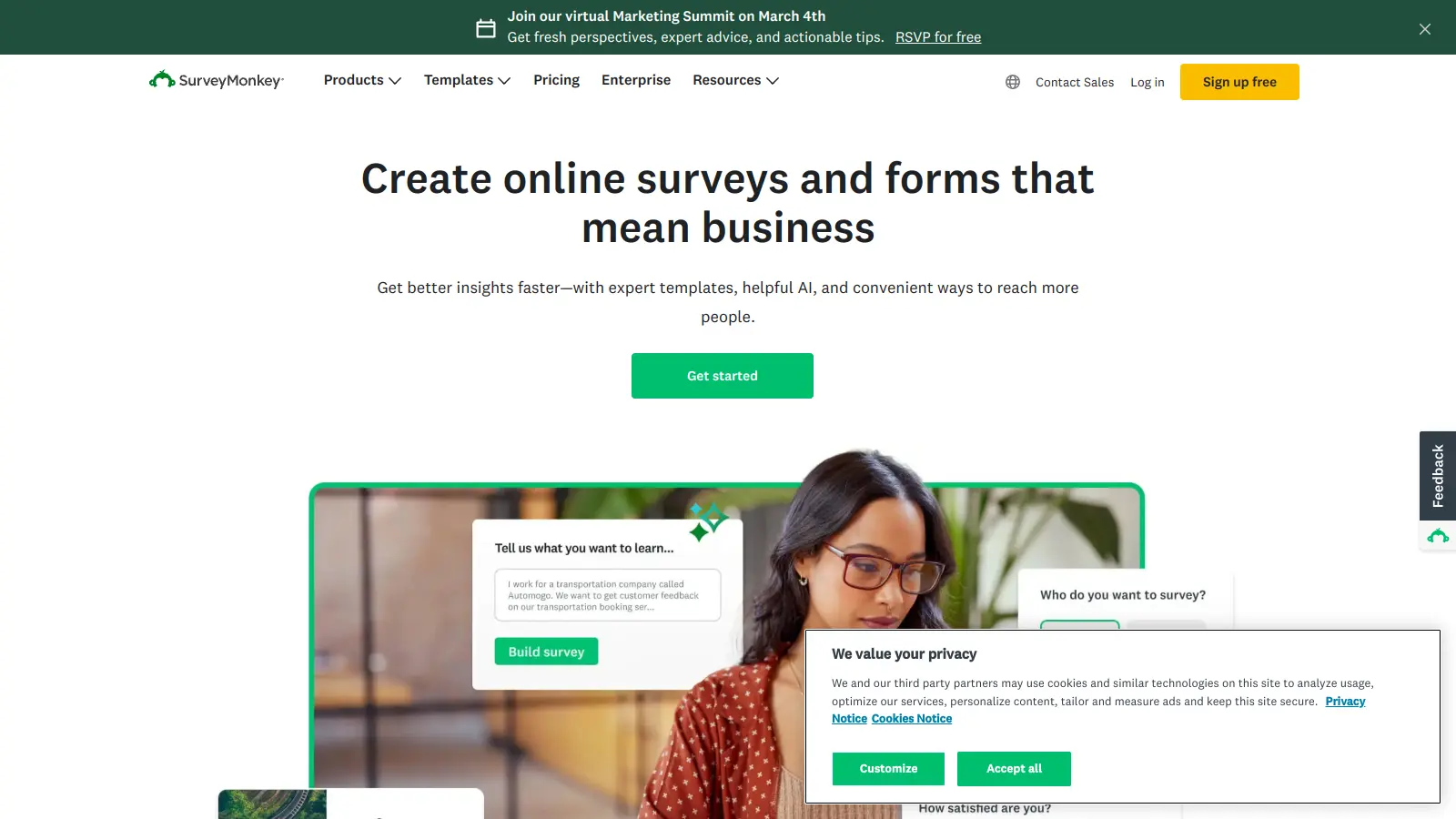
SurveyMonkey
Research-grade survey analytics with benchmarking data.
Freemium
Best for · Market researchers and insights teams who need statistical analysisPricing · Free (limited), from $99/mo
SurveyMonkey is built for market research, not casual form collection. It has cross-tabulation, sentiment analysis, audience panels you can pay to survey, and industry benchmarking so you can compare your results against sector averages. The free plan limits you to 10 questions and 25 responses per survey. Paid plans start at $99/mo, which is expensive, but the analytics depth has no direct equivalent in Typeform or most other alternatives.
Pros
✓Cross-tabulation and sentiment analysis built in
✓Industry benchmarking comparisons
✓Paid audience panels for primary research
Cons
✗Most useful features locked behind $99/mo plans
✗Form design is functional but not visually polished
This is where most teams get burned. A tool advertising a free plan may cap you at 100, 50, or even 10 responses per month. Confirm the exact limit on the plan you'd actually use, not the highest tier.
Decide whether you need one-question-per-page or multi-question pages
Typeform's single-question format is its signature, but it's not always what you want. If you're building longer forms or need to group related fields, look for tools that let you mix both styles or put multiple questions on one page.
Confirm conditional logic is available on your plan
Several alternatives include conditional logic only on paid tiers. If branching logic is core to your form, check whether it's free or gated before committing.
Think about where responses need to go
Native integrations with Notion, Airtable, Google Sheets, or your CRM matter more than total integration count. A tool with 10 well-built direct integrations is more useful than one with 500 Zapier-dependent ones.
Factor in branding removal costs
Most free plans show the tool's branding on your form. If you're sending forms to clients or embedding them on a branded site, check what plan removes that badge and whether it's worth paying for.
frequently asked questions
Tally and Youform both offer unlimited forms and unlimited responses on their free plans, which puts them miles ahead of Typeform's 10-response free tier. Tally also includes conditional logic, file uploads, and calculations for free. Youform adds quiz functionality and custom domains at no cost.
Some tools, including Fillout and Tally, have direct import options that can pull in Typeform structure. For others, you'll need to rebuild manually, though most forms can be recreated in under 30 minutes. Export your Typeform response data as CSV before switching so you don't lose historical data.
Paid plans across quality alternatives range from $15/mo to $49/mo for most use cases. Tools like Tally (free tier), Youform (free), and Google Forms (free) cover a lot of ground without any cost. If you need advanced analytics, approval workflows, or HIPAA compliance, budget $29 to $99/mo.
The response cap is the most cited reason. Hitting 100 responses on a $29/mo plan and needing to upgrade to $59/mo for unlimited is a common pain point. Teams also switch when they need multi-question pages, better analytics, or tighter integration with tools like Notion or Airtable.
Several do. Tally (paid plan), Paperform, JotForm, and Fillout all support Stripe payments. Some, like Youform, also include Stripe integration. Google Forms does not support payments natively.
tools for humans
toolsforhumans editorial team
Reader ratings and community feedback shape every score. Since 2022, ToolsForHumans has helped 600,000+ people find software that holds up after launch. The picks here come from that.