Best Claude Code Alternatives in 2026: For Developers
7 alternatives reviewedlast reviewed 13 april 2026
Editorial note:this was originally published in april of 2026
Claude Code is a capable terminal-based coding agent, but its model lock-in, usage caps, and $20/month minimum push a lot of developers to look around. The $100/month Max tier exists if you need more, but that's a steep jump for what you get.
This page covers 7 alternatives chosen for concrete reasons: pricing transparency, multi-model support, IDE or CLI fit, and how much control you keep over what the agent actually does. One or two picks here are less obvious but worth knowing about.
Whether you're hitting Claude's weekly limits, want to run a local model, or just prefer working inside an IDE instead of a terminal, there's a better fit below.
We collect first-hand reviews from people who use these tools every day — what works, what doesn't, whether it's worth paying for. We research pricing, features, and comparisons so that feedback has real context behind it. For this guide, we prioritised tools with clear pricing, verifiable model support, and meaningful differences from Claude Code's terminal-first, single-model approach. Read our full research methodology.
looking for a Claude Code alternative?
tell us what you're considering and why — it helps others in the same position.
What is Claude Code?
Claude Code is a terminal-based AI coding agent from Anthropic. It runs in your CLI and can read, write, and reason across multiple files in a codebase at once. Unlike autocomplete tools, it follows a full intent through coordinated refactors, test updates, and dependency changes without constant re-prompting.
It runs exclusively on Anthropic's Claude models. The base Pro plan is $20/month, which covers moderate use. Heavy users report hitting limits mid-week. The next tier jumps to $100/month for 5x usage, which is where the value calculation gets harder to justify.
Developers look for alternatives for a few specific reasons: model lock-in (no GPT-4, Gemini, or local models), no native IDE integration, usage caps that punish power users, and a preference for open-source tooling with predictable costs.
A self-hosted code completion server built for teams with data privacy requirements.
Teams with hard data residency or compliance requirements
FreemiumCommunity: Free (up to 5 users); Team: $19/user/mo; Enterprise: custom
vs Claude CodeBetter than Claude Code when you want multi-model support and visual diffs inside an IDE rather than a terminal.
our top pick
1
Cursor
An IDE built for AI-assisted coding, not bolted on after the fact.
Freemium
Best for · IDE-first developers who want agentic edits with visual reviewPricing · Free tier available; Pro from $20/mo
Cursor is a fork of VS Code with AI woven into the editor at every level: inline autocomplete, multi-file edits, a chat panel with codebase context, and visual diffs before anything gets committed. It supports multiple models including Claude, GPT-4o, and Gemini, so you can switch based on task or cost. The Composer feature lets you describe a change across files and review the full diff before applying it.
Pros
✓Multi-model: Claude, GPT-4o, Gemini in one tool
✓Visual diffs let you review before applying edits
✓Familiar VS Code interface with zero migration friction
Cons
✗Free tier limits are tight for daily heavy use
✗Closed-source, so no self-hosting or audit of model routing
vs Claude CodeBetter than Claude Code for developers who want to use any model at raw API cost with full Git integration and no monthly subscription.
2
Aider
A CLI coding agent that commits Git-aware diffs with any model you supply.
Free
Best for · Terminal-first developers who want BYOK with no subscription feePricing · Free (open source); pay only for API tokens
Aider runs in the terminal and works directly with your Git repo. You point it at files, describe what you want, and it produces a diff and commits the result with a meaningful commit message. It supports any model you can access via API — OpenAI, Anthropic, Gemini, or local models through Ollama — and charges no markup on tokens. The project is Apache-2.0 licensed and actively maintained.
Pros
✓Supports any model including local via Ollama
✓Git-native: auto-commits with descriptive messages
✓Zero markup on API tokens — cheapest option for heavy users
Cons
✗No IDE integration — terminal only
✗Requires API key setup and some configuration to get started
vs Claude CodeBetter than Claude Code for enterprise teams that need audit logs, SSO, and compliance controls at a lower per-seat cost.
3
GitHub Copilot
Microsoft's AI coding assistant, built into GitHub and major IDEs.
Freemium
Best for · Enterprise teams and developers already in the GitHub ecosystemPricing · Free tier; Individual from $10/mo; Enterprise from $19/user/mo
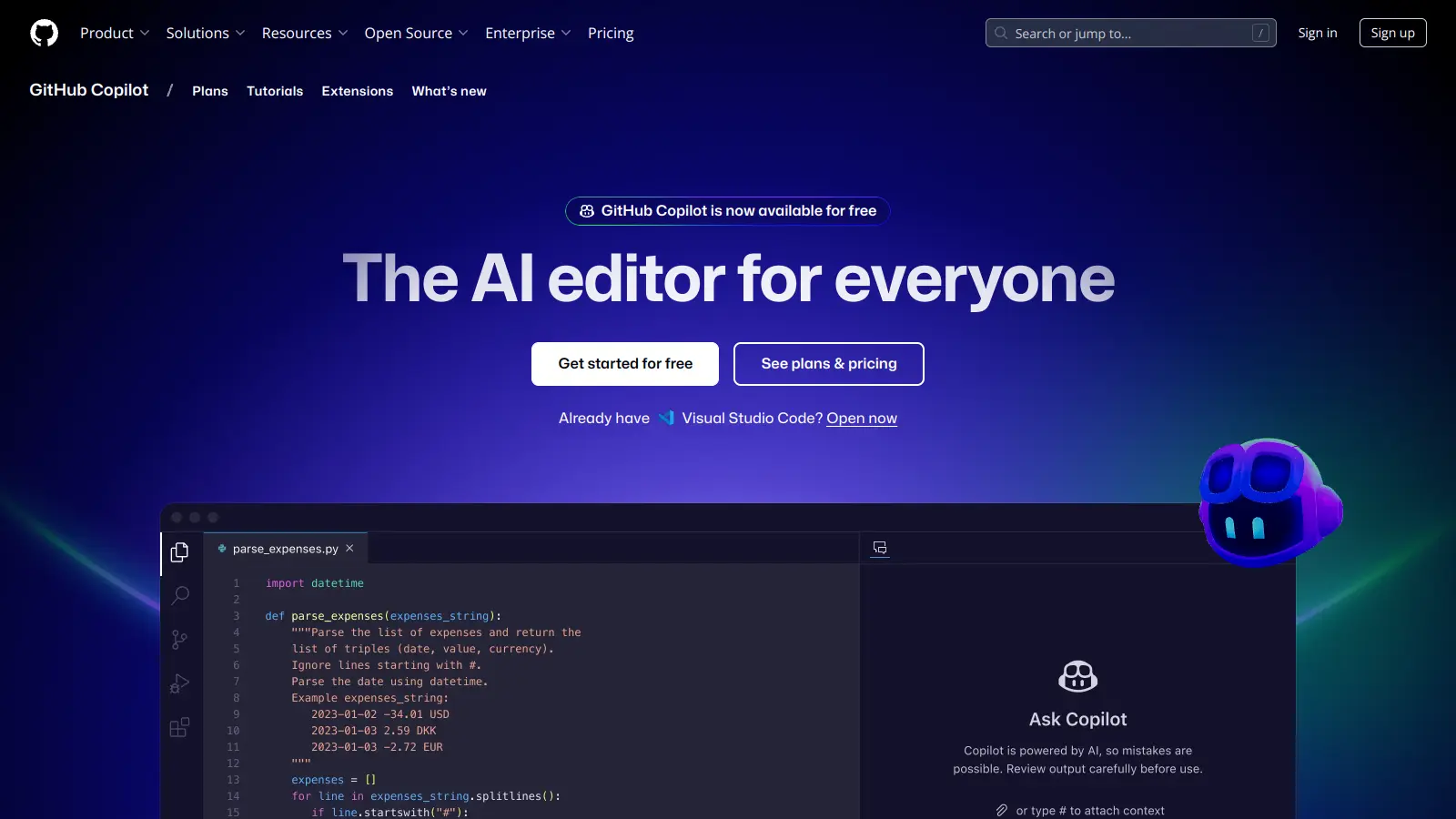
GitHub Copilot provides inline autocomplete, a chat interface, and an agent mode that can edit across multiple files. It runs inside VS Code, JetBrains, Visual Studio, and Neovim, and supports multiple models. Enterprise plans include SSO, audit logs, and IP indemnification, making it the default choice for teams with compliance requirements. At $10/month per user, it's the cheapest paid option in this category.
Pros
✓Deepest GitHub integration of any tool in this list
✓Enterprise audit logs and SSO on business/enterprise plans
✓Multi-model support: GPT-4o, Claude, Gemini
Cons
✗Agent mode is less capable than Cursor or Claude Code for complex multi-file changes
✗Free tier is limited to 2,000 completions and 50 chat messages per month
vs Claude CodeBetter than Claude Code for VS Code developers who want the same plan-and-execute loop but with local model support and zero subscription cost.
4
Cline
An open-source agentic coding extension for VS Code with full model flexibility.
Free
Best for · VS Code users who want Claude Code-style agentic workflows without model lock-inPricing · Free (open source); pay only for API tokens
Cline is a VS Code extension that runs a plan-review-run loop with explicit approval steps before any file or terminal action. You can route to cloud models or local models via Ollama, LM Studio, or OpenRouter. It supports MCP (Model Context Protocol) for connecting to external tools and data sources, and everything runs through your own API keys with no usage caps imposed by Cline itself.
Pros
✓Plan mode shows steps before any action is taken
✓Supports local models via Ollama and LM Studio
✓MCP integration connects to external tools and APIs
Cons
✗VS Code only — no JetBrains or terminal-native mode
✗Quality depends heavily on which model you route to
vs Claude CodeBetter than Claude Code for developers who want a comparable terminal-first agent at zero cost, with a 1M token context window on the free tier.
5
Gemini CLI
Google's open-source terminal agent with a genuinely generous free tier.
Freemium
Best for · Developers who want a terminal agent and can't justify paying for Claude CodePricing · Free tier (1,000 requests/day); paid via Google AI Studio API
Gemini CLI is a terminal-based coding agent that uses Google's Gemini models. The free tier allows 1,000 requests per day with a 1 million token context window — by far the most generous free allowance of any tool in this category. It can read and modify files, run shell commands, and reason across a large codebase in a single context window. It's an Apache-2.0 licensed project maintained by Google.
Pros
✓1,000 free requests/day with 1M token context window
✓Open source under Apache-2.0
✓Large context window handles big codebases in one pass
Cons
✗Locked to Google's Gemini models only
✗Less mature ecosystem than Claude Code or Cursor — fewer community plugins
vs Claude CodeBetter than Claude Code for teams that want a self-hostable, editor-agnostic assistant they can configure centrally across VS Code and JetBrains.
6
Continue
A configurable open-source coding assistant for VS Code and JetBrains.
Freemium
Best for · Teams standardizing a shared AI coding setup across multiple editorsPricing · Solo: Free; Team: $10/dev/mo; Enterprise: custom
Continue is an open-source extension for VS Code and JetBrains that lets teams define their own model stack, context sources, and prompt templates. It supports local models, cloud APIs, and self-hosted deployments. The solo plan is free, and the team plan at $10/developer/month adds shared configuration and usage controls. It's less opinionated than Cursor or Cline, which is a strength for teams with specific infrastructure requirements.
Pros
✓Works in both VS Code and JetBrains
✓Fully configurable: model, context, and prompt templates
✓Self-hosted option available for privacy-sensitive teams
Cons
✗Requires more setup than plug-and-play tools like Cursor
✗Agentic capabilities are weaker than Claude Code or Cline out of the box
vs Claude CodeBetter than Claude Code for teams in regulated industries where no code can be sent to a third-party cloud model under any circumstances.
7
Tabby
A self-hosted code completion server built for teams with data privacy requirements.
Freemium
Best for · Teams with hard data residency or compliance requirementsPricing · Community: Free (up to 5 users); Team: $19/user/mo; Enterprise: custom
Tabby is a self-hosted AI coding assistant focused on inline code completion. You run the model server on your own infrastructure, keeping all code off third-party servers entirely. It integrates with VS Code and JetBrains via extensions. The community edition is free for up to 5 users. Team plans start at $19/user/month and add usage analytics and admin controls. It's the right pick when your legal or security team won't allow code to leave the building.
Pros
✓Fully self-hosted: code never leaves your infrastructure
✓VS Code and JetBrains extensions included
✓Community edition supports up to 5 users at no cost
Cons
✗Completion-focused — no agentic multi-file editing capabilities
✗Requires infrastructure to run and maintain the model server
Claude Code lives in the terminal. If you want inline suggestions, visual diffs, or tab completion inside VS Code or JetBrains, you need an IDE-native tool like Cursor or Cline. If you prefer the terminal, Aider or Gemini CLI are closer matches.
Model flexibility
Claude Code only uses Anthropic models. If you want to switch between GPT-4o, Gemini, or a local model depending on the task, look for tools that support bring-your-own-key (BYOK) or multi-model routing. Aider and Cline both do this without markup on token costs.
Usage cost predictability
Flat-rate plans like Claude Code's can feel expensive once you hit limits. BYOK tools let you pay per token directly, which is cheaper for moderate users but harder to budget. Decide which model fits your usage pattern before committing.
Agent autonomy and safety controls
Some tools execute terminal commands and modify files autonomously. Others show you a diff first and wait for approval. If you're working in a production-adjacent codebase, check whether the tool has a review step or permission model before it runs anything.
Team and enterprise requirements
If you need SSO, audit logs, self-hosted deployment, or compliance controls, check those features before anything else. GitHub Copilot and Tabby both have enterprise tiers with these controls. Most open-source tools need you to build that layer yourself.
frequently asked questions
The most common complaints are usage limits on the $20/month Pro plan and the inability to use non-Anthropic models. Heavy users often hit caps by mid-week, and developers who want to route to GPT-4o or a local model for cost or privacy reasons have no option within Claude Code itself.
Yes. Aider and Cline are both free and open-source — you pay only for the API tokens you use, with no markup. Gemini CLI has a free tier with 1,000 requests per day and a 1 million token context window. Continue.dev also has a free solo plan.
Aider is the closest match. It's CLI-first, Git-aware, and produces auditable diffs before committing. Gemini CLI is also terminal-native and worth trying if you want a generous free tier alongside that workflow.
Yes, with the right tool. Cline, Aider, and Continue.dev all support local models via Ollama or LM Studio. This brings API costs close to zero for day-to-day work, though local models are slower and less capable than frontier cloud models on complex tasks.
Switching is mostly about habit rather than migration. There's no project data to export from Claude Code — it reads your existing codebase. The main adjustment is learning a new interface and prompt style, which typically takes a few days of active use.
tools for humans
toolsforhumans editorial team
Reader ratings and community feedback shape every score. Since 2022, ToolsForHumans has helped 600,000+ people find software that holds up after launch. The picks here come from that.