Pulseway review — rmm & patch management for msps

last reviewed 24 march 2026
how we review

We start with direct ratings from our readers, then look at what real users are saying in practitioner forums and community spaces. We pair that with search demand data and profession-level persona analysis.

full methodology →

Editorial note: this was originally published in august of 2024

quick take

  • Best for: lean MSPs and solo sysadmins managing mixed-OS environments on a budget
  • Skip if: you need polished client-facing reports, fast support SLAs, or rely on Android for remote access
  • £Best value: pay-as-you-go tier with volume discounts for teams managing 50+ endpoints
½3.7/ 5 — editorial rating

based on real user feedback, community sentiment, pricing value, and fit for target audience. see our full methodology

used Pulseway? we'd love to know your thoughts

reader ratings shape our score

Pulseway is a cloud-based remote monitoring and management (RMM) platform with PSA capabilities that helps IT professionals and MSPs take control of their IT infrastructure. It brings together tools for remote monitoring, automation, patch management, and service management in one central hub.

The platform has recently added AI-powered features that let teams create workflows from natural language descriptions with a 96% success rate. IT professionals can describe what they want to automate in plain language, and Pulseway generates the workflow automatically. The PSA module includes Pulseway Assist, which uses Microsoft AI for smart ticket summaries, writing assistance, and resolution summaries.

Organizations using Pulseway can automate routine tasks with built-in scripting support for PowerShell, Batch, VBScript, and Bash. The platform includes over 30 ready-made scripts and workflow templates. IT teams can monitor systems from anywhere thanks to mobile capabilities that make on-the-go management practical. Features include asset tracking, application deployment, detailed system monitoring, network discovery, and custom reporting.

Pulseway offers a free version and a free trial with no credit card required. The platform scales to fit different business sizes, from small IT teams to large managed service providers.

how popular is Pulseway?

monthly search interest

1.3k/mo now

02.0k4.0k6k2023202420252026
peak interest5k/moOct 2022
searches now1k/moFeb 2026
1-month change19%vs prev month

Pulseway's search interest has been in a slow, steady decline since its 2022 peak, with no meaningful recovery despite occasional short spikes. This looks less like a tool losing relevance and more like a mature product that's past its initial discovery phase, settling into a stable but shrinking pool of active evaluators. For someone deciding whether to adopt it now, the hype has clearly passed, which means you're getting the real product with real-world feedback rather than a wave of early adopters still figuring it out.

who is Pulseway for?

Pulseway works quite differently depending on whether you're running an MSP, flying solo as a sysadmin, or handling tickets day-to-day. Pick your role below to see the honest breakdown for your situation.

overall sentiment

select your role to see what people like you are saying

MSP Owner/Manager

positive

If you're running a small-to-mid MSP watching per-endpoint costs, Pulseway's pricing model is a genuine advantage over tools like ConnectWise or NinjaRMM. The centralised RMM/PSA setup and AI ticket automation help a small team punch above their weight. The weak point is support: when something breaks on a client's system during deployment, slow response times from Pulseway will cost you credibility with that client.

strengths

  • Affordable pricing compared to ConnectWise enables better profitability
  • Centralized RMM/PSA platform reduces complexity managing multiple clients
  • AI-generated ticket summaries and automation reduce manual support work
  • Real-time monitoring and alerts prevent client downtime

concerns

  • Agent deployment issues on certain OS versions impact client systems
  • Slow customer support response times when urgent issues occur
  • Limited reporting capabilities for client-facing dashboards and SLA tracking

what users are saying

Ninja quoted us around $6000, Atera and PW around $2500. We have been using Ninja for 3 years now. Is PW/Atera comparable to Ninja in all aspects? Or more importantly, is Ninja worth 2 times the p

Reddit r/sysadmin

The community signal on Pulseway is broadly positive, though thin. Across commercial review platforms, it carries strong ratings from hundreds of verified reviewers, with consistent praise for ease of use and automation capabilities. A thread on r/sysadmin comparing Pulseway, Atera, and NinjaRMM for a 200-device nonprofit is telling: Ninja quoted around $6,000 per year, while Pulseway and Atera both came in around $2,500. The practical question being asked was whether Pulseway is genuinely comparable to Ninja or just cheaper, which suggests the pricing advantage is real but buyers are still cautious about capability gaps. The most consistent criticism across online reviews centres on slow customer support response times, occasional agent deployment issues on certain operating systems, and a UI that feels dated compared to newer tools in the category.

Our take: Pulseway earns its reputation as the budget-friendly RMM. If you're running a lean MSP or managing infrastructure solo, the pricing model (cost per endpoint drops as you scale) makes it genuinely competitive with tools that cost twice as much. The AI workflow generation and ticket summary features are real additions, not just marketing. That said, if you hit a snag with agent deployment or need urgent support, expect to wait longer than you'd like. For teams already on NinjaRMM who are comfortable with the product, the savings may not justify the migration hassle. But if you're starting fresh or actively trying to cut MSP overhead, Pulseway is worth a serious look before defaulting to a pricier option.
features

  • AI-Powered Workflows: Generate automation workflows from natural language descriptions with a 96% success rate. Describe what you want to automate in plain English, and Pulseway creates the workflow automatically.
  • Pulseway Assist for PSA: Microsoft AI-powered features include Smart Ticket Summary, Smart Writing Assistant, and Smart Resolution Summary that speed up ticket handling and documentation with single-click AI tools.
  • Device Management: Centrally manage and monitor workstations, servers, and network devices through a unified endpoint management system that tracks assets and their activities automatically.
  • Remote Monitoring: Get real-time visibility into IT systems with monitoring capabilities that detect anomalies instantly and send immediate alert notifications for servers and devices.
  • Patch Management: Automatically update security measures across Windows, Mac, and Linux systems to keep devices current and protected from vulnerabilities.
  • IT Automation with Scripting: Built-in scripting engine supports PowerShell, Batch, VBScript, and Bash with over 30 ready-made scripts and workflow templates to automate common IT tasks.
  • Network Monitoring: Monitor network devices like switches and routers with SNMP monitoring and auto-generated topology maps for network discovery and visualization.

pricing

  • Free Version available with core monitoring and management features, no credit card required.
  • Free Trial available to test all features before committing to a paid plan.
  • Pricing is described as affordable compared to competitors like ConnectWise, with cost per endpoint decreasing as managed device numbers increase.
  • Volume discounts available for organizations managing multiple endpoints.
  • Contact Pulseway directly for specific pricing details on paid plans and custom quotes for larger deployments.

frequently asked questions

Yes, for most small-to-mid MSPs and lean IT teams. The free tier is genuinely useful for testing, and the pay-as-you-go pricing with volume discounts means costs come down as you add endpoints. Compared to NinjaRMM at roughly double the price for similar device counts, Pulseway's value proposition holds up. If you're managing fewer than 50 endpoints and need core RMM features without enterprise overhead, the entry tier is defensible. If you need deep reporting, polished UI, or guaranteed fast support SLAs, the savings start to feel less worthwhile.

MSP owners running small-to-mid client rosters get the clearest benefit, especially if margin pressure makes per-endpoint costs a real concern. System administrators managing mixed OS environments benefit from the cross-platform patch management and scripting automation. Help desk technicians get value from the AI ticket summaries and remote access speed, though the Android app glitchiness is a real friction point for mobile-heavy workflows.

Two stand out. First, customer support response times are slow for a tool that people rely on when something is actively broken. If you have an urgent deployment issue on a client's system, waiting for Pulseway support is painful. Second, the reporting capabilities are limited for client-facing work. If you need polished SLA dashboards or detailed client reports, you'll be exporting data and building those elsewhere. The Android app also has known glitches that make mobile troubleshooting unreliable on some devices.

If budget is the deciding factor and you're managing under 500 endpoints, go Pulseway. The feature gap is real but smaller than the price gap. NinjaRMM wins on UI polish, support responsiveness, and reporting depth. If you're already on Ninja and satisfied, the $3,500/year saving for a 200-device environment has to be weighed against migration time and retraining. Start fresh? Pulseway first, upgrade if you outgrow it.

On iOS, mostly yes. The mobile app is a genuine differentiator for on-call system administrators who need to respond to alerts without being near a workstation. On Android, it's less reliable. Known glitchiness on certain Android devices means help desk technicians who rely on Android should test thoroughly before making it a core part of their on-call workflow. The monitoring and alerting side works consistently; the remote access and ticket management is where the Android experience breaks down.

Pulseway in our guides

tools for
humans

toolsforhumans editorial team

Reader ratings and community feedback shape every score. Since 2022, ToolsForHumans has helped 600,000+ people find software that holds up after launch. how we research →

is this your tool?

claim your listing to update details, respond to our review, or upgrade to a featured partnership.

claim this listing →

other tools to check out

MyQ screenshot
online buzz50k
trend (1M)steady
3.5based on real user feedback, community sentiment, pricing value, and fit for target audience. see our full methodology

MyQ

MyQ is a print and document management solution that optimizes printing services, tracks usage, and improves workplace security. It offers pull print functionality, device monitoring, cloud integration, and detailed cost reporting across Windows, Linux, and macOS.

best deal

Try MyQ X for free or get started with myQ Community at just $4 per month with 30 days of video storage included

Atera screenshot
online buzz18k
trend (1M)steady
3.7based on real user feedback, community sentiment, pricing value, and fit for target audience. see our full methodology

Atera

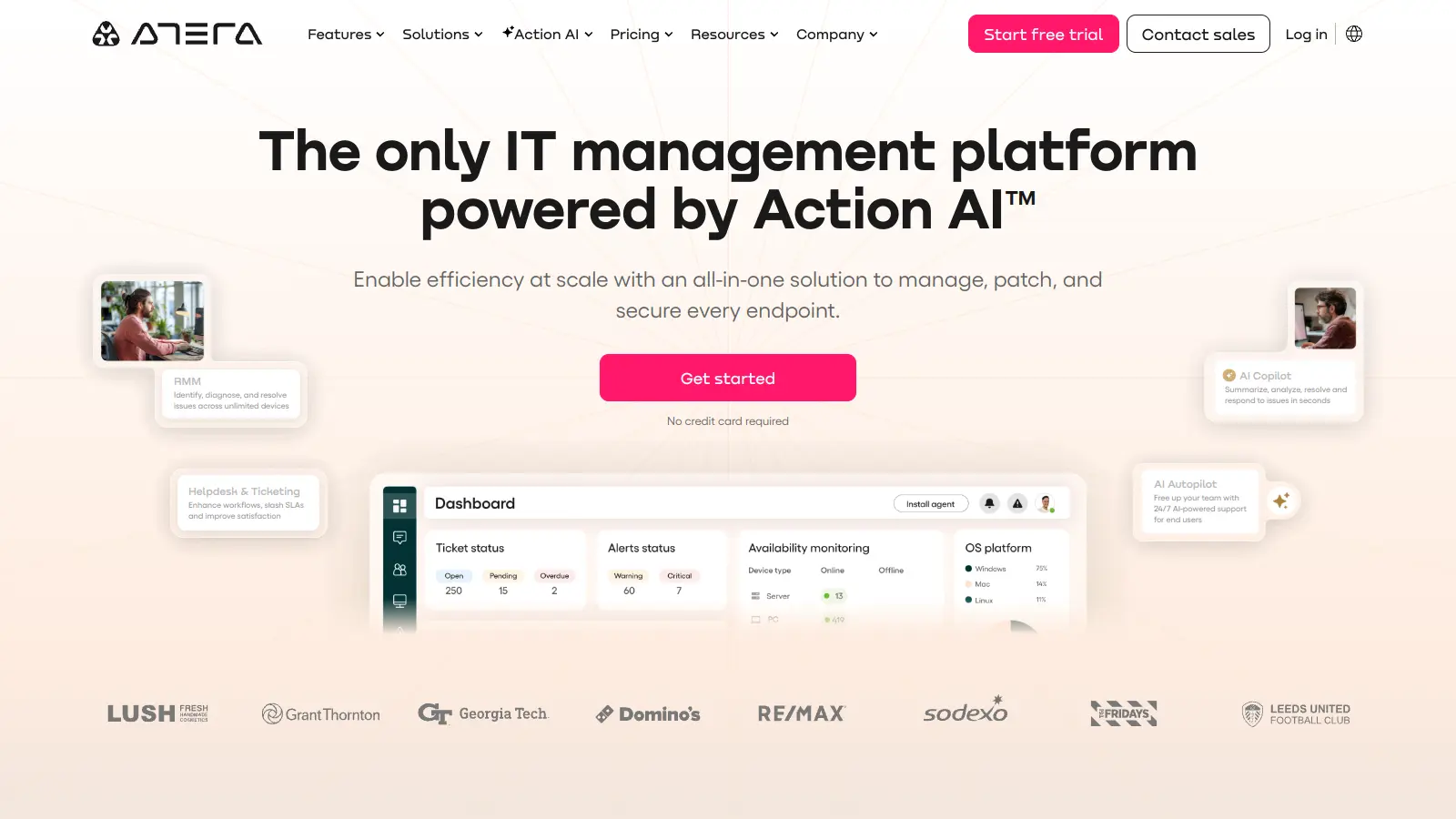
Atera is an all-in-one IT management platform powered by built-in AI agents that automates IT operations for IT departments and managed service providers (MSPs). It combines remote monitoring and management, patch management, helpdesk and ticketing, and IT automation with AI capabilities that autonomously resolve Tier 1 tickets and streamline routine tasks across unlimited devices with a pay-per-technician pricing model.

best deal

Start your 30-day free trial on all plans - manage unlimited devices with full AI automation features!

NinjaOne screenshot
online buzz18k
trend (1M)18%
3.8based on real user feedback, community sentiment, pricing value, and fit for target audience. see our full methodology

NinjaOne

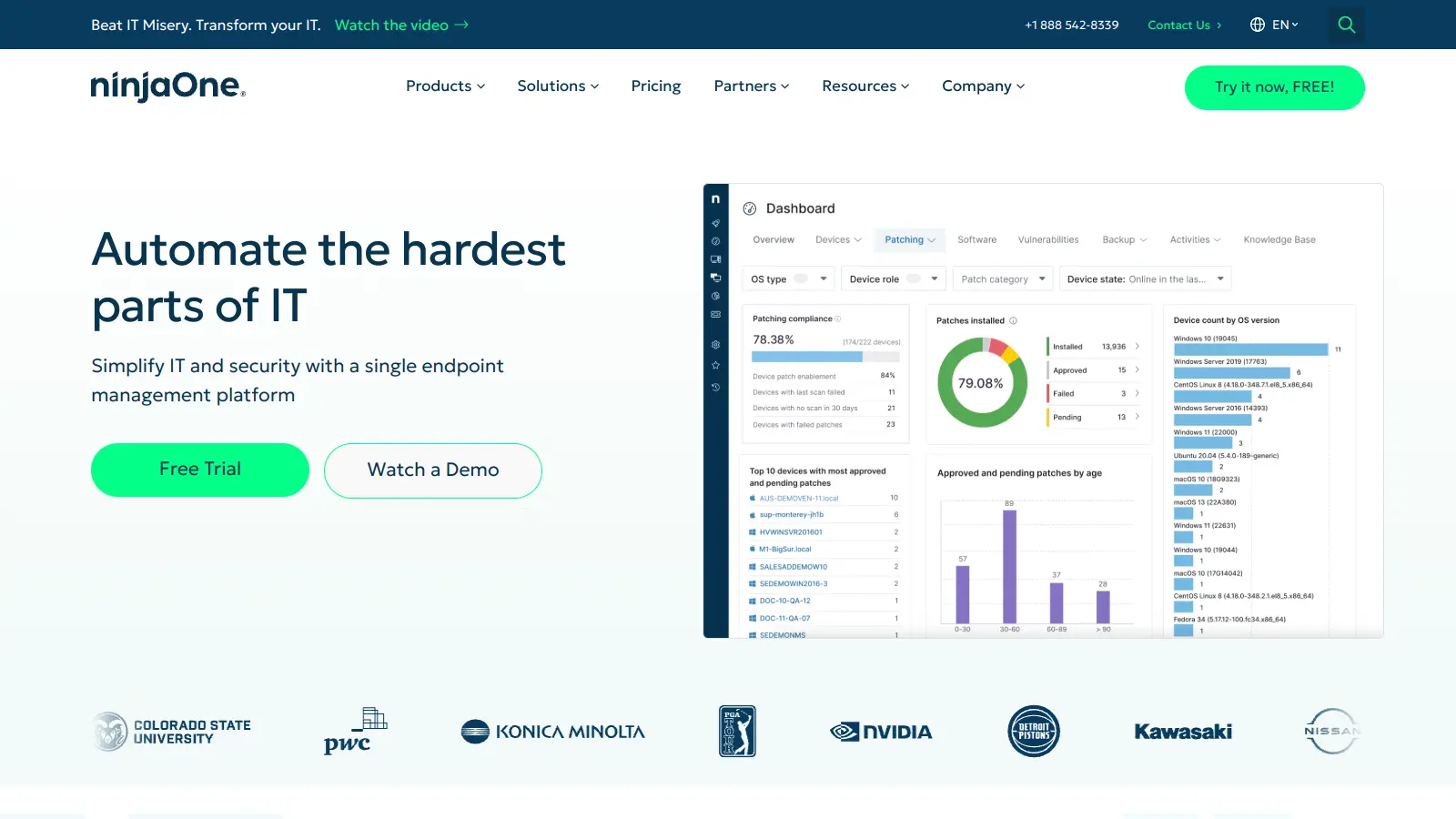
NinjaOne is a cloud-based IT management platform designed for managed service providers and IT professionals. It offers remote monitoring, patch management, asset tracking, and automation capabilities across multiple device platforms. The tool simplifies IT operations through an intuitive interface and works across organizations of different sizes.

best deal

Try NinjaOne free for 14 days with full features from just $1.50 per device

OpenDNS screenshot
online buzz9.9k
trend (1M)steady
3.0based on real user feedback, community sentiment, pricing value, and fit for target audience. see our full methodology

OpenDNS

OpenDNS is a DNS resolution service offering enhanced security, speed, and reliability. Acquired by Cisco in 2015, it provides features like phishing and malware protection, content filtering, and faster web browsing through anycast routing. Available for home and enterprise users, OpenDNS allows customizable network security and content blocking, making it a robust alternative to traditional ISP DNS services.

best deal

Try OpenDNS's free home service with content filtering and faster browsing today

Auvik screenshot
online buzz4.4k
trend (1M)steady
3.8based on real user feedback, community sentiment, pricing value, and fit for target audience. see our full methodology

Auvik

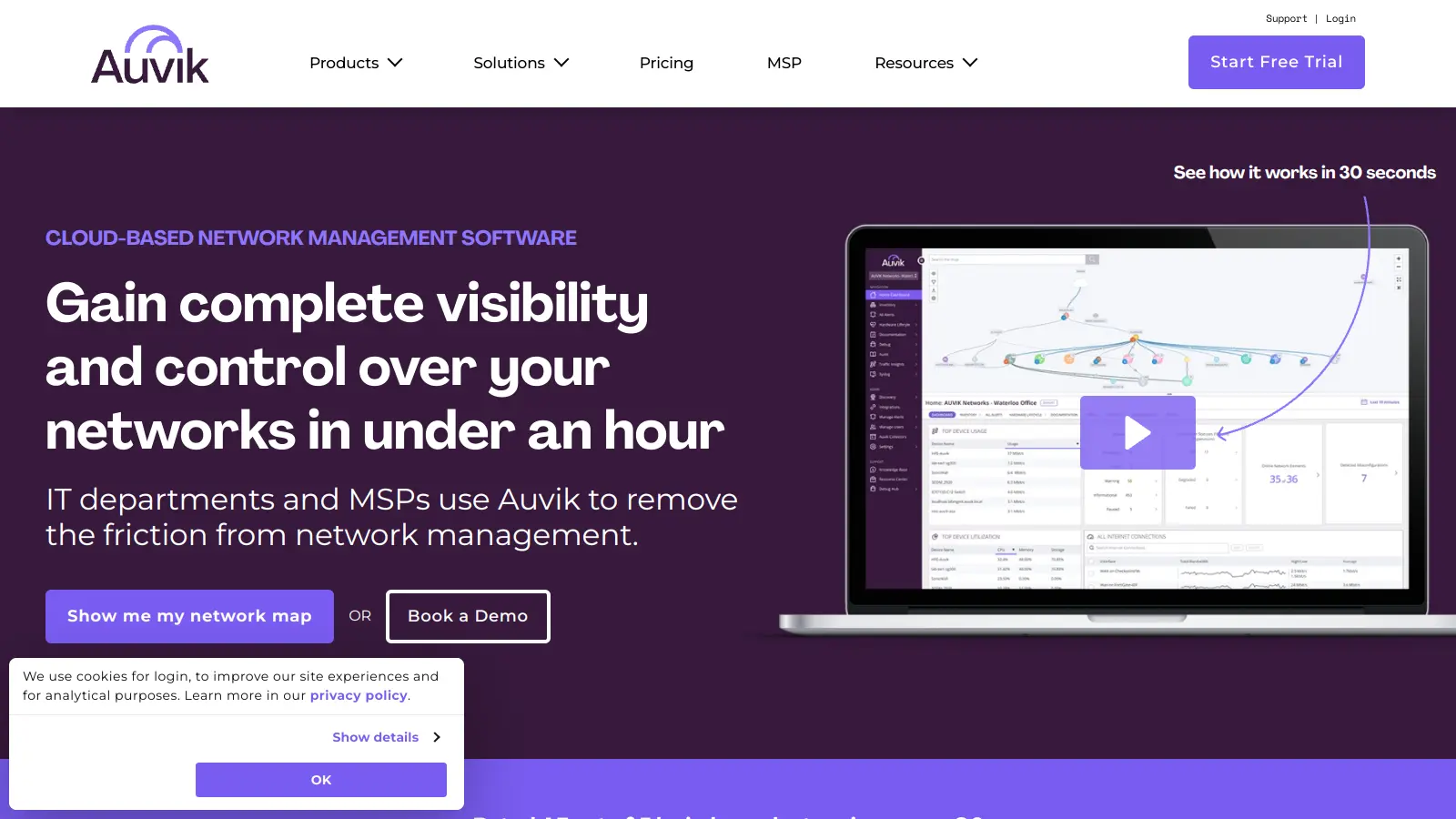
Auvik is a cloud-based network management software that provides real-time visibility and control for IT departments and Managed Service Providers. It offers automatic network discovery, real-time monitoring, configuration management, and remote troubleshooting capabilities. The platform supports over 700 vendors, provides 50+ pre-configured alerts, and allows secure remote access. Pricing is device-based with custom quotes depending on plan and volume, and a 14-day free trial is available.

best deal

Try Auvik's 14-day free trial with all features included, no credit card needed

Syncro screenshot
online buzz4.4k
trend (1M)steady
3.7based on real user feedback, community sentiment, pricing value, and fit for target audience. see our full methodology

Syncro

Syncro is a fully integrated IT management platform designed for Managed Service Providers (MSPs) and IT teams, combining Remote Monitoring & Management (RMM), Professional Services Automation (PSA), and Microsoft 365 management capabilities. It offers AI-powered automation for ticketing, endpoint management, scripting, patch management, secure remote access, and identity management with over 50 third-party integrations.

best deal

Start your free Syncro trial and explore unlimited RMM agents, AI-powered ticketing, scripting tools, and 50+ integrations with complete feature access