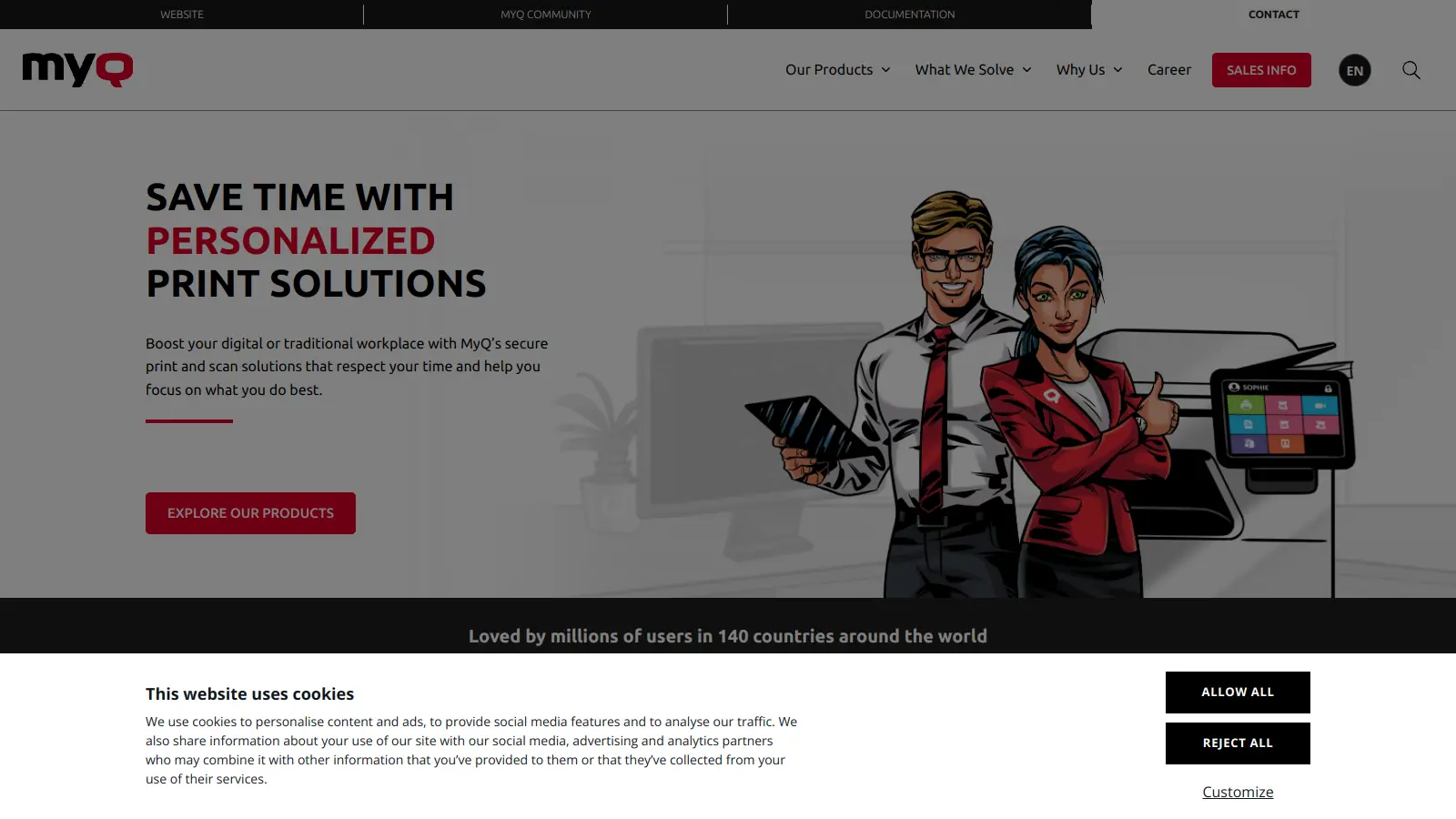
MyQ is a print and document management solution that works across offices, healthcare facilities, and educational institutions. It combines print, copy, scan, and document capture in one package, letting organizations use only the features they need now and add more later.
The system runs on Windows, Linux, and macOS, which matters if you're managing mixed IT environments. It monitors printing activities, adds security through user authentication, and cuts costs through smart device management.
Users can retrieve their print jobs from any connected device after verifying their identity, while administrators see printing patterns and costs in detail. The platform handles mobile printing and connects with cloud services like OneDrive and Google Drive. MyQ Roger, the cloud-based variant, integrates with HP Scan AI for document processing and classification. MyQ X works with embedded terminals that you can customize with company branding.
Founded in 2007, MyQ now serves enterprises managing large printer fleets, particularly in healthcare, education, and departments that process high volumes of hard-copy documents. Pricing varies based on deployment size and selected features, with options for both small businesses and large enterprises.
MyQ works for organizations that want control over their printing environment while reducing costs and tightening security.
Common adopters include healthcare organizations, schools and universities, financial services firms, and government agencies managing both physical and digital document workflows.
Users of MyQ's print management solution report that setup is straightforward once you get past the initial configuration, and the system reliably tracks print jobs and costs. Administrators like the reporting tools and the ability to set quotas and printing policies. Pull printing works as advertised, cutting down on wasted prints and improving document security in multi-user environments.
Complaints center on a few recurring problems. The interface feels dated compared to modern cloud software, and some users report that getting support can be slow, especially for smaller deployments. Initial setup can be complex if you have a mixed fleet of printers from different manufacturers. Pricing isn't transparent—you have to contact sales for quotes, which frustrates IT managers trying to budget. Some organizations find that the mobile app is clunky and less reliable than the desktop experience.
MyQ is a print and document management solution that helps businesses control and optimize their printing environment. It solves problems like wasted printing, lack of document security, and high printing costs. With MyQ, you can track who prints what, secure documents with user authentication, and set printing policies that save money and reduce waste. It works across different printer brands, operating systems, and office locations. MyQ also handles document capture, automated classification, and workflow digitization for departments processing high volumes of hard-copy documents.
Do I need special hardware to use MyQ?For basic MyQ features, you don't need special hardware—just install the software on your existing print server. For pull printing and other security features, you'll need card readers or embedded terminals on your printers. MyQ works with most modern multifunction printers from HP, Canon, Xerox, and Konica Minolta. The system is flexible, so you can start small and add hardware as your needs grow. MyQ X works with embedded terminals that can be customized with company branding.
How secure is MyQ for sensitive documents?MyQ offers pull printing, which holds documents on the server until you authenticate at any printer. This stops confidential papers from sitting in printer trays. The system tracks all print jobs to create an audit trail and supports user authentication through PINs, ID cards, or mobile phones. You can set access rules for different departments or user groups to control who can print what.
Can MyQ help us reduce printing costs?Yes. MyQ's reporting tools show you exactly where your money goes by tracking all printing activity. You can set printing rules like forcing duplex printing or directing large jobs to more efficient printers. MyQ's quota system lets you limit how much users can print, and the print preview feature helps avoid wasted prints. The AI-powered analytics show device usage patterns to help optimize your printer fleet. Customers typically report saving 10-30% on printing costs after implementing MyQ.
What's the difference between MyQ X and MyQ Roger?MyQ X is the on-premise solution that works with embedded terminals on your printing devices and can be customized with company branding. MyQ Roger is the cloud-based variant that requires minimal local infrastructure and integrates with HP Scan AI for document processing and automated classification. Both offer the core print management features, but Roger works better for organizations that want cloud deployment and AI-powered document processing, while MyQ X gives you more control with an on-premise setup.


Our newsletter comes with exclusive discounts, trials and practical insights from within the industry