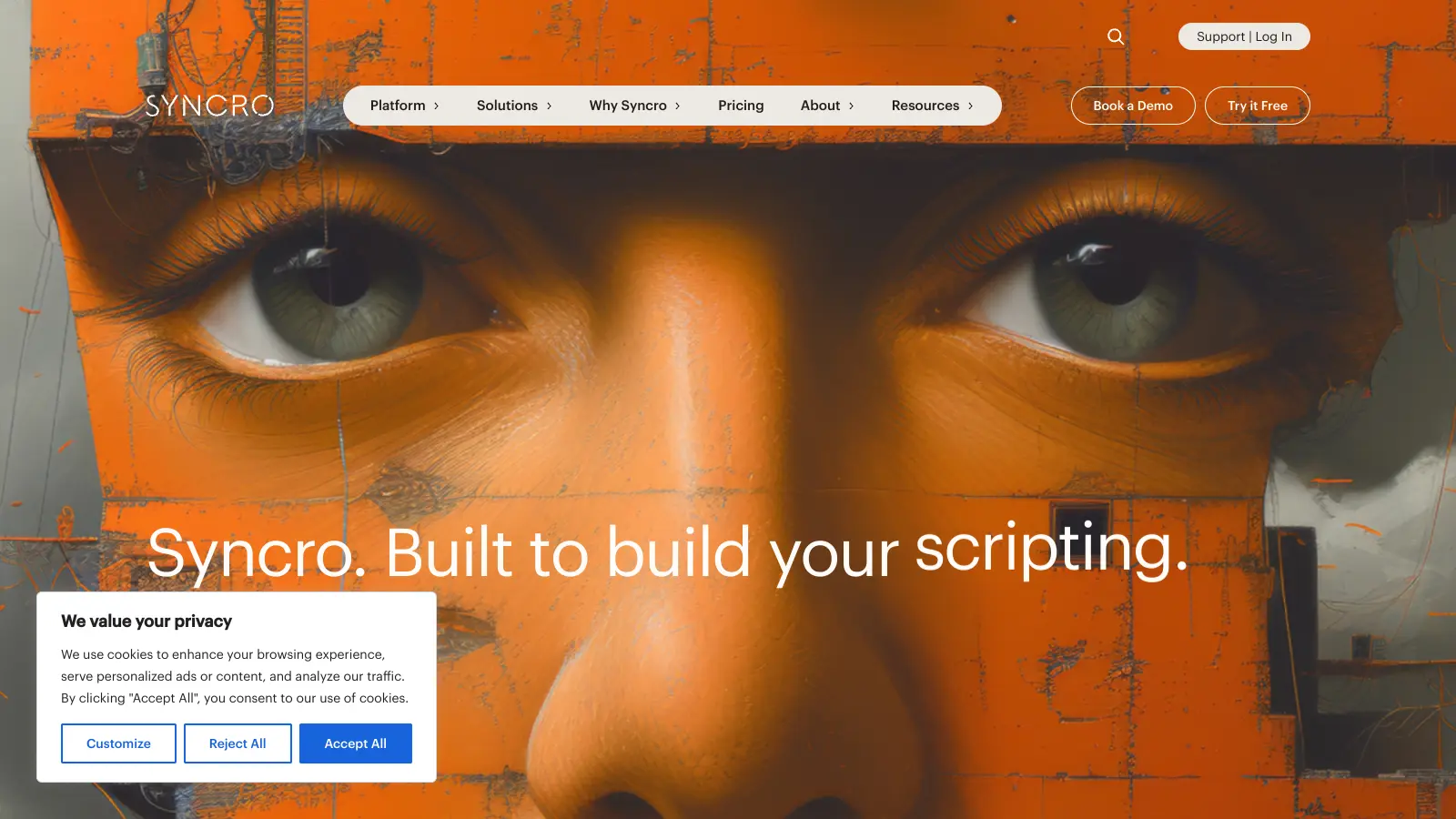
Syncro combines Remote Monitoring & Management (RMM), Professional Services Automation (PSA), and Microsoft 365 management into one platform tailored for Managed Service Providers (MSPs) and IT teams. This unified solution helps businesses manage their IT operations more efficiently while supporting growth and scalability.
The platform brings together endpoint monitoring, ticketing systems, and automation features in one place. Users can track unlimited endpoints, handle customer support tickets, and automate routine tasks without switching between multiple applications. The built-in scripting engine lets teams create custom solutions or use ready-made scripts to solve common IT problems.
AI-powered features help MSPs overcome talent shortages by automating ticket classification into 40-47 categories, providing guided resolution steps, and analyzing ticket sentiment. The platform offers smart ticket search for all users, while advanced AI capabilities like guided resolution and sentiment analysis are available on the Team plan.
Pricing starts at $139 per user monthly for the Core plan, which includes the main RMM and PSA features. The Team plan, at $189 per user monthly, adds advanced features like Entra ID sync and actions, security assessments, network discovery, and enhanced AI capabilities. Both plans offer annual discounts and come with a free trial.
Syncro works for IT professionals who manage multiple systems and want to consolidate their workflow. This all-in-one platform combines RMM, PSA, and Microsoft 365 management capabilities.
The platform serves technology service providers across managed service providers, IT consultants, and internal IT teams supporting small and medium businesses.
Small MSPs like that Syncro is affordable and includes remote access, automation, and client management without subscription bloat. The support team is responsive, and the mobile app handles on-the-go management well. The scripting and automation capabilities save technicians time. Many users note it costs less than ConnectWise.
Reporting features are basic and lack customization options that larger MSPs need. The patch management module has bugs. Performance slows down when managing large numbers of devices. The UI gets cluttered with too many options. Integration options with some accounting software are limited.
The Core plan starts at $139 per month per user ($129 annually) and includes the basic RMM & PSA integration, unlimited device agents for Windows & Mac, scripting, 50+ integrations, and automated remediation for RMM alerts. The Team plan costs $189 monthly per user ($179 annually) and adds Network Discovery, Enhanced Splashtop, Asset Warranty Tracking, Advanced Ticket Creation Automations & Assignments, Guided Ticket Resolution with AI, Scheduled Database Exports, Entra ID Sync and Actions, Security Baselines, and Security Assessments. Both plans include the core platform, but Team offers more enterprise-level capabilities and advanced AI features for larger MSPs.
Can I try Syncro before committing to a subscription?Yes, Syncro offers a free trial that gives you complete access to all features with no restrictions. There are no long-term contracts, so you can cancel anytime if it's not right for you. This lets you test how Syncro works with your specific business needs before making any financial commitment.
How does Syncro handle remote access to client computers?Syncro includes Splashtop for remote access at no extra cost. This integration lets you securely connect to client endpoints directly from the Syncro dashboard. You can remotely troubleshoot issues, run maintenance, and provide support without needing to be on-site. The Team plan includes Enhanced Splashtop features for more advanced remote access capabilities. This built-in solution saves you from having to purchase and manage a separate remote access tool.
Does Syncro work with both Windows and Mac devices?Yes, Syncro supports both Windows and Mac devices with unlimited agents. The platform offers monitoring, patch management, and remote access for both operating systems. The scripting engine works across platforms too, so you can automate tasks on either Windows or Mac computers. This cross-platform support is included in both pricing plans, making Syncro a flexible solution for managing diverse client environments.
How do Syncro's AI features work and which plan do I need?Syncro's AI features help automate ticket management and resolution. All users get access to smart ticket search, but the Team plan unlocks guided resolution steps and sentiment analysis. The AI automatically classifies tickets into 40-47 categories, analyzes ticket sentiment, displays similar tickets for context, and suggests remediation steps. You can enable or disable AI features in Admin > AI Preferences. The AI workflow automates everything from alert-to-ticket creation to classification and resolution suggestions, helping MSPs do more with smaller teams.


Our newsletter comes with exclusive discounts, trials and practical insights from within the industry