Project Management Software+2 more

Basecamp
best deal
Try Basecamp Pro Unlimited free for 60 days (no credit card required) or start with the free forever plan for 1 project
redeem now
Basecamp
best deal
Try Basecamp Pro Unlimited free for 60 days (no credit card required) or start with the free forever plan for 1 project
redeem nowWe start with direct ratings from our readers, then look at what real users are saying in practitioner forums and community spaces. We pair that with search demand data and profession-level persona analysis.
Editorial note: this was originally published in august of 2024
quick take
based on real user feedback, community sentiment, pricing value, and fit for target audience. see our full methodology
used Basecamp? we'd love to know your thoughts
reader ratings shape our score
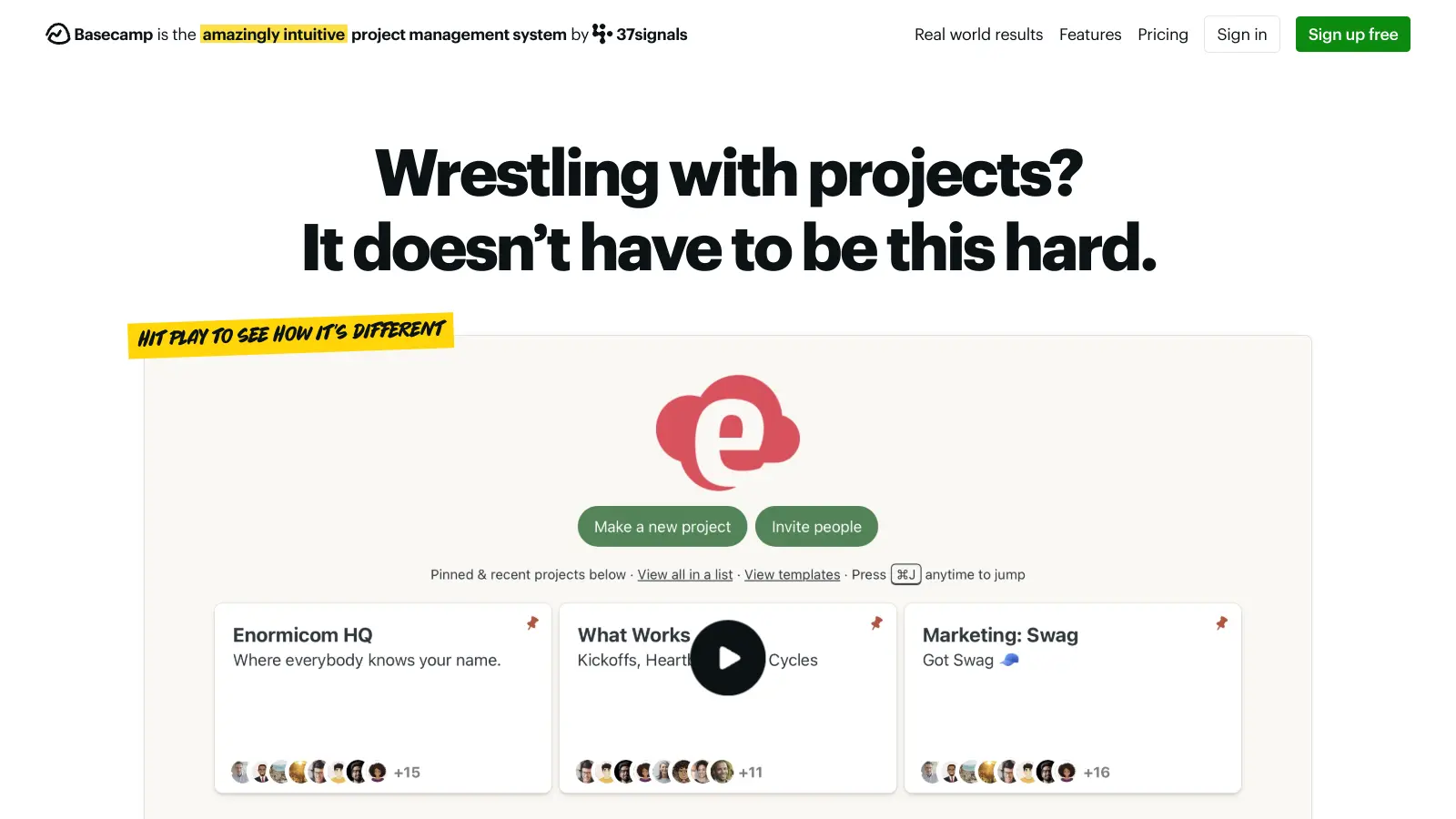
Basecamp is a project management and team communication tool that has been running continuously since 2004, which makes it one of the longest-lived products in its category. Small business owners and remote team managers tend to get the most out of it because the structure is deliberately simple: message boards, to-do lists, file storage, and group chat, all in one place, without configuration. The tradeoff is real: Basecamp does fewer things than tools like Asana or ClickUp, and what it doesn't do, including Gantt charts, custom fields, and deep integrations, it simply doesn't do at all.
Pricing starts free for one project, with Basecamp Plus at $15 per user per month for unlimited projects and 500 GB storage, and Basecamp Pro Unlimited at $299 a month flat (annual billing) for unlimited users. It runs in the browser and has iOS and Android apps, though the mobile experience is noticeably weaker than desktop. Try the 60-day Pro Unlimited trial with a real project before paying: if the team adopts it naturally in that window, it's a good fit. If people are still going back to email, a different tool won't fix that either.
monthly search interest
110k/mo now
Basecamp's search volume has been in a slow, steady decline since its peak in early 2022 and 2023, settling into a consistent 110,000-135,000 monthly range for most of the past two years. This is a mature tool with a loyal but non-growing audience: the hype has passed, and what you're seeing is the real, stable user base. That's actually useful information for someone deciding whether to adopt it: Basecamp isn't going anywhere, it's not chasing growth with feature bloat, and the product you trial today is the product you'll be using in three years.
Basecamp works quite differently depending on what you're trying to coordinate and how your team is set up. Pick your role below to see whether the tradeoffs actually work in your situation.
overall sentiment
select your role to see what people like you are saying
Small Business Owner
positiveIf you're running a small team and tired of paying per seat while half your staff barely touches the tool, Basecamp Pro Unlimited at $299 flat is genuinely hard to beat once you hit six or more people. Setup is fast, the team doesn't need training, and you've got messaging, files, and task tracking in one place. The 500 GB storage cap on Plus is the main thing to watch if you're in a file-heavy business.
strengths
concerns
Remote Team Manager
positiveBasecamp was built with async work in mind, and it shows: message boards keep conversations attached to projects rather than buried in email threads, and the task structure gives clear ownership without daily check-ins. The weak point is the mobile app, which means team members working primarily from phones will have a worse experience. If your team is on desktop most of the time, that's manageable.
strengths
concerns
Creative Agency Project Coordinator
mixedBasecamp's simplicity works fine for single-client projects or small creative teams, but it starts to break down when you're juggling multiple concurrent projects with tight deadlines. There are no timeline or Gantt views, file storage gets tight with large design assets, and there's no native connection to Figma or Adobe. Hill Charts give you a rough sense of progress, but they won't replace a proper timeline view for complex delivery schedules. Consider Teamwork or Productive if agency-specific project tracking is central to your workflow.
strengths
concerns
Non-Technical Team Member
positiveIf previous project management tools left you unsure where to post an update or find a file, Basecamp's layout will feel immediately obvious. Message boards, to-dos, and files all live in predictable places, and there's no configuration required before the team can start using it. The free tier is enough to test it with a real project before anyone commits to paying.
strengths
concerns
“Basecamp is one of the few tools that's genuinely better the less complex your work is.”
Community discussion around Basecamp tends to split cleanly along two lines: people who tried it, found it too simple, and switched to something like Asana or Linear, and people who tried those tools, found them overwhelming, and came back to Basecamp. The Digital Project Manager's review lands in the second camp, noting Basecamp works well for small businesses, creative teams, and marketing departments precisely because it doesn't try to do everything. The consistent praise across independent reviews centres on the flat pricing model (especially the Pro Unlimited at $299/month for unlimited users, which undercuts per-seat tools dramatically for growing teams), fast team adoption, and the async-first design that genuinely suits distributed work. The consistent criticism is equally consistent: no Gantt charts, weak mobile experience, file storage limits that frustrate anyone handling large design assets, and integrations thin enough that teams already using Figma, Slack, or HubSpot heavily will feel the friction immediately.
It depends which tier you're on. Basecamp Plus at $15 per user per month is only good value for very small teams, since the cost climbs fast. At five users, you're paying $75 a month for a tool without Gantt charts or advanced reporting. The real value is Basecamp Pro Unlimited at $299 a month flat, which makes sense the moment your team hits six or seven people. At ten users, you're paying less than a third of what you'd pay on most per-seat tools. Run the 60-day trial with a live project before committing.
Small business owners who want one tool instead of five, and remote team managers who need async-friendly communication without complex configuration. It's also workable for non-technical team members who've been burned by tools that require training just to find a file. Creative agency project coordinators can use it, but they'll feel the limits quickly once projects stack up.
There are no Gantt charts or timeline views, which makes managing overlapping deadlines genuinely awkward. File storage is capped at 500 GB on Plus, which sounds like plenty until a design team starts uploading assets. There's no support for custom fields, so you can't track creative-specific metadata like version numbers or approval status. The mobile app is weak enough that desktop access is effectively required. And third-party integrations are thin, meaning any team already deep in tools like Figma or HubSpot will be doing manual work to keep everything in sync.
Choose Basecamp if your team is small, values simplicity, and will actually adopt a tool that requires no training. Choose Asana if you need custom workflows, timeline views, or deeper reporting, and you're willing to spend time configuring it. Asana's per-seat pricing gets expensive fast (especially on Business tier), so if you're over eight people and your work is relatively straightforward, Basecamp Pro Unlimited will be cheaper and easier to maintain.
It might, if the reason your team ignores your current tool is that it's too complicated. Basecamp's flat structure, with message boards, to-dos, and file storage all in one obvious place, removes the excuse of 'I didn't know where to put it.' Non-technical team members tend to adopt it quickly. But if your team's resistance is more about culture than software complexity, no tool will solve that on its own.
toolsforhumans editorial team
Reader ratings and community feedback shape every score. Since 2022, ToolsForHumans has helped 600,000+ people find software that holds up after launch. how we research →
is this your tool?
claim your listing to update details, respond to our review, or upgrade to a featured partnership.
claim this listing →
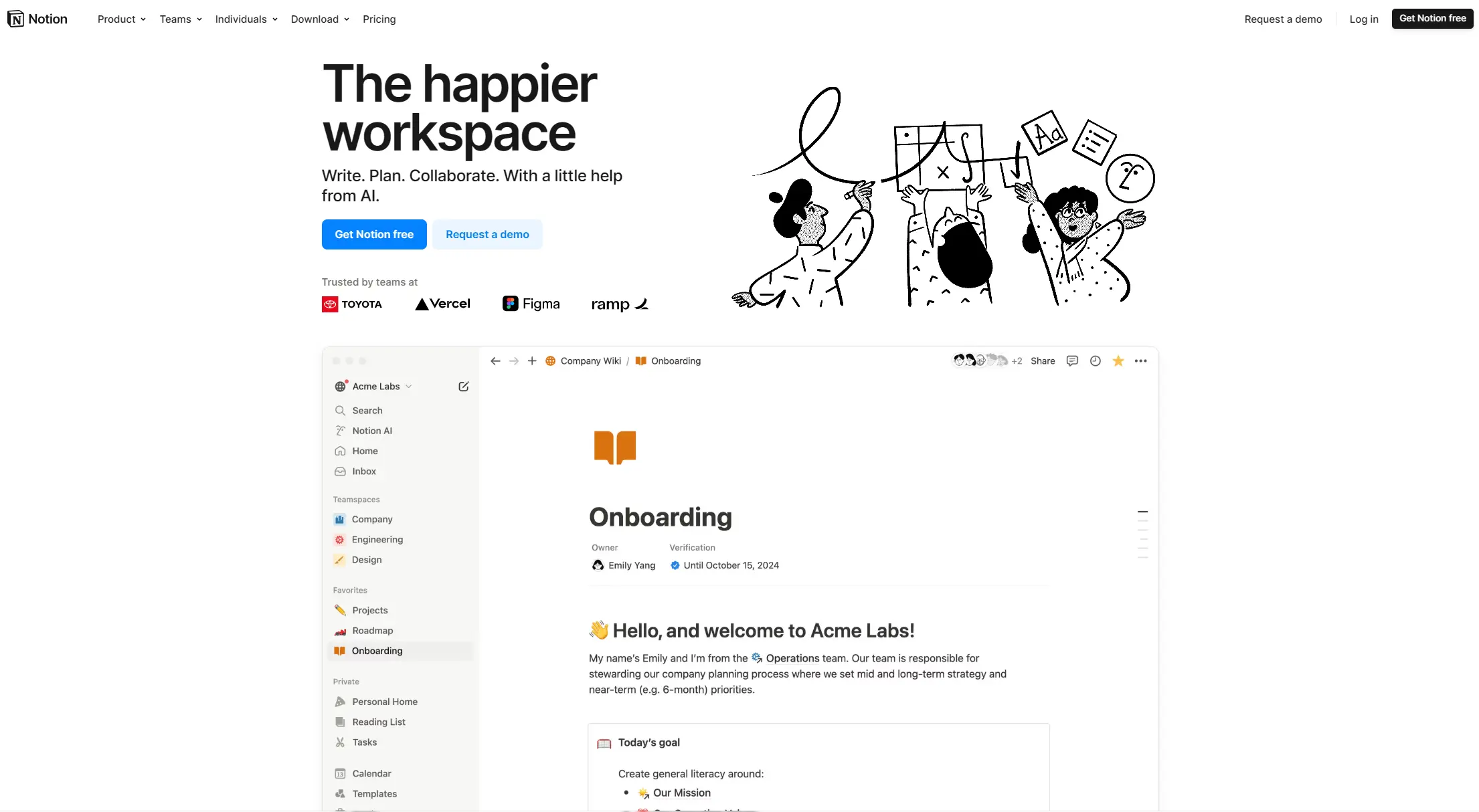
Notion is an all-in-one productivity platform for creating, organizing, and collaborating on notes, databases, wikis, tasks, and projects. Its block-based system allows for customizable workspaces with multiple views like tables, boards, and calendars. It includes AI assistance, collaboration features, and integrations with other tools.
best deal
Annual billing saves 20% across all paid plans—Plus starts at $8/month with unlimited blocks and file uploads

Asana is a web-based project management platform that enables teams to organize, track, and collaborate on work. It offers task management, multiple project views (lists, boards, timelines), AI features for automating workflows, communication tools, progress tracking, and integrations with over 200 apps. Available in free and paid plans, Asana supports teams of all sizes with flexible project visualization options.
best deal
Try Asana free with the Personal Plan for 1-2 users, or start a 30-day free trial of paid plans to test AI features and advanced workflows.

Polaris PSA is a professional services automation tool that helps service organizations manage projects, resources, and financials. It uses AI to capture real-time data, provide recommendations, and enable proactive decision-making. The platform includes automatic time tracking, resource matching, and integrations with Salesforce and 100+ work apps.
best deal
Free Trial Available for Polaris PSA

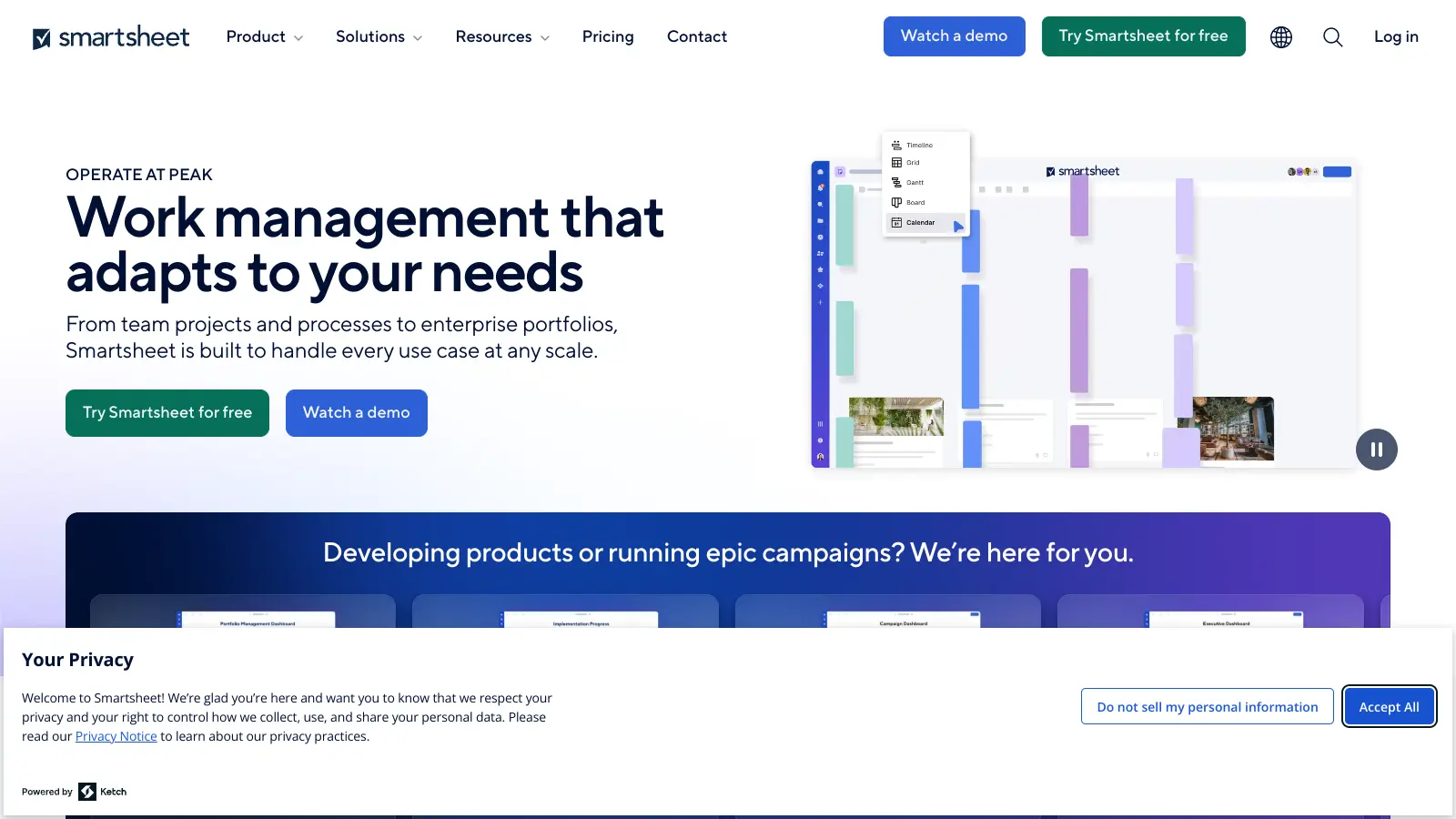
Smartsheet is a cloud-based work management platform with a spreadsheet-like interface designed to help teams collaborate, manage projects, and track workflows. It offers features like Gantt charts, real-time collaboration, workflow automation, AI-powered formula generation and data analysis, customizable reporting, and integrations with third-party tools. The platform provides scalable solutions for businesses of different sizes, from individual users to large enterprises, with pricing plans ranging from free to custom enterprise options.
best deal
Get a 30-day free trial to test all features before committing to a paid plan

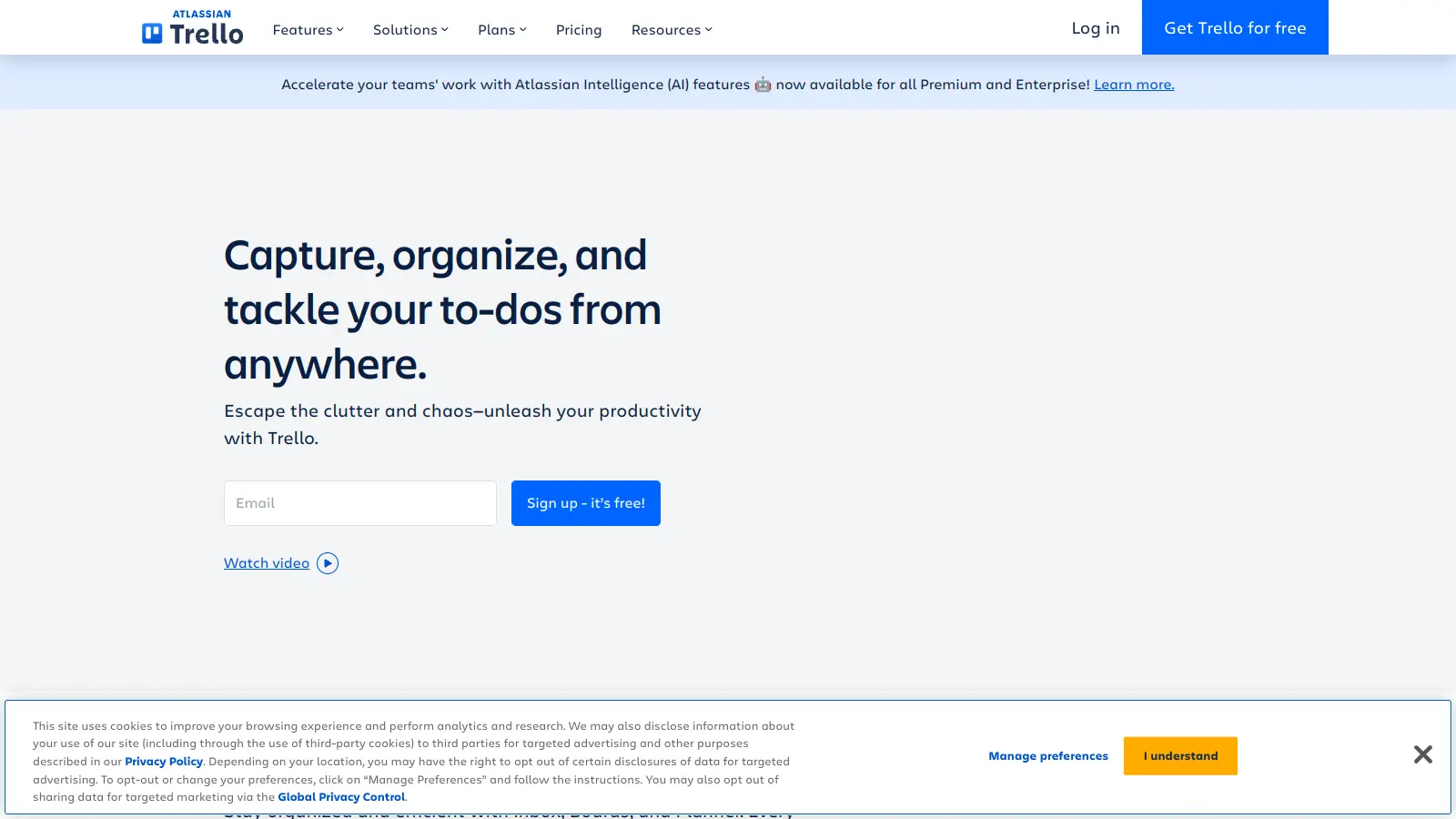
Trello is a project management tool that helps teams organize work using boards, lists, and cards. It enables users to track tasks, collaborate in real-time, and manage workflows visually. With features like task assignment, due dates, integrations, and AI-powered automation, Trello supports project management for teams of any size, from small startups to large enterprises.
best deal
Try Trello Free - Organize projects with unlimited cards, lists, and members across up to 10 boards per workspace

ClickUp is a comprehensive cloud-based project management platform that combines task management, collaboration tools, automation, and AI assistance in one workspace. It offers customizable features including multiple project views, document creation, time tracking, and AI-powered workflow automation across multiple pricing tiers, catering to teams of all sizes from freelancers to large enterprises.
best deal
Try ClickUp's Free Forever Plan with unlimited tasks and collaborative docs, or get a 14-day free trial on paid plans!