tools for
humans

MyCase reviews — what users really think

published 30 august 2024last updated 18 march 2026
how we review

we track global search demand across every software category, monitor what real users are saying online, identify which professions rely on each tool, and surface the questions people are actually asking. reviews are consistently updated and reviewed for reliability.

MyCase is a cloud-based law practice management software that helps solo practitioners and small to midsize law firms streamline their daily operations. The platform combines tools for case management, client communication, and business operations in one unified system.

At its core, the software offers features for managing client relationships, from initial intake through case completion. Law firms can handle documents, track billable hours, process payments, and communicate with clients through a secure portal. The platform includes MyCase IQ, a conversational AI interface that lets you ask questions about cases in plain English and get instant answers without digging through files.

The platform comes in three tiers: Basic, Pro, and Advanced, with prices starting at $39 per user monthly when billed annually. Each tier adds more sophisticated features, such as advanced document automation and unlimited 2-way texting. A free 10-day trial is available for firms wanting to test the software before committing.

Recent updates have brought AI-powered capabilities to MyCase, including document summarization, AI text editing, and workflow automation for tasks, events, and payments. The software also offers an immigration case management add-on powered by Docketwise. The platform maintains a focus on security and compliance while offering the flexibility of cloud access from any device.

who is MyCase for?

MyCase is built for small to midsize law firms seeking to streamline their practice management and client interactions. This cloud-based platform helps attorneys save time on administrative tasks while maintaining professional client relationships and secure document handling.

  • Solo Practitioners who need an all-in-one solution to handle multiple aspects of their practice without hiring additional staff
  • Small Law Firm Owners looking to improve efficiency with integrated billing, case management, and client communication tools
  • Legal Office Managers responsible for organizing firm operations and maintaining consistent document workflows
  • Immigration Attorneys who can use the specialized add-on with smart forms, USCIS tracking, and e-filing capabilities
  • Attorneys Seeking AI Tools to reduce administrative burden through document summarization and workflow automation
  • Tech-Savvy Legal Teams that prefer cloud-based accessibility for working remotely or across multiple locations
  • Firms with Limited IT Resources who benefit from a ready-to-use system that doesn't require technical expertise

MyCase is commonly used in family law, personal injury, immigration, estate planning, and general practice firms that prioritize organization and client service.

overall sentiment

select your role to see what people like you are saying

Solo Practitioner

mixed

Solo practitioners appreciate MyCase's all-in-one capabilities and ease of use, which eliminates the need to juggle multiple tools or hire staff. However, they're concerned about the cost relative to their revenue and worry whether the platform justifies the investment for a single-person operation.

strengths

  • Intuitive interface requires minimal training time
  • All-in-one solution eliminates need for multiple subscriptions
  • Client portal reduces administrative communication burden
  • Quick customer support response times

concerns

  • Pricing feels steep for solo operations with limited billing volume
  • Mobile app limitations force reliance on desktop for full functionality
  • Occasional bugs and slow loading times disrupt workflow efficiency

online reviews (last 6 months summarised)

Users say MyCase has an intuitive interface that legal professionals find easy to learn. The case management features, document storage, and client portals get praise, along with calendar and email integrations. Customer support responds quickly. Small to mid-sized law firms report improved workflow efficiency after adopting the platform.

Users report occasional bugs and slow loading times. Solo practitioners find the pricing steep compared to lighter alternatives. Some advanced users want more customization options than the platform currently offers. The mobile app doesn't have all the features available on desktop, which frustrates attorneys working on the go. Reporting tools could be more flexible and detailed.

features

  • AI Document Summarization: Get instant summaries of lengthy legal documents and use AI text editing to draft and revise content more quickly.
  • Conversational AI Interface: Ask questions about your cases in plain English and get instant answers without digging through folders and records.
  • Workflow Automation: Automate repetitive tasks, events, and payment processes to reduce administrative work.
  • Client Intake Forms: Customize legal intake forms for different practice areas to efficiently collect and manage client data.
  • Case Management: Track case details, deadlines, and workflows with tools that organize your law firm's operations.
  • Integrated Billing System: Generate professional invoices, track billable hours, and collect payments securely with legal accounting features including IOLTA compliance and bank reconciliation.
  • Secure Client Portal and 2-Way Texting: Share messages, documents, and upcoming tasks with clients through a protected online platform with unlimited texting on Pro plans and above.
  • Immigration Add-On: Access specialized tools powered by Docketwise including smart forms, USCIS case tracking, e-filing capabilities, and priority date tracking.

pricing

  • Free 10-day trial available with no credit card required, allowing users to test the software before committing.
  • Basic Plan costs $39 per user monthly when billed annually, offering case and contact management, task management, client portal, time entry and expense tracking, billing and online payments, legal calendaring, and unlimited document storage.
  • Pro Plan priced at $89 per user monthly when billed annually, including everything in Basic plus custom fields, unlimited 2-way texting, client intake management, unlimited eSignature, advanced billing and invoicing, secure document sharing via portal, and integrations with Google, Outlook, and more.
  • Advanced Plan includes everything in Basic and Pro plus sync files to your desktop with MyCase Drive and additional advanced automation tools and reporting capabilities. Pricing varies by firm size and needs.

frequently asked questions

What is MyCase's AI Conversational Interface?

MyCase's AI Conversational Interface, called MyCase IQ, lets you ask questions about your cases in plain English. You can simply type questions like "When is my Smith case deadline?" or "Show me all overdue invoices" and get instant answers. It works right within your case files, saving you from digging through folders and records. The system understands natural language, so you don't need to learn special commands or search terms.

How does MyCase's legal accounting module work?

The accounting module in MyCase handles many tasks that firms used to do manually. It includes IOLTA compliance features, bank reconciliation, and the ability to track expenses and billable hours. The system links directly to your case management data, so you won't need to enter the same information twice or switch between different programs to manage your firm's finances. You can generate invoices, process online payments, and maintain accurate financial records all in one place.

What's included in the Immigration Add-On for MyCase?

The Immigration Add-On, powered by Docketwise, brings specialized tools right into your MyCase dashboard. It includes Smart Forms that update across documents, USCIS case tracking so you always know where client applications stand, e-filing capabilities to submit forms directly, and priority date tracking. This means immigration attorneys can handle everything in one system instead of jumping between different platforms or doing paperwork manually.

Can I try MyCase before committing to a subscription?

Yes, MyCase offers a 10-day free trial with no credit card required. This gives you time to test all the features and see if it fits your practice's needs. During the trial, you can access the full platform including client management, document storage, and billing tools. Many attorneys find this helpful for checking if the interface feels intuitive and works well with their team before making a purchase decision.

What devices can I use to access MyCase?

You can access MyCase from anywhere since it's cloud-based. Use it on your desktop at the office, your laptop from home, or your tablet and smartphone when you're in court or traveling. The system works with both Mac and PC computers as well as iOS and Android mobile devices. This flexibility means you can check case updates, respond to clients, or track time even when you're away from your desk.

other tools to check out

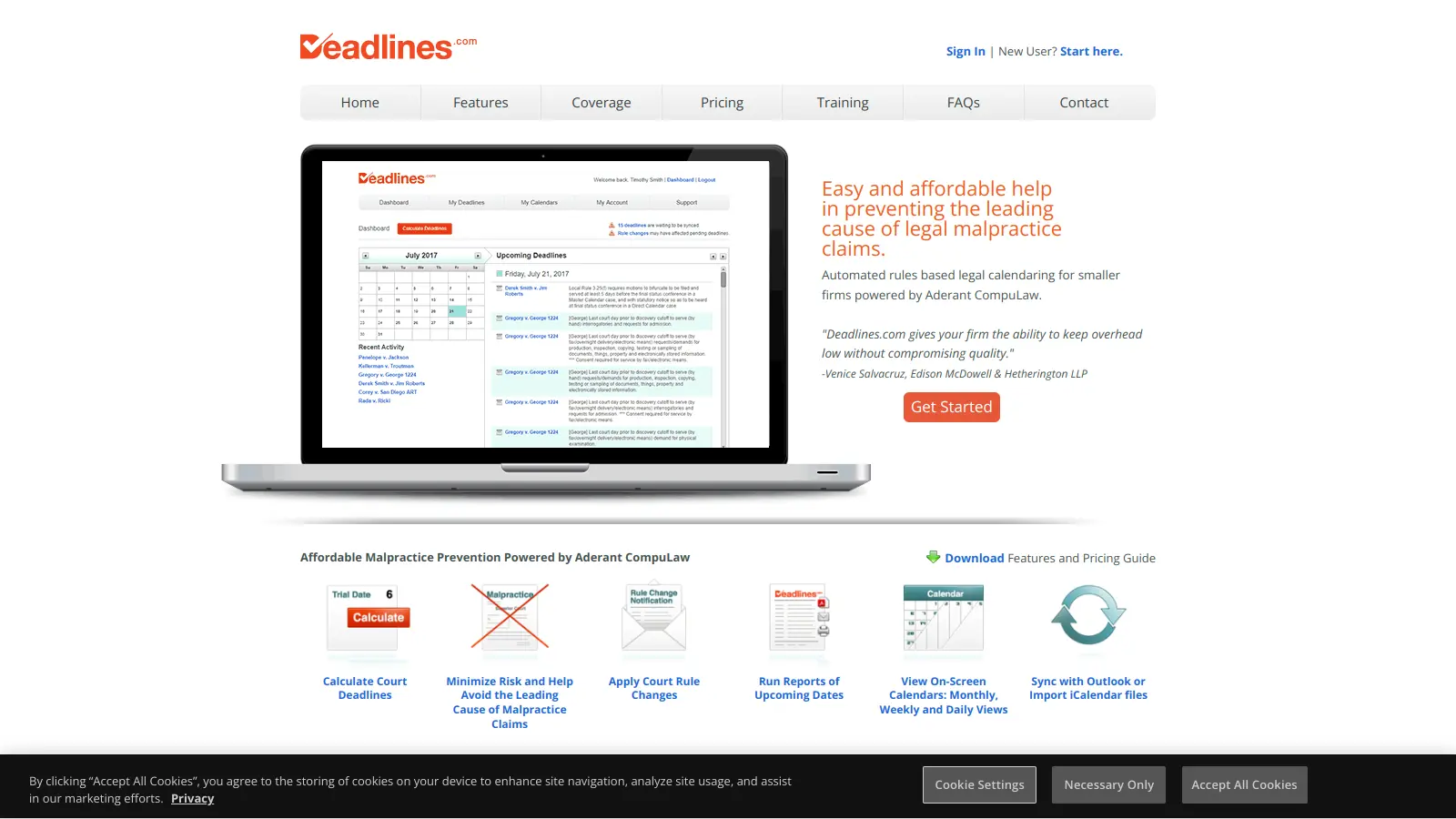
Deadlines screenshot
online buzz100k+ Searches
trend (1M)3%

Deadlines

Deadlines.com is a legal calendaring tool powered by Aderant CompuLaw that helps law firms manage court deadlines and rules effectively. It offers features like automated deadline calculation, court rule change notifications, reporting, mobile access, and calendar sync capabilities. Designed for firms of all sizes, it reduces malpractice risks, ensures court rule compliance, and provides an affordable solution for tracking critical legal dates.

best deal

Try Deadlines starting at $15 per case per month to avoid missed legal deadlines

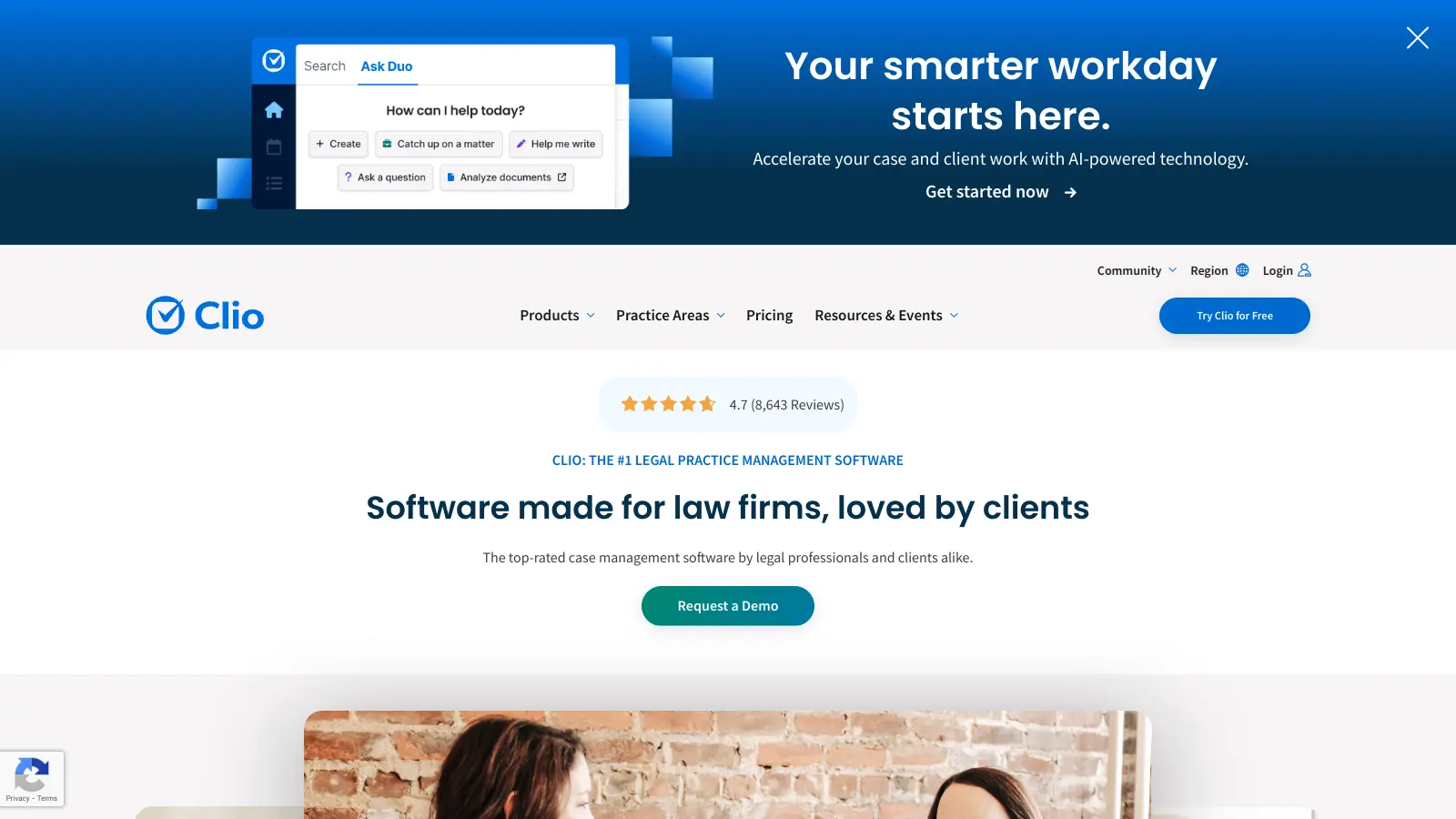
Clio screenshot
online buzz100k+ Searches
trend (1M)2%

Clio

Clio is a cloud-based legal practice management software that streamlines law firm operations. It offers features for case management, billing, document automation, client intake, and collaboration. The platform provides AI tools like Clio Duo for automating tasks, tracking finances, engaging clients, managing documents, and integrating with other software.

best deal

Get 15% bundle savings and try Clio free before committing to a plan

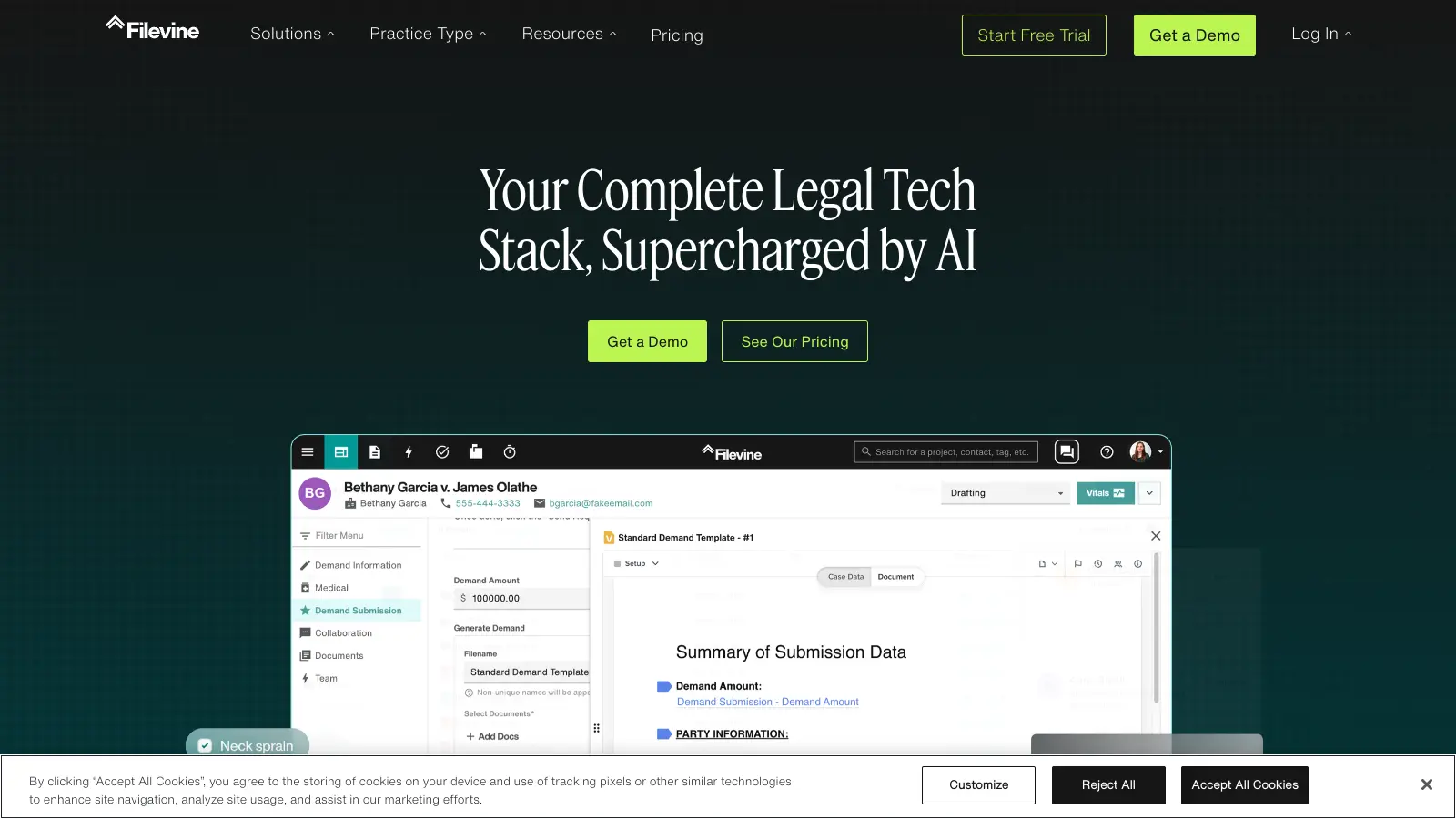
Filevine screenshot
online buzz10k+ Searches
trend (1M)50%

Filevine

Filevine is an AI-powered legal management platform designed for case, matter, and project management. It automates case workflows, analyzes and summarizes documents, manages depositions, and ensures compliance for law firms. The platform features customizable solutions with document management, AI-driven document review and drafting, secure client communication, integrations, and advanced reporting tools.

best deal

Free trial available — test Filevine's AI-powered legal management platform before you commit

Harvey AI screenshot
online buzz10k+ Searches
trend (1M)90%

Harvey AI

Harvey AI is an AI platform built for legal professionals, offering AI-powered legal research, contract analysis, document drafting, and clause extraction. Trained on legal datasets, it helps lawyers automate complex workflows, enhance research capabilities, and improve efficiency across multiple practice areas.

best deal

Join the waitlist to explore Harvey AI's legal solutions starting at approximately $500 per lawyer annually

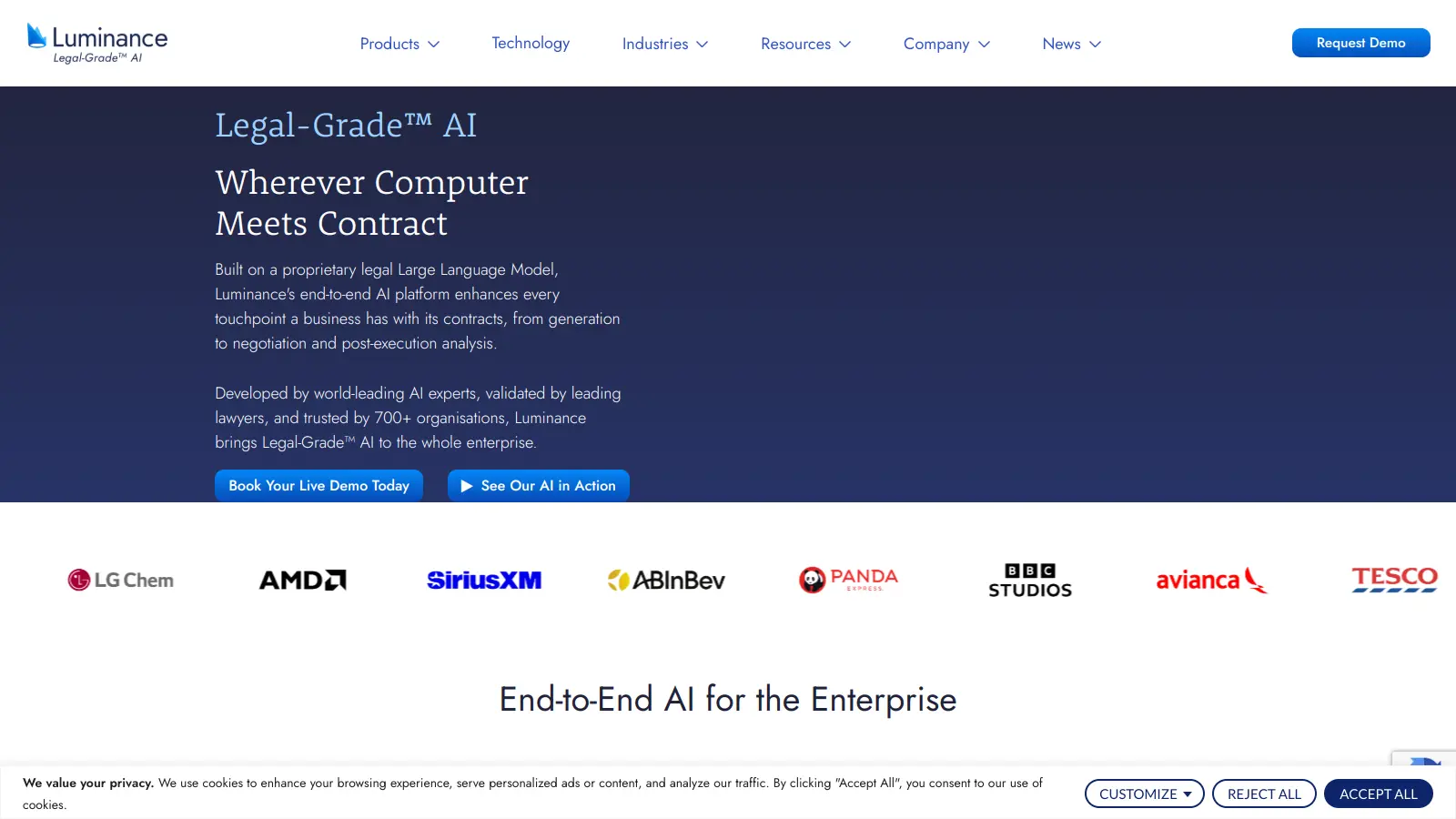
Luminance screenshot
online buzz10k+ Searches
trend (1M)-7%

Luminance

Luminance is an AI-powered legal technology platform that automates contract management, review, drafting, and negotiation using its proprietary Large Language Model. Founded in 2015 by Cambridge mathematicians, it serves over 1,000 organizations worldwide including law firms, corporate legal teams, and global consultancies. The platform offers deep document analysis, integration with Microsoft Word, and AI-driven features that reduce contract processing time while ensuring compliance and data security.

best deal

Get Your Personalized Luminance Quote And See How AI Legal Tools Can Transform Your Contract Management

LawPay screenshot
online buzz10k+ Searches
trend (1M)0%

LawPay

LawPay is a specialized payment management software designed for law firms, offering secure credit card and eCheck processing, comprehensive billing and invoicing tools, detailed financial reporting, and seamless integration with legal software. It ensures compliance with legal standards, provides PCI Level 1 security, and helps law firms manage their financial operations efficiently, supporting over 55,000 firms nationwide.

best deal

Start accepting secure legal payments for just $19/month with LawPay