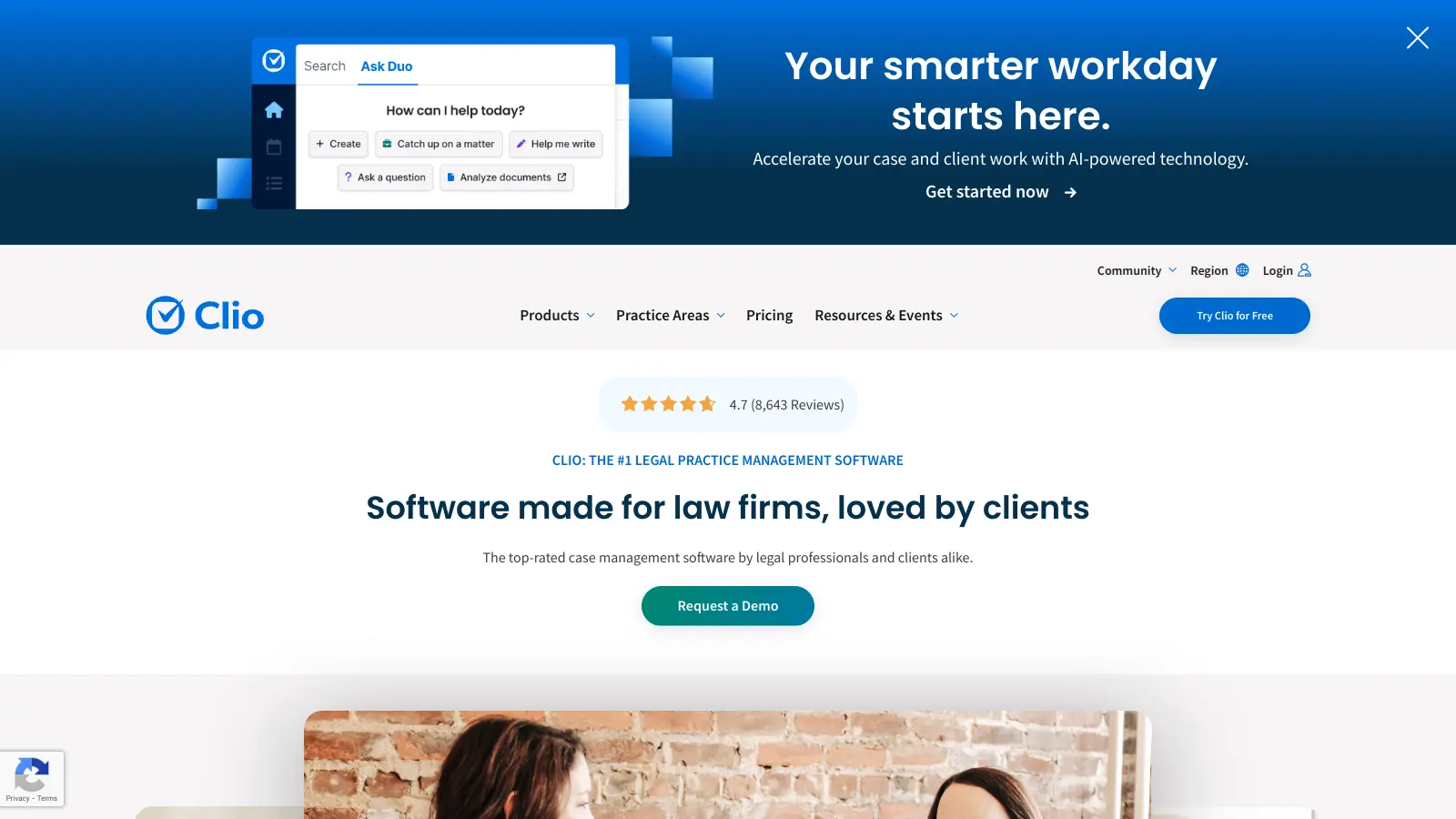
Clio is a cloud-based legal practice management software that helps law firms handle their daily operations more efficiently. The platform brings together essential tools for case management, billing, document handling, and client communications in one central hub.
Law firms can manage everything from client intake to final billing through the system's feature set. The software includes tools for tracking billable hours, managing documents, scheduling appointments, and processing online payments. A secure client portal lets attorneys share case details and documents with their clients safely.
The platform integrates with other legal software tools and includes AI capabilities through Clio Duo, Manage AI, and Clio Work to help automate routine tasks. These AI features can generate matter summaries, extract deadlines to calendar events, draft client communications, and prioritize tasks. For firms concerned about reliability, Clio maintains a 99.9% uptime guarantee and provides security measures to protect sensitive client data.
Pricing starts at $49 per user monthly for the EasyStart plan, with more advanced features available in higher-tier packages. The software serves solo practitioners and small firms across different practice areas including client intake, CRM, time tracking, and document management.
Clio works for legal professionals who need to manage cases, billing, and client communications in one system:
From family law attorneys and estate planners to personal injury lawyers, Clio serves legal professionals across virtually all practice areas who want to spend less time on administration and more time practicing law.
Clio receives praise for its legal practice management features and integration with other legal software tools. Users appreciate the intuitive interface for time tracking and billing, helpful customer support and training resources, and document management capabilities. The cloud-based platform is considered reliable, and the mobile app access makes it convenient for on-the-go case management. Many solo practitioners and small law firms find it well-suited to their needs, with good reporting and analytics features.
The pricing is high compared to competitors. New users face a steep learning curve. Limited customization options for workflows. The software can be resource-intensive on older computers. Occasional sync issues between devices frustrate some attorneys. Integration gaps with certain third-party applications remain a problem. Lower-tier pricing plans have limited features. Customer support response times can be slow during peak hours. Some modules have an outdated UI compared to newer competitors.
Clio offers four main plans: EasyStart ($49/user/month), Essentials ($89/user/month), Advanced ($129/user/month), and Elite ($159/user/month). Each plan builds on the previous one with more features. The Advanced plan includes Clio Grow for client intake, while the Elite plan adds the AI assistant Clio Duo. There are also payment processing fees: 1% for eCheck payments and 2.95% for credit cards (3.5% for AMEX). Bundle savings of 15% are available, and some bar associations offer member discounts. Most people find it worth checking if your bar association offers these discounts before signing up.
Is Clio good for solo practitioners?It depends on your needs and budget. Solos can benefit from Clio's all-in-one approach to case management, billing, and client communication. However, some solo attorneys find the cost high compared to simpler alternatives. The EasyStart plan at $49/month might work for basic needs, but you'll miss features like client portal and document automation. The best approach is trying their free trial to see if the efficiency gains justify the cost for your practice. Some solos report that Clio pays for itself by catching billable hours they'd otherwise miss.
What is Clio Duo and how does it work?Clio Duo is an AI assistant included in the Elite plan that automates routine legal tasks. You can access it through a chatbot-like interface by clicking the 'D' button on your dashboard and asking questions in plain language. It generates matter summaries, analyzes documents, extracts deadlines and adds them to your calendar, drafts client communications and motions, prioritizes tasks, and makes proactive recommendations. The AI processes your firm data to help with scheduling, planning, communication, organization, and billing workflows. It can also match matters to emails and suggest file organization. The goal is to save time on administrative work so you can focus on practicing law.
What's the difference between Clio Manage and Clio Grow?Clio Manage is the main practice management system that handles cases, billing, documents, calendars, and time tracking. It's what most people mean when they say "Clio." Clio Grow focuses specifically on client intake, lead management, and marketing. It helps you track potential clients, automate follow-ups, create intake forms, and manage consultations. While Manage works with existing clients, Grow helps you get new ones. You can use either separately, but they work best together. Clio Grow is included in the Advanced and Elite plans, so the integration means client information flows from initial contact to becoming a case.
How does Clio integrate with accounting software?Clio integrates with QuickBooks starting at the Essentials plan and above. This sync lets you push financial data from Clio to your accounting software without manual entry, which saves time and reduces errors. The integration handles invoices, payments, expenses, and trust account transactions. Many firms find this connection valuable for keeping their books accurate and reducing duplicate data entry. If you use a different accounting system, you'll want to check if Clio supports it, as some users report integration gaps with certain third-party applications. The free trial is a good time to test your specific accounting setup.


Our newsletter comes with exclusive discounts, trials and practical insights from within the industry