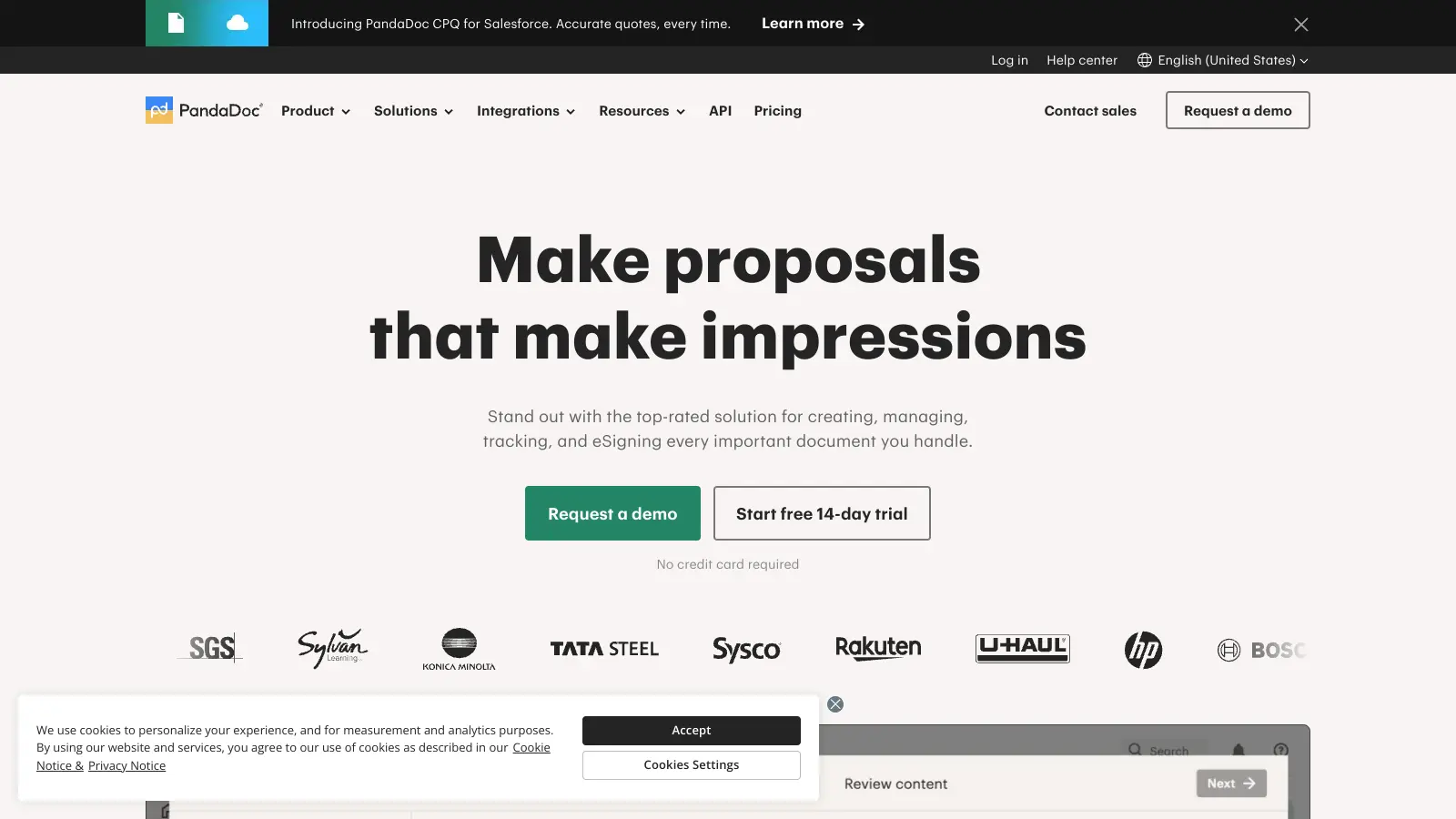
PandaDoc helps businesses streamline their document workflows through a cloud-based platform that combines document creation, electronic signatures, and real-time tracking. The software serves companies worldwide, focusing on small to mid-sized businesses that need to automate their documentation processes.
At its core, the platform offers a block-based document builder with drag-and-drop editing tools. Users can create, send, and track business documents such as proposals, contracts, quotes, and invoices. The built-in electronic signature feature includes identity verification and signing certificates, and the platform meets major compliance standards like HIPAA, GDPR, and SOC 2 Type II certification with end-to-end encryption.
Integration capabilities allow PandaDoc to work with popular business tools and CRMs like Salesforce and HubSpot, as well as ERP, payment, and cloud storage systems. The software includes features for payment processing, team collaboration, AI-powered redlining, and analytics to help teams understand how recipients interact with their documents. You can send documents for signature via email, link, or SMS.
The platform offers several pricing tiers, from a free eSign plan for basic needs to more comprehensive packages for larger organizations. While the free version provides essential signature capabilities with unlimited seats, paid plans start at $9 per month and include features such as custom branding, workflow automation, CPQ functionality, and bulk sending capabilities.
PandaDoc works for business professionals and teams who need to streamline document workflows while maintaining compliance and professionalism. The platform can save users hours each week by automating document creation, tracking, and signature collection.
The platform is used across hundreds of industries including real estate, financial services, technology companies, and professional services firms where document efficiency directly impacts revenue and client relationships.
Users appreciate PandaDoc's document automation capabilities and ease of use. The template library is helpful, the integration options are strong, and the interface is clean and intuitive. The mobile app works well for signing documents on the go, and many users report it's affordable compared to competitors. Customer support and documentation get positive mentions, and small businesses and freelancers appreciate how it streamlines their workflows.
The learning curve for advanced features is steep. Pricing feels expensive at higher tiers. Limited customization options frustrate some users. Performance issues crop up during peak usage times. Integrations have occasional bugs. Customer support response times are sometimes slow. PDF export quality has issues. The onboarding process could be simpler. Some users find it overkill if they only need basic document signing. Template options are limited in certain industries.
PandaDoc supports proposals, quotes, contracts, agreements, statements of work, invoices, and forms. The platform lets you build documents from scratch or use templates from their library. Many users rely on it for sales documents, but it works just as well for HR paperwork, legal contracts, and client onboarding materials.
Are PandaDoc's electronic signatures legally binding?Yes, PandaDoc's electronic signatures are legally binding and comply with major regulations including E-SIGN, UETA, GDPR, and HIPAA. The platform includes identity verification, signing certificates, and records all signature activity with audit trails that track when documents were opened, viewed, and signed. This makes PandaDoc signatures valid for most business and legal purposes in the US and internationally.
Can I integrate PandaDoc with my existing business tools?PandaDoc connects with CRM platforms like Salesforce, HubSpot, and Pipedrive. You'll also find connections to payment systems like Stripe and PayPal, plus tools like Google Workspace, Microsoft 365, Slack, and Zapier. The platform also integrates with ERP and cloud storage systems. These integrations help you pull contact data into documents automatically and keep your workflow smooth without switching between apps.
How does the document tracking feature work?The tracking feature shows you exactly what happens with your documents in real time. You can see when recipients open your document, which pages they view, how long they spend on each section, and when they sign. The system also sends you alerts for these activities. The analytics dashboard provides insights into document performance. This helps you follow up at the right time and understand which parts of your documents get the most attention or might need clarity.
How does PandaDoc compare to DocuSign or HelloSign?PandaDoc focuses more on document creation and automation before the signature stage, while DocuSign specializes primarily in electronic signatures. PandaDoc includes a rich document editor, templates, pricing tables, and CPQ functionality that make it stronger for sales proposals and quotes. It's generally more affordable for small businesses. DocuSign has broader international compliance and a larger user base. HelloSign offers simpler, more basic eSignature features at lower price points but lacks PandaDoc's document building and automation tools.


Our newsletter comes with exclusive discounts, trials and practical insights from within the industry