Best DocuSign Alternatives in 2026: For Every Budget
7 alternatives reviewedlast reviewed 5 april 2026
Editorial note:this was originally published in april of 2026
DocuSign is the default choice for e-signatures, but it's expensive for what it does, especially if you're on a small team or just need basic document signing. The Personal plan starts at $15/month for a single user with a 5-envelope-per-month cap. That's a real limitation for anyone sending contracts regularly.
This page covers 7 alternatives across the pricing spectrum, from genuinely free open-source tools to full contract lifecycle platforms. Each pick is evaluated on signing workflow, audit trail quality, template support, integrations, and where DocuSign still has an edge.
Whether you're a freelancer looking to cut costs, a small business wanting more features at the same price, or an enterprise team rethinking your contract stack, there's a concrete recommendation here.
We collect first-hand reviews from people who use these tools every day — what works, what doesn't, whether it's worth paying for. We research pricing, features, and comparisons so that feedback has real context behind it. For this guide, we prioritised tools with verifiable pricing, clear audit trail capabilities, and genuine viability as a DocuSign replacement for at least one defined user type. Read our full research methodology.
looking for a docusign alternative?
tell us what you're considering and why — it helps others in the same position.
What is DocuSign?
DocuSign is an electronic signature platform that lets individuals and businesses send, sign, and manage documents digitally. It's used across real estate, legal, HR, finance, and sales to replace wet signatures on contracts, NDAs, offer letters, and compliance forms.
The platform handles signature collection, audit trails, signer authentication, and document storage. Enterprise plans include more advanced features like conditional routing, Salesforce integration, and bulk sending.
People look for alternatives for a few specific reasons: the entry-level plan limits you to 5 envelopes per month, pricing jumps significantly for multi-user plans, the interface feels dated compared to newer tools, and some users want an open-source or self-hostable option for data privacy compliance.
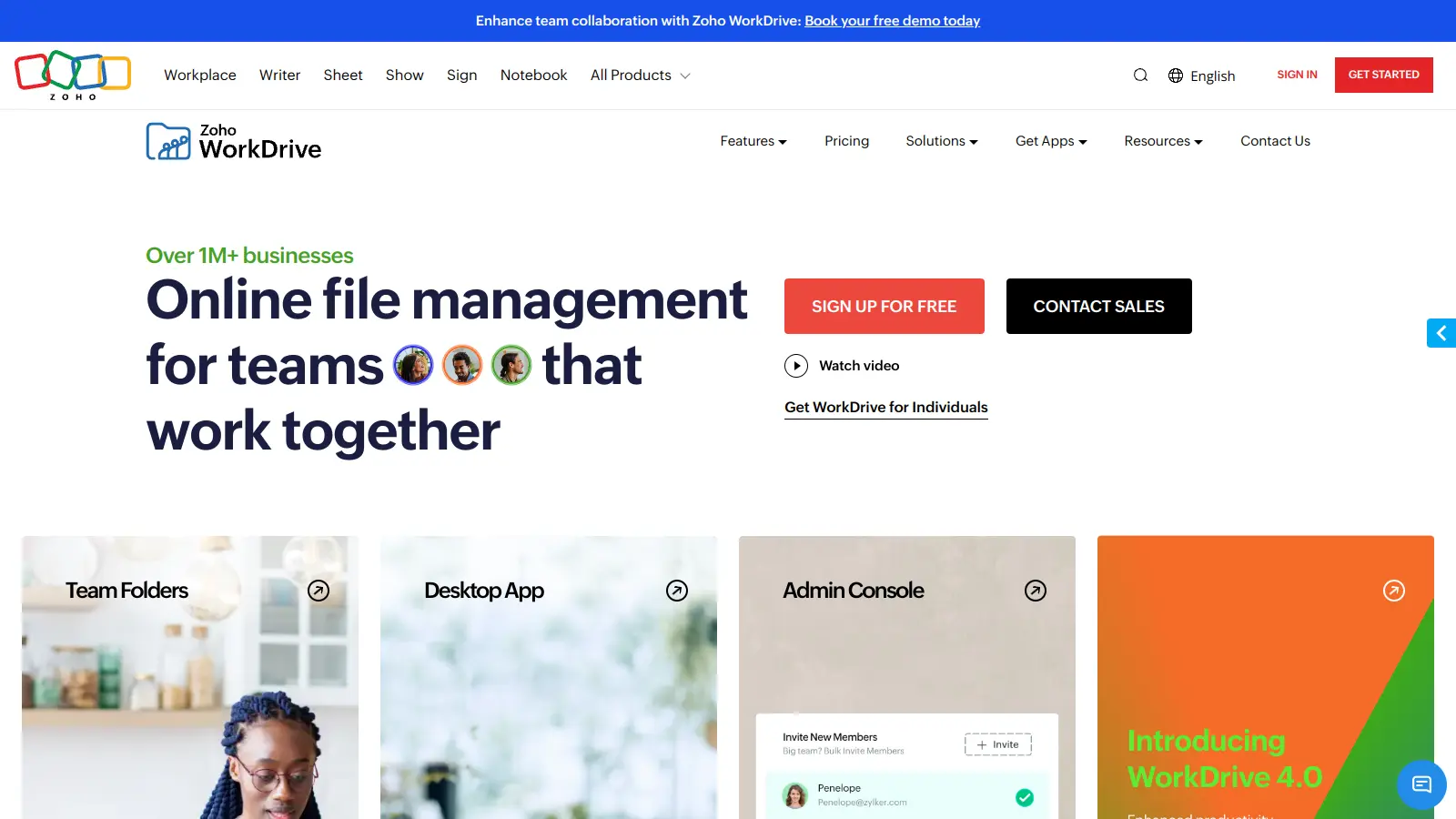
Affordable e-signatures that connect cleanly to the Zoho business suite.
Teams already using Zoho CRM or other Zoho apps
FreemiumFree plan (5 docs/mo); paid from $12/user/mo
vs docusignBetter than DocuSign for sales teams that need proposal building, pricing tables, and payment collection alongside e-signatures without paying for multiple tools.
our top pick
1
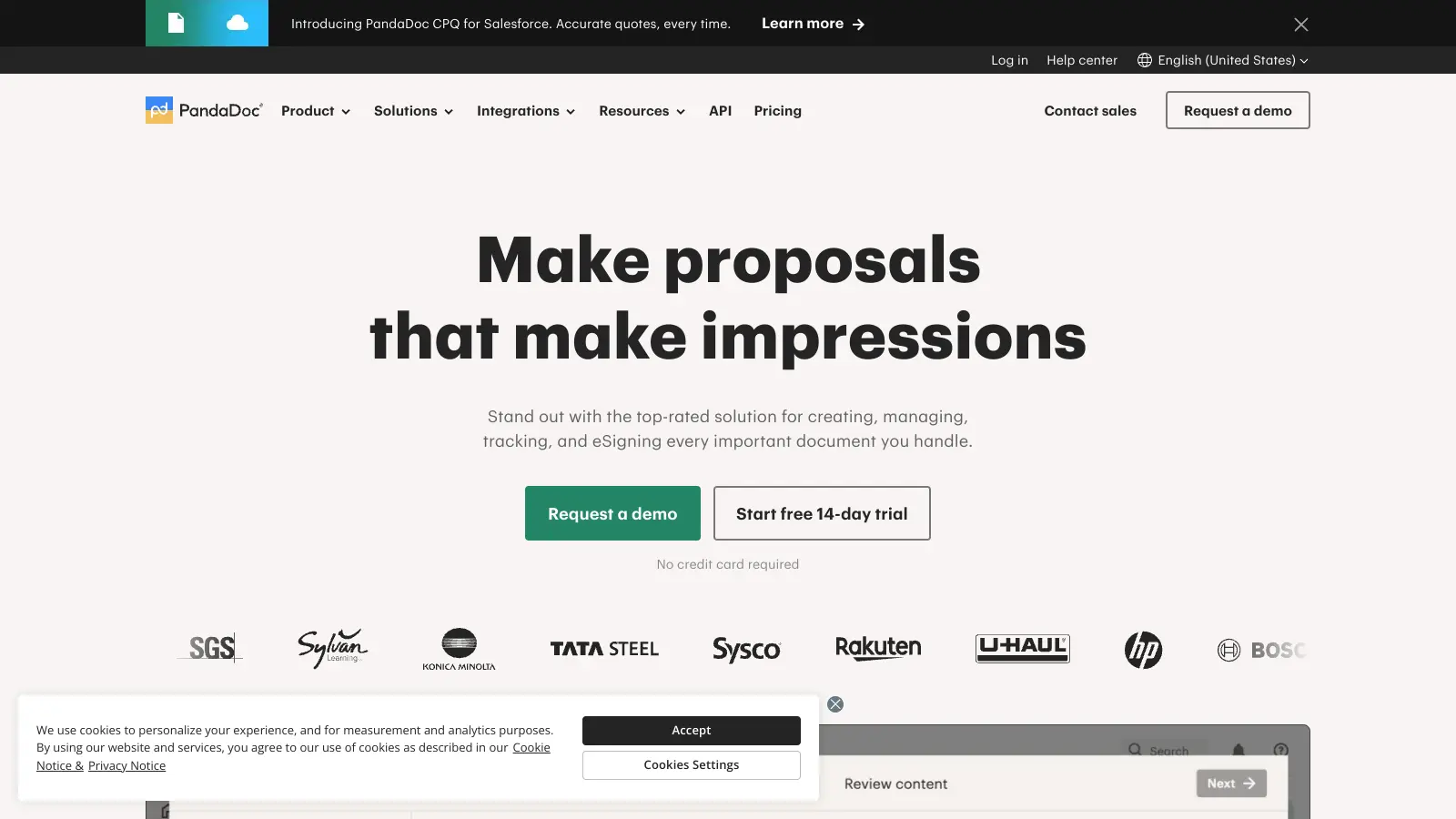
PandaDoc
E-signatures plus proposals, quotes, and payment collection in one tool.
Freemium
Best for · Sales teams and freelancers who send proposals and contracts togetherPricing · Free plan available; paid from $35/user/mo
PandaDoc combines document creation, e-signing, and payment collection in a single platform. You can build proposals and contracts from templates, track when recipients open them, and collect payment through Stripe without leaving the app. The free plan includes unlimited document uploads and e-signatures, though it lacks templates and some integrations.
vs docusignBetter than DocuSign for teams that already use Adobe Acrobat for PDF work and want to manage editing, signing, and storage in one place without a separate subscription.
2
Adobe Acrobat Sign
Enterprise-grade e-signatures tightly integrated with the Adobe PDF ecosystem.
Paid
Best for · Enterprise teams already in the Adobe or Microsoft ecosystemPricing · From $14.99/mo (individual); team pricing on request
Adobe Acrobat Sign is DocuSign's closest direct competitor in terms of feature depth. It handles bulk sending, web forms, advanced signer authentication, and deep integrations with Microsoft 365 and Salesforce. It's a natural fit for organizations already using Adobe Acrobat for PDF editing, since the signing workflow lives inside the same tool.
Pros
✓Native PDF editing and signing in one app
✓Strong Microsoft 365 and SharePoint integration
✓eIDAS-compliant for EU use cases
Cons
✗Interface is dense and takes time to learn
✗Team and enterprise pricing requires a sales conversation
vs docusignBetter than DocuSign for developers embedding signing into their own apps, because the API is simpler to implement and significantly cheaper at scale.
3
HelloSign (Dropbox Sign)
Clean, straightforward e-signatures with a well-designed signer experience.
Paid
Best for · Developers and small teams who prioritize a clean API and simple UXPricing · From $20/user/mo; API pricing available
Rebranded as Dropbox Sign after acquisition, HelloSign has kept its reputation for one of the cleanest signing experiences in the category. The API is frequently cited as easier to work with than DocuSign's, making it a developer favorite. The Essentials plan starts at $20/month per user for unlimited signature requests.
vs docusignBetter than DocuSign for small teams or nonprofits that need unlimited e-signatures at zero cost and want the option to self-host for data control.
4
OpenSign
Open-source e-signatures with a free plan and self-hosting option.
Freemium
Best for · Privacy-conscious teams and self-hosters on a tight budgetPricing · Free; self-hosting available
OpenSign is a fully open-source e-signature platform that offers unlimited signing on its free cloud plan. Every signed document includes a completion certificate with access logs. For teams with data residency requirements, the self-hosted option lets you run the whole stack on your own infrastructure. It covers standard signing workflows but lacks some advanced features like conditional routing.
Pros
✓Unlimited signatures on the free cloud plan
✓Self-hostable for full data control
✓Completion certificate included at no cost
Cons
✗Integrations are limited compared to paid competitors
vs docusignBetter than DocuSign for freelancers who send fewer than 10 contracts a month and don't need an enterprise feature set, because it costs less and has no arbitrary envelope cap.
5
SignWell
A no-frills e-signature tool with a genuinely usable free tier.
Freemium
Best for · Small businesses and freelancers replacing DocuSign's Personal planPricing · Free (3 docs/mo); paid from $10/mo
SignWell is a focused e-signature tool that doesn't try to be a full document platform. The free plan allows 3 documents per month for a single user. Paid plans start at $10/month and remove document limits. It includes audit trails, templates, and a basic API. It's frequently recommended as a DocuSign replacement for small businesses that find DocuSign's pricing hard to justify.
Pros
✓Paid plan starts at $10/mo, under half of DocuSign
vs docusignBetter than DocuSign for engineering teams who want to inspect, fork, or extend the signing codebase and aren't willing to be locked into a proprietary API.
6
Documenso
Open-source DocuSign alternative built for transparency and self-hosting.
Freemium
Best for · Developers and startups who want an open-source, extensible signing stackPricing · Free tier; team plans from $30/mo
Documenso is an open-source signing platform that positions itself explicitly as an alternative to DocuSign, with a public roadmap and community-driven development. It supports document signing, templates, and team management. Like OpenSign, it can be self-hosted. The cloud version has a free tier and paid plans starting at $30/month for teams.
Pros
✓Fully open-source with active development
✓Self-hosting option for data sovereignty
✓Transparent public roadmap and community input
Cons
✗Fewer integrations than established commercial tools
✗Still maturing; some enterprise features are incomplete
vs docusignBetter than DocuSign for businesses using Zoho CRM who want e-signatures that connect natively to their existing stack at roughly half the per-user cost.
7
Zoho Sign
Affordable e-signatures that connect cleanly to the Zoho business suite.
Freemium
Best for · Teams already using Zoho CRM or other Zoho appsPricing · Free plan (5 docs/mo); paid from $12/user/mo
Zoho Sign is a solid mid-market e-signature tool with strong value at the team level. It includes audit trails, in-person signing, bulk send, and template workflows. The main advantage over DocuSign is price: the Standard plan is $12/user/month, roughly half of DocuSign's Business Pro. If you're already in the Zoho ecosystem, the CRM, Desk, and Recruit integrations save meaningful setup time.
Pros
✓Deep native integration with Zoho CRM and suite
✓Paid plans cost about half of DocuSign's equivalent
✓Includes in-person signing mode
Cons
✗Interface feels less polished outside the Zoho ecosystem
Most e-signature tools, including DocuSign, charge per envelope rather than per signature. One envelope can contain multiple documents but counts as one transaction. Know your monthly volume before comparing plans.
Confirm the audit trail meets your legal requirements
For most contracts, a standard timestamped audit log is enough. But regulated industries like real estate, healthcare, or financial services may require specific authentication methods or compliance certifications like ESIGN, eIDAS, or 21 CFR Part 11.
Check whether integrations are gated behind higher tiers
Many tools advertise Salesforce, HubSpot, or Google Workspace integrations but only unlock them on Business or Enterprise plans. If those integrations are essential to your workflow, factor that into the real cost comparison.
Test the signer experience, not just the sender experience
Recipients don't log in to send documents; they just need to sign. A clunky signer interface leads to delays and abandoned documents. Run a test with a colleague on mobile before committing.
Decide whether you need contract management or just signing
Some alternatives like PandaDoc or HoneyBook include proposal building, payment collection, and contract tracking. If you want a wider document workflow, those extras matter. If you just need clean, fast signing, a leaner tool will do the job without the added complexity.
frequently asked questions
The most common reason is the envelope cap on the Personal plan, which limits you to 5 per month for $15. That's not enough for active sales or HR teams. The second most common reason is cost at the team level, where DocuSign's Business Pro plan runs $65/month per user, which is steep if you have multiple senders.
Yes, if they produce a compliant audit trail with signer IP address, timestamp, and consent record. Legal validity depends on the process, not the price. Tools like OpenSign and Documenso meet the requirements of the US ESIGN Act and EU eIDAS for most standard contracts.
Single-user paid plans typically run between $8 and $25 per month. Team plans with multi-user access and advanced features range from $25 to $65 per user per month. Several tools offer free tiers with signing limits, and at least two options on this list are free without per-document limits.
Migrating completed documents is mostly a manual process: you export your signed PDFs and audit certificates, then upload them to the new tool's storage. Reusable templates need to be rebuilt in the new platform. Active envelopes in progress can't be transferred, so plan migrations during a quiet period.
For enterprise use cases, yes. DocuSign has deeper Salesforce integration, more granular signer authentication options like SMS and knowledge-based authentication, and a longer track record with legal departments at large companies. For small to mid-size use cases, most alternatives on this list are fully competitive.
tools for humans
toolsforhumans editorial team
Reader ratings and community feedback shape every score. Since 2022, ToolsForHumans has helped 600,000+ people find software that holds up after launch. The picks here come from that.