LawToolBox Review 2026 - Features, Pricing & Deals

Last Updated
Feb 14, 2026

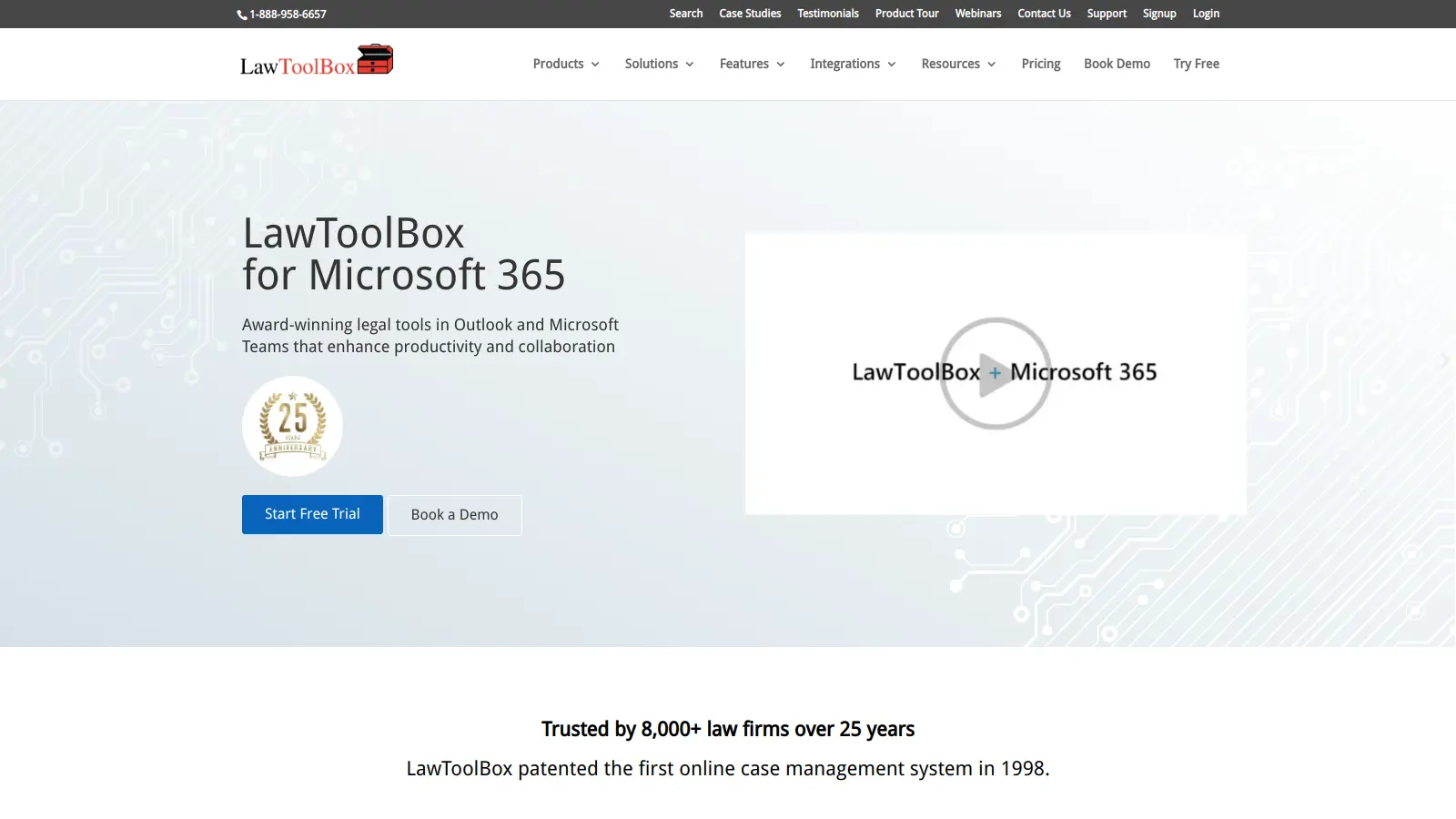
LawToolBox is a legal calendaring and case management system that works within Microsoft 365, helping law firms and legal departments handle their deadlines and cases more efficiently. The software integrates directly with Microsoft Teams, Outlook, and Copilot, making it simple for legal professionals to manage their daily workflows.

At its core, the platform helps lawyers track court deadlines, manage cases, and collaborate with team members. It includes rules-based calendaring with over 80 court-specific deadlines across the U.S. and Canada, while also letting users create custom templates for specific practices or judges' requirements. The system can automatically extract deadlines from emails, attachments, text messages, and even handwritten orders.

The software takes a practical approach to legal work. When users set up a new case, LawToolBox automatically creates matter workspaces with shared calendars, document folders, and planning tools within Microsoft 365. It also includes security features that let firms control who can access and edit specific case information.

Built for legal teams of all sizes, the platform offers different pricing tiers starting at $29 per user monthly for small teams, with reduced rates available for larger organizations. Founded in 1998, LawToolBox has evolved to include AI-assisted tools like deadline extraction and custom prompt libraries for Microsoft Copilot, though these capabilities work alongside the core service.

Who is LawToolBox for?

LawToolBox is for legal professionals who need to manage deadline tracking and case handling within Microsoft 365.

  • Solo Practitioners benefit from the automated deadline calculations and court rule updates, allowing them to manage complex calendars without a large support staff.
  • Small to Mid-sized Law Firms can improve team coordination through shared calendars, document folders, and matter-specific workspaces in Microsoft Teams.
  • General Counsel and Corporate Legal Departments appreciate the permission controls and security features that let them assign access based on roles and responsibilities.
  • Litigation Paralegals and Legal Assistants find value in the court-specific deadline templates that reduce manual calculations and minimize the risk of missed deadlines.
  • Legal IT Administrators prefer the integration with existing Microsoft 365 infrastructure, reducing implementation challenges and training needs.
  • Managing Partners value the reporting capabilities that provide oversight of all firm matters and team workloads in one centralized system.
  • Courts and Legal Agencies can use the automated calendaring and matter management tools to handle their own deadline tracking and case organization.

If you regularly work with court deadlines and already use Microsoft 365, this tool saves time on administrative tasks while improving accuracy and collaboration.

Online Reviews (Last 6 Months Summarised)

Public discussion about LawToolBox is limited compared to other legal tech platforms. The tool has been around since 1998 and serves legal professionals working within the Microsoft 365 ecosystem, but you won't find extensive review threads on major legal tech forums or software review sites. This limited visibility doesn't necessarily reflect quality issues, it may simply indicate that the tool's user base skews toward smaller firms and solo practitioners who are less likely to leave public reviews.

Where feedback does exist, users mention time-saving automation for legal research and document assembly, helpful integration with existing workflows, and responsive customer support. Complaints include a learning curve for new users, mobile app functionality that lags behind the desktop version, occasional sync issues between devices, and slow customer support response times during peak hours. The limited customization options for specific practice areas and an incomplete document template library also come up.

Features

  • AI-Powered Deadline Extraction: Automatically extracts deadlines from emails, attachments, text messages, and handwritten orders, then adds them directly to your calendar and matters.
  • Rules-Based Calendaring: Track and manage court-specific deadlines with over 80 automated deadline rules across thousands of U.S. and Canadian jurisdictions.
  • Microsoft 365 Integration: Connect with Teams, Outlook, SharePoint, and Copilot to create shared inboxes, document folders, calendars, and collaborative workspaces for legal matters.
  • Matter Workspaces: Create complete matter environments with Group Calendar, document management, Planner integration, and custom permissions for team members.
  • Copilot Integration: Access custom prompt libraries and matter-specific prompts within Microsoft Copilot for AI-assisted legal workflows.
  • Document Assembly and Forms: Build document libraries, assemble legal documents, and create forms while maintaining editable deadlines and templates.
  • Collaboration Tools: Share matters with clients, co-counsel, and experts while setting granular permissions for team members to view or edit deadlines.

Pricing

  • Free trial available without credit card requirement.
  • Pricing scales based on user count: 2-9 users at $29/user/month, 10-19 users at $27/user/month, 20-79 users at $19/user/month, and 80+ users at $16/user/month.
  • Annual upfront contract required with minimum one-year commitment for all pricing tiers.
  • All tiers include Automated Calendaring, Court Date Calculator, Document Management, and Matter Management.
  • Additional $4 per user fee for integrating with NetDocuments or iManage document management systems.
  • Partner and custom pricing requires contacting sales team, with every team member needing to purchase a license.

Frequently Asked Questions

How does LawToolBox extract deadlines automatically?

LawToolBox uses AI to scan your emails, attachments, text messages, and even handwritten court orders to find deadlines. When it detects a date or deadline, it automatically adds it to your calendar and matter workspace. You can review extracted deadlines before they're finalized, and the system learns from court rules across thousands of jurisdictions to ensure accuracy. This saves you from manually reading through documents and typing dates into your calendar.

Can I share case information with others outside my firm?

Yes, LawToolBox makes sharing cases simple. You can invite clients, co-counsel, experts, or other team members to view or edit case information. You control exactly what they can see or change by setting custom permissions. When you share a matter, invited users can access the shared calendar, documents, and deadline information through their Microsoft 365 account without needing to buy their own LawToolBox license.

Does LawToolBox work with my existing document management system?

LawToolBox connects with popular document management systems like NetDocuments and iManage. This integration lets you access and manage your legal documents directly through Outlook without switching between different programs. When you set up a new matter, LawToolBox creates a document folder structure that works with your existing system. There is a small additional fee of $4 per user to activate these DMS integrations.

How does the Microsoft Copilot integration work?

LawToolBox integrates with Microsoft Copilot through Azure OpenAI, giving you access to custom prompt libraries designed for legal workflows. You can use matter-specific prompts to ask Copilot questions about your cases, draft documents, or research legal issues. The prompts are built to understand legal context and work with the information stored in your matter workspaces, making the AI more useful for legal tasks.

How difficult is it to learn LawToolBox?

Most users learn the basics of LawToolBox quickly, especially if you're already familiar with Microsoft 365 applications. Some users report a learning curve when first starting out, particularly with the more advanced features. LawToolBox offers quick-start guides and short tutorial videos to help new users. Their support team can also provide personalized onboarding sessions for firms that want extra guidance. Since the tool works inside the Microsoft apps you already use daily, there's less need to learn an entirely new system.

Other Tools To Check Out

Best Deal

Start your Basic Research Plan at $220/month and streamline your legal research with advanced AI tools.

Redeem Now

Best Deal

Try Deadlines starting at $15 per case per month to avoid missed legal deadlines

Redeem Now

Best Deal

Start Your 7-Day Free Trial (No Credit Card Required) — Pay Yearly and Get 2 Months Free

Redeem Now

Find Out How Best To Utilise Tools

Our newsletter comes with exclusive discounts, trials and practical insights from within the industry

Sign Up Today