Workforce Management Platform+2 more

Homebase
best deal
Start Scheduling for Free - No Credit Card Required for Trials
redeem now
Homebase
best deal
Start Scheduling for Free - No Credit Card Required for Trials
redeem nowWe start with direct ratings from our readers, then look at what real users are saying in practitioner forums and community spaces. We pair that with search demand data and profession-level persona analysis.
Editorial note: this was originally published in august of 2024
quick take
based on real user feedback, community sentiment, pricing value, and fit for target audience. see our full methodology
used Homebase? we'd love to know your thoughts
reader ratings shape our score
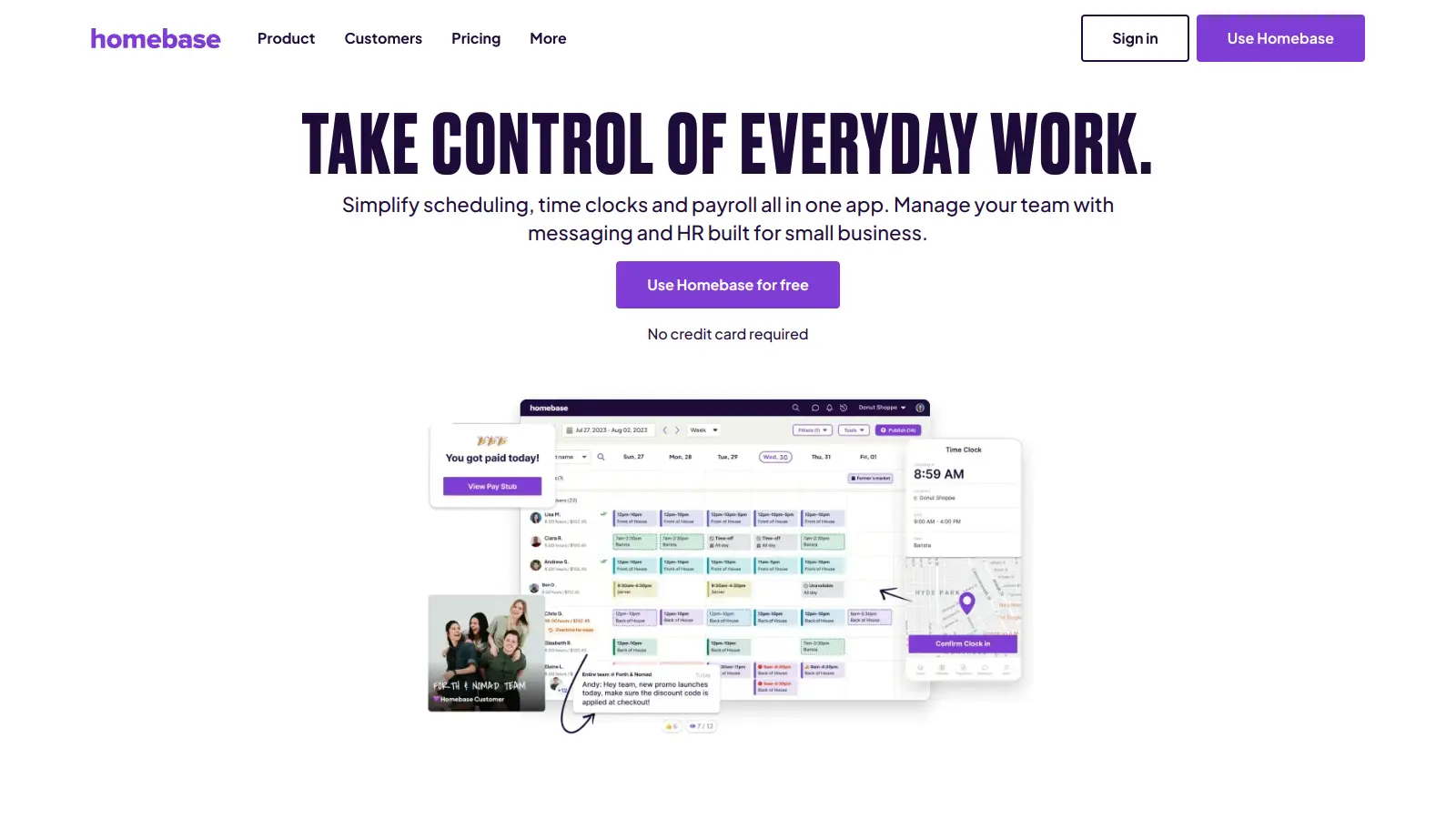
Homebase connects employee scheduling, time tracking, payroll, and team messaging in one platform built specifically for hourly workforces, with a free tier that covers one location and up to 20 employees. Restaurant managers and retail store owners with shift-based staff get the clearest value, since the platform treats scheduling and payroll as one continuous process rather than two separate jobs. It does that integration well and at a lower entry cost than most alternatives, but it trades depth for simplicity: reporting is thin, multi-location analytics are limited, and customer support is consistently the weakest point users flag.
Pricing starts at free for the Basic plan, moves to $30 per location per month on Essentials, and $70 per location per month on Plus, with payroll as a paid add-on on every tier. It's available on iOS and Android with a mobile app rated 4.5 out of 5. One thing to know before signing up: test it through a complete payroll cycle on the free plan before upgrading, because the support gaps become most visible when something goes wrong mid-pay-run. If you're running one location with hourly staff and want to stop using separate tools for scheduling and payroll, start here.
monthly search interest
201k/mo now
Homebase held steady at around 165,000 monthly searches through most of 2022 and 2023 before breaking upward to 246,000 in early 2025, a level it held for most of that year. The recent dip back to 201,000 looks like a normalisation rather than a decline. This is a mature tool with a stable, growing user base, not a hype cycle: the gradual step-up pattern suggests word-of-mouth adoption among small business owners rather than a viral moment, which means you're evaluating a product that's been road-tested rather than one riding a trend.
Whether Homebase is worth it depends almost entirely on the size and structure of your operation. Pick your role below to see the honest breakdown for your situation.
overall sentiment
select your role to see what people like you are saying
Restaurant Manager
positiveIf you're building weekly shift schedules and running payroll for the same hourly team, Homebase saves real time by connecting those two tasks. The mobile app is strong for real-time shift management mid-service. The weak point is customer support: if an update glitch disrupts your timesheets before payday, you're largely on your own.
strengths
concerns
Retail Store Owner
mixedThe core scheduling and payroll automation work well enough for a single retail location, and the free plan is worth testing if you're currently running those functions on separate tools. Where it falls short is the reporting: you won't get the labor analytics depth needed for real financial oversight. If your POS or accounting system isn't on the short integrations list, expect manual workarounds.
strengths
concerns
Multi-location Business Manager
mixedHomebase can manage scheduling and payroll across multiple sites from one dashboard, but it wasn't really built for that complexity. Time tracking glitches that create payroll discrepancies are more painful when they happen across three locations simultaneously, and the reporting won't let you compare site-level performance in any meaningful way. It works at small scale; it struggles as you add locations.
strengths
concerns
Small Business Owner with Limited Tech Resources
mixedThe drag-and-drop scheduling and automatic timesheet generation mean you don't need to be technical to get value out of it quickly. The free plan for one location is a genuinely low-risk starting point. Just know that when something goes wrong, the support rated around 2.5 out of 5 by users means you'll be solving it yourself more often than not.
strengths
concerns
“The consistent criticism across online reviews centres on customer support, rated at roughly 2.5 out of 5 by users, which becomes a real problem when payroll runs into a snag and you need someone to pick up the phone.”
The Reddit thread comparing Gusto and Homebase is the most useful community signal available, and it paints a specific picture: Homebase makes sense when you're running hourly staff across a café or events operation and Gusto's time tracking starts feeling limited. The thread highlights that Gusto handles payroll and tax filing cleanly for salaried teams, but Homebase's strength is tying shift scheduling directly to payroll rather than treating them as separate problems. Independent review analysis from Clockify's head-to-head puts Homebase's free tier ahead for single-location small businesses that need scheduling and basic time tracking without paying anything upfront. The consistent criticism across online reviews centres on customer support, rated at roughly 2.5 out of 5 by users, which becomes a real problem when payroll runs into a snag and you need someone to pick up the phone. Update glitches disrupting live operations and reporting that doesn't go deep enough for multi-location comparison analytics are the two most common complaints from users who've stuck with the platform past the free tier.
The free Basic plan, which covers one location and up to 20 employees, is genuinely worth trying with nothing to lose. The Essentials plan at $30 per location per month is reasonable if you're actively using scheduling, time tracking, and team communication together. The Plus plan at $70 per location per month is harder to justify unless you need HR features and compliance tools, and it gets expensive quickly if you're paying it across multiple sites. Payroll is an add-on on every tier, so factor that into the real cost before comparing it to all-in tools.
Restaurant managers and retail store owners running a single location with hourly staff get the most out of it. If you're scheduling shifts, tracking clock-ins, and running payroll for the same team, the integration between those three functions saves real time. Multi-location business managers can use it, but the reporting limitations and support quality become friction points at scale.
Customer support is rated around 2.5 out of 5 by users, which is a problem when payroll runs into an issue and you need help fast. Reporting is shallow: you can see labor costs but you can't do detailed comparative analytics across locations. Time tracking has documented glitches that create payroll discrepancies, and integrations with third-party POS and accounting systems are limited enough to create manual workarounds for many retail owners.
Choose Gusto if your team is primarily salaried, you want clean automated tax filing with minimal setup, and scheduling isn't a daily headache. Choose Homebase if you're managing hourly shift workers and need scheduling, time tracking, and payroll in one place rather than stitching together two separate tools. The Reddit comparison thread is clear that Homebase wins on shift management; Gusto wins on payroll polish and interface quality. If you're a café or events business with growing hourly staff, Homebase has the edge. If payroll reliability and a cleaner UI matter more, stay with Gusto.
The free plan cuts off at 20 employees per location, so growth means moving to Essentials at $30 per location. That transition is manageable for a single site. The real ceiling for multi-location business managers isn't price, it's the platform's reporting and support quality, both of which don't scale as well as the pricing tiers suggest. If you're planning significant growth across multiple sites, test the platform hard before committing.
toolsforhumans editorial team
Reader ratings and community feedback shape every score. Since 2022, ToolsForHumans has helped 600,000+ people find software that holds up after launch. how we research →
is this your tool?
claim your listing to update details, respond to our review, or upgrade to a featured partnership.
claim this listing →
ADP is a global leader in cloud-based human capital management solutions, serving over 900,000 small businesses and 1.1 million clients total across 140 countries. Founded in 1949, the company offers comprehensive services including payroll processing, HR management, talent recruitment, time tracking, benefits administration, tax compliance, and data analytics. ADP's AI-enhanced platform called ADP Assist automates tasks, detects payroll anomalies, and provides instant answers to help businesses manage their workforce more efficiently.
best deal
Get 6 months free on RUN Powered by ADP packages (terms apply) and see how AI-enhanced payroll can save your team time

Workday is a cloud-based enterprise platform that unifies Human Capital Management, Financial Management, and operations with embedded AI. It helps organizations manage workforce, finance, procurement, and legal processes through real-time analytics, automated workflows, and AI-powered features for mid-size to large companies.
best deal
Try Workday Free for 30 Days (HCM & Adaptive Planning)

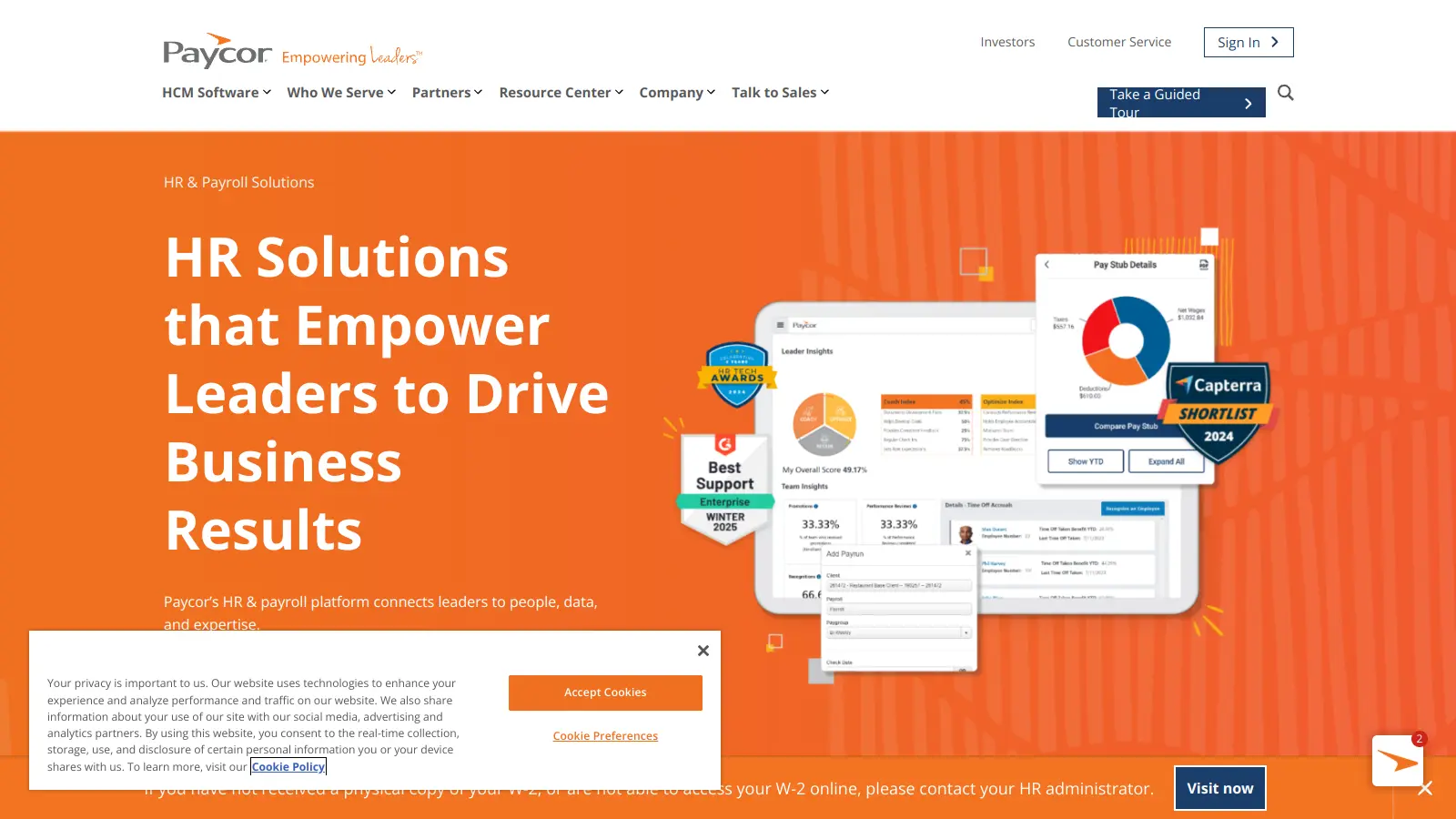
Paycor is a comprehensive Human Capital Management (HCM) platform that provides integrated solutions for HR, payroll, talent management, and workforce analytics. Serving over 40,000 organizations and two million workers, the platform offers tools for recruitment, employee self-service, benefits administration, payroll processing, compliance support, performance management, and reporting. With a focus on streamlining HR processes and enhancing employee productivity, Paycor provides scalable solutions for businesses of various sizes, emphasizing customer-focused innovation and seamless workforce management.
best deal
Start your 3-month free trial of Paycor's Basic plan at $99/mo + $5 per employee

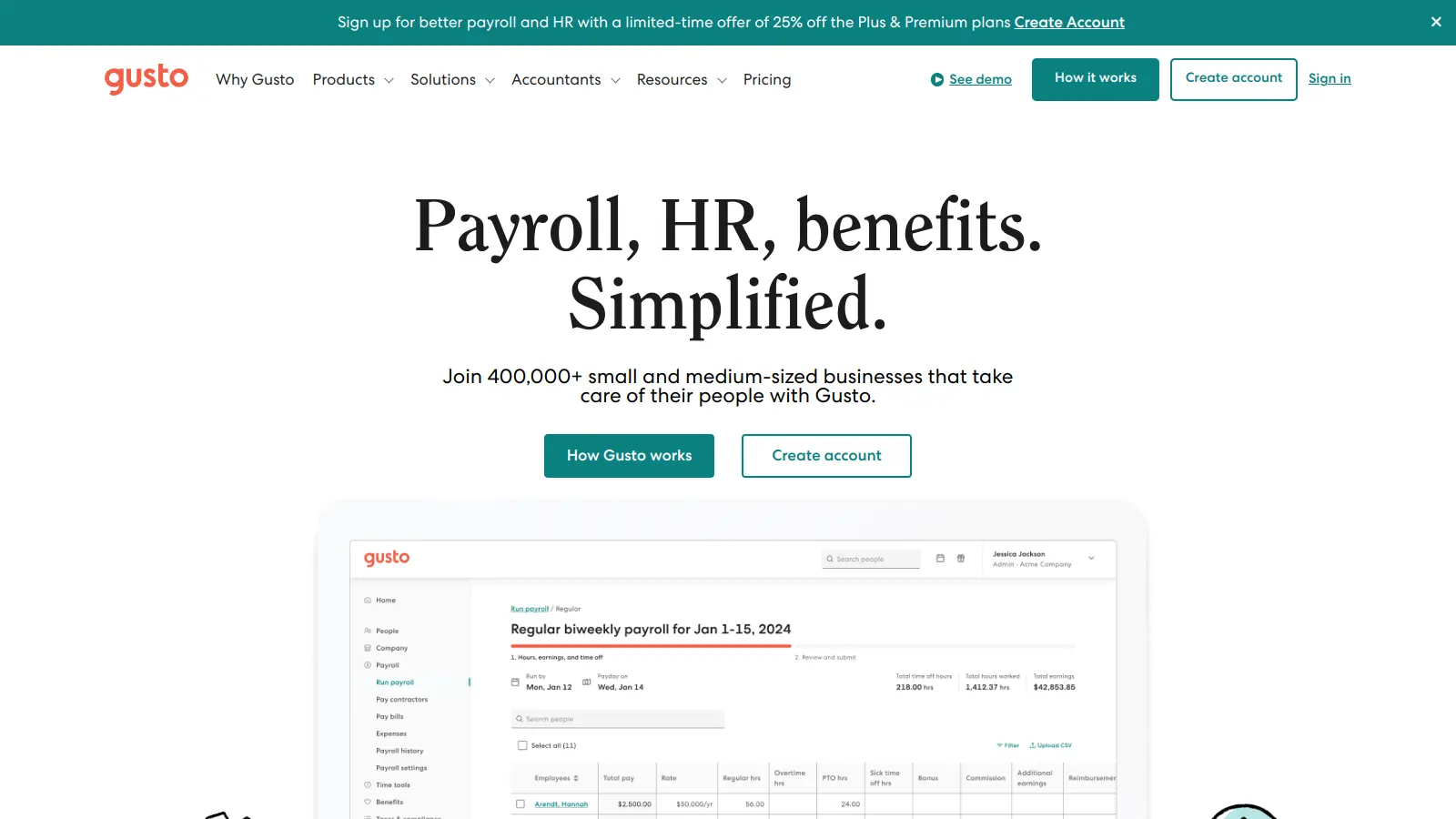
Gusto is a cloud-based payroll, benefits, and HR management platform for US small and medium-sized businesses. It handles automated payroll processing, tax filing, benefits administration, employee onboarding, and time tracking, with four pricing tiers to suit different business needs. The platform includes an AI assistant called Gus.
best deal
Get Gusto's Contractor Only plan free for 6 months, then $35/month base plus $6 per contractor

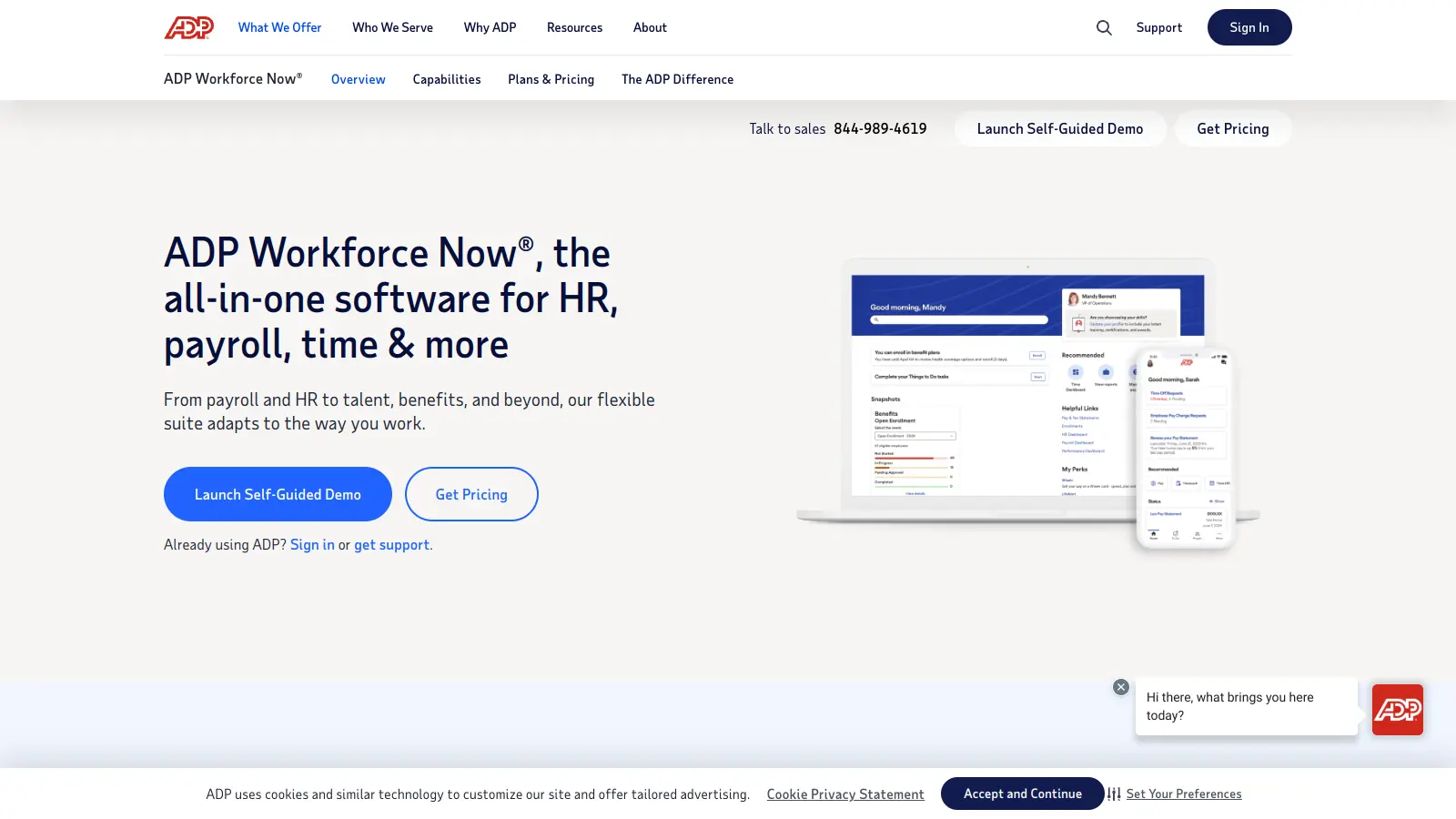
ADP Workforce Now is a Human Capital Management (HCM) platform that streamlines HR processes for mid-sized businesses. It offers integrated solutions for payroll, talent management, benefits administration, time tracking, and compliance, letting organizations manage their workforce through a single cloud-based system with real-time analytics and mobile access.
best deal
Contact ADP for a customized quote based on your business size and needs

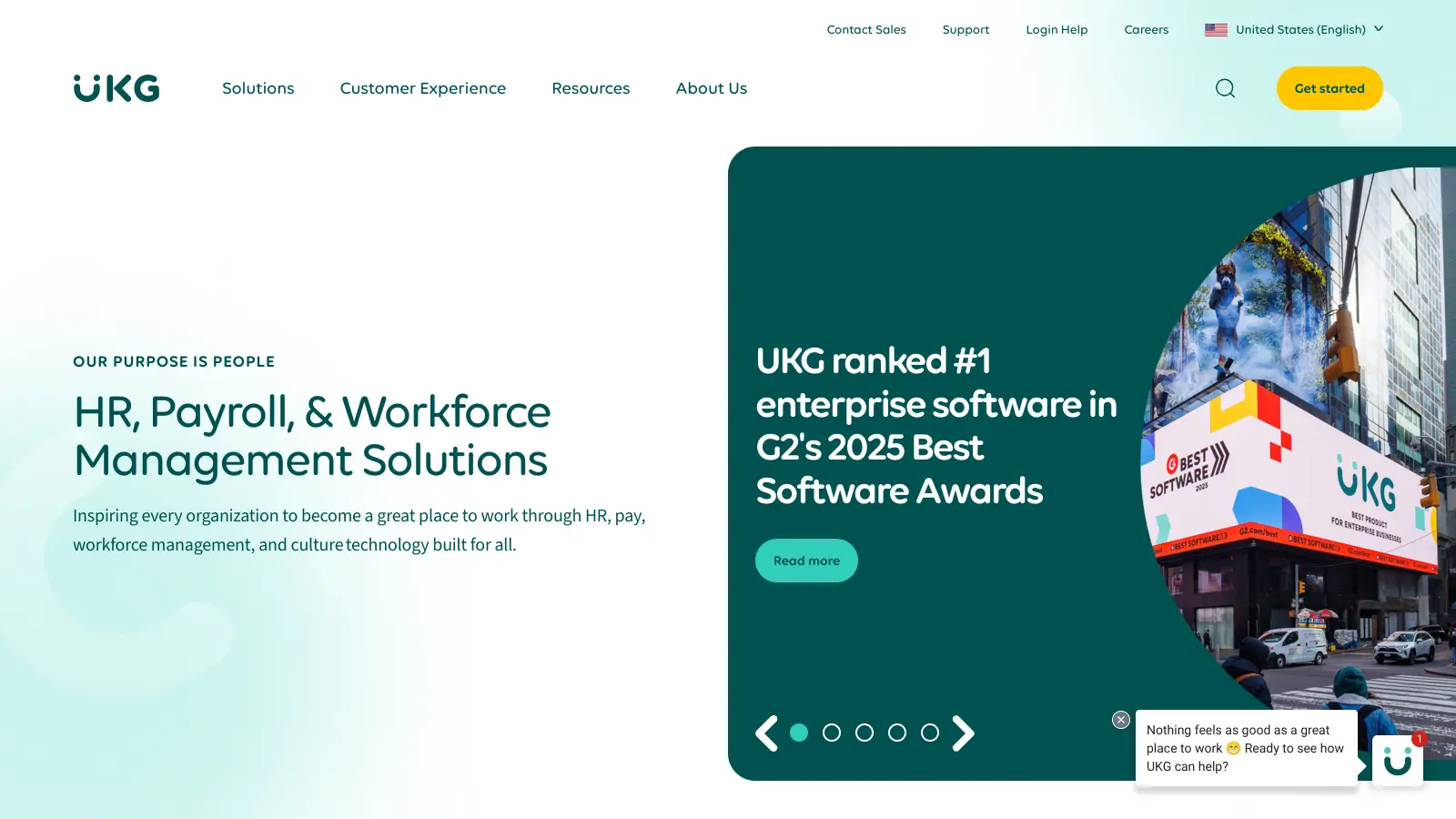
UKG (Ultimate Kronos Group) is a cloud-based human capital management and workforce management platform serving over 70,000 organizations globally. Created through a 2020 merger, the company offers HR, payroll, and workforce management platforms like UKG Ready and UKG Pro that automate administrative processes, ensure regulatory compliance, and provide data insights across industries.
best deal
Seasonal discounts, volume discounts, and referral programs available through UKG sales representatives