BetterTerminal review — Mac terminal customization

last reviewed 24 march 2026
how we review

We start with direct ratings from our readers, then look at what real users are saying in practitioner forums and community spaces. We pair that with search demand data and profession-level persona analysis.

full methodology →

Editorial note: this was originally published in august of 2024

quick take

  • Best for: Mac beginners who want a visual editor to generate a terminal config
  • Skip if: you already use iTerm2, Oh My Zsh, or have any dotfile setup in place
  • £Best value: Smart Plan at $6.99 lifetime if you're going to use it at all
½2.5/ 5 — editorial rating

based on real user feedback, community sentiment, pricing value, and fit for target audience. see our full methodology

used BetterTerminal? we'd love to know your thoughts

reader ratings shape our score

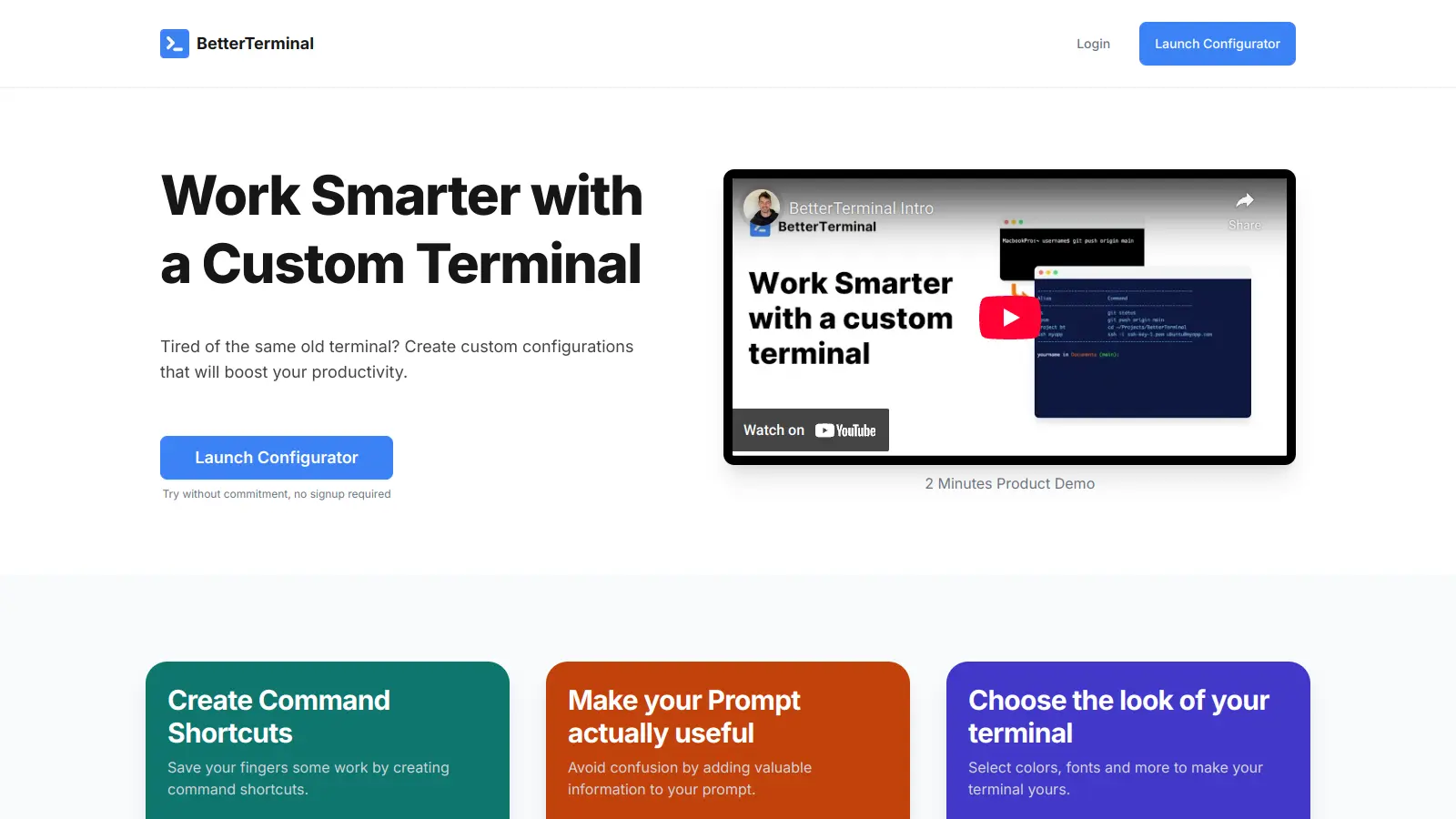
BetterTerminal enhances the Mac Terminal experience by offering practical customization options and productivity tools. This utility helps users personalize their command-line interface without diving into complex configurations.

Whether you're new to Terminal or use it daily, the tool simplifies the process of creating custom shortcuts, styling prompts, and adjusting visual elements. Users can quickly set up personalized commands, modify their prompt information, and adjust colors and fonts to match their preferences.

The software comes with several pricing options, including a one-time configuration purchase and a lifetime access plan. Users can try the service before buying to ensure it fits their needs.

With its focus on practical customization and user-friendly design, BetterTerminal helps streamline daily Terminal tasks while creating a more comfortable working environment. The tool maintains compatibility with standard Terminal functions while adding helpful features for both casual and power users.

who is BetterTerminal for?

Whether BetterTerminal makes sense depends heavily on where you're starting from. Pick your role below to see whether it's worth it for your situation.

overall sentiment

select your role to see what people like you are saying

Mac Developer

negative

If you're already using iTerm2 or have a Zsh config set up, BetterTerminal doesn't add anything you don't already have. The visual config editor is convenient, but Oh My Zsh covers the same ground for free with years of community documentation. The near-zero online presence makes it hard to justify over tools you can actually get help with.

strengths

  • Customizable shortcuts for frequent commands reduce repetitive typing
  • Visual customizations and font options reduce eye strain during long coding sessions
  • Easier setup than manual dotfile configuration
  • Mac-specific optimization suggests better integration than generic tools

concerns

  • Minimal online community feedback makes it difficult to validate effectiveness
  • Unclear how it compares to established alternatives like iTerm2
  • Limited user reviews on reliability and performance
  • Small adoption suggests potential abandonment or support issues

what users are saying

A tool with no visible community discussion hasn't built word-of-mouth. That's not neutrality. That's absence.

Community discussion about BetterTerminal specifically is essentially nonexistent. The Reddit and Hacker News sources available don't mention BetterTerminal at all. One Reddit thread in r/ClaudeAI asks about the best terminal for Claude Code workflows, with users debating WezTerm and Konsole. The Hacker News thread is entirely about GPT-5.2-Codex. There are no user reviews, complaints, or praise for BetterTerminal anywhere in the indexed community sources, which itself says something. A tool with this little visible discussion hasn't built any kind of word-of-mouth. That's not neutrality. That's absence.

Our take: BetterTerminal is solving a real problem (terminal setup is fiddly and time-consuming) but it's doing it in the most overcrowded space imaginable. iTerm2 is free, battle-tested, and has a decade of community documentation behind it. Oh My Zsh handles the shortcut and prompt customisation that BetterTerminal charges for, and it's also free. At $6.99 for lifetime access, the price is almost irrelevant, but the lack of any visible community traction means you're betting on a tool with no social proof, no help forums, and unclear update cadence. If you're a beginner who wants a friendly visual editor to generate a terminal config you can copy-paste, there's a narrow case for it. Anyone else should just configure iTerm2 properly.
features

  • Custom Command Shortcuts: Create personalized shortcuts for frequently used terminal commands, saving time and reducing repetitive typing for Mac users.
  • Prompt Customization: Add valuable context to your terminal prompt, including directory, username, and other key information to enhance your workflow.
  • Visual Customization: Select from a range of colors, fonts, and visual elements to personalize your terminal's appearance and improve readability.
  • Easy Configuration: Apply custom terminal settings quickly with simple copy-and-paste commands, making personalization effortless.
  • One-Click Revert: Easily return to previous terminal settings using the convenient `revert_terminal` command if you're not satisfied with your customizations.
  • Workflow Enhancement: Streamline your terminal experience with intuitive tools that help you work faster and more efficiently.
  • Beginner-Friendly Design: Customize your terminal without requiring advanced technical knowledge, making terminal personalization accessible to all skill levels.

pricing

  • One-Off Configuration offers a single custom terminal setup with an original price of $9.99, now discounted to $3.99.
  • Smart Plan provides lifetime access to create and manage custom configurations, originally priced at $14.99 and currently discounted to $6.99.
  • Try Now, Pay Later option allows users to test the customization tool before making a purchase commitment.

frequently asked questions

At $6.99 lifetime for the Smart Plan, the price isn't the issue. The question is whether a visual config editor is worth anything when free alternatives like Oh My Zsh and iTerm2 do the same job with years of community support behind them. For a complete beginner who wants to generate a working terminal config without reading documentation, $6.99 is fine. For anyone with even basic terminal familiarity, it's unnecessary.

It's most useful for Terminal Beginners on Mac who want a visual, point-and-click way to customise their command-line setup without touching dotfiles. Mac Developers and Systems Administrators will almost certainly find their existing tools or free alternatives more capable and better supported.

First, there's no visible user community, meaning no forums, no tutorials, no Stack Overflow threads to bail you out if something breaks. Second, the customisation it offers (shortcuts, prompt styling, font and colour selection) is fully covered by free tools like Oh My Zsh, Starship, and iTerm2's built-in preferences. There's no functionality here you can't replicate for free with a single afternoon of setup.

iTerm2 wins for almost everyone. It's free, actively maintained, has a huge user base, and covers everything BetterTerminal does and considerably more: split panes, search, triggers, scripting, profiles. BetterTerminal's only real advantage is a visual configuration editor that generates a pasteable setup script. If you genuinely can't face reading an iTerm2 setup guide, BetterTerminal's $6.99 one-time fee might save you an hour. Otherwise, use iTerm2.

No. BetterTerminal generates standard shell configuration that you copy and paste into your terminal. You're not installing locked-in software. The output is plain config text that works in any Mac terminal. If you outgrow it or find a better tool, you just stop using it and edit your config manually like everyone else does.

tools for
humans

toolsforhumans editorial team

Reader ratings and community feedback shape every score. Since 2022, ToolsForHumans has helped 600,000+ people find software that holds up after launch. how we research →

is this your tool?

claim your listing to update details, respond to our review, or upgrade to a featured partnership.

claim this listing →

other tools to check out

Gizmo screenshot
online buzz550k
trend (1M)steady
3.5based on real user feedback, community sentiment, pricing value, and fit for target audience. see our full methodology

Gizmo

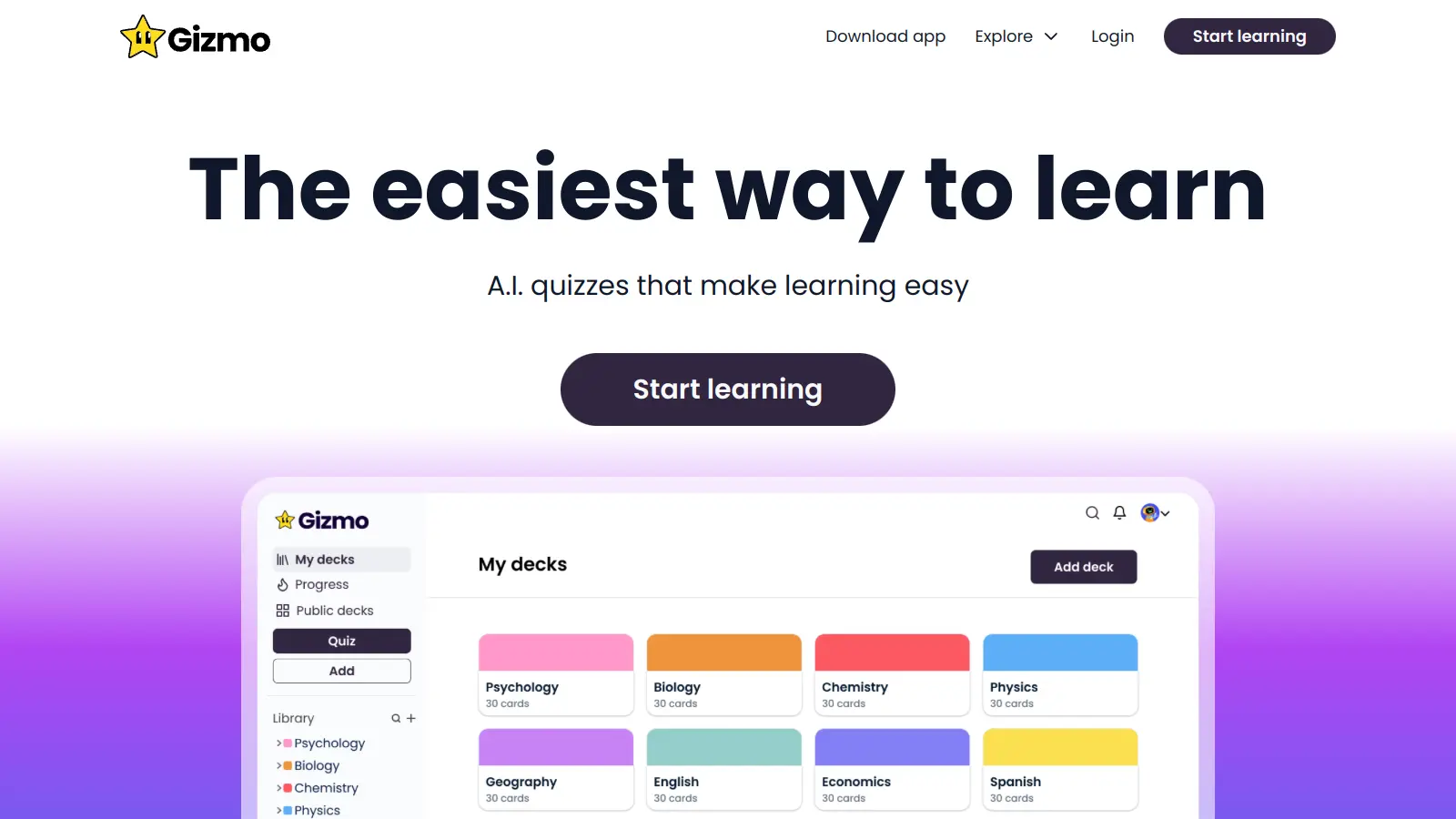
Gizmo is an AI-powered educational platform that converts study materials like PDFs, YouTube videos, notes, and audio into flashcards, quizzes, and step-by-step explanations. It uses spaced repetition and active recall to help students learn and retain information, with features like lecture recording, progress tracking, and an AI tutor for personalized explanations.

best deal

Students get 50% off Gizmo unlimited plans: $6.99/week or $77.22/year for unlimited AI flashcards, quizzes, and tutoring

Otter.ai screenshot
online buzz450k
trend (1M)steady
3.8based on real user feedback, community sentiment, pricing value, and fit for target audience. see our full methodology

Otter.ai

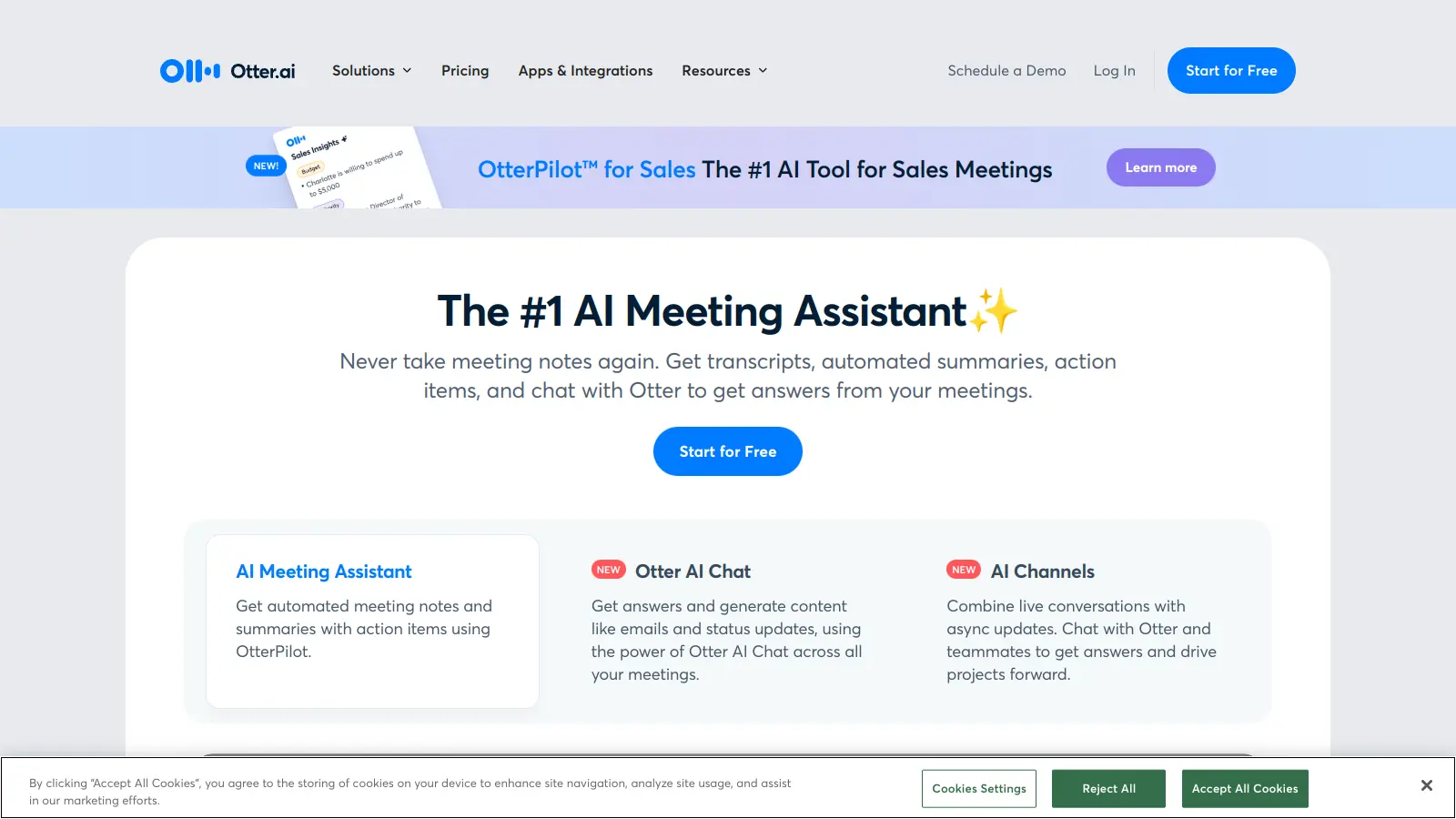
Otter.ai is an AI-powered transcription and meeting assistant that converts spoken language into text in real-time, primarily used for meetings, lectures, and interviews. It offers features like speaker identification, automated summaries, action item tracking, and integration with platforms like Zoom, Google Meet, and Microsoft Teams. The tool provides pricing plans from a free basic version to enterprise-level solutions.

best deal

Try Otter.ai free with 300 monthly transcription minutes and 30-minute conversation limit, or save with annual billing on Pro ($8.33/mo) and Business ($19.99/mo) plans

Asana screenshot
online buzz301k
trend (1M)steady
3.8based on real user feedback, community sentiment, pricing value, and fit for target audience. see our full methodology

Asana

Asana is a web-based project management platform that enables teams to organize, track, and collaborate on work. It offers task management, multiple project views (lists, boards, timelines), AI features for automating workflows, communication tools, progress tracking, and integrations with over 200 apps. Available in free and paid plans, Asana supports teams of all sizes with flexible project visualization options.

best deal

Try Asana free with the Personal Plan for 1-2 users, or start a 30-day free trial of paid plans to test AI features and advanced workflows.

Trello screenshot
online buzz246k
trend (1M)steady
3.5based on real user feedback, community sentiment, pricing value, and fit for target audience. see our full methodology

Trello

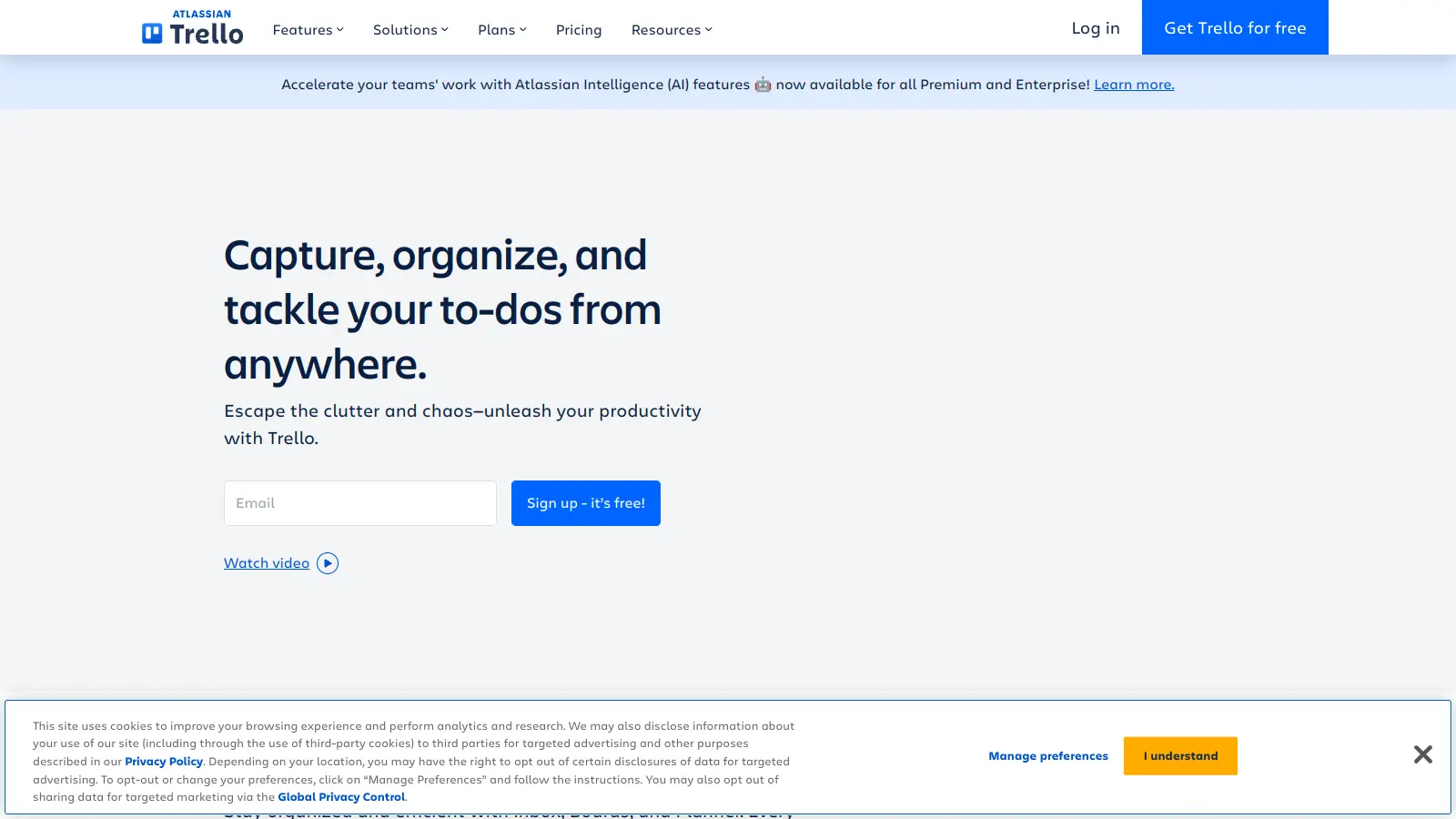
Trello is a project management tool that helps teams organize work using boards, lists, and cards. It enables users to track tasks, collaborate in real-time, and manage workflows visually. With features like task assignment, due dates, integrations, and AI-powered automation, Trello supports project management for teams of any size, from small startups to large enterprises.

best deal

Try Trello Free - Organize projects with unlimited cards, lists, and members across up to 10 boards per workspace

Jungle AI screenshot
online buzz135k
trend (1M)steady
3.5based on real user feedback, community sentiment, pricing value, and fit for target audience. see our full methodology

Jungle AI

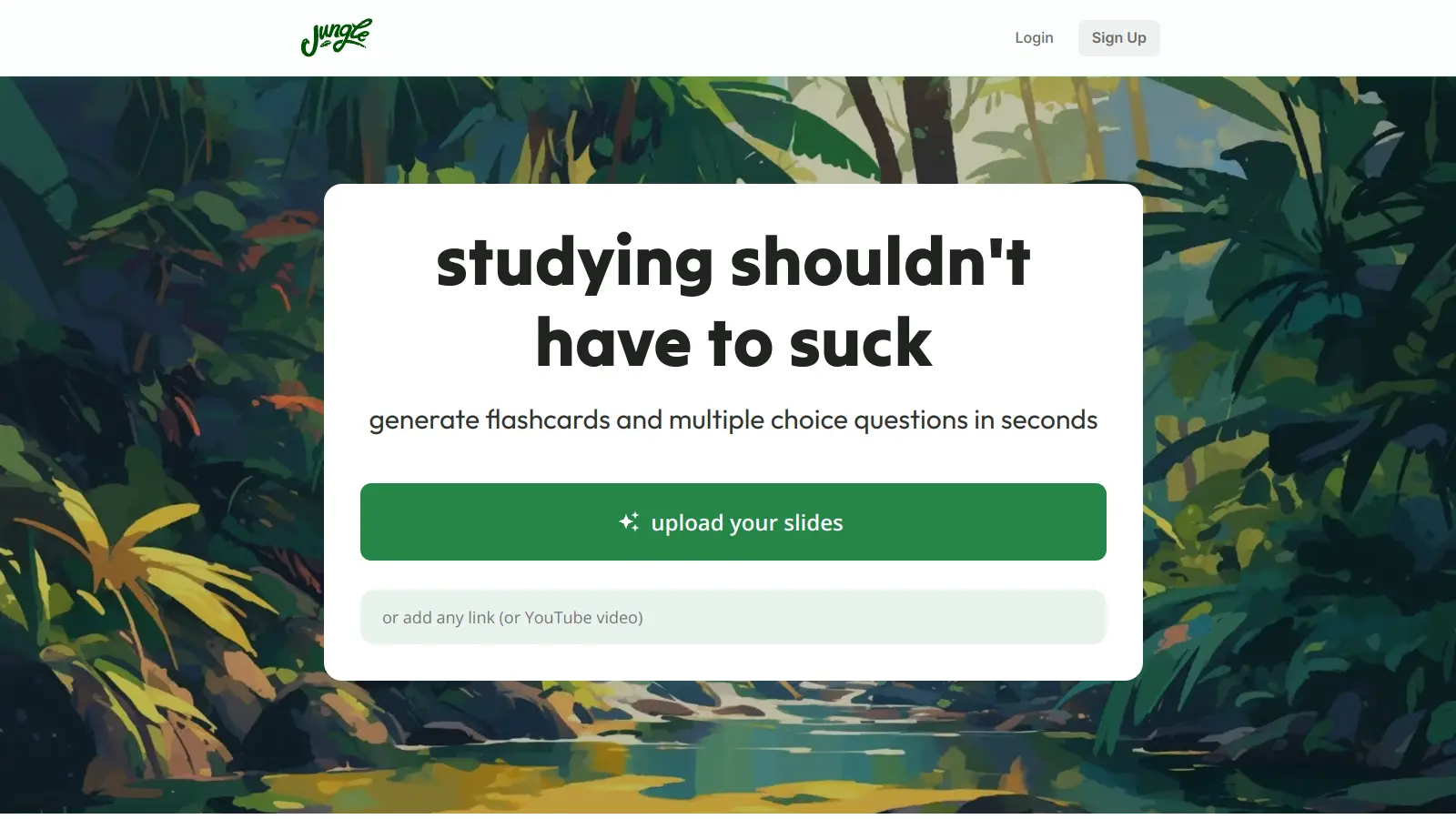
Jungle AI is an AI-powered educational tool that transforms study materials like lecture slides, PDFs, and videos into flashcards, multiple-choice questions, practice tests, and diagram-based questions. It supports spaced repetition learning and progress tracking, helping students prepare for exams across different subjects and languages.

best deal

Get 50% off the Super Learner plan with yearly billing: unlimited study material generations for $5/month

Scribbr screenshot
online buzz135k
trend (1M)23%
3.5based on real user feedback, community sentiment, pricing value, and fit for target audience. see our full methodology

Scribbr

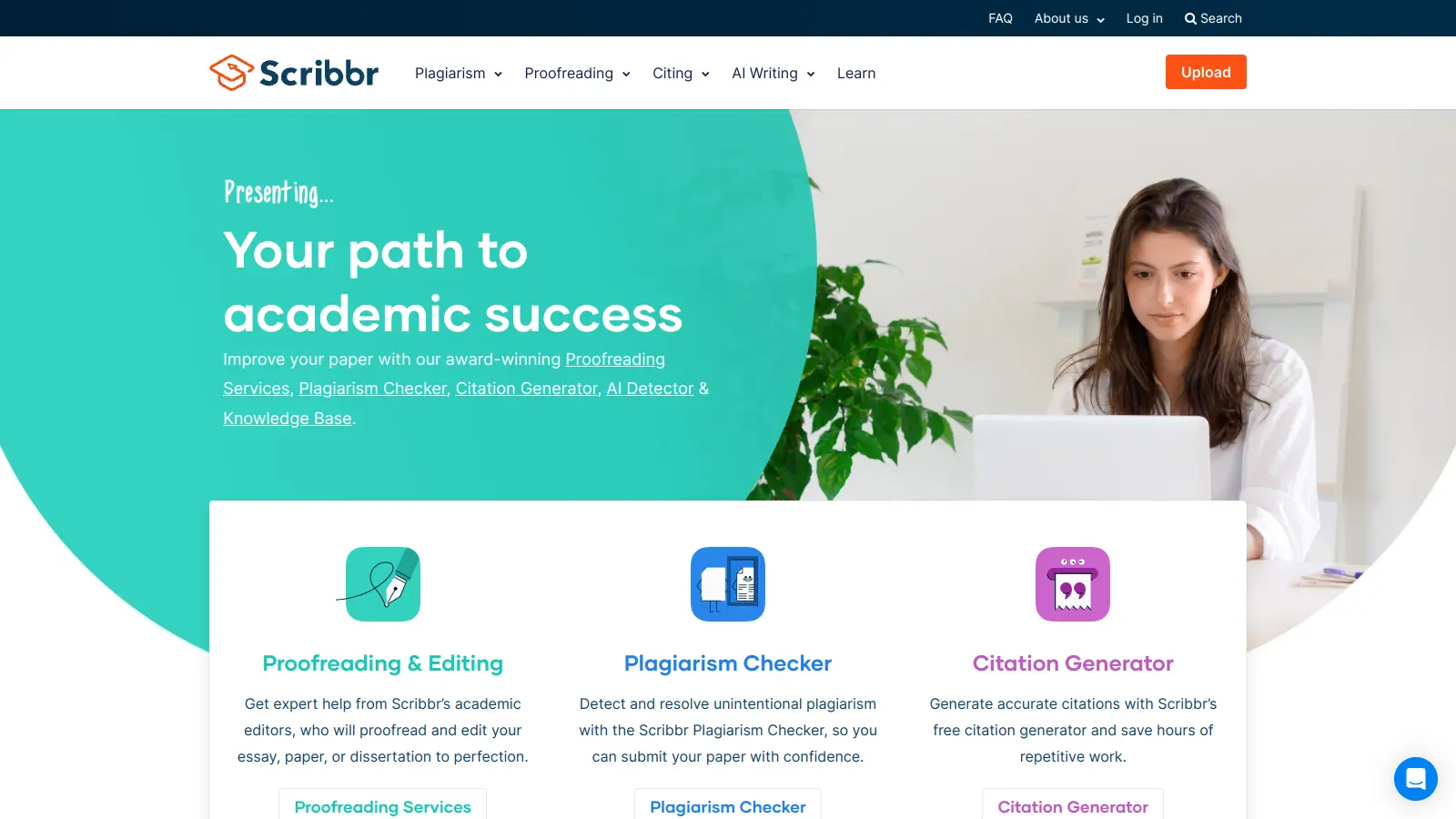
Scribbr is a comprehensive academic writing tool that helps students and professionals maintain writing integrity through plagiarism checking, AI detection, proofreading, and citation generation. It supports multiple languages, offers expert editing services, and provides a pay-per-use pricing model based on document size. With features like checking against a vast database of web pages and publications, Scribbr assists users in creating high-quality, original academic work.

best deal

Check your work for plagiarism starting at just $19.95