tools for
humans

Autotask PSA reviews — what users really think

published 3 september 2024last updated 18 march 2026
how we review

we track global search demand across every software category, monitor what real users are saying online, identify which professions rely on each tool, and surface the questions people are actually asking. reviews are consistently updated and reviewed for reliability.

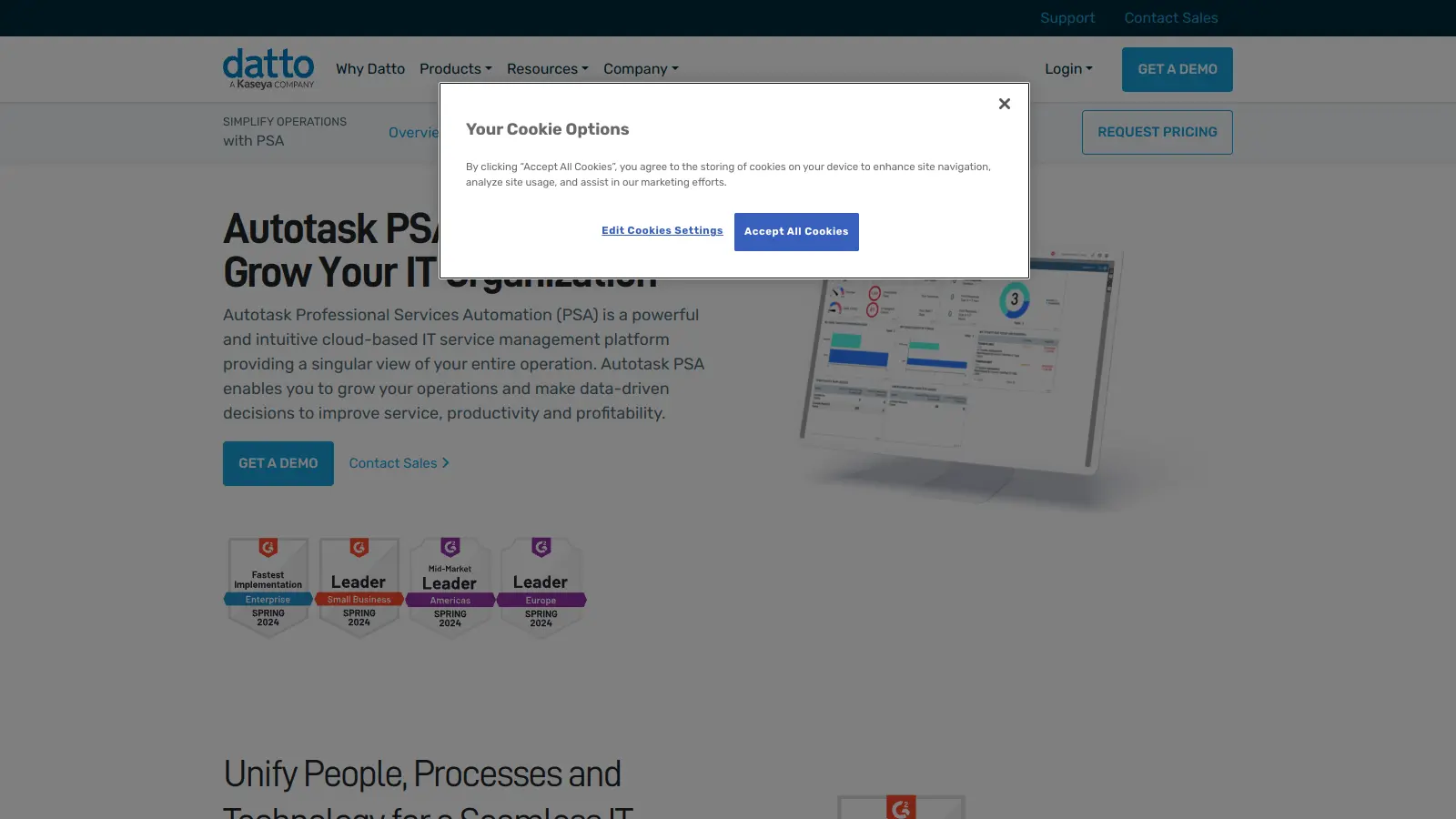
Autotask PSA is a cloud-based Professional Services Automation platform that helps IT service providers and managed service providers handle their daily operations. It brings together service desk management, project tracking, and billing into one system.

The platform is built around automation that can streamline workflows. Users can set up triggers for routine tasks, manage customer tickets, and track project milestones without switching between applications. It works with over 170 industry tools through its open architecture and API, including Datto's own remote monitoring solutions.

Small teams will find the basic features helpful for ticket management and time tracking, while larger organizations can use custom reporting and resource planning. The mobile app lets teams stay connected through iOS or Android devices.

The pricing structure is flexible and based on team size and needed features. Companies can choose from Essential, Premium, or Ultimate plans, with costs typically starting around $50 per user monthly. Exact pricing requires contacting the company directly for a custom quote.

Whether you're handling customer support tickets, tracking billable hours, or managing IT projects, the software aims to reduce manual work and keep everything organized in one place. It includes tools for time capture, automated invoicing, and financial reporting.

who is Autotask PSA for?

Autotask PSA is built for IT service providers and managed service providers who need to manage their operations from a single system.

  • MSP Business Owners get financial insights and reporting features that provide business intelligence for making decisions.
  • IT Service Desk Managers can use the ITIL-aligned ticketing system with automated workflows to help their teams meet SLAs and improve customer satisfaction.
  • Project Managers get project phases, task assignments, and budget tracking tools that provide real-time visibility into team workloads.
  • Field Technicians can stay connected through the mobile apps for iOS and Android, allowing them to manage tickets and receive alerts while working remotely.
  • Finance Teams use the automatic time capture and invoicing features to minimize revenue leakage and streamline billing.
  • Sales Teams can use the CRM and opportunity management features for sales forecasting and quoting.
  • Executive Management gets access to customizable dashboards with real-time insights for data-driven decision-making.

The tool is used across the IT services industry, from small local support companies to large enterprise service providers managing complex technology infrastructures.

overall sentiment

select your role to see what people like you are saying

MSP Business Owner

positive

Autotask PSA delivers strong business intelligence and financial reporting that helps drive decisions across the operation. The billing automation and revenue tracking features significantly reduce leakage, and the platform's leader status on G2 validates the investment in a comprehensive PSA solution.

strengths

  • Powerful billing and invoicing automation that minimizes revenue leakage
  • Comprehensive financial reporting and business intelligence dashboards
  • Strong integrations with RMM tools like Datto and ConnectWise
  • Detailed performance tracking and custom widget capabilities for KPI monitoring

concerns

  • Steep learning curve and complex setup requiring significant implementation effort
  • Extensive feature set can feel overwhelming and require many clicks for common tasks
  • Initial investment and training burden, especially challenging for smaller MSPs

online reviews (last 6 months summarised)

Autotask PSA gets high marks from MSPs who value its feature set and integrations. Users praise the efficient ticket management, detailed data collection for custom widgets and engineer performance tracking, and the quality of its automation and billing features. The integration with RMM tools like Datto RMM, ConnectWise, and LabTech is frequently mentioned as a strength. Many technicians find the UI intuitive once they get past the initial setup, and the platform holds leader status in the PSA category on G2 with high satisfaction scores.

The learning curve is steep due to the extensive features, and the interface can feel overwhelming for beginners. Time tracking is a pain point—users say it takes too much effort and feels like it consumes more time than it's worth. The mobile app is lacking for complex tasks. Automation setup is powerful but tricky to configure, and reporting tools get mixed reviews with some users finding them difficult to use. Implementation takes significant effort, especially for smaller companies, and many tasks require more clicks than users would like.

features

  • Service Desk with Smart Automation: ITIL-aligned ticketing module with automated workflows and routing based on predefined criteria, helping technicians meet SLA targets and resolve issues quickly.
  • RMM Integration: One-click workflows connecting Datto RMM and other RMM solutions with endpoint integration for faster technician responses and unified operational environments.
  • Mobile Accessibility: Native iOS and Android apps allowing users to manage dashboards, track status, and receive alerts from anywhere.
  • Project Management: Create project phases, assign tasks, track budgets, and optimize resource allocation with real-time team workload visibility.
  • Time Tracking: Automatically capture billable time and generate invoices to minimize revenue leakage.
  • Customizable Dashboards: Real-time operational dashboards with custom widgets showing ticket status, SLA compliance, technician utilization, and business performance metrics.
  • AI-Powered Documentation: Get documentation suggestions based on ticket context to speed up resolution and knowledge capture.
  • Alert-to-Ticket Engine: Reduces noise and duplicate tickets by intelligently routing alerts from RMM systems.
  • CRM and Sales Tools: Opportunity management for sales forecasting and quoting.
  • Tool Integration: Open architecture supporting over 170 industry tools through API, including QuickBooks, Outlook, ConnectWise, and LabTech.

pricing

  • Essential Plan starts around $50 per user per month, suitable for small to mid-sized teams with basic service desk and ticket management features.
  • Premium Plan includes advanced features like quoting, procurement, and workflow automation with pricing available through direct consultation.
  • Ultimate Plan offers features such as data warehouse and custom reporting, ideal for larger businesses with complex operational needs.
  • Pricing is customized and flexible, based on number of users, selected features, and business requirements.
  • Additional costs may apply for co-managed licenses, Kaseya Quote Manager, and custom integrations or workflow configurations.
  • Businesses must contact Autotask directly to receive a precise, tailored pricing proposal matching their operational needs.

frequently asked questions

How does Autotask PSA compare to other PSA tools?

Autotask PSA is built specifically for managed service providers with ITIL-aligned ticketing and deep integration with RMM solutions. The cloud-based platform doesn't require on-premise servers. It has an alert-to-ticket engine that reduces duplicate tickets and noise from monitoring systems, which sets it apart from some competitors. The mobile app gives it an edge for teams that work remotely. While it's not the cheapest option, users report that its automation features and reporting capabilities are more developed than many alternatives. The learning curve is steeper than some competitors due to the extensive features.

Can I integrate Autotask PSA with my current tools?

Yes. Autotask PSA has an open architecture and API that supports integration with over 170 industry tools. It connects with Datto RMM, ConnectWise, LabTech, accounting software like QuickBooks, Outlook, and many MSP tools. You'll need to set up API users and proper security levels for each integration. Some users note that non-Datto tool integrations can require more setup work, but the platform is built to help you create a unified operational environment.

How long does it take to implement Autotask PSA?

Most MSPs can expect a 4-8 week implementation process, depending on your business complexity and how much data you're migrating. The initial setup includes configuration, data migration, and basic training. The bigger challenge is often optimizing workflows and getting your team fully comfortable with the system, which can take 3-6 months. Users report that implementation takes significant effort, especially for smaller companies. Datto provides implementation specialists to guide you through the process, but it's smart to assign an internal champion to lead the transition and optimization efforts.

Is Autotask PSA difficult to learn?

There's a steep learning curve with Autotask PSA due to its extensive features. New users often find the interface overwhelming and busy at first. However, most technicians get comfortable with basic ticketing and time entry within a week or two. The more advanced features like custom workflows, automation setup, and report building take longer to learn. Datto offers training resources including videos, documentation, and regular webinars. Many MSPs find it helpful to train team members in stages rather than trying to learn everything at once.

What kind of reporting does Autotask PSA offer?

Autotask PSA provides customizable dashboards with widgets showing real-time metrics like ticket status, SLA compliance, and technician utilization. The platform includes standard reports for service desk metrics, financial performance, and resource allocation. You can also build custom reports using the report writer tool, though some users find the reporting tools not easy to use. Reports can be scheduled and automatically emailed to team members or clients. The detailed data collection helps identify bottlenecks, track profitability by client, monitor engineer performance, and make business decisions.

other tools to check out

Salesforce screenshot
online buzz500k+ Searches
trend (1M)50%

Salesforce

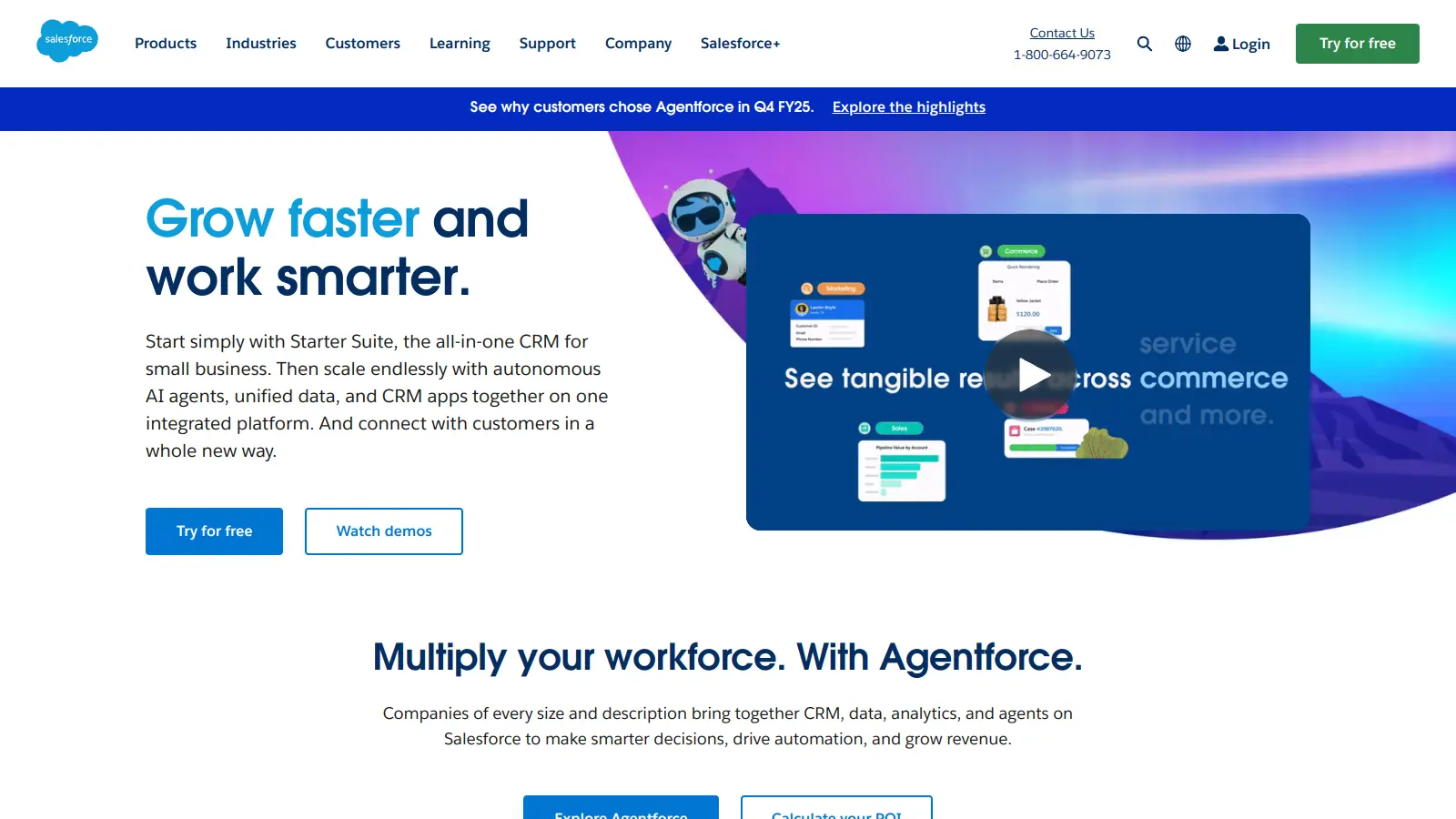
Salesforce is a cloud-based Customer Relationship Management (CRM) platform that helps businesses automate sales processes and manage customer relationships through SaaS delivery. It offers tools powered by AI, enabling companies to manage customer data, automate workflows, and gain insights across multiple departments. The platform supports businesses of all sizes with scalable solutions that enhance efficiency, improve customer relationships, and drive revenue growth.

best deal

Start with Salesforce Starter Suite for $25/month per user and access core CRM features across Sales Cloud, Service Cloud, and Platform.

Square screenshot
online buzz500k+ Searches
trend (1M)22%

Square

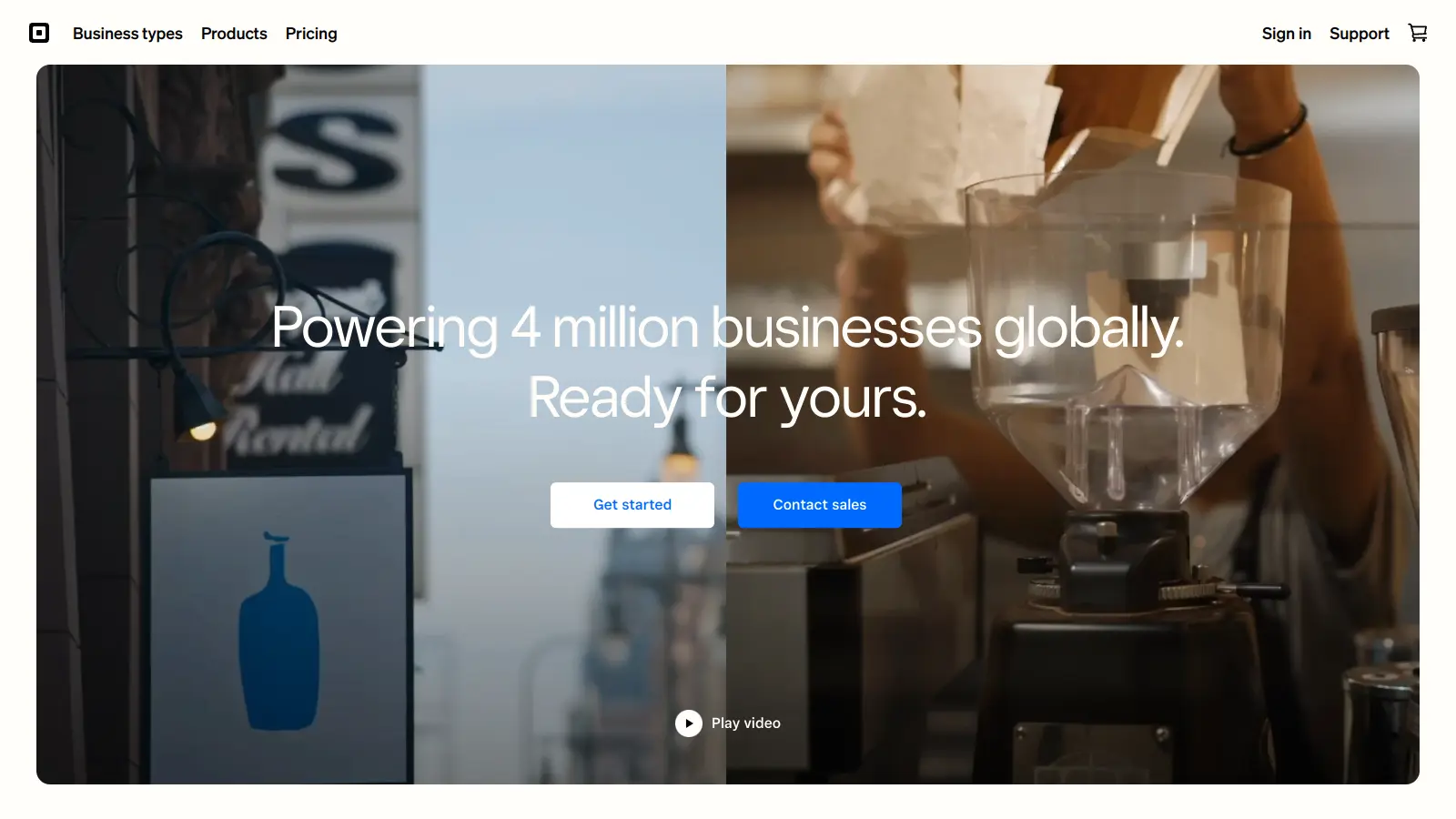
Square is a payment processing and business management platform that offers multi-channel payment solutions, point-of-sale systems, inventory management, and analytics. It supports credit cards, digital wallets, and bank transfers, provides integrated hardware, enables e-commerce integration, and ensures secure transactions with PCI compliance. The platform now includes Square AI, a conversational AI assistant that analyzes business data and provides insights.

best deal

Try Square Plus Free for 30 Days - No Credit Card Required

MyCase screenshot
online buzz500k+ Searches
trend (1M)22%

MyCase

MyCase is a cloud-based law practice management software designed for solo and small to midsize law firms. It provides a platform for managing client communication, case workflow, billing, and document management. With features like client intake forms, eSignature, case tracking, secure client portals, AI-powered document summarization, and integrated payment solutions, MyCase helps law firms streamline their operations and improve efficiency across multiple practice areas.

best deal

Try MyCase Free for 10 Days - No Credit Card Required

Polaris screenshot
online buzz250k+ Searches
trend (1M)2%

Polaris

Polaris PSA is a professional services automation tool that helps service organizations manage projects, resources, and financials. It uses AI to capture real-time data, provide recommendations, and enable proactive decision-making. The platform includes automatic time tracking, resource matching, and integrations with Salesforce and 100+ work apps.

best deal

Free Trial Available for Polaris PSA

Jotform screenshot
online buzz100k+ Searches
trend (1M)26%

Jotform

Jotform is an AI-powered form builder that enables individuals and businesses to create, customize, and manage digital forms, apps, and workflows without coding skills. It offers a drag-and-drop interface, 10,000+ templates, payment integrations, AI agents for customer support, and connects with over 1,000 apps. The platform provides conditional logic, form analytics, and robust security, making data collection and workflow automation simple across industries.

best deal

Try the Starter plan for free with 5 forms, 100 monthly submissions, and all standard features. Nonprofits and educational institutions get 50% off paid plans.

Deadlines screenshot
online buzz100k+ Searches
trend (1M)3%

Deadlines

Deadlines.com is a legal calendaring tool powered by Aderant CompuLaw that helps law firms manage court deadlines and rules effectively. It offers features like automated deadline calculation, court rule change notifications, reporting, mobile access, and calendar sync capabilities. Designed for firms of all sizes, it reduces malpractice risks, ensures court rule compliance, and provides an affordable solution for tracking critical legal dates.

best deal

Try Deadlines starting at $15 per case per month to avoid missed legal deadlines