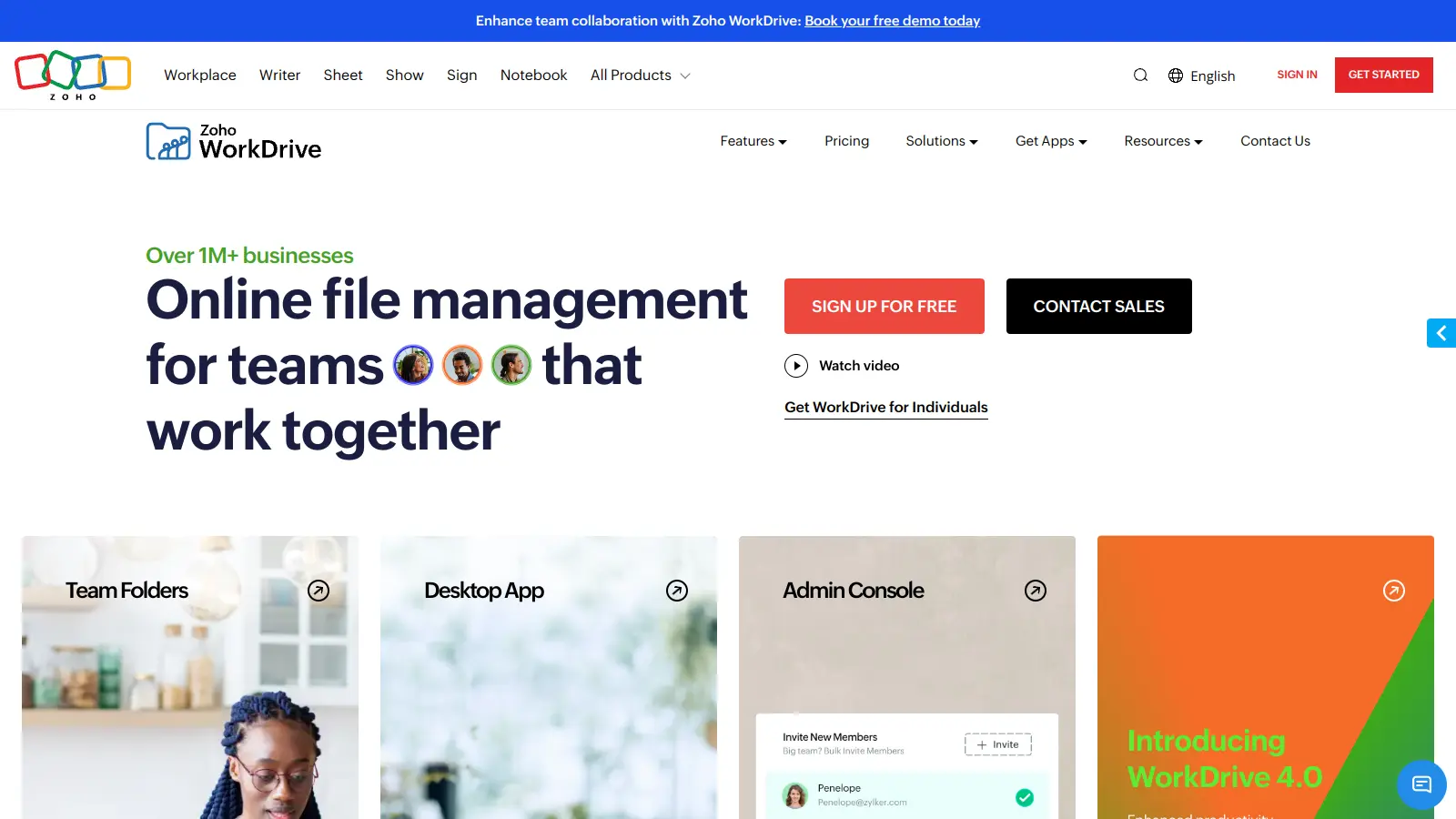
Zoho WorkDrive is a cloud-based file management platform that helps teams store, share, and work together on files. The platform integrates with other Zoho apps and external tools, making it a practical choice for businesses of all sizes.
Teams can access their files from anywhere, using any device. The system lets managers control who can see and edit specific files, keeping sensitive information secure while still allowing easy collaboration.
The platform includes real-time document editing, unlimited version history, and AI-driven search features. Users can create and edit documents using built-in tools like Zoho Writer, Sheet, and Show, or work with familiar programs like Microsoft Office. Desktop apps include WorkDrive Sync for full syncing and TrueSync for accessing files without downloading everything.
Pricing starts at $2.50 per user monthly for the Starter plan, with higher tiers offering more storage and features. There's also a free Individual plan with 5 GB storage. Companies can try the Business plan for 15 days without a credit card to test its capabilities.
Whether you need to manage team projects, share files with clients, or keep your company's documents organized, Zoho WorkDrive offers the tools to handle these tasks in one central location.
Zoho WorkDrive is built for teams who need to collaborate on documents with centralized file management across devices and locations.
Zoho WorkDrive is commonly used by teams of any size in marketing agencies, legal firms, educational institutions, consulting practices, and financial services companies that handle high volumes of documents requiring both collaboration and security.
Zoho WorkDrive gets positive feedback from users who appreciate its collaborative features and budget-friendly pricing. The cloud storage platform works well for team productivity, with strong security, cross-device accessibility, and good integration with other Zoho apps making it an attractive option for small businesses looking to organize their file management. Users consistently mention the intuitive interface, reliable syncing, and responsive customer support as highlights.
Occasional sync delays frustrate some users. The platform offers limited third-party integrations compared to Google Drive or Dropbox, and the mobile app lacks some desktop features. The search functionality could be more powerful, the interface feels dated, and permissions settings can be confusing to set up. File upload performance lags with large files, which is worth considering if you regularly work with big media files.
Zoho WorkDrive is built specifically for teams rather than just individual storage. Unlike basic cloud storage, WorkDrive focuses on collaboration with real-time editing, role-based permissions, and Team Folders that keep everyone on the same page. It also integrates with other Zoho apps like CRM, Projects, Writer, Sheet, and Show, plus third-party tools through Zapier for document editing and workflow automation without leaving the platform. While solutions like Dropbox or Google Drive offer storage first with collaboration features added on, WorkDrive was designed from the ground up for teamwork with unlimited version history and AI-driven search built in.
Can I access my WorkDrive files offline?Yes. You can install the WorkDrive desktop app which syncs selected files to your computer for offline access. There are two desktop options: WorkDrive Sync for full syncing and TrueSync which lets you access files without downloading everything. The mobile apps for iOS and Android also support offline access. When you work offline on shared files, you might run into version conflicts when reconnecting.
What are the file size limits in Zoho WorkDrive?File size limits vary by plan. On the free Individual plan and Starter plan, you can upload files up to 10 GB each. The Team plan bumps this up to 50 GB per file, while the Business plan allows massive uploads of up to 250 GB per file. These generous limits mean you can work with almost any type of file, from simple documents to large video files or design projects, depending on your subscription level.
How secure is my data in Zoho WorkDrive?Zoho takes security seriously with WorkDrive. Your data is protected with AES 256-bit encryption both during transfer and storage. You can set granular access controls at the folder and sub-folder levels to make sure team members only see what they need to. The platform also offers options to password-protect shared links, set expiration dates for file access, and track who views or downloads your files with file activity timelines. For admins, there's detailed activity monitoring and the ability to control device access across your organization.
Can WorkDrive handle my Microsoft Office files?Absolutely. Zoho WorkDrive handles Microsoft Office files in several ways. You can upload, store, and share your existing Word, Excel, and PowerPoint files without any conversion needed. If you want to edit these files, you have two options: use Zoho's built-in editors (Writer, Sheet, and Show) which can open Office formats, or use the Microsoft Office integration that lets you work with WorkDrive files from within Office apps. The platform also integrates with Microsoft Outlook. This flexibility means you don't have to change your workflow just because you're using WorkDrive.


Our newsletter comes with exclusive discounts, trials and practical insights from within the industry