SuperOps PSA Review 2026 - Features, Pricing & Deals

Last Updated
Feb 14, 2026

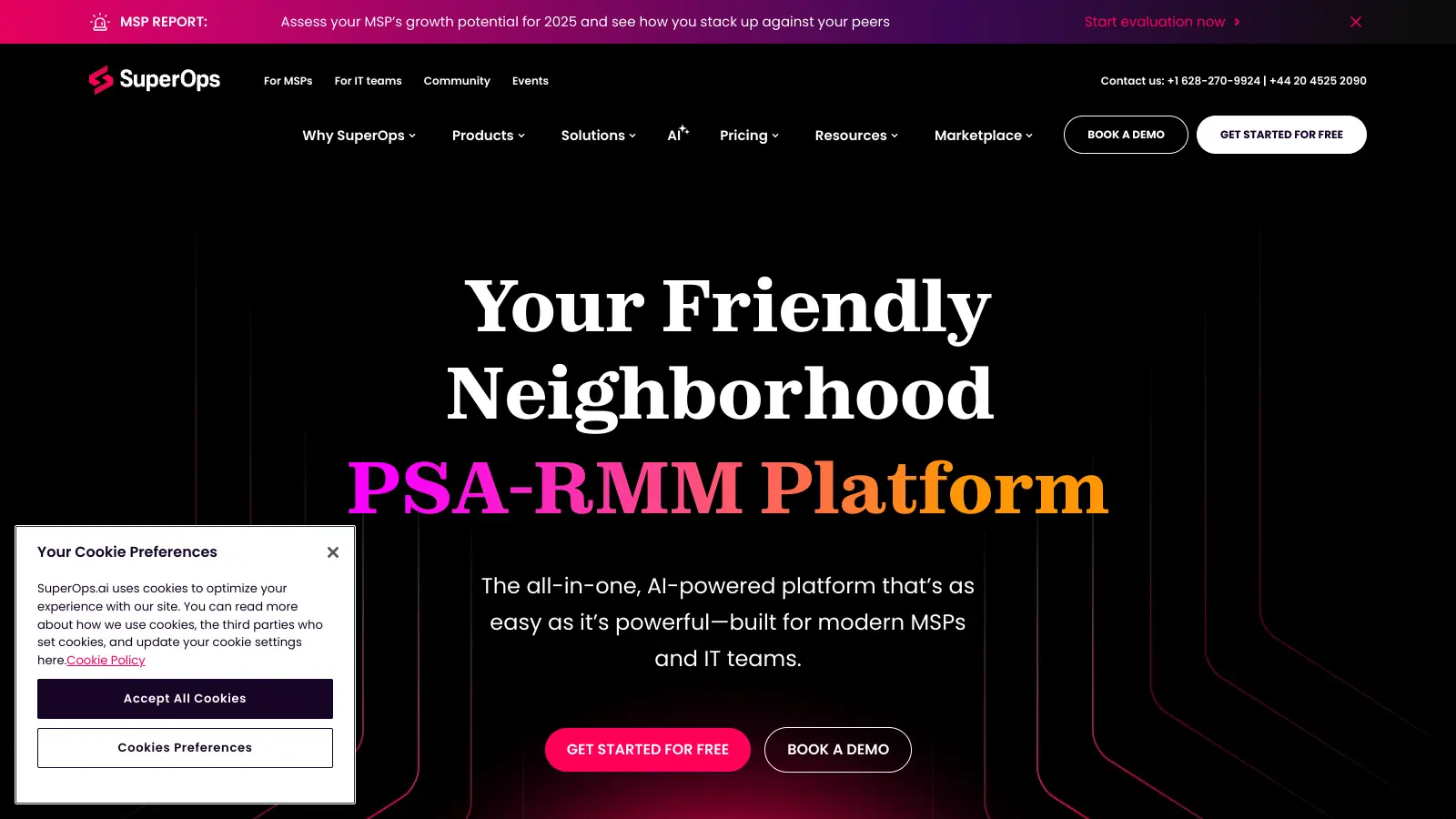
SuperOps PSA is an integrated platform that combines Professional Services Automation (PSA) and Remote Monitoring and Management (RMM) capabilities. The platform helps managed service providers (MSPs) and IT teams streamline their daily operations through a unified interface.

Founded in 2020, the software brings together IT management tools like service desk operations, client management, and remote monitoring. It includes AI-powered features through Monica AI that automate ticket summarization, email rephrasing, worklogs, and issue prediction, while also providing project management and reporting tools.

The platform offers four main pricing tiers, starting from $89 per month for PSA-only features, with unified plans available that combine both PSA and RMM functionality. Each plan includes different levels of access to core features such as ticketing, asset management, and automation tools. A fifth Super Plus tier adds mobile device management and network device monitoring.

MSPs get features like automated patch management, real-time monitoring, and customizable dashboards. The system helps teams track time, manage projects, and handle client relationships through a single platform, reducing the need to switch between multiple tools.

Who is SuperOps PSA for?

SuperOps PSA is built for managed service providers (MSPs) and IT teams who need to consolidate their workflows and reduce tool sprawl.

  • Small to mid-sized MSP owners who want to grow their business without adding administrative overhead or hiring more staff
  • IT service desk managers looking to cut response times through AI-assisted ticketing and automated workflows
  • MSP technicians who need quick access to client information, asset details, and ticketing from a single interface
  • Project managers at IT service companies tracking resource allocation and project profitability across multiple clients
  • Finance teams at MSPs who need to streamline billing workflows and improve invoice accuracy through automated time tracking
  • Small businesses that need scalable PSA-RMM with built-in CRM and financial management capabilities

The tool is used throughout the IT services industry, particularly by teams supporting multiple small business clients who need affordable management solutions.

Online Reviews (Last 6 Months Summarised)

Users praise SuperOps PSA for automation that speeds up ticketing and client management. The interface is easy to navigate, and customer support responds quickly. Many MSPs mention the PSA features come at a competitive price point compared to established competitors, and integrations with tools like QuickBooks and ConnectWise work well.

Bugs show up in reporting features. The mobile app is missing functionality that's available on desktop. Advanced customizations have a steep learning curve, and dashboard customization options are limited. Some users experience slow performance during peak usage times.

Features

  • Professional Services Automation (PSA) Platform: Streamlines IT service management with integrated ticketing, client management, and automated billing capabilities for managed service providers.
  • Monica AI Automation: Automates ticket summarization, email rephrasing, worklogs, and issue prediction to reduce manual work and speed up ticket resolution.
  • Time Tracking and Invoicing: Tracks billable time with automated invoicing and financial management tied directly to tickets and projects.
  • Project Management: Offers customizable project templates, visual planning tools, and collaborative task management for team coordination.
  • Asset Management: Provides real-time tracking and monitoring of client hardware and software across Windows, Mac, and Linux operating systems.
  • Security Features: Delivers patch management, proactive threat detection, and antivirus integrations to protect client infrastructure.
  • Reporting and Analytics: Generates dashboards and key performance indicators with customizable metrics for tracking technician productivity, project profitability, and ticket trends.

Pricing

  • Standard PSA-only plan at $89 per technician per month with ticketing and automations, automated billing and invoicing, and Monica AI capabilities.
  • Standard RMM-only plan at $109 per technician per month supporting up to 150 endpoints, including Windows, Mac, and Linux asset management, proactive monitoring, remote troubleshooting, and advanced patching.
  • Pro Unified plan at $149 per technician per month combining PSA and RMM features, supporting 150 endpoints with ticketing, projects, automated billing, asset management, remote troubleshooting, IT documentation, and basic reporting.
  • Super Unified Advanced plan at $179 per technician per month offering everything in Pro plus ticketing automation, advanced work management, advanced proactive monitoring, custom asset types, advanced patching, advanced reporting and analytics, and chat functionality for 150 endpoints.
  • Super Plus plan at $3.00 per endpoint per month (minimum 150 endpoints) with everything in Super plus MDM for Apple and Android devices, network device monitoring, complete RMM functionality, and PSA for unlimited technicians.
  • Additional discounts include 15% for annual billing and a 30% startup discount for MSPs in their first year.
  • Flexible endpoint pack options available for managing more than 150 endpoints.

Frequently Asked Questions

How does SuperOps differ from other MSP tools?

SuperOps combines PSA and RMM functions in one platform, which most competitors split into separate tools. This means you manage tickets, projects, billing, and device monitoring in the same place without jumping between systems. Their Monica AI automates ticket summarization, email rephrasing, and worklogs to help solve tickets faster. Alerts automatically generate pre-populated tickets with device history, contracts, SLAs, and billing info. The interface is also much newer and more user-friendly than older MSP platforms that often feel clunky and outdated.

Can I import my data from my current PSA/RMM tool?

Yes, SuperOps offers migration support to bring over your existing data. They can import client info, tickets, assets, and configurations from most popular platforms like ConnectWise, Kaseya, and Datto. Their team helps with the transition process so you don't lose your historical data or have to start from scratch. The migration timeline usually depends on how much data you have and which system you're coming from, but they'll work with you to create a plan that minimizes disruption.

Does SuperOps work with my existing tech stack?

SuperOps integrates with many popular business and IT tools. You can connect it with accounting systems like QuickBooks and Xero, security tools like Webroot and Bitdefender, as well as Microsoft 365 and Google Workspace. They also support integration with common remote access tools, backup solutions, and documentation platforms. If you use a specific tool that isn't on their integration list, they have an API that lets you build custom connections.

What kind of support does SuperOps offer?

SuperOps provides multi-level support options. All customers get access to their help center with guides and videos, plus email and chat support during business hours. Their higher-tier plans include phone support and faster response times. They also assign a dedicated onboarding specialist to help you set up the platform and train your team. Many users mention that their support team is more responsive than competitors, with most issues getting resolved within hours instead of days.

Can I try SuperOps before committing?

Yes, SuperOps offers a free trial that lets you test all features before deciding. The trial gives full access to both PSA and RMM functions so you can see how the unified platform works with your business. They don't require a credit card to start, and they provide demo data so you can explore without setting everything up from scratch. During the trial, you'll also get access to their onboarding team who can answer questions and help you evaluate if it's the right fit.

Other Tools To Check Out

Best Deal

Start your 14-day free trial with no credit card required and explore all MAX features before committing to a plan starting at $79/month

Redeem Now

Best Deal

Free Trial Available for Polaris PSA

Redeem Now

Best Deal

Try Joist free with no credit card required, or get 2 months free when you pay annually for Pro or Elite plans.

Redeem Now

Find Out How Best To Utilise Tools

Our newsletter comes with exclusive discounts, trials and practical insights from within the industry

Sign Up Today