Business Operations Management Tool+2 more

Autodesk
best deal
Free access available for educators through Autodesk Education Plan
redeem now
Autodesk
best deal
Free access available for educators through Autodesk Education Plan
redeem nowWe start with direct ratings from our readers, then look at what real users are saying in practitioner forums and community spaces. We pair that with search demand data and profession-level persona analysis.
Editorial note: this was originally published in september of 2024
quick take
based on real user feedback, community sentiment, pricing value, and fit for target audience. see our full methodology
used Autodesk? we'd love to know your thoughts
reader ratings shape our score
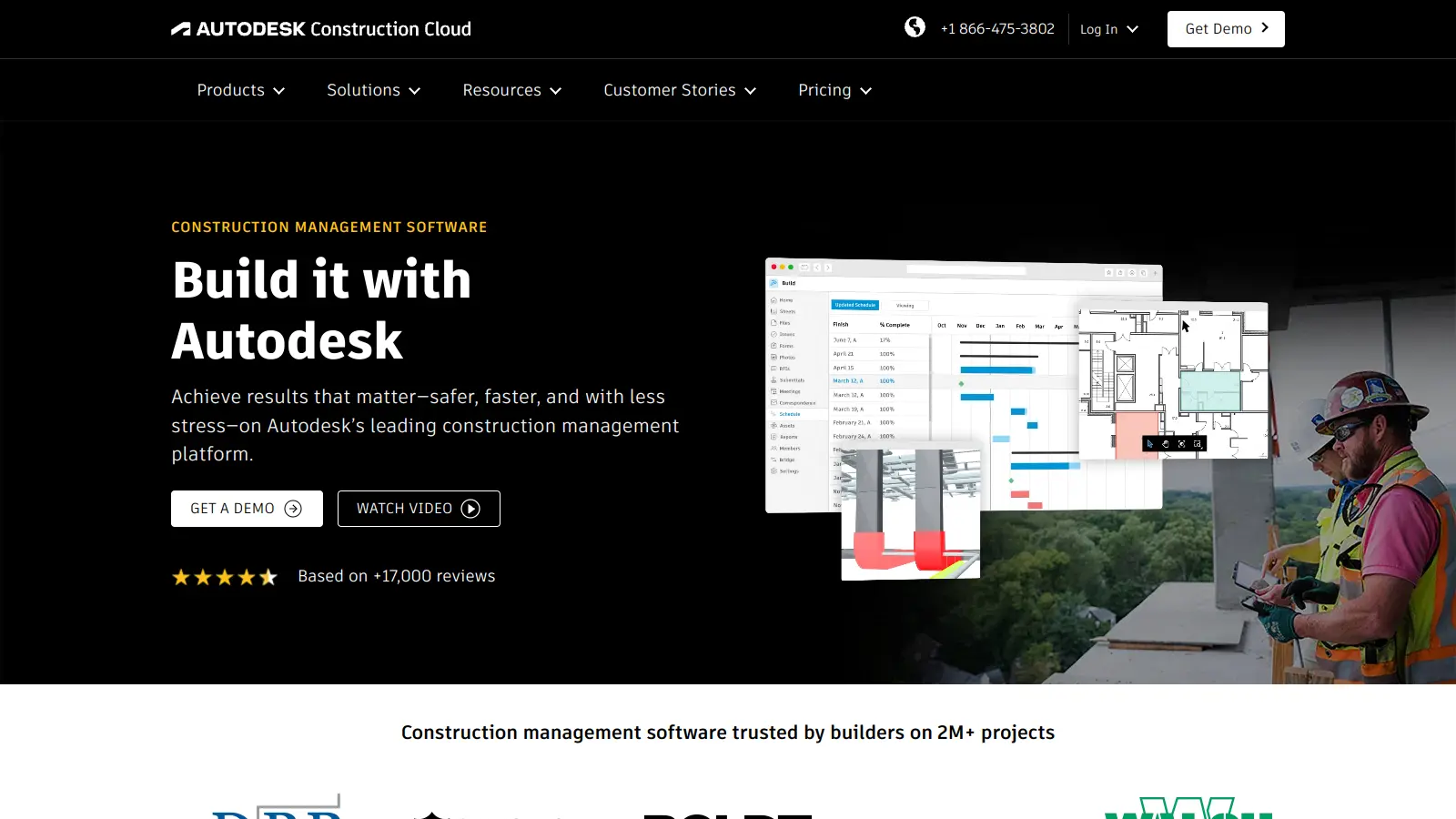
Autodesk Construction Cloud is the construction-phase layer of Autodesk's broader software ecosystem, connecting BIM models from Revit and other design tools directly to field management, cost tracking, and document control. BIM Managers and General Contractors at larger firms get the most value: the platform's clash detection and model coordination tools are among the deepest available, and the connection between design intent and on-site execution is genuinely tighter than most alternatives. The tradeoff is cost and complexity: this is not a tool you pick up quickly, and the licensing model is expensive and increasingly enforced aggressively.
Pricing is not published and requires a sales conversation, which should tell you something about where it sits in the market. The platform runs on desktop and mobile and integrates across the Autodesk product family. Before trialling it, confirm your site connectivity situation: the mobile experience degrades on patchy networks, and field teams on disconnected sites will find it frustrating. If your firm is already inside the Autodesk ecosystem and running projects of significant scale, the consolidation value is real. If you're a smaller outfit, Procore will likely serve you better at a clearer price.
monthly search interest
165k/mo now
Autodesk Construction Cloud has held a stable search band between 110,000 and 165,000 monthly searches since early 2022, with a modest spike to 201,000 in late 2025 and early 2026. That spike looks more like a cyclical bump than a growth breakout, and the subsequent return toward 165,000 confirms it. This is a mature platform with a locked-in enterprise user base rather than a tool riding new interest: safe to build a workflow around, but don't expect the product to feel like it's in an active growth phase.
Whether Autodesk Construction Cloud is worth it depends heavily on your role and firm size. Pick your role below to see where it works well and where it's likely to frustrate you.
overall sentiment
select your role to see what people like you are saying
General Contractor / Project Manager
mixedIf you're running large, multi-subcontractor projects and need document control and cost tracking in one place, Autodesk Build delivers. The integration between office and field is genuinely strong at scale. The problems are real though: pricing requires negotiation rather than a clear number, on-site crashes happen when connectivity is inconsistent, and when support goes quiet mid-project, you feel it. Worth it at enterprise scale, harder to justify for mid-size operations.
strengths
concerns
BIM Manager / Coordinator
positiveThis is where Autodesk Construction Cloud is strongest. The clash detection tools are among the best available, and cloud-based model coordination genuinely reduces the back-and-forth between design disciplines and site teams. Performance slows on very large models and hardware requirements are real, but for firms where design integrity across the full construction lifecycle matters, the core functionality earns its place. Support issues are frustrating but secondary to what the platform actually does well.
strengths
concerns
Estimator / Preconstruction Professional
mixedAutodesk Takeoff's quantity measurement accuracy is solid, and access to BuildingConnected's bid network is a genuine advantage for preconstruction teams managing high bid volumes. The friction is the licensing model: opaque pricing, DRM restrictions that block access at inconvenient times, and a learning curve that delays payback for smaller teams. If your bid volume justifies the subscription cost, it works. If you're a smaller estimating team, the ROI case is harder to make.
strengths
concerns
Field Worker / Site Team Member
mixedThe mobile app covers what you'd need: RFIs, submittals, daily reports. But on-site performance is the persistent complaint: crashes and slowdowns when connectivity drops make it unreliable in exactly the conditions where it matters most. Adoption is slow because the learning curve is steep, and without proper onboarding, field teams often revert to old processes. It can work well, but it needs setup time and a stable connection that many sites don't have.
strengths
concerns
“Paying customers are being treated like suspects, and that trust problem is now as prominent in community discussion as any feature complaint.”
Community discussion around Autodesk Construction Cloud skews toward frustration rather than praise, and the loudest complaints aren't about the product's construction-specific features at all. Reddit threads in r/Maya and r/3dsmax are currently dominated by reports of unsolicited license compliance audit emails from Autodesk's regional teams, with users who are actively paying subscribers being asked to justify their usage and submit account screenshots. It's a pattern that's generating real ill will: paying customers are being treated like suspects. On professional review platforms, Autodesk scores reasonably well in aggregate, with ratings clustering around 4 out of 5, but the substance of reviews consistently flags the same pressure points: pricing that's hard to justify on competitive margins, DRM and login friction that blocks access to tools people have already paid for, and customer support that goes quiet at the worst possible moments.
That depends almost entirely on your firm size. For large general contractors running multiple concurrent projects, the centralised document control, BIM coordination, and AI-powered issue detection can genuinely offset the cost. For smaller firms or estimators working on thinner margins, the subscription pricing is hard to swallow, particularly when Autodesk's licensing restrictions add operational friction on top. Autodesk doesn't publish its Build pricing publicly, which is itself a signal: if the number were competitive, they'd show it upfront. Expect to negotiate.
BIM Managers and Coordinators get the most out of it: the clash detection, cross-discipline model coordination, and cloud access are genuinely strong for firms that need design integrity from planning through to construction handover. General Contractors running large subcontractor networks also benefit from the centralised workflows. It's a harder sell for Estimators at smaller firms, where the subscription cost relative to bid volume makes the ROI questionable.
First, pricing is opaque and high, and Autodesk's licensing enforcement has become increasingly aggressive, with paying subscribers receiving compliance audit requests and being asked to justify their usage. Second, on-site performance is unreliable: connectivity issues on job sites cause crashes and slowdowns that disrupt field workflows. Third, customer support response times are slow enough that when something critical breaks, you're often waiting longer than a live project can afford.
Procore wins on transparency and support: pricing is clearer, the mobile field experience is stronger, and support is more responsive. Autodesk wins on BIM integration and model coordination depth, particularly if your firm is already using Revit or other Autodesk design tools upstream. If BIM coordination is central to your workflow, stay with Autodesk. If you need field teams to adopt software quickly with minimal training and you want a cleaner vendor relationship, Procore is the better call.
In theory, yes: Autodesk Build has a mobile app designed for RFIs, submittals, and daily reports. In practice, field workers consistently report performance issues and crashes when connectivity is patchy, which is most job sites. Adoption also takes time: the learning curve is steep enough that teams without dedicated onboarding support often end up reverting to older processes. If your site teams aren't tech-forward, budget for proper training before rollout.
toolsforhumans editorial team
Reader ratings and community feedback shape every score. Since 2022, ToolsForHumans has helped 600,000+ people find software that holds up after launch. how we research →
is this your tool?
claim your listing to update details, respond to our review, or upgrade to a featured partnership.
claim this listing →
Microsoft Copilot is an AI-powered assistant that provides real-time help across Microsoft apps and platforms. It uses advanced language models to automate tasks, generate content, analyze data, and provide suggestions while integrating with Microsoft 365 applications like Word, Excel, Teams, and Outlook.
best deal
Try Microsoft Copilot Chat free with your eligible Microsoft 365 subscription, or get Copilot Business at $18/month promotional pricing for small businesses.

QuickBooks is financial management software designed to help businesses of all sizes manage their finances. It offers features including invoicing, expense tracking, payroll processing, inventory management, and tax preparation. Available in desktop and online versions, QuickBooks provides scalable solutions with pricing tiers for different business needs, from solopreneurs to large enterprises.
best deal
Get 50% off QuickBooks for your first 3 months — Simple Start just $19/month

Square is a payment processing and business management platform that offers multi-channel payment solutions, point-of-sale systems, inventory management, and analytics. It supports credit cards, digital wallets, and bank transfers, provides integrated hardware, enables e-commerce integration, and ensures secure transactions with PCI compliance. The platform now includes Square AI, a conversational AI assistant that analyzes business data and provides insights.
best deal
Try Square Plus Free for 30 Days - No Credit Card Required

Microsoft SharePoint is a web-based collaboration platform that helps organizations create team sites, intranets, and document management systems. It integrates with Microsoft 365 tools, offering features like real-time co-authoring, version control, security controls, customizable sites, and workflow automation.
best deal
Try SharePoint Plan 1 for just $5/month - Get 1TB pooled storage, real-time collaboration & core document management features

Wave is a financial management tool for small businesses, offering free and paid plans with features like unlimited invoicing, payment processing, bookkeeping, expense tracking, and payroll management. It provides an easy-to-use platform that helps entrepreneurs manage their financial operations, with options to accept online payments, generate financial reports, and track expenses, making it suitable for small business owners seeking a cost-effective accounting solution.
best deal
Get $28.50 off the first 3 months of Wave Pro Plan with auto-import, unlimited receipt scanning, and discounted payment processing fees.

Fireflies.ai is an AI-powered meeting assistant that automates transcription, note-taking, and analysis across communication platforms. It offers real-time transcription in over 100 languages, generates AI summaries, identifies action items, provides search capabilities, and integrates with popular work tools. The platform helps teams save time by capturing meeting details automatically and providing searchable insights into conversations.
best deal
Try Free: Get 800 minutes of AI transcription per month with basic meeting notes and search features. Annual billing saves 44% on Pro and 34% on Business plans.