Enterprise Security Software+2 more

Sentrya
best deal
Try Sentry's Free Developer Tier or start with Pro Single at just $9/month for individual developers
redeem now
best deal
Try Sentry's Free Developer Tier or start with Pro Single at just $9/month for individual developers
redeem nowwe track global search demand across every software category, monitor what real users are saying online, identify which professions rely on each tool, and surface the questions people are actually asking. reviews are consistently updated and reviewed for reliability.
Sentry is a software monitoring and error tracking platform that helps development teams identify and fix application issues in real-time. It works across multiple programming languages and frameworks, from JavaScript and Python to iOS and Android.
The platform integrates with development tools like GitHub, GitLab, Slack, and Jira. Teams can track errors, monitor performance, and get instant notifications when problems occur. This means faster response times and fewer disruptions for end users.
Features like detailed error reporting, custom tagging, and performance monitoring help teams pinpoint the root cause of issues. The tool provides context about what happened before each error, making debugging more efficient. The Session Replay feature records user sessions to show exactly what happened when an error occurred.
Sentry offers a free tier for small projects, with paid plans starting at $26 per month that scale based on usage and team size. The platform suits both small development teams and large enterprises, with customizable options to match specific needs.
Sentry is ideal for development teams who need to quickly identify and fix software issues before they impact users. This real-time monitoring platform saves countless hours of debugging time while providing detailed insights across multiple programming languages and frameworks.
Sentry has become a staple tool for web application developers, mobile app creators, and software teams in industries ranging from e-commerce to fintech to healthcare.
overall sentiment
select your role to see what people like you are saying
Mobile App Developer
positiveMobile developers find Sentry exceptionally valuable for understanding crashes in production. The detailed device information, timestamps, and event sequences provide exactly what's needed to reproduce and fix mobile-specific issues quickly.
strengths
concerns
Full-Stack Developer
mixedFull-stack developers appreciate Sentry's unified monitoring across languages and the integration ecosystem, but struggle with configuration complexity and noise management when handling microservices. The tool works well for simpler stacks but shows limitations at scale.
strengths
concerns
DevOps/Platform Engineer
mixedDevOps teams value instant notifications and detailed error context for proactive issue response, but encounter scaling challenges and manual overhead in larger microservices environments. The tool is suitable for simpler deployments but requires workarounds for enterprise complexity.
strengths
concerns
Startup/Early-Stage Developer
positiveStartup developers and solo founders love Sentry's affordable pricing and professional-grade error tracking without enterprise costs. The free tier and low-cost plans ($9/month) make it accessible for resource-constrained teams just getting started.
strengths
concerns
Developers praise Sentry's ease of use and real-time error tracking that simplifies debugging. The Session Replay feature stands out for showing exactly what users did before hitting an error. Mobile developers like getting detailed crash information including device type, timestamp, and events. The integrations with Slack, Jira, and GitHub keep teams in the loop. Developers working across multiple languages appreciate that it's easy to set up and track errors regardless of their tech stack.
Sentry can be difficult to configure properly and sometimes stacks up millions of silly bug entries that create noise. Some find it less impressive for web or backend monitoring compared to mobile. Larger teams running microservices architectures say it struggles to scale well. The tool requires manual setup for team ownership mapping and lacks AI-based assignment, which adds overhead. Managing smart alerts takes extra development time. Some developers prefer handling noise reduction programmatically rather than through the app itself. The Session Replay UI can be unresponsive during playback.
Sentry automatically tracks exceptions, crashes, and performance issues in JavaScript, Python, Java, PHP, Ruby, iOS, Android, and many other languages. You'll see detailed information about each error including the stack trace, browser info, user context, and the events that led up to the error. It monitors performance problems like slow page loads or API calls without complex tracking code.
How do I set up Sentry in my application?Create an account and a project on the Sentry website. Install the SDK for your programming language or platform using your package manager (like npm, pip, or gradle). Add the initialization code with your DSN (Data Source Name) to your application, usually just a few lines of code. That's it! Sentry will start capturing errors automatically. You can add more custom context or tracking as needed, but the basic setup takes less than 10 minutes for most applications.
Will Sentry slow down my application?Sentry is designed to have minimal impact on your application's performance. The SDKs use async reporting that runs in the background and won't block your main application processes. On the frontend, Sentry batches errors and uses lightweight sampling techniques to reduce overhead. Most users report fast performance with no noticeable impact in production environments. You can also adjust sampling rates if you're working with high-traffic applications to further reduce any potential slowdown.
How does Sentry group similar errors?Sentry uses a fingerprinting system to group similar errors together. It looks at the error type, message, and stack trace to decide if errors are related. This prevents your dashboard from getting flooded with hundreds of instances of the same problem. When a new error comes in, Sentry checks if it matches an existing issue's fingerprint. If it does, it's added to that issue with a counter showing how many times it's happened. You can also manually merge issues if Sentry doesn't group them automatically, or split them if they're grouped incorrectly.
Can I integrate Sentry with my existing tools?Yes, Sentry integrates with GitHub, GitLab, and Bitbucket to link errors directly to the code that caused them. You can get alerts in Slack, Microsoft Teams, or Discord when new issues appear. Sentry also works with project management tools like Jira, Trello, and Asana so you can create tickets automatically. For larger teams, you can set up custom webhooks to build your own integrations with any system you're already using.

Box is a cloud-native content management platform that enables secure storage, collaboration, and content management. It offers features including security controls, AI-driven insights, workflow automation, and integrations across business applications. With scalable solutions for individuals, teams, and enterprises, Box helps organizations manage, share, and protect their digital content.
best deal
Try Box free with 10GB storage or get 30% off Enterprise plans when billed annually

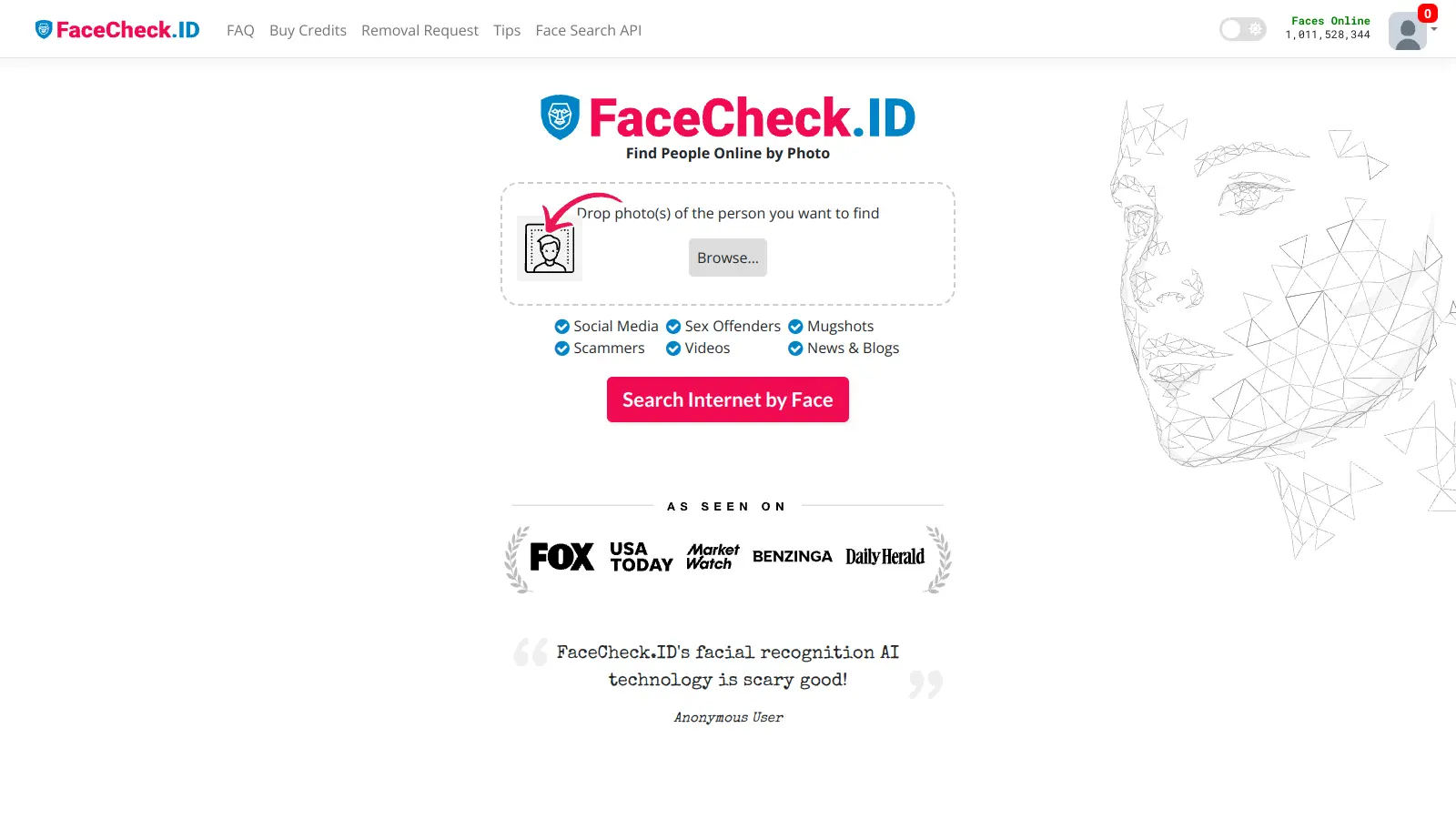
PimEyes is an advanced online facial recognition search engine that uses AI to perform reverse image searches across publicly accessible websites. It helps users monitor their digital presence, find instances of their face online, and provides tools for privacy protection, including image removal assistance and alert systems. Available through various subscription plans, PimEyes searches an index of 3.5 billion photographic images and focuses specifically on facial features rather than entire images.
best deal
Get 25% off annual plans: PROtect for $26.24/month or Advanced for $224.99/month

Barracuda Networks is a cybersecurity company founded in 2003, offering AI-powered solutions for email, network, and data protection through its BarracudaONE platform. The product suite includes email gateway defense, web security, firewalls, cloud backup services, and managed XDR with multimodal AI threat detection.
best deal
Free trials available for email protection and other products

Mimecast is a cloud-based cybersecurity platform that provides email security, archiving, and continuity solutions. It protects against phishing, malware, ransomware, and business email compromise using AI-powered detection engines, URL scanning, attachment sandboxing, and user awareness training.
best deal
Explore Mimecast's Protect Plan with AI-powered email security starting today.

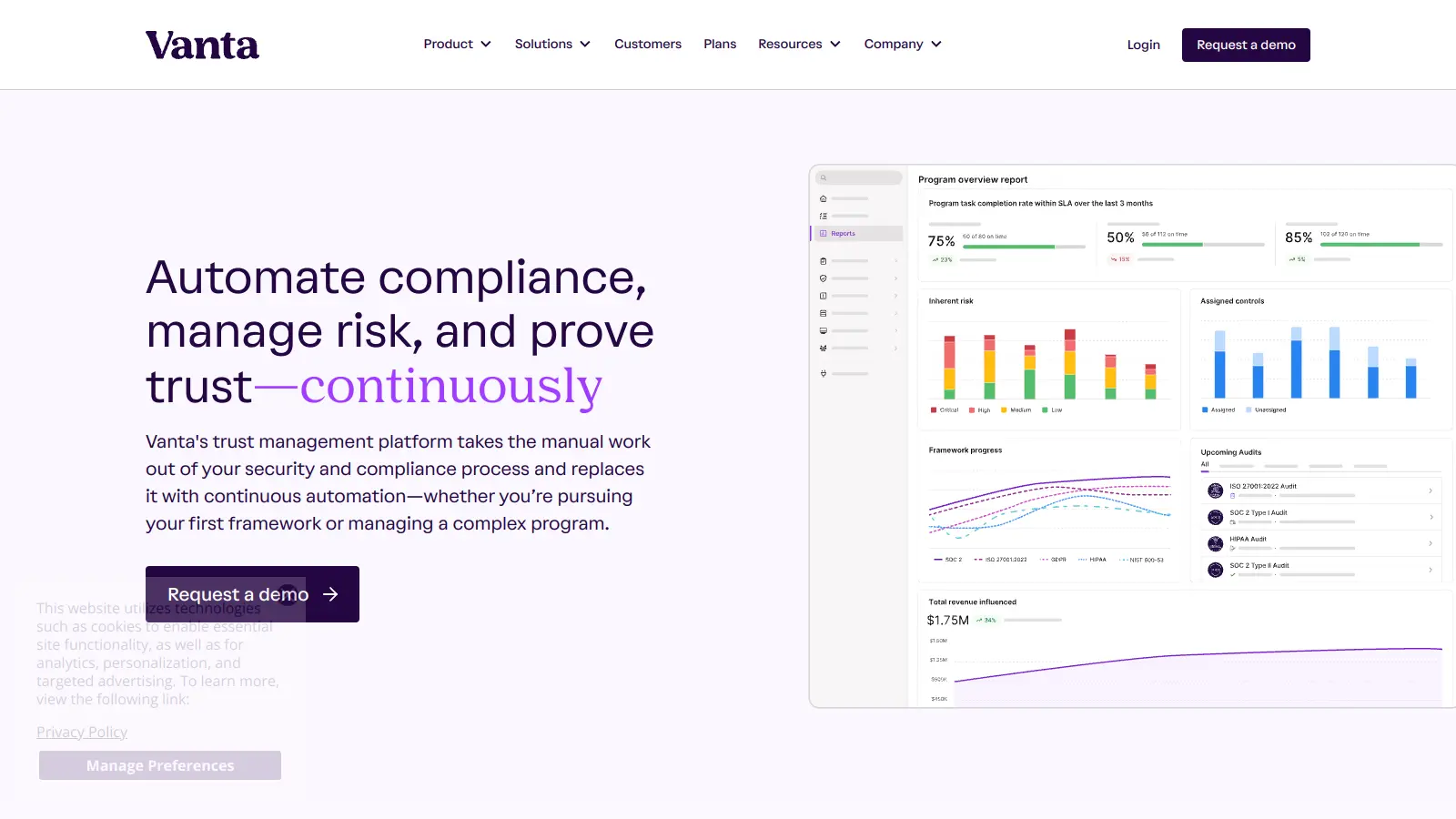
Vanta is a compliance and security platform that automates up to 90% of compliance work for major security frameworks like SOC 2 and ISO 27001. It offers automated evidence collection, policy management, access control, and AI-powered tools to help businesses streamline compliance processes, strengthen security, and build stakeholder trust.
best deal
Free trial available with no credit card required. Core plan starts at $7,500 annually.

LogicGate is an AI-powered Governance, Risk, and Compliance (GRC) platform offering the Risk Cloud solution. The platform helps organizations manage cyber risk, third-party risk, compliance controls, and operational resilience through a no-code interface with built-in Spark AI features that automate evidence testing, form completion, and risk analysis.
best deal
Get started with Risk Cloud from $13,765/year and automate your compliance process with AI-powered features