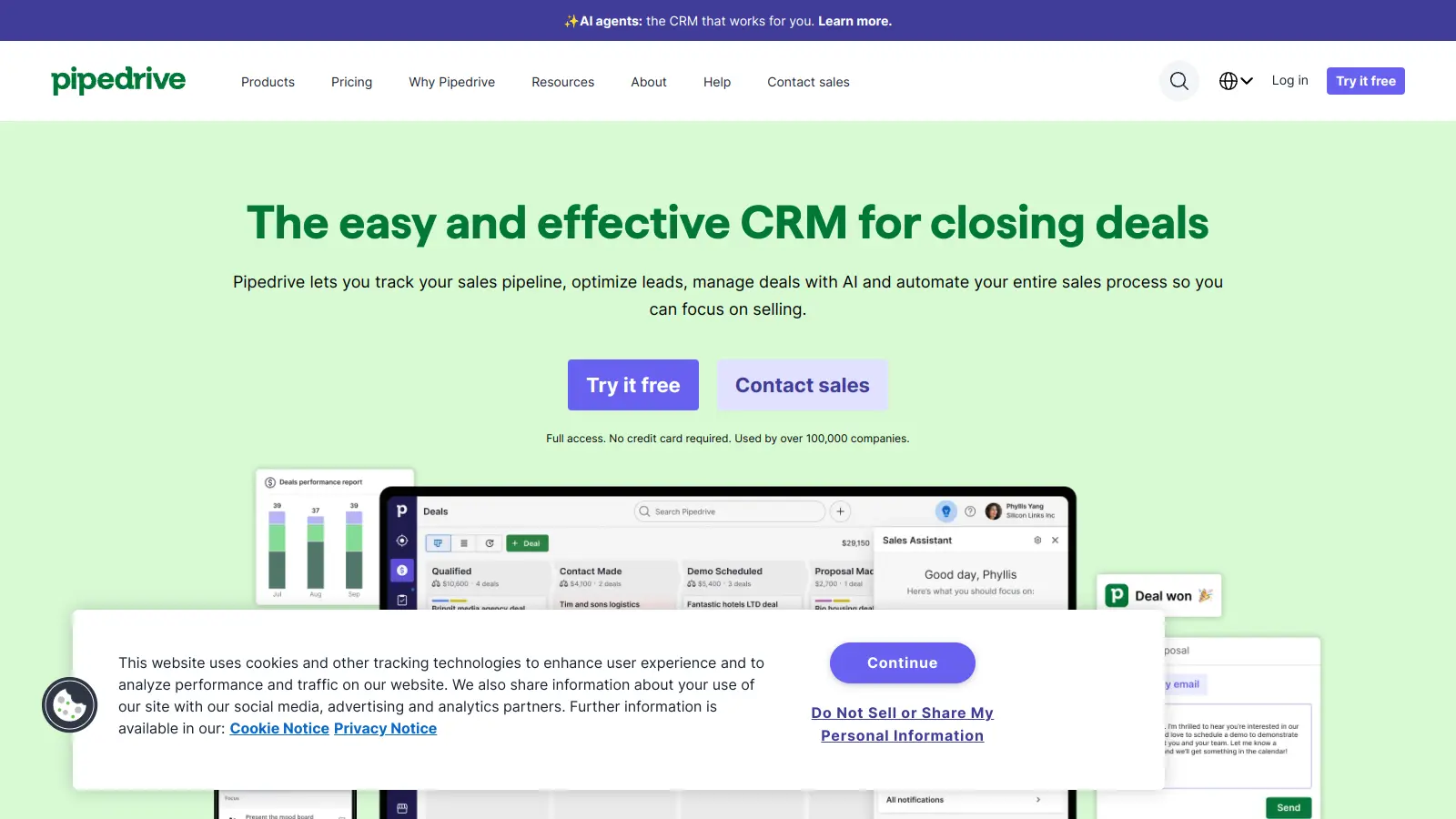
Pipedrive helps businesses manage their sales processes and customer relationships through a customer relationship management (CRM) platform. The software combines sales tracking, pipeline management, and workflow automation tools in one central hub.
At its core, the platform offers a visual pipeline that lets sales teams track deals from initial contact to closing. Users can move deals through different stages with a drag-and-drop system, sync their business calendar for deadline reminders, and monitor progress through an activities overview that shows hour-by-hour scheduling. The interface makes it easy for teams to stay organized without getting overwhelmed.
Beyond basic CRM functions, the tool includes features for email tracking with two-way sync for up to five email accounts, lead generation, and customizable reports. Teams can automate repetitive tasks, integrate with over 350 business apps through the Pipedrive Marketplace, and customize pipelines to match their specific sales processes. The platform scales well, working for entrepreneurs and small businesses as well as larger sales teams.
Pricing starts at $14 per user monthly for the Lite plan when billed annually, with more advanced features available in higher-tier plans. Each plan includes core CRM capabilities, while features like full email sync, automations, and AI-powered tools are reserved for premium tiers.
Pipedrive works best for sales professionals and teams who need to track deals and manage their sales pipeline. The visual pipeline management and drag-and-drop interface work well for users who want powerful sales tools without a steep learning curve.
The platform adapts to different sales processes across industries, with automation features that help boost conversion rates.
Users love the interface that's easy to learn and get started with quickly. Sales teams appreciate the customization options for deal stages and pipelines, the mobile app that works well for on-the-go access, and the time-saving automation features. Reviews consistently mention responsive customer support with helpful onboarding, and the integration options with tools like Google Workspace and Zapier get praise.
Pricing is expensive for small teams, especially as you add more features. The reporting and analytics capabilities fall short compared to competitors like Salesforce. Users wish for built-in email marketing and more advanced lead scoring. The system gets cluttered when you add too many custom fields. Occasional bugs in automations and sync issues frustrate users. Teams with complex enterprise needs or multi-currency requirements find Pipedrive's handling of these scenarios lacking.
Pipedrive stands out for its simple, visual pipeline that makes it easier to learn than Salesforce and more sales-focused than HubSpot. It's stronger in pure sales pipeline management but offers fewer marketing automation features than HubSpot's all-in-one platform. The drag-and-drop interface is more intuitive than Salesforce, making it popular with teams that want to get started quickly without extensive training. However, Pipedrive has less robust reporting and analytics compared to Salesforce, and it lacks the built-in email marketing tools that HubSpot provides. The sweet spot is small to mid-sized businesses focused primarily on sales management rather than full marketing automation.
Can I use Pipedrive on my phone?Yes! Pipedrive has a mobile app that works on both iPhones and Android devices. The app lets you update deals, check your pipeline, add notes after meetings, and track your tasks while you're away from your desk. Users particularly like that the mobile version is simple to use but still gives you access to most important features. You won't need to wait until you're back at your computer to update information after a client meeting.
What's the difference between Pipedrive's pricing plans?Pipedrive offers four main plans that increase in features as you go up. The Lite plan ($14-24/user) covers basic pipeline management, AI-powered reports, and integrations. Growth ($39-49/user) adds full email sync, workflow automations, and live chat support. Premium ($49-79/user) includes lead generation, custom scoring, company data enrichment, and e-signatures. Ultimate ($79-99/user) provides fortified security, phone and email data enrichment, and sandbox testing. The lower price in each range is for annual billing, which saves up to 32% compared to monthly payments. Most small businesses find the Growth plan meets their needs, while growing teams often prefer Premium for the advanced lead management features.
What are the best integrations for Pipedrive?Pipedrive connects with over 350 apps through its Marketplace, and the most popular integrations include Google Workspace for email and calendar sync, Zapier for connecting to hundreds of other tools, and Slack for team notifications. Users also frequently connect accounting software, email marketing platforms, and communication tools like Zoom. The integrations work through the Marketplace and are available across all pricing plans, though the number of active integrations you can use may vary by tier. Setting up integrations is straightforward, with most connections taking just a few clicks to authorize and configure.
Is it hard to import my existing data into Pipedrive?Importing data into Pipedrive is straightforward for most users. The system accepts CSV files from Excel or other CRMs, and includes step-by-step import wizards that map your existing fields to Pipedrive's system. Most users can import contacts, deals, and basic history in under an hour. The trickier part can be bringing over custom fields or complex relationship data, which might need some planning. Pipedrive offers support articles and videos that walk you through the process, and paid plans include help from their support team for data migration questions. If you're moving from another major CRM, they also have specific guides for Salesforce, HubSpot and others.


Our newsletter comes with exclusive discounts, trials and practical insights from within the industry