Best Salesforce Alternatives in 2026: For Every Team Size
7 alternatives reviewedlast reviewed 7 april 2026
Editorial note:this was originally published in april of 2026
Salesforce is the default choice for enterprise CRM, but 'default' and 'right' aren't the same thing. The platform's pricing starts at $25/user/month and climbs fast once you add Sales Cloud, Marketing Cloud, or any meaningful automation — and that's before implementation costs and admin overhead.
This page covers 7 alternatives worth considering in 2026: tools suited to teams that are too small to justify Salesforce's cost, too lean to handle its complexity, or simply doing a narrower job where a specialist tool outperforms a generalist one.
Each pick is evaluated on real pricing, which features actually matter, and the specific scenario where it beats Salesforce. We cover obvious options like HubSpot and Zoho, plus a couple of less obvious picks for teams with specific workflow needs.
We collect first-hand reviews from people who use these tools every day — what works, what doesn't, whether it's worth paying for. We research pricing, features, and comparisons so that feedback has real context behind it. For this guide, we prioritised tools where the total cost of ownership, onboarding time, and data migration path were verifiable and clearly documented. Read our full research methodology.
looking for a Salesforce alternative?
tell us what you're considering and why — it helps others in the same position.
What is Salesforce?
Salesforce is a cloud-based CRM platform that covers sales pipeline management, marketing automation, customer service, and analytics across a single environment. Its core product is Sales Cloud, but the platform extends to Marketing Cloud, Service Cloud, Commerce Cloud, and a developer ecosystem built around Apex and the Salesforce AppExchange marketplace.
It's used primarily by mid-market and enterprise companies — typically those with dedicated Salesforce admins or developers on staff. Industries like financial services, healthcare, manufacturing, and SaaS rely on it for complex, multi-department workflows that smaller CRMs can't handle at scale.
The most common reasons people look for alternatives: licensing costs that scale steeply with users and features, a months-long implementation timeline, an interface that requires training to navigate productively, and a support tier that smaller customers often describe as unresponsive. Teams under 50 people regularly find they're paying for capabilities they don't use and fighting a platform that wasn't designed for their scale.
A visual, spreadsheet-style CRM for teams already using Monday for projects.
Teams using Monday.com for operations who want CRM in the same tool
PaidFrom $12/user/mo (3-user minimum)
vs SalesforcePick HubSpot over Salesforce if your team needs a working CRM today with zero implementation cost and no dedicated admin.
our top pick
1
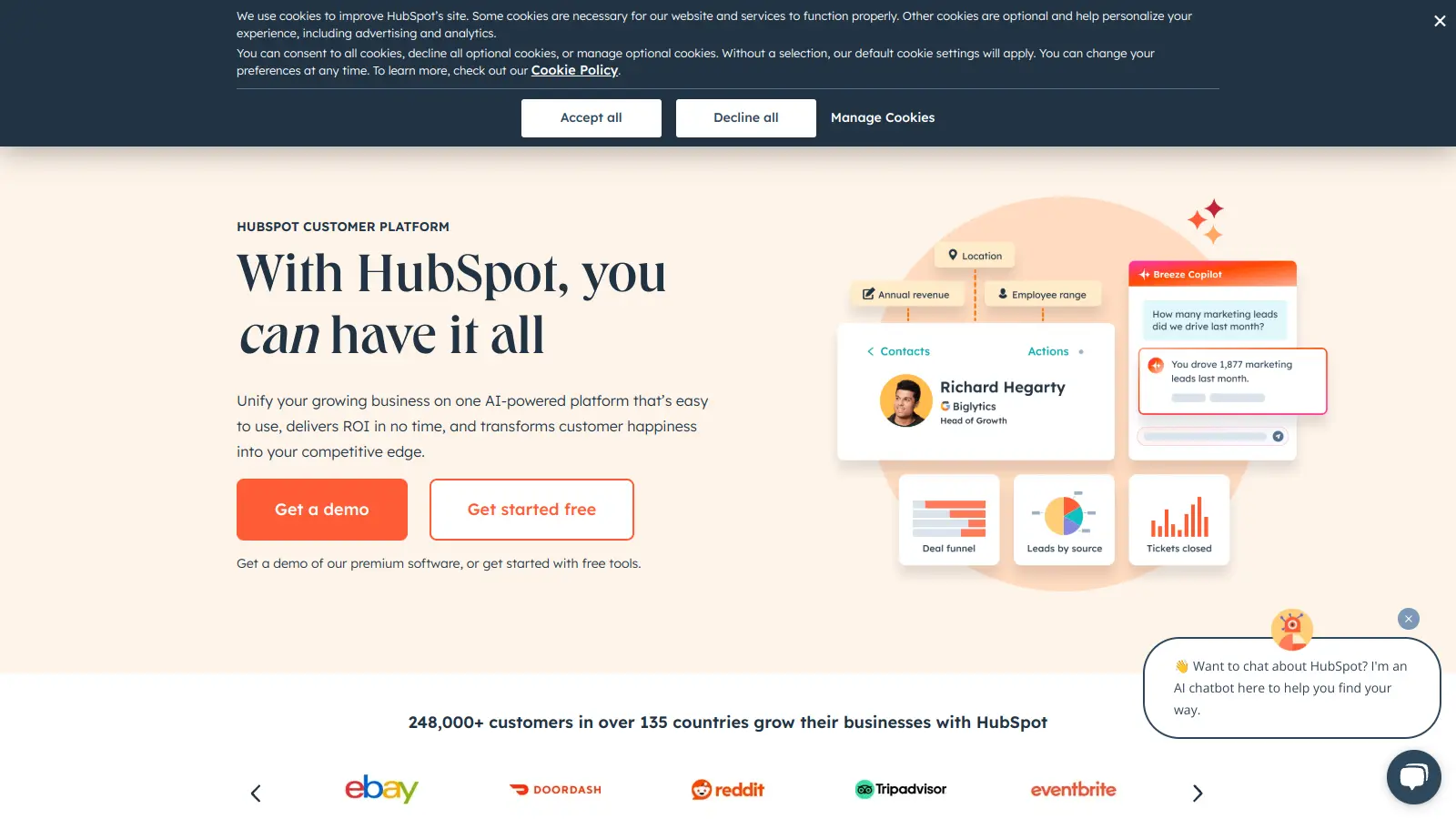
HubSpot CRM
A free-to-start CRM that grows into a full sales and marketing suite.
Freemium
Best for · SMBs and growing teams under 100 usersPricing · Free plan available; paid from $20/mo
HubSpot CRM gives you contact management, deal pipelines, email tracking, and meeting scheduling at no cost for unlimited users. Paid tiers (Starter from $20/month, Professional from $1,300/month) add automation, sequences, and reporting. The free tier is genuinely useful, not a stripped-down trial — most small sales teams run on it indefinitely.
Pros
✓Free tier supports unlimited users with real features
✓Onboarding takes hours, not months
✓Native Salesforce data import tool available
Cons
✗Professional tier jumps to $1,300/month, a steep cliff
vs SalesforcePick Zoho CRM over Salesforce when you need comparable feature depth at roughly a quarter of the per-user licence cost.
2
Zoho CRM
A full-featured CRM at a fraction of Salesforce's per-user cost.
Freemium
Best for · Cost-conscious teams already using Zoho productsPricing · Free for 3 users; paid from $14/user/mo
Zoho CRM covers lead management, workflow automation, AI-assisted scoring, and multi-channel communication across email, phone, and social. Pricing starts at $14/user/month (Standard) and tops out at $52/user/month (Ultimate). It's part of the broader Zoho ecosystem, which means tight integration with Zoho Books, Zoho Desk, and 40+ other Zoho apps if you're already in that environment.
Pros
✓Zia AI scoring and forecasting included in paid plans
✓Deep integration with Zoho's 40+ app ecosystem
✓Canvas drag-and-drop UI editor for layout customisation
Cons
✗Interface has a steeper learning curve than HubSpot
✗Customer support quality is inconsistent on lower tiers
vs SalesforcePick Dynamics 365 over Salesforce when your org runs on Microsoft 365 and wants native Teams, Outlook, and Azure integration without third-party connectors.
3
Microsoft Dynamics 365 Sales
Enterprise CRM built for teams already invested in the Microsoft stack.
Paid
Best for · Enterprise teams running Microsoft 365Pricing · From $65/user/mo
Dynamics 365 Sales covers opportunity management, AI-powered forecasting, relationship intelligence via LinkedIn Sales Navigator, and deep integration with Teams, Outlook, and Excel. Pricing starts at $65/user/month for the Professional tier. It's a genuine enterprise alternative to Salesforce rather than a lightweight option, with comparable complexity and implementation timelines.
Pros
✓Native Teams and Outlook integration with no middleware
✓LinkedIn Sales Navigator relationship intelligence built in
vs SalesforcePick Pipedrive over Salesforce when your team needs a clean, activity-driven pipeline view and has no use for Salesforce's service or marketing modules.
4
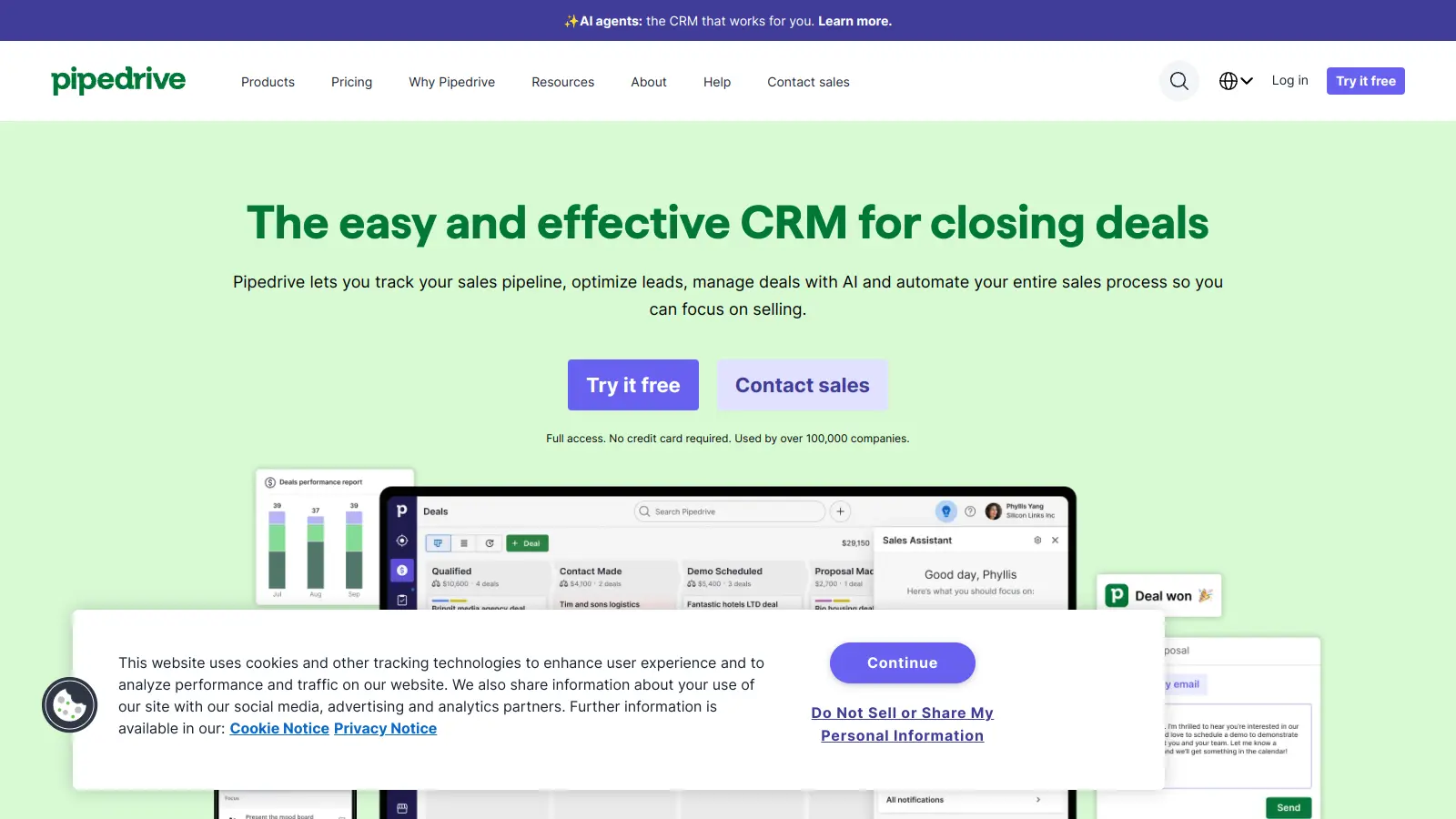
Pipedrive
A pipeline-first CRM built around how salespeople actually work.
Paid
Best for · Small sales teams focused purely on closing dealsPricing · From $14/user/mo
Pipedrive organises everything around the deal pipeline view — reps see exactly where each opportunity stands and what action is needed next. Plans start at $14/user/month (Essential) and go up to $99/user/month (Enterprise). It includes email sync, activity reminders, and AI sales assistant features on mid-tier plans. It doesn't try to cover marketing automation or customer service — it just handles the sales pipeline well.
Pros
✓Pipeline view is the clearest of any CRM at this price
✓Setup takes less than a day for most small teams
✓AI activity suggestions on plans from $39/user/mo
Cons
✗No built-in marketing automation or service desk features
✗Reporting is basic compared to Salesforce or HubSpot Pro
vs SalesforcePick Creatio over Salesforce when you need Salesforce-level workflow complexity but want your ops team to own the configuration without writing code.
5
Creatio CRM
A no-code CRM platform for teams that need deep workflow customisation.
Custom
Best for · Mid-market teams with complex workflows and no Salesforce dev budgetPricing · Pricing on request
Creatio is built around a no-code workflow engine, letting ops teams modify pipelines, automations, and data models without developer support. It covers sales, marketing, and service in one platform. Pricing is custom and typically quoted per user per month based on modules selected. Nucleus Research found that teams switching from Salesforce to Creatio reported a 37% reduction in technology costs and a 70% reduction in implementation time.
Pros
✓True no-code workflow builder — no Apex or dev needed
✓Covers sales, marketing, and service in one licence
✓Faster implementation timeline than Salesforce by most accounts
Cons
✗Pricing is opaque — requires a sales conversation to get numbers
✗Smaller partner ecosystem than Salesforce's AppExchange
vs SalesforcePick Freshsales over Salesforce when you want built-in calling and email sequencing without paying for Sales Engagement add-ons on top of a base CRM licence.
6
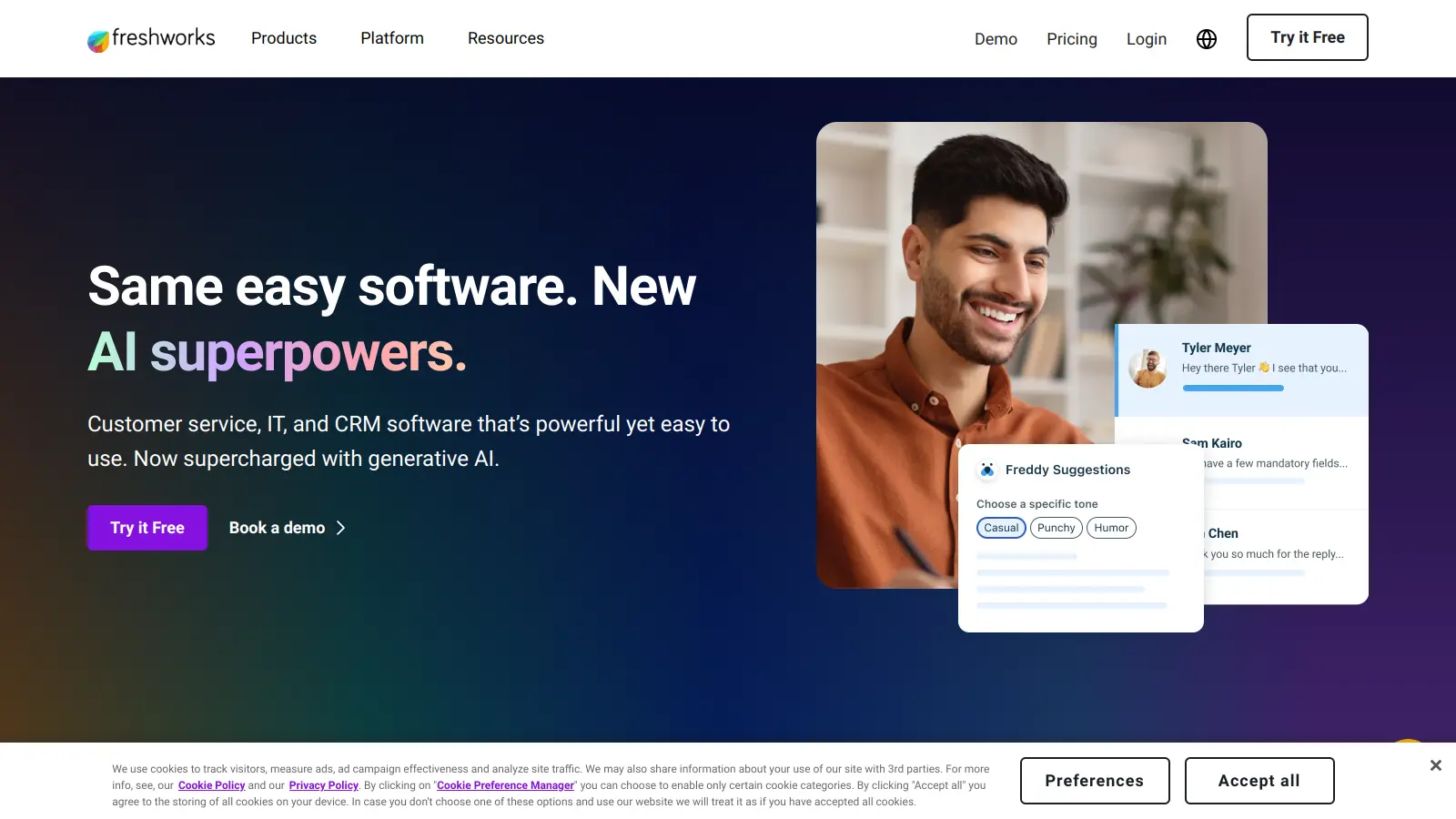
Freshsales
A CRM with built-in phone, email, and AI scoring in one low-cost package.
Freemium
Best for · SMBs wanting phone and email outreach built into their CRMPricing · Free plan available; paid from $9/user/mo
Freshsales (part of Freshworks) includes a built-in phone dialler, email sequencing, and Freddy AI lead scoring without needing third-party integrations. The Growth plan costs $9/user/month; the Pro plan with AI features is $39/user/month. It's part of the Freshworks suite, so it connects cleanly with Freshdesk for customer support if you need a service layer.
Pros
✓Built-in phone dialler with call logging included
✓Freddy AI scoring available from $39/user/mo
✓Freshdesk integration for unified sales and support view
Cons
✗Workflow automation is limited on the Growth tier
✗Reporting depth falls short of Salesforce or Dynamics
vs SalesforcePick Monday CRM over Salesforce when your team already runs on Monday.com and wants sales pipelines in the same workspace without adding a separate CRM subscription.
7
Monday CRM
A visual, spreadsheet-style CRM for teams already using Monday for projects.
Paid
Best for · Teams using Monday.com for operations who want CRM in the same toolPricing · From $12/user/mo (3-user minimum)
Monday CRM sits on top of Monday.com's work OS, giving sales teams a flexible, board-based pipeline view. It handles lead tracking, contact management, and deal automation with the same drag-and-drop interface Monday users already know. Pricing starts at $12/user/month (Basic) with a 3-user minimum. It's not a deep CRM — it lacks built-in email sequencing and advanced forecasting — but it's excellent for teams that want sales tracking integrated with their existing project management setup.
Pros
✓Same interface as Monday.com — near-zero learning curve for existing users
✓Customisable pipeline columns with no-code setup
✓Connects natively to Monday project boards for deal-to-project handoffs
Cons
✗No built-in email sequencing or sales dialler
✗Not suited to complex enterprise sales with large account hierarchies
Salesforce is built for organisations with dedicated admins. If your team is under 20 people with no CRM specialist, a tool like HubSpot or Pipedrive will get you productive in days, not months. Scaling up to 200+ users with complex territory management is a different problem that needs a different answer.
Be honest about which features you'll actually use
Salesforce's breadth is also its trap. If your core need is contact management, deal tracking, and email follow-ups, you're paying for AI forecasting, AppExchange integrations, and Service Cloud you won't touch. List the three things your sales team does every day and find a tool that does those well, not one that does everything adequately.
Factor in total cost, not just the licence fee
Salesforce's $25/user/month entry price is rarely what anyone pays. Add implementation, admin time, third-party integrations, and support tiers and the real cost multiplies quickly. Compare alternatives on total cost of ownership: does the tool need a consultant to set up? Are key features locked behind higher tiers?
Check how long migration actually takes
Moving CRM data is the part most teams underestimate. A good alternative should offer CSV import, a data mapping tool, or a dedicated migration service. Ask specifically whether contact history, deal stages, and email threads migrate cleanly — not just contact records.
Confirm the integrations your team depends on
If your team lives in Slack, Google Workspace, or a specific marketing platform, verify native integrations exist before committing. Some Salesforce alternatives have deep HubSpot or Outlook integrations but weak Google Workspace support, or vice versa. Integration gaps tend to create manual workarounds that negate the time savings you switched for.
frequently asked questions
HubSpot's free CRM tier covers contact management, deal pipelines, and email tracking at no cost. Zoho CRM has a free plan for up to 3 users, and paid plans start at $14/user/month. Both are significantly cheaper than Salesforce's entry point and require far less setup time.
Most major alternatives — HubSpot, Zoho, Pipedrive, and Microsoft Dynamics — have dedicated Salesforce import tools that pull contacts, accounts, deals, and activity history. The cleaner your Salesforce data, the smoother the migration. Expect a few days of data mapping and validation work regardless of which tool you move to.
Pipedrive and HubSpot consistently come up as the fastest to get running — most teams are tracking deals within a day or two of signing up. Creatio and Microsoft Dynamics sit closer to Salesforce in setup complexity, requiring more configuration time in exchange for deeper workflow control.
If your team has 100+ sales reps, complex territory hierarchies, multi-cloud workflows across Sales and Service Cloud, and an in-house Salesforce admin, the alternatives genuinely struggle to match it. Salesforce's AppExchange ecosystem and enterprise-grade audit controls are also hard to replicate elsewhere.
Yes. Creatio is built specifically around no-code workflow building, and HubSpot's workflow editor requires no technical knowledge. Monday CRM and Zoho also offer drag-and-drop pipeline customisation without needing developer access.
tools for humans
toolsforhumans editorial team
Reader ratings and community feedback shape every score. Since 2022, ToolsForHumans has helped 600,000+ people find software that holds up after launch. The picks here come from that.