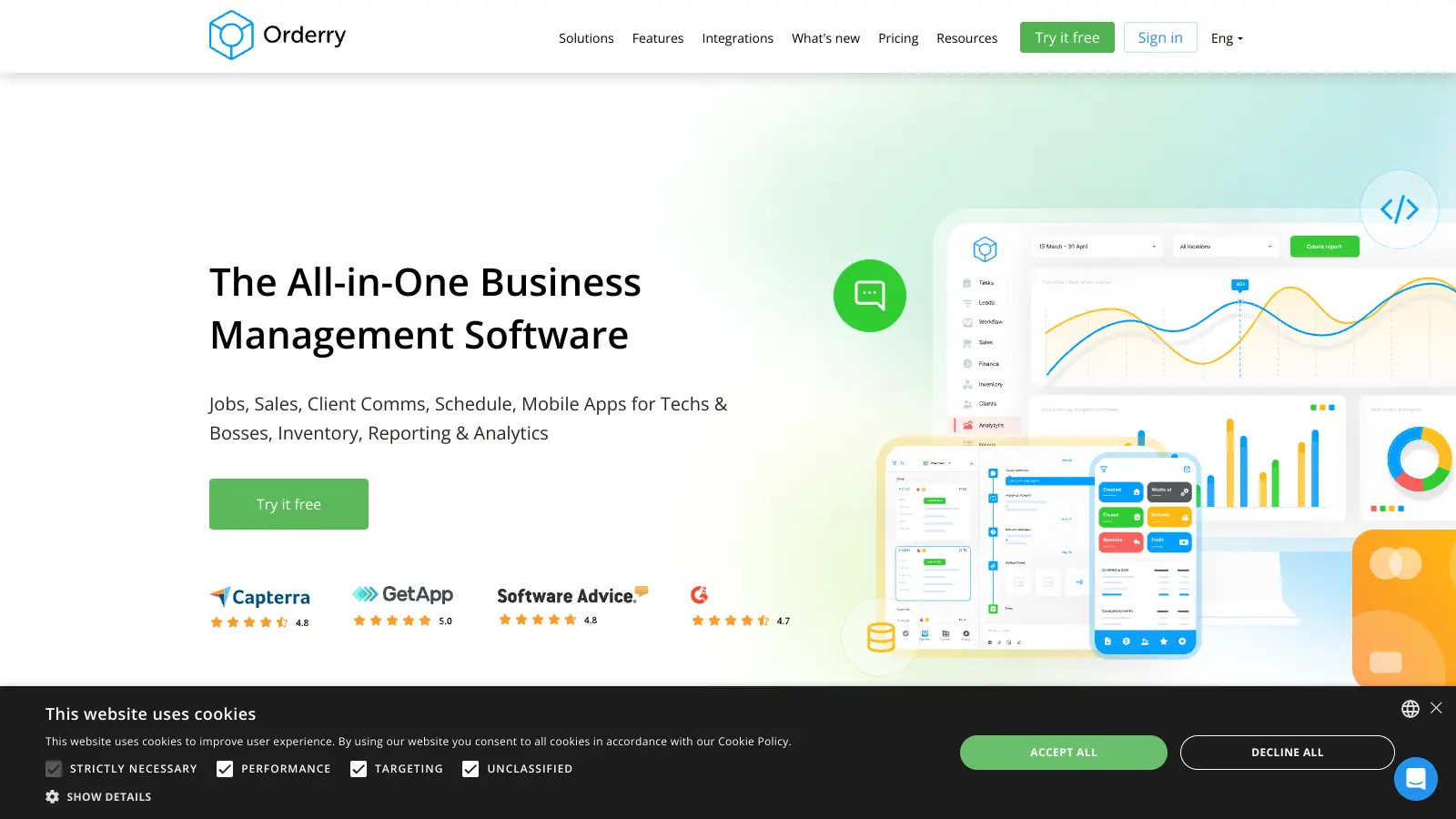
Orderry is a cloud-based business management software that helps service-oriented businesses handle their daily operations. Repair shops, home services, and equipment maintenance companies use it to manage work orders, inventory, and customer relationships in one place.
The platform combines essential business tools like work order tracking, sales management, and inventory control to help streamline operations. Users can create and monitor work orders, manage their product inventory, and keep track of customer interactions all from a central dashboard. AI features help speed up tasks like product recognition from photos, call transcription with sentiment analysis, and automated description generation.
Small to medium-sized businesses will find the software helpful for processing sales, handling customer communications, and managing employee schedules without switching between multiple systems. The mobile apps let technicians and managers stay connected while working in the field, with real-time updates and before/after photo capabilities.
Starting at $39 per month, Orderry offers several pricing tiers to match different business needs. Each plan includes core features like work order management and customer tracking, with additional capabilities available in higher tiers. A 7-day free trial is available without requiring a credit card.
While the software works well for many service industries, it's especially popular with electronics repair shops and automotive services. The platform can integrate with common business tools like QuickBooks, Xero, Stripe, Square, and SumUp, making it easier to connect with existing workflows.
Orderry is built for service business owners who need to manage work orders, inventory, and customer data in one system instead of juggling spreadsheets and separate tools.
Orderry is widely used across repair, maintenance, and service industries, including electronics repair shops, auto service centers, appliance repair companies, and various home service businesses.
Public feedback on Orderry is limited, with only a small number of reviews available across major software review platforms. The reviews that do exist are generally positive, with users praising the platform's ability to keep teams organized, automate daily tasks, and handle order management across multiple locations. Several reviewers mention the interface is simple and customizable, with reasonable pricing for small businesses. Customer support gets consistent positive mentions.
Complaints focus on inventory limitations, particularly around adding spare parts that aren't in stock and manual ordering processes. Some users want better integration with card payment terminals and accounting software in certain regions. A few mention that reports need reworking for their specific location. The small number of public reviews makes it hard to assess overall user satisfaction.
Most users find Orderry fairly easy to learn. The interface is straightforward and designed with service businesses in mind. You don't need technical skills to get started, and many features are intuitive. Their support team offers onboarding help, with tailored onboarding included on the Business plan. Some users mention it takes about a week to feel comfortable with the basic functions. If you've used other business management software before, you'll likely pick it up even faster.
Can I access Orderry from my phone?Yes! Orderry offers mobile apps for both iOS and Android. "Orderry Boss" lets managers track key business metrics and stay connected with their team while on the go. "Orderry for Technicians" helps your staff process jobs from anywhere, view work order details, update job statuses in real-time, and capture before/after photos. Both apps sync with your main account, so all information stays current across all devices.
How does Orderry handle multiple locations or branches?Orderry works well for businesses with multiple locations. Each location can be set up separately within your account. You can transfer inventory between locations, set different pricing by location, and run reports for each branch or for your entire business. The Startup plan allows additional locations for $49/month per location, while the Business plan charges $79/month per location. Each location can have its own staff and inventory management.
What types of businesses is Orderry best for?Orderry works best for service-based businesses that handle repairs, maintenance, or installation work. It's particularly popular with electronic repair shops, auto repair businesses, appliance service companies, and field service teams. Many small to medium businesses with 5-50 employees find it fits their needs well. If your business creates work orders, manages inventory, tracks customer equipment, and needs to schedule technicians, Orderry likely has the features you need.
Does Orderry handle online payments from customers?Yes, Orderry supports online payments through integrations with Stripe, Square, and SumUp. You can send digital invoices to customers who can then pay electronically. When a customer pays online, the system automatically updates the payment status in real-time. This feature helps reduce payment delays and improves cash flow for your business. You can also track which invoices are paid, pending, or overdue.


Our newsletter comes with exclusive discounts, trials and practical insights from within the industry