tools for
humans

ManageEngine MSP reviews — what users really think

published 24 august 2024last updated 18 march 2026
how we review

we track global search demand across every software category, monitor what real users are saying online, identify which professions rely on each tool, and surface the questions people are actually asking. reviews are consistently updated and reviewed for reliability.

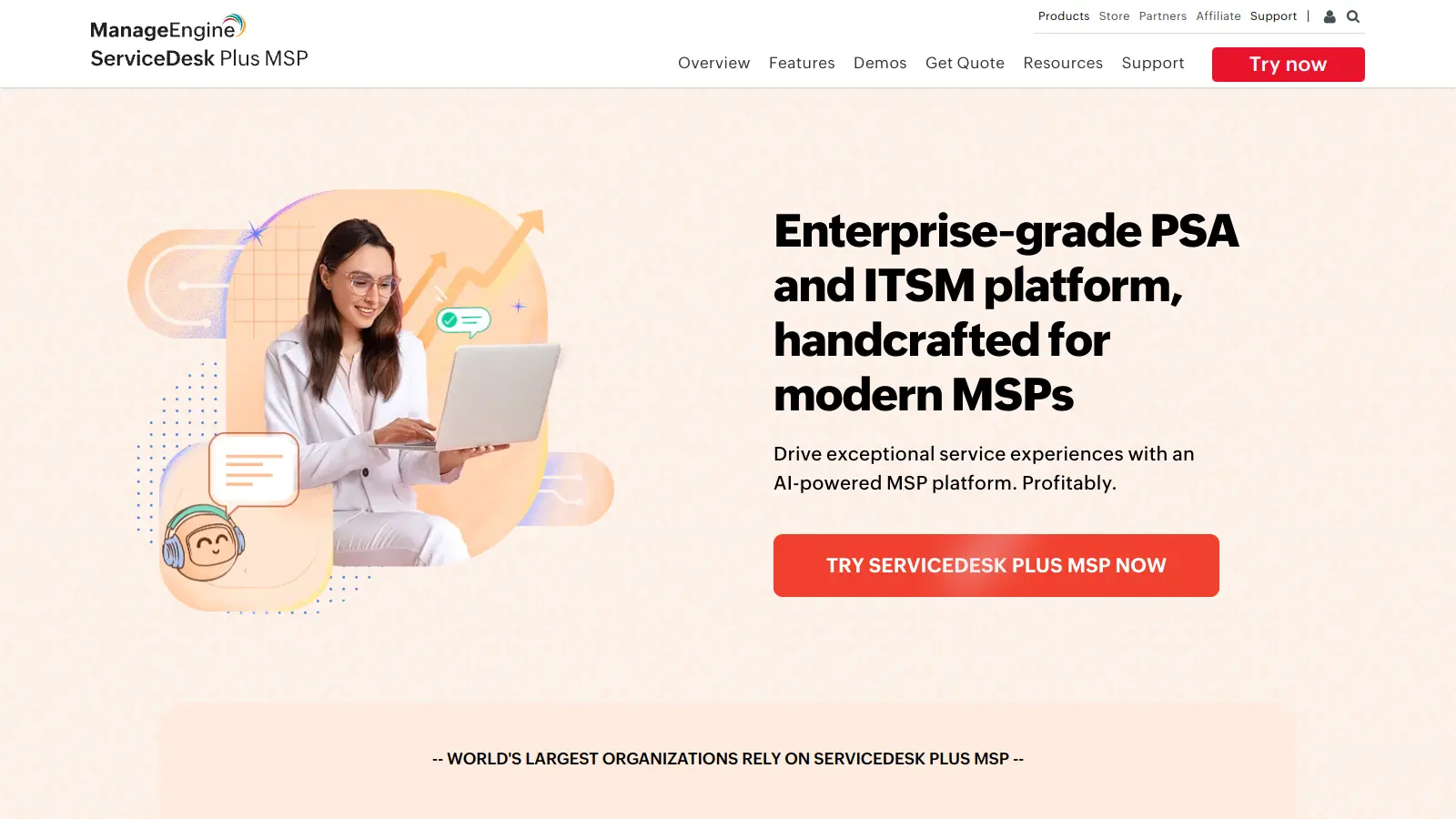
ManageEngine MSP Central is a cloud-native platform built for managed service providers who need to handle multiple client organizations. The platform combines IT service management, remote monitoring and management (RMM), professional services automation (PSA), endpoint security, and billing in one system.

At its core, MSP Central helps providers manage their daily operations through an integrated approach. Teams can track and resolve IT requests, monitor and patch devices remotely, manage client assets, and handle billing all from a central dashboard. The multi-tenant architecture keeps client data separate while allowing providers to customize workflows, SLAs, and self-service portals for each organization they serve.

The platform includes remote monitoring for over 11,000 device types, automated patching, endpoint security with vulnerability management and anti-ransomware protection, and AI-powered automation for ticket summarization and alert correlation. MSPs can run scripts remotely, automate routine tasks through runbooks, and access everything through web interfaces or native mobile apps for iOS, Android, and Windows. The system provides real-time dashboards, custom reporting, and automated invoicing based on service plans.

Pricing starts at $13 per month for the Standard plan (2 technicians and 250 IT assets), with Professional at $27 per month and Enterprise at $67 per month. The first 200 endpoints are free forever with no feature limits, and a free plan supports up to 5 users. A free trial is available for testing the full platform.

who is ManageEngine MSP for?

ManageEngine MSP Central is built for managed service providers who want to consolidate their operations and handle multiple client organizations from one platform. The software helps MSPs reduce tool sprawl and scale their service delivery through its unified interface for ticketing, monitoring, security, and client billing.

  • IT Service Managers who need visibility across their entire client base through real-time dashboards and proactive monitoring.
  • MSP Business Owners who want automated billing and time tracking that simplify financial management, especially new businesses that can use the first 200 endpoints free forever.
  • Help Desk Technicians managing tickets across multiple clients with Kanban views, automated assignment, and remote control features.
  • Field Service Coordinators who need to manage service operations from anywhere using mobile apps on iOS, Android, and Windows.
  • IT Security Teams responsible for vulnerability management, anti-ransomware protection, and application control across client environments.
  • Systems Administrators who use PowerShell and Bash scripts to automate routine maintenance across client networks.
  • Network Administrators monitoring servers and networks across thousands of device types, with automated patching and asset management.

Small to mid-sized IT service providers, computer repair businesses, and technical support teams looking to consolidate multiple tools into one platform.

overall sentiment

select your role to see what people like you are saying

MSP Business Owner

positive

ManageEngine MSP Central delivers significant operational consolidation and cost savings through unified ticketing, billing, and monitoring. The free tier for 200 endpoints and automated financial management appeal strongly to growing businesses looking to reduce tool sprawl and scale efficiently.

strengths

  • Free tier for 200 endpoints eliminates startup costs
  • Automated billing and time tracking simplify financial operations
  • Multi-tenancy architecture ensures secure client data separation
  • Reduces need for multiple disparate tools across operations

concerns

  • Limited dedicated account manager support for larger license holders (500+)
  • Occasional bugs and performance lag impact operational reliability
  • Email templates functionality inconsistency requires workarounds

online reviews (last 6 months summarised)

MSPs who use ManageEngine MSP Central praise its customizable dashboards and real-time alerts for proactive monitoring. Users find it easy to deploy to customer sites and appreciate the multi-tenancy architecture that keeps client data properly separated. The patch management, software deployment, and configuration management features work well across multiple clients. The support team responds to feature requests and the platform gets constant updates. Time savings from automated patching and one-click reports get mentioned frequently, with MSPs noting the tool optimizes routine tasks and provides good visibility of customer fleets.

Glitches, bugs, and lag in screen displays. Disconnects happen. Email templates don't work correctly sometimes. The kiosk feature doesn't always display selected applications as expected. MSPs with licenses over 500 don't get a dedicated account manager for small queries, which slows down support for specific issues.

features

  • Remote Monitoring and Management (RMM): Monitor over 11,000 device types, deploy patches automatically, discover assets, and remotely control endpoints across all client networks from one console.
  • Professional Services Automation (PSA): Manage the complete service lifecycle with ticketing, SLAs, time tracking, and automated billing that generates invoices based on work performed.
  • Endpoint Security: Protect client environments with vulnerability management, anti-ransomware protection, and application control to prevent security threats.
  • AI-Powered Automation: Ticket summarization, sentiment detection, and alert correlation to reduce manual work and respond faster to issues.
  • Script Repository and Runbook Automation: Execute PowerShell, Bash, and other scripts remotely across client systems with automated runbooks for routine maintenance tasks.
  • Multi-Tenant Client Management: Separate client data completely while managing all accounts from one interface, with client-specific SLAs, workflows, and custom-branded self-service portals.
  • Mobile Access: Manage tickets, monitor systems, and respond to alerts from anywhere using native apps for iOS, Android, and Windows devices.

pricing

  • Standard plan starts at $13 per month for 2 technicians and 250 IT assets, making it accessible for small MSPs just getting started.
  • Professional plan costs $27 per month for 2 technicians and 250 IT assets, scaling up to 200 technicians and 1,000 IT assets with advanced features.
  • Enterprise plan at $67 per month supports the highest tier with expanded capacity up to 3,000 IT assets for larger service providers.
  • Free plan available for up to 5 users, with the first 200 endpoints free forever with no feature limits.
  • Yearly subscription discounts available for organizations that commit to annual billing.

frequently asked questions

What's the difference between MSP Central and ServiceDesk Plus MSP?

MSP Central is ManageEngine's newer, cloud-native platform that combines IT service management with remote monitoring and management (RMM), endpoint security, and server monitoring in one system. ServiceDesk Plus MSP focuses primarily on help desk and ticketing operations. If you need full RMM capabilities like remote patching, endpoint security, and monitoring for thousands of device types, MSP Central is the broader platform. Both handle multiple clients with separate data, but MSP Central gives you more tools to monitor and secure client environments beyond just managing tickets.

Can I manage everything from mobile devices?

Yes, MSP Central has native mobile apps for iOS, Android, and Windows. You can manage tickets, respond to alerts, and monitor systems from anywhere. The mobile interface lets technicians stay productive when they're away from their desks or working in the field. This is helpful when you need to check on an issue or respond to a client quickly without being tied to a computer.

How does the AI-powered automation actually work?

The AI features automatically summarize tickets so you can understand issues faster without reading through long descriptions. It detects sentiment in customer messages to flag frustrated clients who might need priority attention. The system also correlates alerts from different sources to group related issues together instead of creating separate tickets for what's really one problem. This cuts down on noise and helps technicians focus on actual issues rather than sorting through duplicate alerts.

What does the free 200 endpoints forever deal actually include?

The first 200 endpoints are free with no feature limits, which means you get full access to monitoring, patching, security, and management capabilities for those devices. This isn't a trial that expires. You can use it to start your MSP business or manage smaller clients without any monthly costs for those endpoints. Once you go over 200 endpoints, you'll need to move to a paid plan for the additional devices. There's also a separate free plan for up to 5 users if you're just getting started with fewer endpoints.

Can I automate patching and other maintenance tasks?

Yes, automated patching is one of the main features. You can set policies to automatically deploy patches to client endpoints based on your schedule and approval rules. The platform also includes a script repository where you can run PowerShell, Bash, and other scripts remotely across client systems. Runbook automation lets you chain scripts together for routine maintenance tasks. Many MSPs mention this saves them significant time compared to manually patching systems or running scripts one device at a time.

other tools to check out

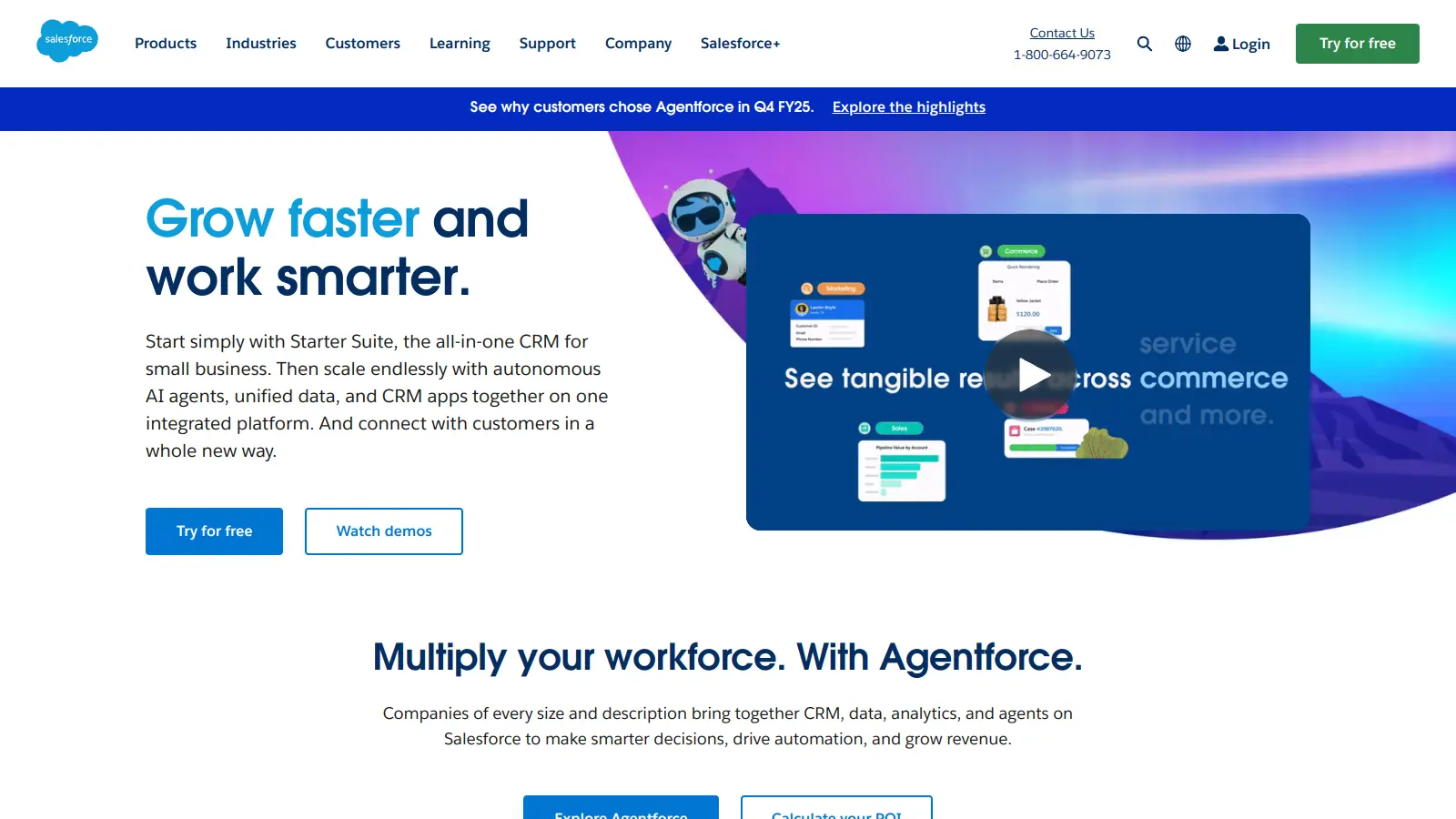
Salesforce screenshot
online buzz500k+ Searches
trend (1M)50%

Salesforce

Salesforce is a cloud-based Customer Relationship Management (CRM) platform that helps businesses automate sales processes and manage customer relationships through SaaS delivery. It offers tools powered by AI, enabling companies to manage customer data, automate workflows, and gain insights across multiple departments. The platform supports businesses of all sizes with scalable solutions that enhance efficiency, improve customer relationships, and drive revenue growth.

best deal

Start with Salesforce Starter Suite for $25/month per user and access core CRM features across Sales Cloud, Service Cloud, and Platform.

Square screenshot
online buzz500k+ Searches
trend (1M)22%

Square

Square is a payment processing and business management platform that offers multi-channel payment solutions, point-of-sale systems, inventory management, and analytics. It supports credit cards, digital wallets, and bank transfers, provides integrated hardware, enables e-commerce integration, and ensures secure transactions with PCI compliance. The platform now includes Square AI, a conversational AI assistant that analyzes business data and provides insights.

best deal

Try Square Plus Free for 30 Days - No Credit Card Required

MyCase screenshot
online buzz500k+ Searches
trend (1M)22%

MyCase

MyCase is a cloud-based law practice management software designed for solo and small to midsize law firms. It provides a platform for managing client communication, case workflow, billing, and document management. With features like client intake forms, eSignature, case tracking, secure client portals, AI-powered document summarization, and integrated payment solutions, MyCase helps law firms streamline their operations and improve efficiency across multiple practice areas.

best deal

Try MyCase Free for 10 Days - No Credit Card Required

Polaris screenshot
online buzz250k+ Searches
trend (1M)2%

Polaris

Polaris PSA is a professional services automation tool that helps service organizations manage projects, resources, and financials. It uses AI to capture real-time data, provide recommendations, and enable proactive decision-making. The platform includes automatic time tracking, resource matching, and integrations with Salesforce and 100+ work apps.

best deal

Free Trial Available for Polaris PSA

Jotform screenshot
online buzz100k+ Searches
trend (1M)26%

Jotform

Jotform is an AI-powered form builder that enables individuals and businesses to create, customize, and manage digital forms, apps, and workflows without coding skills. It offers a drag-and-drop interface, 10,000+ templates, payment integrations, AI agents for customer support, and connects with over 1,000 apps. The platform provides conditional logic, form analytics, and robust security, making data collection and workflow automation simple across industries.

best deal

Try the Starter plan for free with 5 forms, 100 monthly submissions, and all standard features. Nonprofits and educational institutions get 50% off paid plans.

Deadlines screenshot
online buzz100k+ Searches
trend (1M)3%

Deadlines

Deadlines.com is a legal calendaring tool powered by Aderant CompuLaw that helps law firms manage court deadlines and rules effectively. It offers features like automated deadline calculation, court rule change notifications, reporting, mobile access, and calendar sync capabilities. Designed for firms of all sizes, it reduces malpractice risks, ensures court rule compliance, and provides an affordable solution for tracking critical legal dates.

best deal

Try Deadlines starting at $15 per case per month to avoid missed legal deadlines