tools for
humans

Goleko review - features, pricing & deals

published 8 august 2024last updated 10 april 2025
how we review

we track global search demand across every software category, monitor what real users are saying online, identify which professions rely on each tool, and surface the questions people are actually asking. reviews are consistently updated and reviewed for reliability.

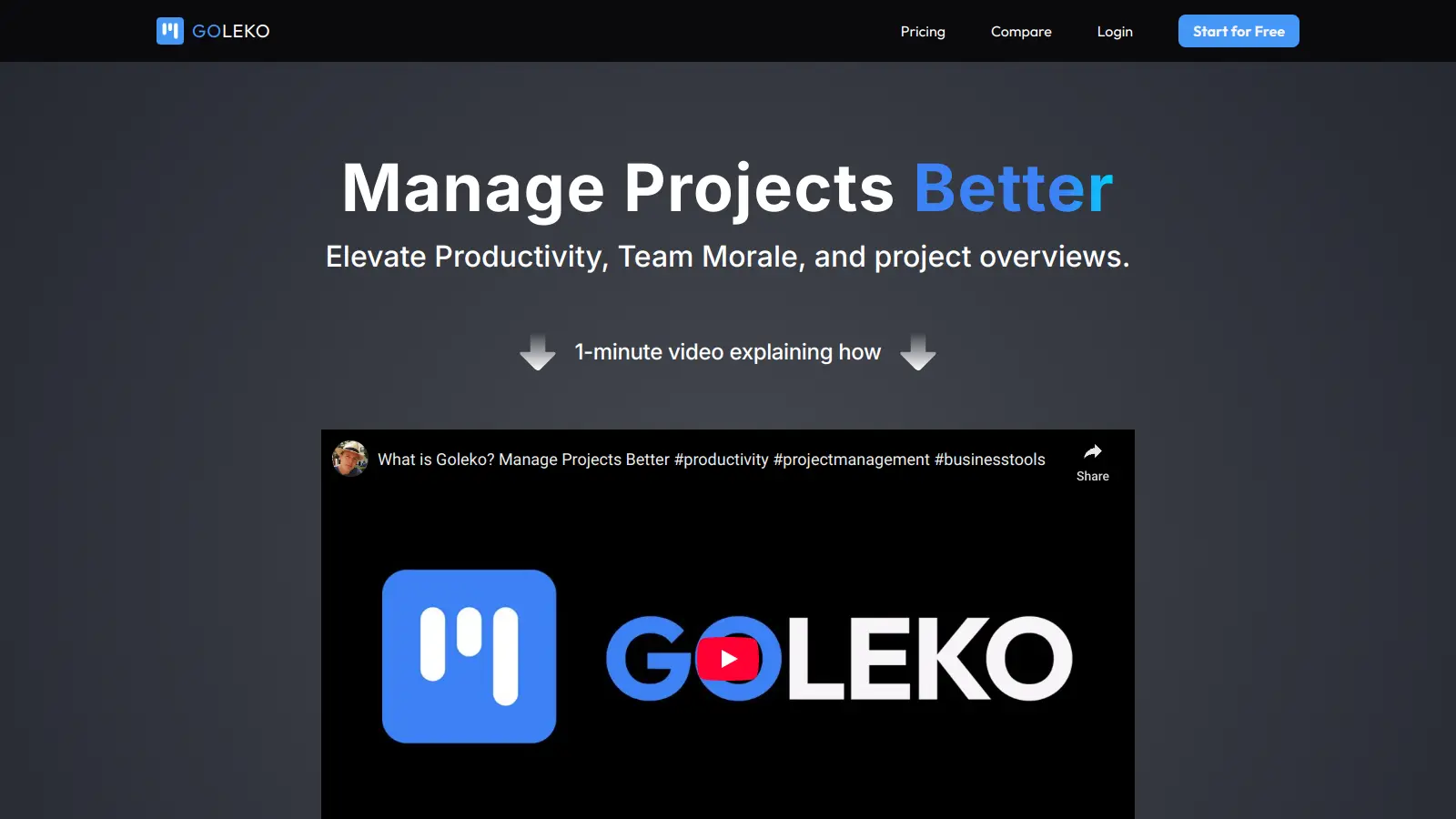
Goleko simplifies project management through an intuitive platform that puts team collaboration first. This cloud-based tool helps teams organize tasks, track time, and communicate effectively all in one place.

At its core, Goleko offers smart task management with an automatic board system that adapts to your workflow. Teams can easily track project progress, record screens for clear feedback, and manage multiple projects from a central dashboard. The built-in time tracking feature helps keep projects on schedule and makes invoicing straightforward.

The platform supports real-time collaboration with features like simultaneous editing and instant notifications. Teams can import existing projects from tools like Jira and Trello, making the switch to Goleko smooth. The interface works well for both technical and non-technical users, with clear navigation and responsive design.

Available in three tiers (Free, Premium, and Corporate), Goleko scales to fit different team sizes and needs. Each plan includes core features like task management and time tracking, with additional storage and support options in higher tiers.

who is Goleko for?

Goleko is ideal for teams seeking a streamlined project management solution that combines task organization, time tracking, and collaboration in one intuitive platform. Teams looking to boost productivity while maintaining clear communication will find Goleko's adaptive features particularly valuable.

  • Small business owners who need a flexible, affordable tool that scales with their growth and simplifies project tracking without complex setup
  • Project managers who want to monitor multiple projects simultaneously with real-time updates and automatic organization features
  • Creative teams that benefit from screen recording for visual feedback and simultaneous editing capabilities
  • Remote teams requiring centralized communication and task visibility to stay aligned despite physical distance
  • Consultants who need precise time tracking for accurate client billing and project documentation
  • Non-technical professionals who appreciate the intuitive interface that requires minimal training

Goleko serves professionals across marketing agencies, software development firms, design studios, and consulting practices where collaborative project management is essential to daily operations.

online reviews (last 6 months summarised)

Currently, Goleko seems to fly under the radar, with minimal online chatter or widespread user discussions. While the platform might have potential, there's a noticeable lack of substantial public feedback or community engagement to form a definitive opinion about its performance or user experience.

The absence of robust online discussions suggests the service is either very new, niche, or hasn't yet generated significant user interest. Without concrete user reviews or testimonials, potential users would need to explore the platform directly to understand its actual value and functionality.

features

  • Automatic Smart Board: Goleko's intelligent board organizes tasks seamlessly, providing a one-click overview of all personal assignments and streamlining workflow visibility.
  • Swift Rendering: Delivers the fastest page loading speeds, enabling quick navigation and task execution with minimal system lag.
  • Time-Tracking: Includes a sophisticated tracking app that precisely monitors task and project hours, helping teams generate accurate invoices and manage productivity.
  • Multi-Project Overview: Offers a comprehensive view of multiple projects, allowing teams to effectively manage workloads and prioritize tasks across different initiatives.
  • Screen Recording: Enables users to capture task and feedback recordings directly within the platform, enhancing communication through visual context.
  • Notification Systems: Integrates ping and visual notifications to keep users informed about task updates, tags, and project changes in real-time.
  • Collaboration Features: Supports multiple editors working simultaneously with an optimistic lock system to prevent data loss and ensure smooth team interactions.
  • Integration and Import: Allows project imports from tools like Jira and Trello, with plans for expanding integration capabilities in the future.
  • Flexible Pricing Tiers: Offers three pricing options including a Free tier, Premium at $39/month, and Corporate at $199/month to suit different team sizes and needs.

pricing

  • Free version offers basic project management features with limited task capacity and storage.
  • Premium version at $39/month provides expanded storage, increased task capacity, and enhanced collaboration tools.
  • Corporate version at $199/month delivers comprehensive project management capabilities for larger teams, including advanced integrations and priority support.
  • Team Plans available with tiered pricing: 5-10 members get advanced features, 11-50 members receive additional collaboration tools, and enterprise-level plans offer customized solutions for large organizations.

frequently asked questions

How is Goleko different from other project management tools?

Goleko stands out with its Automatic Smart Board that organizes tasks intelligently with just one click. Unlike many competitors, Goleko offers built-in screen recording so you can visually explain tasks without switching apps. The platform also boasts faster page rendering speeds which means less waiting around. Many users find Goleko's interface more intuitive while still providing robust features like time-tracking and multi-project overviews.

Can I import my existing projects from other tools?

Yes! Goleko supports importing projects from popular tools like Jira and Trello. This makes switching to Goleko much easier since you won't have to manually recreate all your tasks and projects. The import process is designed to be straightforward, preserving your existing project structures and task assignments so you can hit the ground running.

How does the time-tracking feature work?

Goleko's time-tracking app lets you log hours spent on different tasks with a simple start/stop function. You can track time across multiple projects, add notes to your time entries, and generate reports for billing or productivity analysis. The system makes it easy to see where your team's time is going, which helps with resource planning and client invoicing. It's all built right into the platform so there's no need for separate time-tracking software.

What happens if multiple team members edit the same task?

Goleko handles this situation with its collaborative editing feature that supports multiple editors working on the same task at once. The system includes an optimistic lock feature that prevents anyone from accidentally overriding someone else's changes. This means your team can collaborate in real-time without worrying about losing important updates or creating conflicting versions of the same task.

Is there a free version available?

Yes, Goleko offers a free tier that lets you try the core features. This option is great for small teams or individual users who want to test the platform before committing to a paid plan. The free version has some limitations on storage and the number of tasks compared to the Premium ($39/month) and Corporate ($199/month) plans, but it still gives you access to the main functionality that makes Goleko popular.

other tools to check out

Trello screenshot
online buzz250k+ Searches
trend (1M)59%

Trello

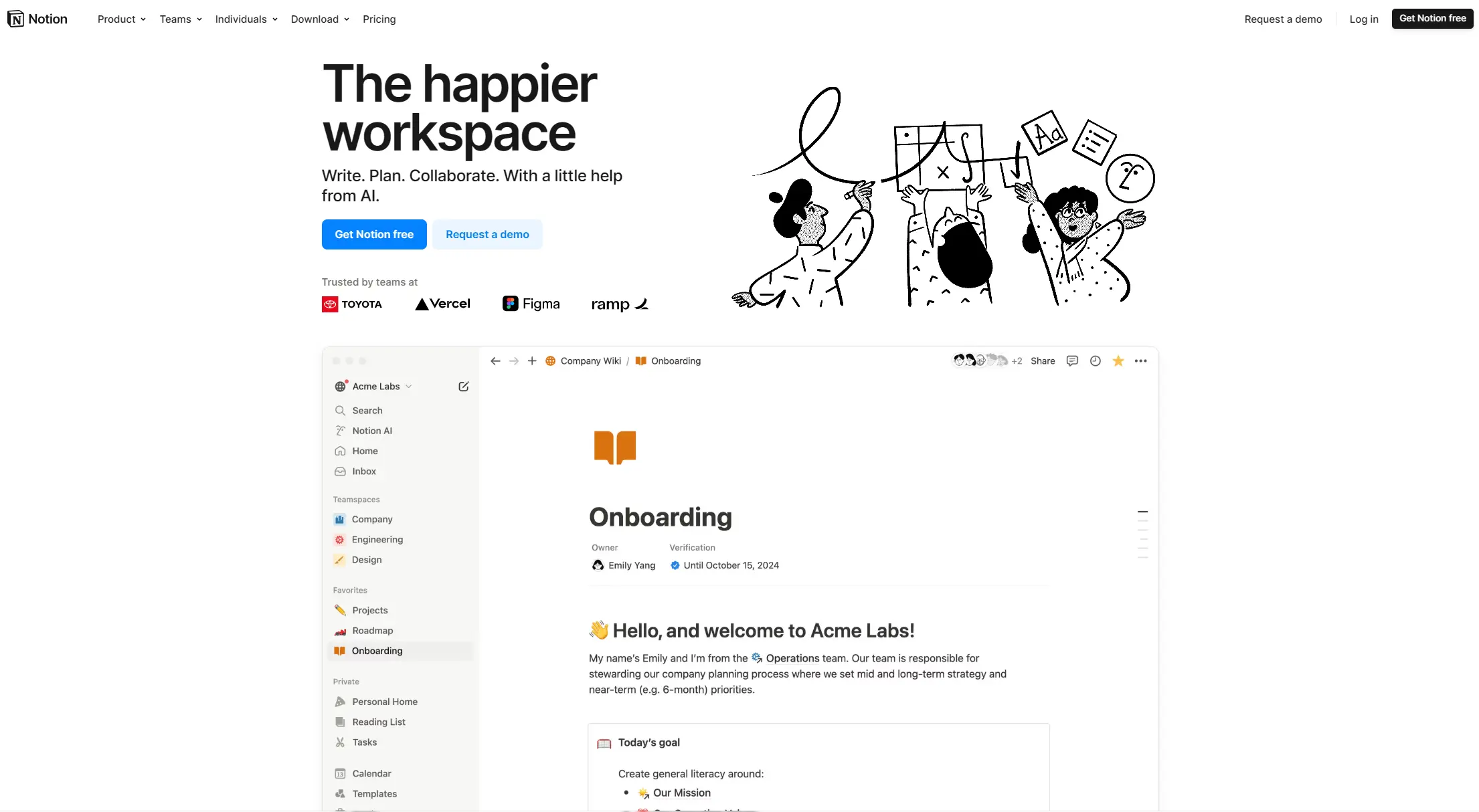
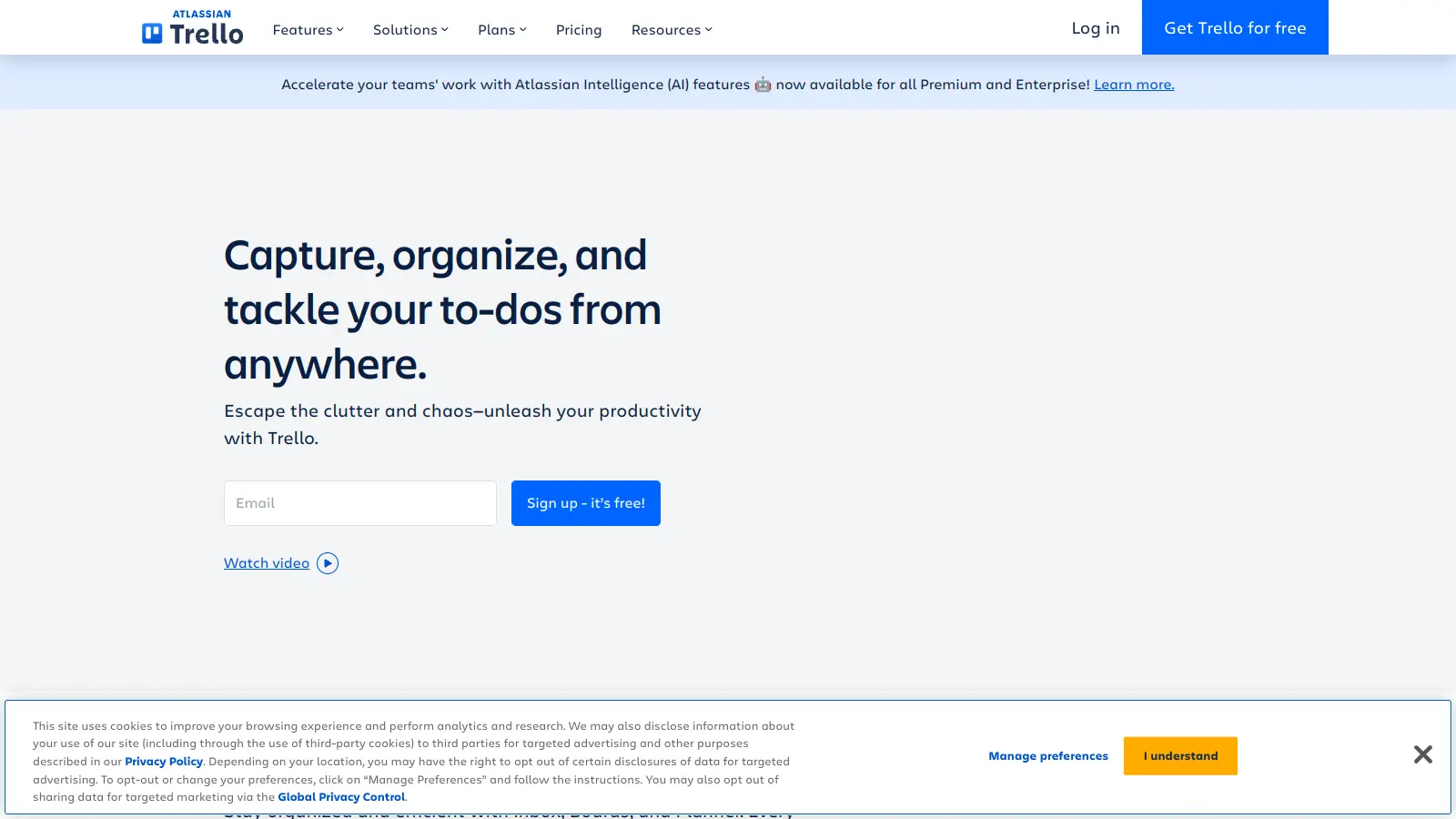
Trello is a project management tool that helps teams organize work using boards, lists, and cards. It enables users to track tasks, collaborate in real-time, and manage workflows visually. With features like task assignment, due dates, integrations, and AI-powered automation, Trello supports project management for teams of any size, from small startups to large enterprises.

best deal

Try Trello Free - Organize projects with unlimited cards, lists, and members across up to 10 boards per workspace

Smartsheet screenshot
online buzz250k+ Searches
trend (1M)52%

Smartsheet

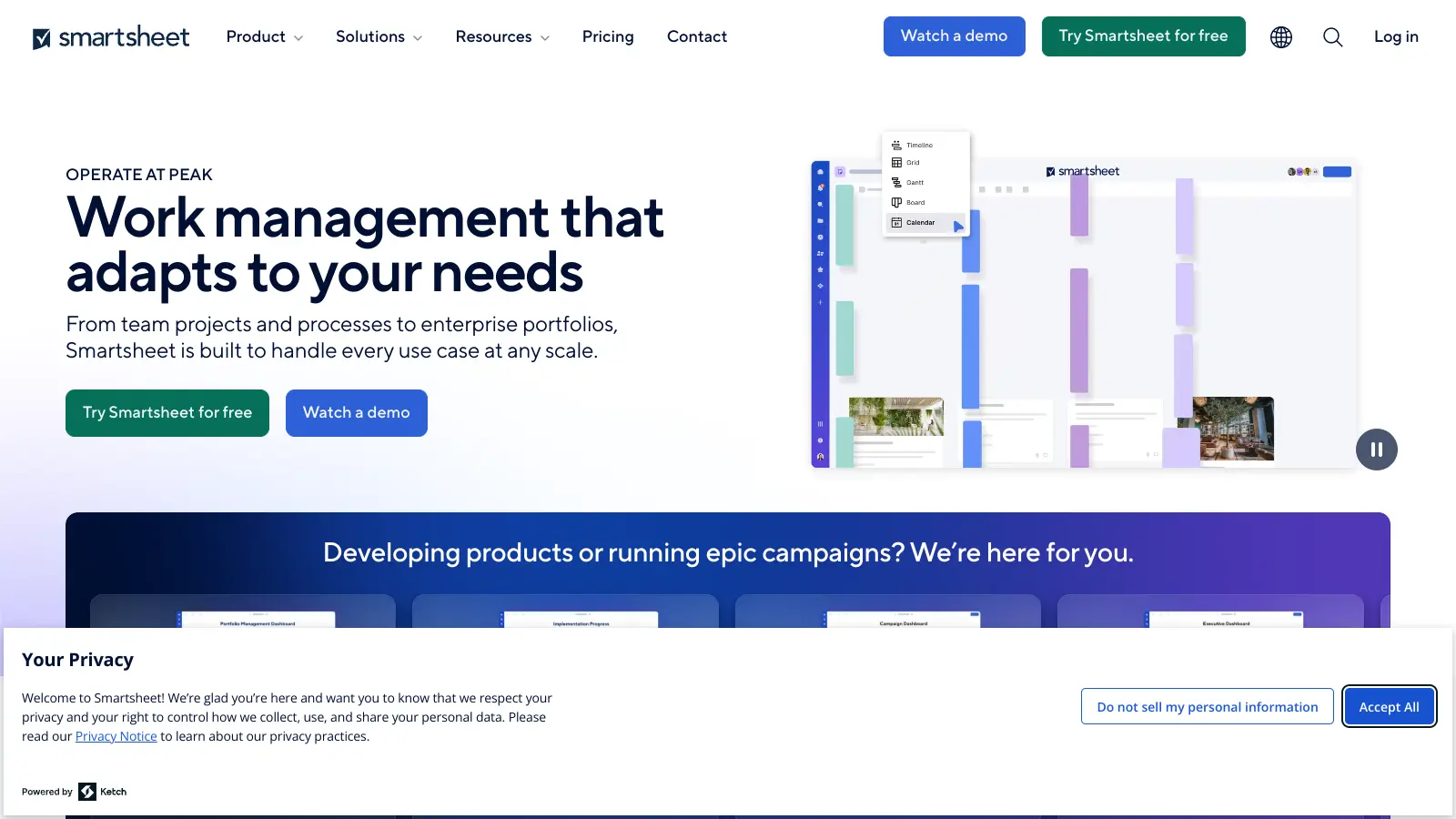
Smartsheet is a cloud-based work management platform with a spreadsheet-like interface designed to help teams collaborate, manage projects, and track workflows. It offers features like Gantt charts, real-time collaboration, workflow automation, AI-powered formula generation and data analysis, customizable reporting, and integrations with third-party tools. The platform provides scalable solutions for businesses of different sizes, from individual users to large enterprises, with pricing plans ranging from free to custom enterprise options.

best deal

Get a 30-day free trial to test all features before committing to a paid plan

Asana screenshot
online buzz250k+ Searches
trend (1M)26%

Asana

Asana is a web-based project management platform that enables teams to organize, track, and collaborate on work. It offers task management, multiple project views (lists, boards, timelines), AI features for automating workflows, communication tools, progress tracking, and integrations with over 200 apps. Available in free and paid plans, Asana supports teams of all sizes with flexible project visualization options.

best deal

Try Asana free with the Personal Plan for 1-2 users, or start a 30-day free trial of paid plans to test AI features and advanced workflows.

Polaris screenshot
online buzz250k+ Searches
trend (1M)2%

Polaris

Polaris PSA is a professional services automation tool that helps service organizations manage projects, resources, and financials. It uses AI to capture real-time data, provide recommendations, and enable proactive decision-making. The platform includes automatic time tracking, resource matching, and integrations with Salesforce and 100+ work apps.

best deal

Free Trial Available for Polaris PSA

Miro screenshot
online buzz250k+ Searches
trend (1M)50%

Miro

Miro is an AI-powered visual collaboration platform with an infinite canvas for teams to brainstorm, plan, design, and manage projects. It includes real-time collaboration tools, AI features for automating tasks like organizing sticky notes and generating user stories, and integrations with 250+ apps.

best deal

Explore Miro's free plan with unlimited team members, 3 boards, 5 Talktracks, and 10 AI credits monthly

ClickUp screenshot
online buzz100k+ Searches
trend (1M)50%

ClickUp

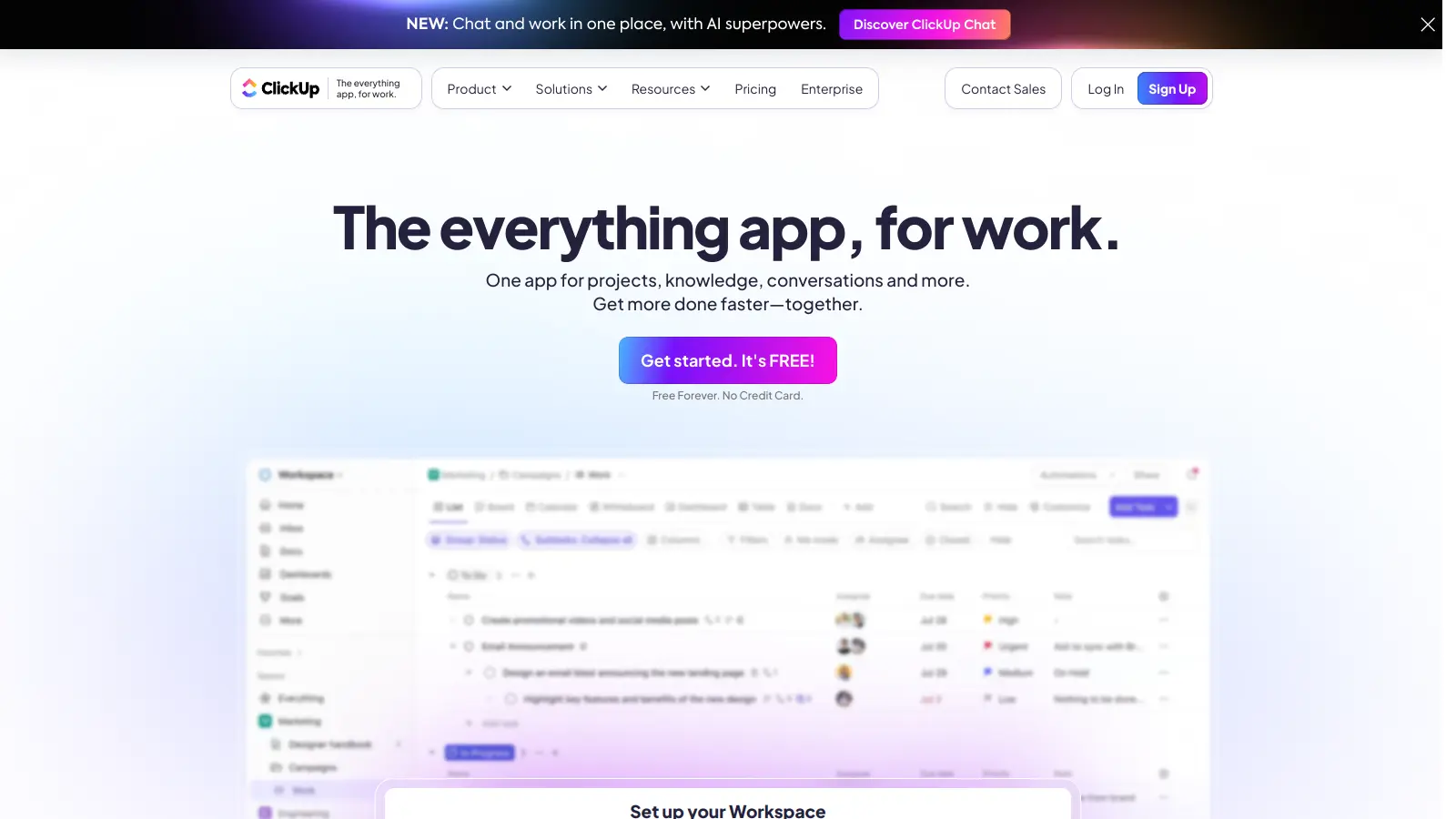
ClickUp is a comprehensive cloud-based project management platform that combines task management, collaboration tools, automation, and AI assistance in one workspace. It offers customizable features including multiple project views, document creation, time tracking, and AI-powered workflow automation across multiple pricing tiers, catering to teams of all sizes from freelancers to large enterprises.

best deal

Try ClickUp's Free Forever Plan with unlimited tasks and collaborative docs, or get a 14-day free trial on paid plans!