Docparser review — OCR & AI document data extraction
last reviewed 24 march 2026how we review
We start with direct ratings from our readers, then look at what real users are saying in practitioner forums and community spaces. We pair that with search demand data and profession-level persona analysis.
Editorial note:this was originally published in august of 2024
quick take
✓Best for: finance and admin teams automating invoice or form extraction at volume
✗Skip if: you're processing under 50 documents a month or dealing with low-quality scans
£Best value: Professional plan at $74/month (250 credits) if this is a daily workflow
★★★½★3.7/ 5 — editorial rating
based on real user feedback, community sentiment, pricing value, and fit for target audience. see our full methodology
used Docparser? we'd love to know your thoughts
reader ratings shape our score
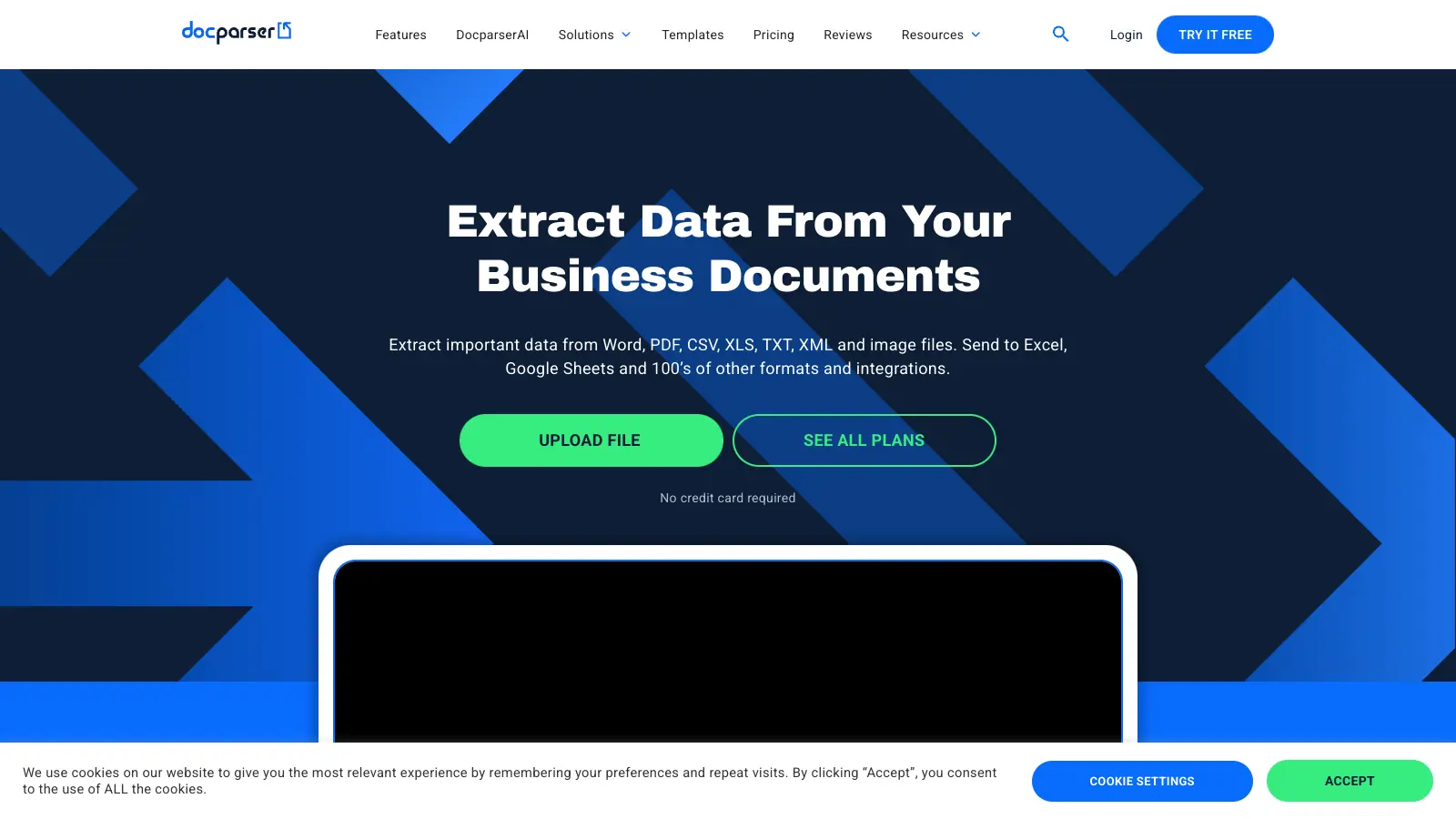
Docparser is a document parsing software that helps businesses extract data from PDFs, Word documents, images, Excel sheets, CSV, TXT files, and more. It uses Zonal OCR, pattern recognition, and AI to pull important information from documents automatically, saving time on manual data entry.
The software works with common business documents including invoices, purchase orders, bank statements, contracts, resumes, and forms. Users can set up custom parsing rules without coding knowledge, and the platform includes AI-powered templates like SmartAI Parser that automatically creates extraction rules from just one document. Once data is extracted, it can be exported as Excel, CSV, JSON, or XML.
Integration options are broad, with connections to popular cloud storage services like Dropbox and Google Drive. The tool also works with automation platforms such as Zapier and includes an API for custom applications. This makes it simple to fit Docparser into existing business workflows, with over 6,000 app integrations available.
Small businesses can start with the Starter plan at $39 monthly, while larger organizations might opt for the Professional ($74/month) or Business ($159/month) tiers. A 14-day free trial with no credit card required lets users test the core features before committing, and there's also a perpetual free version available.
Industries like accounting, retail, logistics, legal, and human resources use Docparser to streamline their document processing. The tool handles everything from simple forms to complex financial statements, and can recognize handwriting, checkboxes, and tables.
how popular is Docparser?
monthly search interest
1k/mo now
peak interest2k/moJul 2025
searches now1k/moFeb 2026
1-month change— steadyvs prev month
Docparser sat at a fairly stable 800-1,000 monthly searches from 2022 through 2024, then jumped noticeably in early 2025 and peaked at 1,600 in mid-2025 before pulling back to current levels. That spike likely reflects the broader surge of interest in document automation as AI-powered extraction tools entered mainstream conversation. The pullback suggests some of that interest was exploratory rather than sticky, though 1,000 monthly searches still indicates a healthy, focused user base. This is a mature niche product, not a viral moment, so you're evaluating it on its actual capabilities rather than hype.
who is Docparser for?
Whether Docparser is worth it varies a lot depending on what you're extracting and how often. Pick your role below to see the honest breakdown for your situation.
overall sentiment
select your role to see what people like you are saying
Finance Professional
positive
If you're processing a steady flow of invoices and purchase orders, Docparser's OCR handles standard formats reliably and connects directly to accounting systems without needing a developer to set it up. The setup is quick, and for clean, consistent documents it reduces data entry errors noticeably. The cost becomes harder to justify once volume climbs or document quality is inconsistent, since accuracy degrades on faded or low-resolution scans.
strengths
Reliable OCR for standard invoices and financial documents
Seamless integration with accounting systems for automated data transfer
Reduces errors in repetitive financial data entry tasks
Quick setup without requiring IT or developer involvement
concerns
Pricing becomes prohibitively expensive at high document volumes
Accuracy degrades with low-quality or faded receipts and invoices
Limited customization for specialized financial document types
Administrative Staff
positive
If your job involves pulling data from forms, contracts, or applications, Docparser is one of the more accessible tools in this category. You won't need IT help to get started, and the SmartAI Parser can set up extraction rules from a single sample document. The main frustration is limited pre-built templates for anything non-standard, and processing can slow down during busy periods.
strengths
Extremely user-friendly interface requiring no coding knowledge
Fast setup for standard forms and applications
Responsive customer support when issues arise
Eliminates tedious manual data entry work
concerns
Limited pre-built templates for non-standard document types
Processing speed slows during peak usage periods
Learning curve for advanced automation features
Small Business Owner
mixed
Docparser solves a real problem if you're spending hours on manual document processing, but the pricing is structured for teams with consistent, high volume. At $39 a month for 100 documents, the maths only works if those documents are genuinely replacing paid admin time. If your document flow is occasional or your documents vary in quality, you'll find the cost harder to justify than the benefits.
strengths
No developer hiring needed—fully accessible to non-technical owners
Solves real bottleneck problems in document-heavy workflows
Responsive customer support helps maximize the investment
Clear ROI for businesses processing high volumes of standardized documents
concerns
Pricing tier structure is steep for small businesses with moderate volume
Accuracy issues with lower-quality documents common in small operations
Less cost-effective than hiring part-time admin staff for some use cases
HR Recruiter
mixed
For extracting data from application forms, CVs, or onboarding paperwork at any volume, Docparser handles standard structured forms well. The no-code setup means you're not waiting on IT to configure anything. That said, the Starter plan's 100-credit limit can become a constraint during high-hiring periods, and handwritten or non-standard CV formats will reduce accuracy.
strengths
Automates tedious resume parsing and candidate data extraction
Accessible to HR teams without IT support
Reduces time spent manually typing candidate information
Can integrate extracted candidate data into tracking systems
concerns
Resume parsing accuracy varies significantly with different formatting styles
No specialized HR document templates for application forms or questionnaires
May miss important details from non-standard resume formats
what users are saying
“At $39 a month for 100 documents, the maths only works if those documents are genuinely replacing paid admin time.”
Community feedback on Docparser skews positive, though the available sources are thin. Across commercial review platforms, the tool holds strong ratings with over a hundred verified reviews, and the overall sentiment centres on Docparser doing exactly what it advertises for standard documents: invoices, purchase orders, and forms get processed reliably, and the no-code setup genuinely removes the need for developer involvement. The main criticisms that surface are pricing and accuracy at scale. At $39 a month for just 100 credits, users processing anything beyond a modest document volume quickly hit cost walls. A Reddit thread on document extraction tools mentions Lido and Unstract as alternatives worth considering for batch work, with Lido noted specifically for handling tables well. That's a notable gap given Docparser's table extraction is one of its selling points.
Our take: Docparser is a solid, well-reviewed tool for businesses that process consistent, high-quality documents and can justify the per-document cost. The $39 Starter plan at 100 credits a month works out to $0.39 per document, which adds up fast if you're processing anything beyond a small batch. If your documents are messy, faded, or structurally inconsistent, accuracy will let you down at exactly the moment you're counting on it most. For straightforward invoice or purchase order automation where you need reliable integrations and no developer overhead, it's worth the price. If you're on a tight budget or dealing with variable document quality, Lido is worth testing before you commit.
features
Document Parsing: Extract data from PDFs, Word documents, images, Excel sheets, CSV, and TXT files using Zonal OCR, pattern recognition, and AI technologies for business document processing.
SmartAI Parser: Automatically creates extraction rules from just one document, recognizing handwriting, checkboxes, and tables without manual configuration for faster setup.
Cloud Integrations: Connect with Dropbox, Google Drive, and OneDrive, and use REST API and webhooks to automate document workflows across over 6,000 apps through platforms like Zapier.
AI-Enhanced Extraction: Use DocparserAI and image preprocessing to improve data accuracy and handle complex document parsing challenges, including content summarization features.
Multiple Document Types: Parse invoices, purchase orders, bank statements, contracts, HR forms, resumes, shipping orders, and legal documents with customizable extraction rules.
No-Code Setup: Create parsing configurations without programming skills, using drag-and-drop uploads and preset rules for quick document processing in a point-and-click editor.
Flexible Data Export: Convert extracted data into Excel, Google Sheets, CSV, JSON, and XML formats for easy integration with existing business systems.
pricing
14-day free trial available with no credit card required, plus a perpetual free version
Starter Plan at $39 per month with 100 credits, includes parse PDF/Word/Image files, download to Excel/CSV/JSON/XML, Google Sheets export, hundreds of integrations, and beginner webinar/articles/support
Professional Plan at $74 per month with 250 credits, includes everything in Starter plus multifactor authentication, teams and managed users, free parsing setup, and parser version control
Business Plan at $159 per month with 1,000 credits, includes everything in Professional plus multi-layout parsers, priority support, and priority parsing access
Enterprise Plan with custom pricing for unlimited parsing requirements, includes all features, extended document retention, white labeling license, and unlimited parsers
One credit can parse a document up to 5 pages long
No setup fees for any pricing plan
Save 20% with annual subscription plans
frequently asked questions
It depends on volume. The Starter plan at $39 a month gives you 100 credits, which works out to $0.39 per document. If you're processing 50 or so standardised invoices a month and it's replacing hours of manual entry, yes, it pays for itself quickly. The Professional plan at $74 a month (250 credits) is the better choice if you're doing this daily. For smaller operations processing irregular documents, the cost-per-document math rarely works in your favour.
Finance professionals running invoice or purchase order workflows get the most out of it. Administrative staff handling standardised forms and contracts also find it genuinely useful without needing any technical setup. Small business owners get value if they're processing high volumes of consistent documents, but the pricing is harder to justify if their document flow is moderate or unpredictable.
Two stand out. First, accuracy drops with low-quality or faded scans, which is a real problem if your input documents aren't clean. Second, the credit-based pricing gets expensive fast. At 100 credits on the Starter plan, a single busy month can exhaust your allocation. You'll also pay extra for features like Parser Version Control and Extended Document Retention that feel like they should be included at that price point.
Use Docparser if you need deep integration with accounting systems, a large library of pre-built parsers, and a no-code setup built around recurring document types. Use Lido if your priority is table and chart extraction from batch-scanned documents and you want faster initial setup. Community feedback notes Lido handles tables particularly well, which is worth knowing if structured tables in your documents are the main extraction challenge.
Yes, and this is one of its genuine strengths. The SmartAI Parser creates extraction rules from a single document example, so you can get a basic workflow running in under an hour without writing any code. The learning curve kicks in when you move to multi-layout parsers or advanced automation rules, but for standard invoice or form processing, administrative staff typically handle the setup themselves.
tools for humans
toolsforhumans editorial team
Reader ratings and community feedback shape every score. Since 2022, ToolsForHumans has helped 600,000+ people find software that holds up after launch. how we research →
is this your tool?
claim your listing to update details, respond to our review, or upgrade to a featured partnership.
★★★★★3.7based on real user feedback, community sentiment, pricing value, and fit for target audience. see our full methodology
MyCase
MyCase is a cloud-based law practice management software designed for solo and small to midsize law firms. It provides a platform for managing client communication, case workflow, billing, and document management. With features like client intake forms, eSignature, case tracking, secure client portals, AI-powered document summarization, and integrated payment solutions, MyCase helps law firms streamline their operations and improve efficiency across multiple practice areas.
★★★★★3.5based on real user feedback, community sentiment, pricing value, and fit for target audience. see our full methodology
Microsoft SharePoint
Microsoft SharePoint is a web-based collaboration platform that helps organizations create team sites, intranets, and document management systems. It integrates with Microsoft 365 tools, offering features like real-time co-authoring, version control, security controls, customizable sites, and workflow automation.
★★★★★3.5based on real user feedback, community sentiment, pricing value, and fit for target audience. see our full methodology
Box
Box is a cloud-native content management platform that enables secure storage, collaboration, and content management. It offers features including security controls, AI-driven insights, workflow automation, and integrations across business applications. With scalable solutions for individuals, teams, and enterprises, Box helps organizations manage, share, and protect their digital content.
★★★★★4.0based on real user feedback, community sentiment, pricing value, and fit for target audience. see our full methodology
Gradescope
Gradescope is a comprehensive digital grading platform that streamlines assessment for various assignment types, including exams, homework, and programming assignments. Developed by UC Berkeley instructors, it reduces manual grading time through AI-powered tools, enables consistent feedback, supports multiple graders, and provides detailed performance analytics. The platform integrates with learning management systems and offers features like dynamic rubrics, annotation, and anonymous grading to enhance educational assessment efficiency.
★★★★★3.5based on real user feedback, community sentiment, pricing value, and fit for target audience. see our full methodology
Scribbr
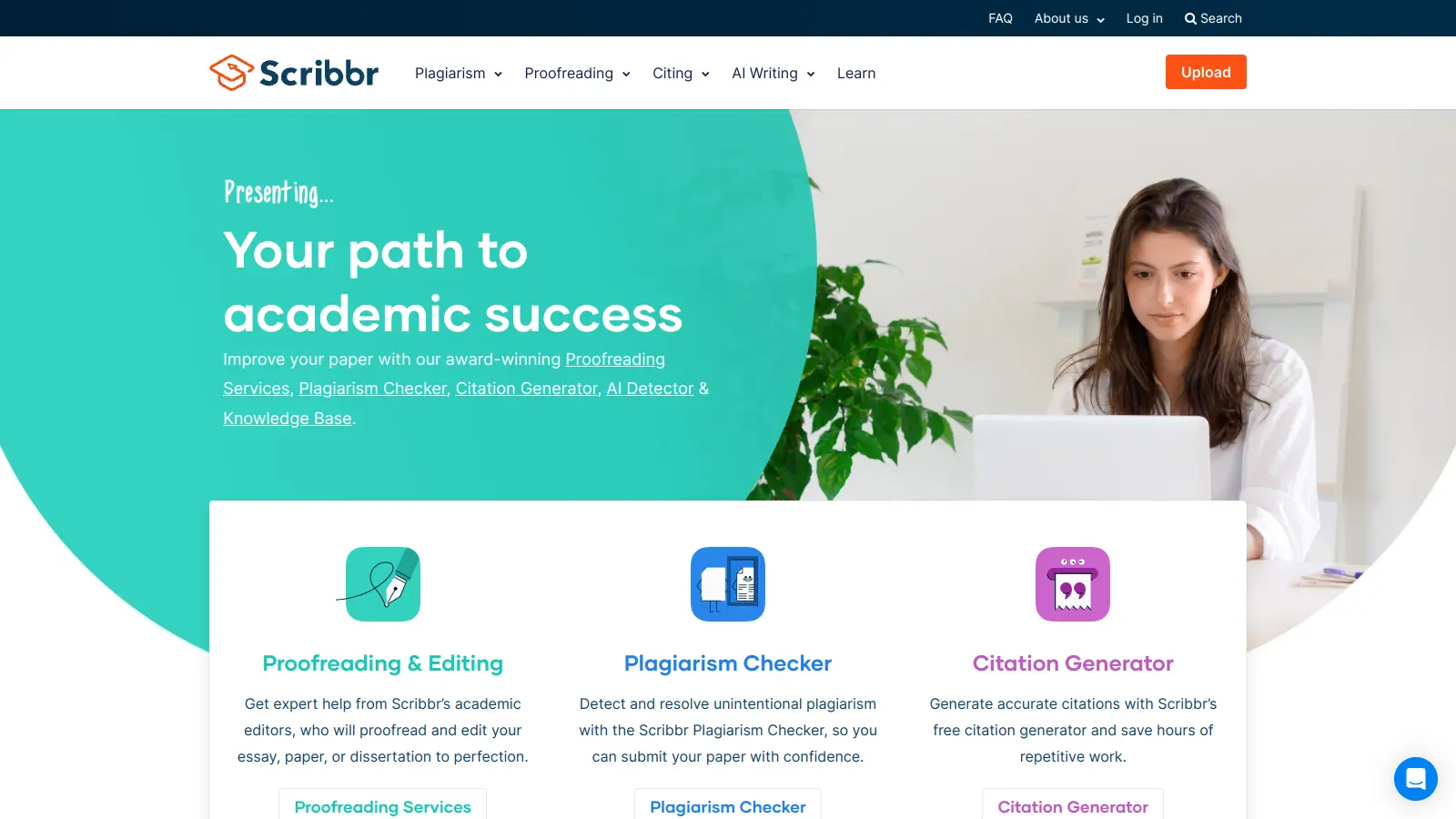
Scribbr is a comprehensive academic writing tool that helps students and professionals maintain writing integrity through plagiarism checking, AI detection, proofreading, and citation generation. It supports multiple languages, offers expert editing services, and provides a pay-per-use pricing model based on document size. With features like checking against a vast database of web pages and publications, Scribbr assists users in creating high-quality, original academic work.
★★★★★3.8based on real user feedback, community sentiment, pricing value, and fit for target audience. see our full methodology
Consensus
Consensus is an AI-powered academic search engine that uses AI to provide evidence-based insights from scientific research. It offers a Consensus Meter to gauge research agreement, Deep Search for comprehensive analysis, advanced search filters, and access to over 220 million research papers. Users can locate relevant studies, extract key information, and draft scholarly content with accurate citations from peer-reviewed sources.