tools for
humans

CurrentWare reviews — what users really think

last reviewed 24 march 2026
how we review

We start with direct ratings from our readers, then look at what real users are saying in practitioner forums and community spaces. We pair that with search demand data and profession-level persona analysis.

full methodology →

Editorial note: this was originally published in august of 2024

quick take

  • Best for: IT admins needing DLP plus web filtering in one suite
  • Skip if: you need Mac support or deep behavioral analytics
  • £Best value: full suite at $12/user/month for 100+ users
½3.5/ 5 — editorial rating

based on real user feedback, community sentiment, pricing value, and fit for target audience. see our full methodology

used CurrentWare? we'd love to know your thoughts

reader ratings shape our score

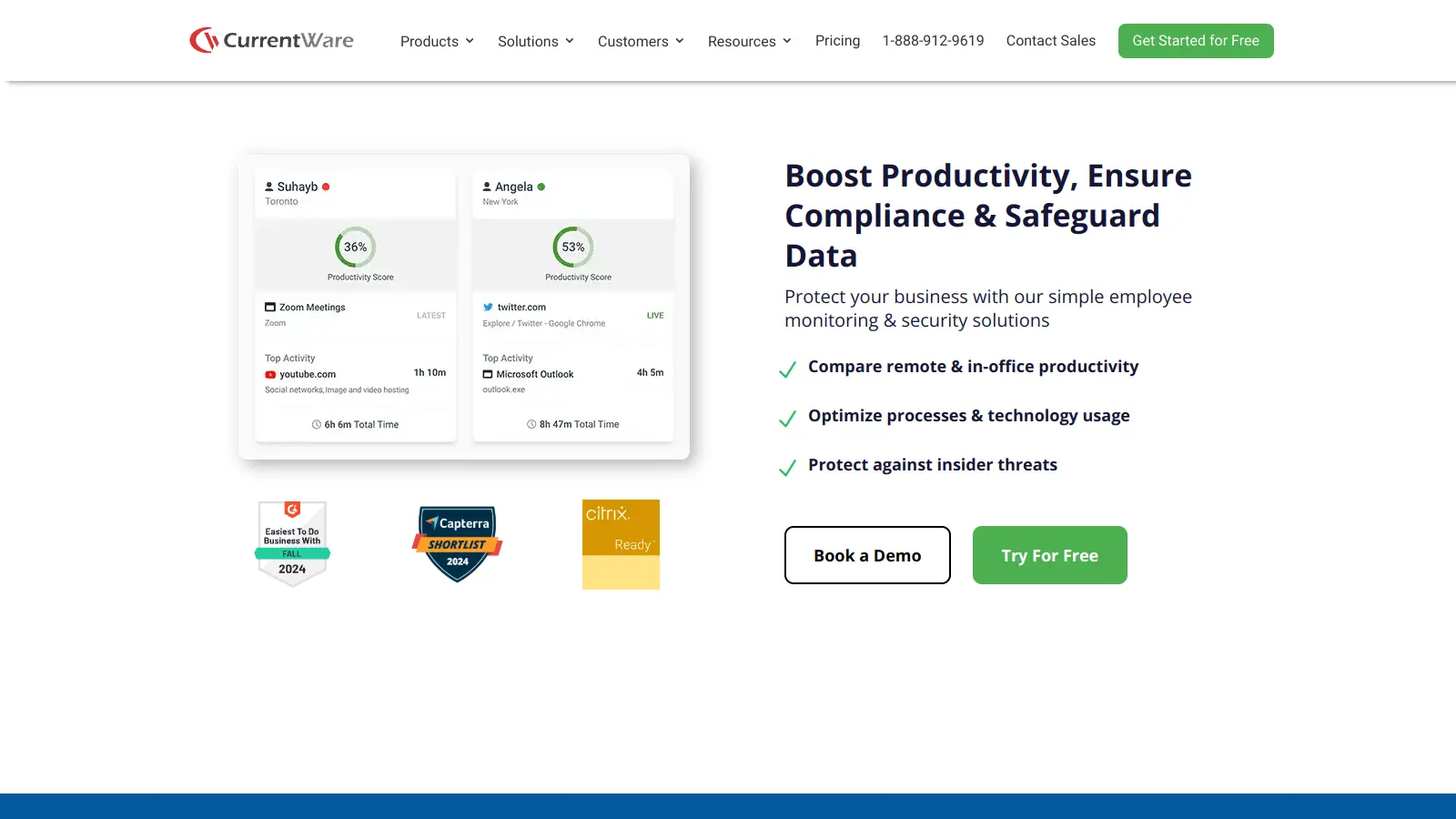
CurrentWare combines employee monitoring, data security, and productivity tools in one software suite. It helps businesses track internet usage, protect sensitive data, and manage computer resources across their organization. It's used in healthcare, education, government, and corporate environments.

The platform splits into four main tools: AccessPatrol for USB and data protection, BrowseControl for web filtering, BrowseReporter for activity monitoring, and enPowerManager for computer power management. You can run these from a central web dashboard that lets you oversee all your connected devices.

Organizations can choose between individual modules at $5 per user monthly or the complete suite at $12 per user monthly for teams of 100+ users, with annual billing required. Teams with 10-99 users pay $14 per user monthly for the full suite. The software needs a minimum yearly purchase of $900, and special pricing exists for schools, non-profits, and large organizations.

The system uses a client-server setup where you install the main software on a server and place small programs on each computer you want to monitor. You can host the server locally or on cloud platforms like AWS, Azure, or Google Cloud. It works both in office networks and with remote workers, letting companies maintain consistent security policies no matter where their employees work.

how popular is CurrentWare?

monthly search interest

260/mo now

01322644002023202420252026
peak interest320/moMay 2024
searches now260/moFeb 2026
1-month change— steadyvs prev month

CurrentWare grew steadily from 2022 through a peak in mid-2024, then pulled back to a stable band around 210 to 260 monthly searches. The pattern suggests the tool found its core audience rather than riding a broader AI hype wave, and the recent stabilisation means you're evaluating a mature, established product rather than something still finding its footing.

who is CurrentWare for?

Whether CurrentWare is the right call depends almost entirely on what your organisation actually needs to lock down. Pick your role below to see the honest breakdown.

what users are saying

If you're an IT admin in healthcare, education, or a regulated environment who needs DLP plus web filtering plus activity reporting in one place, it's worth evaluating.

Community discussion around CurrentWare is thin. There are only three reviews on one commercial review platform, sitting at a 3.9 average, which tells you almost nothing statistically. Independent review coverage is largely editorial roundups rather than user-generated feedback, and there's no meaningful Reddit thread activity or forum discussion to draw from. The comparative coverage that exists positions CurrentWare most directly against ActivTrak, with the analysis pointing to CurrentWare's strength in device control and USB/data loss prevention, while noting ActivTrak tends to pull ahead on analytics depth and user interface polish. The Teramind comparison piece exists primarily to sell Teramind, but the underlying point it makes, that CurrentWare's feature set is narrower than enterprise-grade alternatives, is a fair one based on the product's own positioning.

Our take: CurrentWare is a focused tool that does a specific job: lock down endpoints, block websites, control USB ports, and log computer activity across a fleet of Windows machines. At $14 per user per month for smaller teams or $12 at scale for the full suite, it's not cheap, but it covers four distinct functions that you'd otherwise need separate tools for. If you're an IT admin in healthcare, education, or a regulated environment who needs DLP plus web filtering plus activity reporting in one place, it's worth evaluating. If you want deep behavioral analytics or a slick dashboard that managers can self-serve from, look at ActivTrak first.

features

  • Central Web Console: Manage all software modules from a single web interface with integration for Active Directory and security groups.
  • Platform Security: Enhance organizational protection with two-factor authentication, secure password management, and granular user access controls.
  • Offsite Management: Extend security policies to remote devices, ensuring consistent monitoring and control outside corporate networks.
  • AccessPatrol Module: Prevent unauthorized data transfers by monitoring and controlling USB device usage, blocking file transfers to storage devices and cloud services.
  • BrowseControl Module: Block high-risk websites and unauthorized applications to maintain workplace productivity and network security.
  • BrowseReporter Module: Track internet and application usage in real-time, capture screenshots, monitor search queries, categorize productive and unproductive time, generate detailed productivity reports, and detect insider threats.
  • enPowerManager Module: Implement remote PC power management, reduce energy costs through automated scheduling, and monitor user login activities.

pricing

  • Individual Modules priced at $5 USD per user per month, billed annually, including AccessPatrol, BrowseControl, BrowseReporter, and enPowerManager.
  • CurrentWare Suite (100+ Users) available at $12 USD per user per month, billed annually, providing the best value by including all four modules.
  • CurrentWare Suite (10-99 Users) priced at $14 USD per user per month, billed annually, with access to all four modules.
  • Volume Discounts offered for businesses with 100+ users, with increased discounts based on license count and contract length.
  • Multi-Year Contracts provide additional pricing benefits, with special pricing for multi-year commitments.
  • Educational and Non-Profit Organizations can receive a 10% discount on licenses.
  • Managed Service Providers (MSPs) and Resellers qualify for special pricing structures.
  • Minimum purchase threshold starts at $900 USD per year.
  • Payment methods include credit cards and wire transfers, with pricing convertible across multiple currencies.

frequently asked questions

For teams of 100 or more, the full suite at $12 per user per month is defensible if you're actively using all four modules. For smaller teams at $14 per user per month, you're paying around $16,800 annually for 100 users, which is meaningful spend. If you only need one module, the $5 per user per month individual pricing makes more sense than the full suite. The value holds if you're replacing multiple point solutions with one platform and actually need device control alongside web filtering.

IT administrators in compliance-heavy industries, particularly healthcare, government, education, and legal services, get the most direct value. Organisations that need USB and removable media controls as a DLP requirement alongside standard web filtering are the core use case. It's also used by managed service providers who need to enforce policies across multiple client environments from a single console.

First, it's primarily built for Windows environments, which immediately limits any organisation with a mixed fleet or significant Mac presence. Second, the analytics and reporting depth is more basic than dedicated workforce analytics tools like ActivTrak: you get activity logs and usage data, but not the kind of behavioural pattern analysis or visual dashboards that managers without IT training can easily interpret. Third, community review volume is very low, so there's limited independent evidence about long-term reliability and support quality at scale.

Choose CurrentWare if device control and data loss prevention are your primary requirements. USB blocking, peripheral management, and endpoint security controls are where it's stronger. Choose ActivTrak if you want richer productivity analytics, a cleaner interface, and dashboards that non-technical managers can actually use day to day. ActivTrak doesn't have the same DLP depth, so if you need both functions, CurrentWare's bundled suite is a more complete answer than pairing ActivTrak with a separate DLP tool.

Yes, offsite management is a named feature: policies extend to devices outside the corporate network. This matters if you're managing a hybrid workforce where employees take laptops home or work from client sites. The monitoring and web filtering policies follow the device rather than requiring a VPN connection. That said, you'll want to verify whether your specific deployment model, cloud-hosted versus on-premises, handles offsite policy enforcement in the way your IT team expects before committing.

tools for
humans

toolsforhumans editorial team

Reader ratings and community feedback shape every score. Since 2022, ToolsForHumans has helped 600,000+ people find software that holds up after launch. how we research →

other tools to check out

Box screenshot
online buzz550k
trend (1M)steady
3.5based on real user feedback, community sentiment, pricing value, and fit for target audience. see our full methodology

Box

Box is a cloud-native content management platform that enables secure storage, collaboration, and content management. It offers features including security controls, AI-driven insights, workflow automation, and integrations across business applications. With scalable solutions for individuals, teams, and enterprises, Box helps organizations manage, share, and protect their digital content.

best deal

Try Box free with 10GB storage or get 30% off Enterprise plans when billed annually

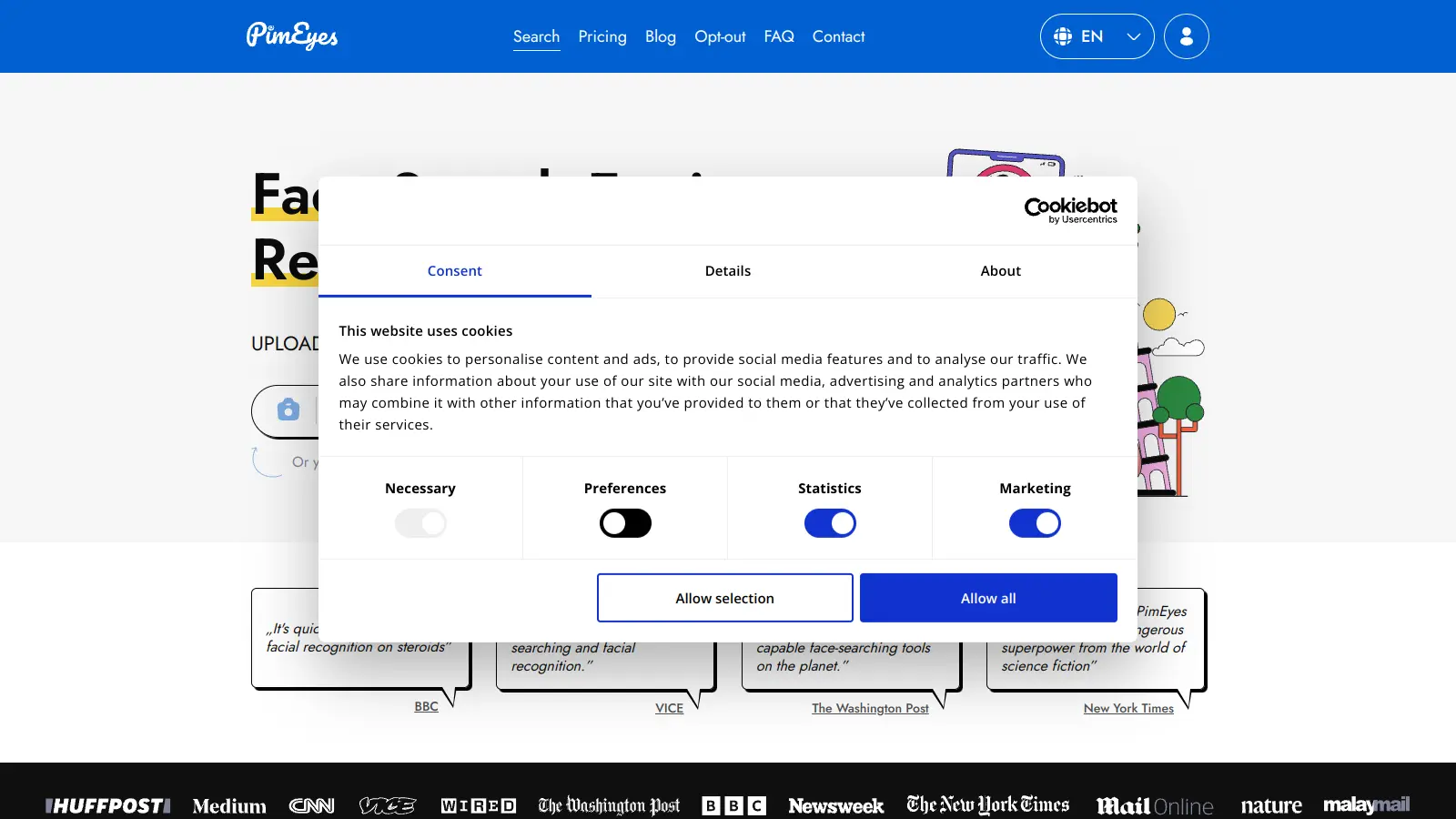
PimEyes screenshot
online buzz165k
trend (1M)18%
3.5based on real user feedback, community sentiment, pricing value, and fit for target audience. see our full methodology

PimEyes

PimEyes is an advanced online facial recognition search engine that uses AI to perform reverse image searches across publicly accessible websites. It helps users monitor their digital presence, find instances of their face online, and provides tools for privacy protection, including image removal assistance and alert systems. Available through various subscription plans, PimEyes searches an index of 3.5 billion photographic images and focuses specifically on facial features rather than entire images.

best deal

Get 25% off annual plans: PROtect for $26.24/month or Advanced for $224.99/month

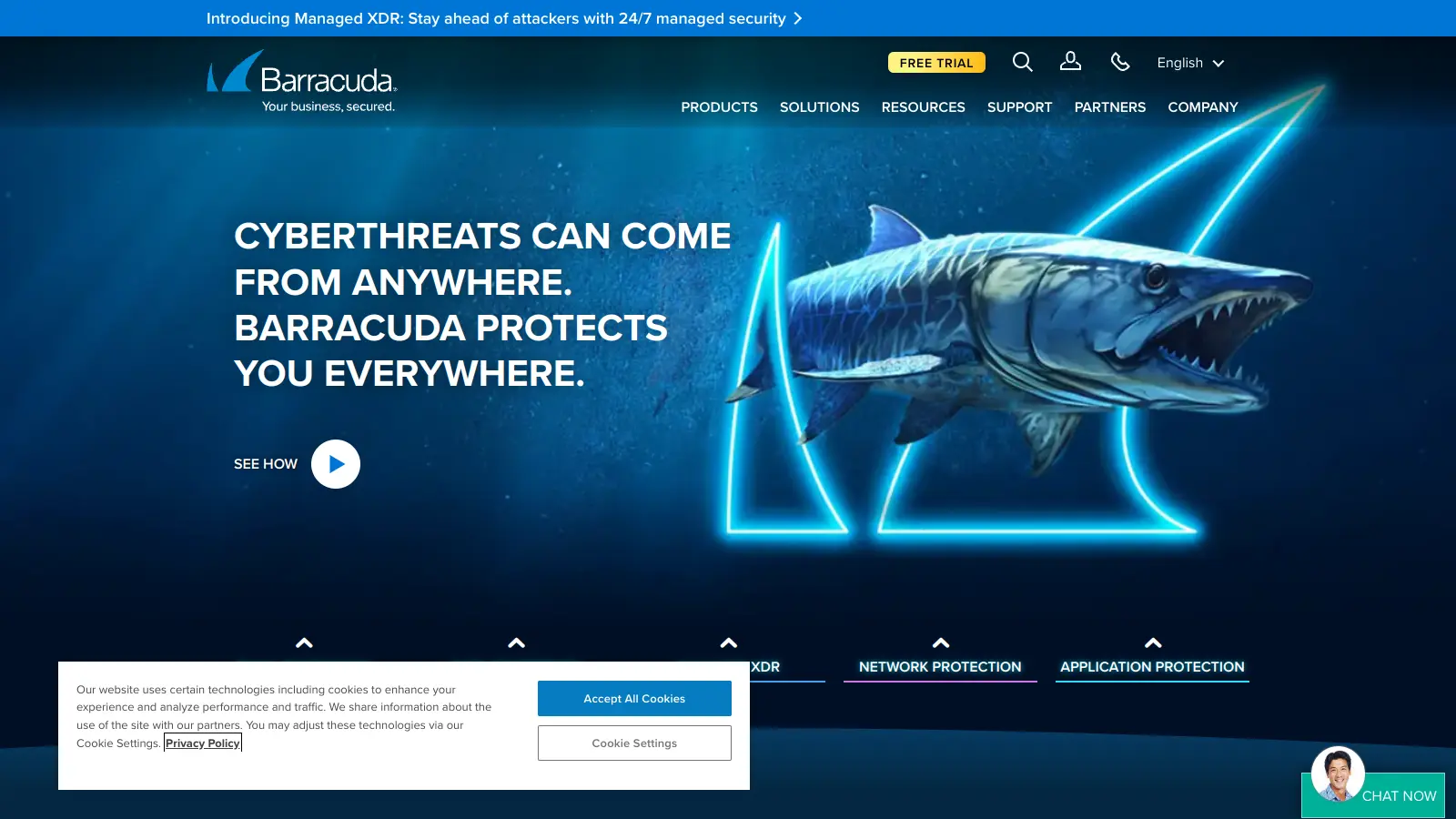
Barracuda screenshot
online buzz165k
trend (1M)steady
3.5based on real user feedback, community sentiment, pricing value, and fit for target audience. see our full methodology

Barracuda

Barracuda Networks is a cybersecurity company founded in 2003, offering AI-powered solutions for email, network, and data protection through its BarracudaONE platform. The product suite includes email gateway defense, web security, firewalls, cloud backup services, and managed XDR with multimodal AI threat detection.

best deal

Free trials available for email protection and other products

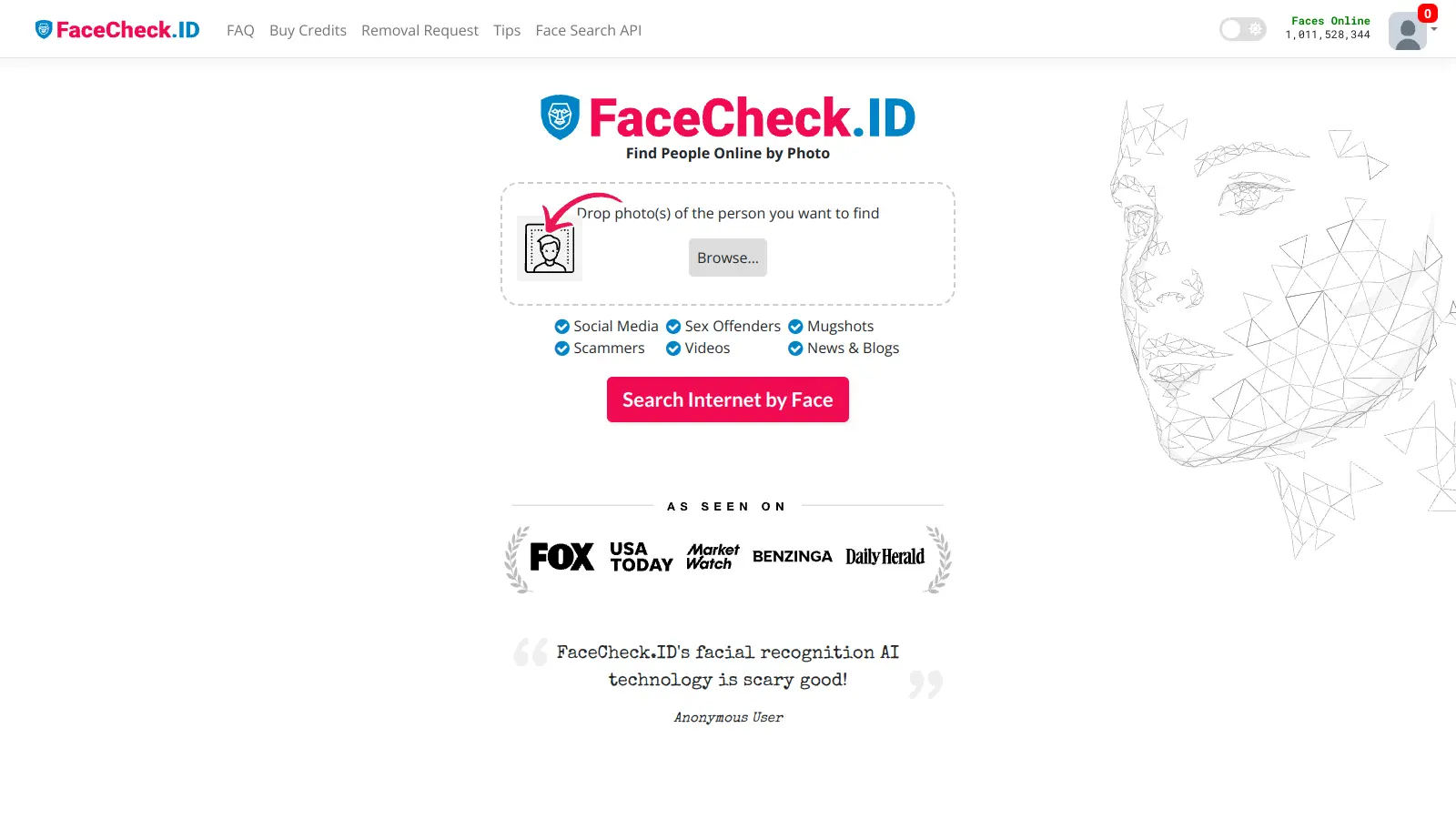
FaceCheck.ID screenshot
online buzz41k
trend (1M)18%
3.0based on real user feedback, community sentiment, pricing value, and fit for target audience. see our full methodology

FaceCheck.ID

FaceCheck.ID is an AI-powered facial recognition search engine that allows users to upload a photo to find matching faces across social media, news sites, blogs, mugshot databases, sex offender registries, and criminal news for identity verification and safety checks. The platform scans over 763 million public images and returns results in seconds with confidence scores and source links.

best deal

Try FaceCheck.ID free with basic search, or start with 36 credits for just $6

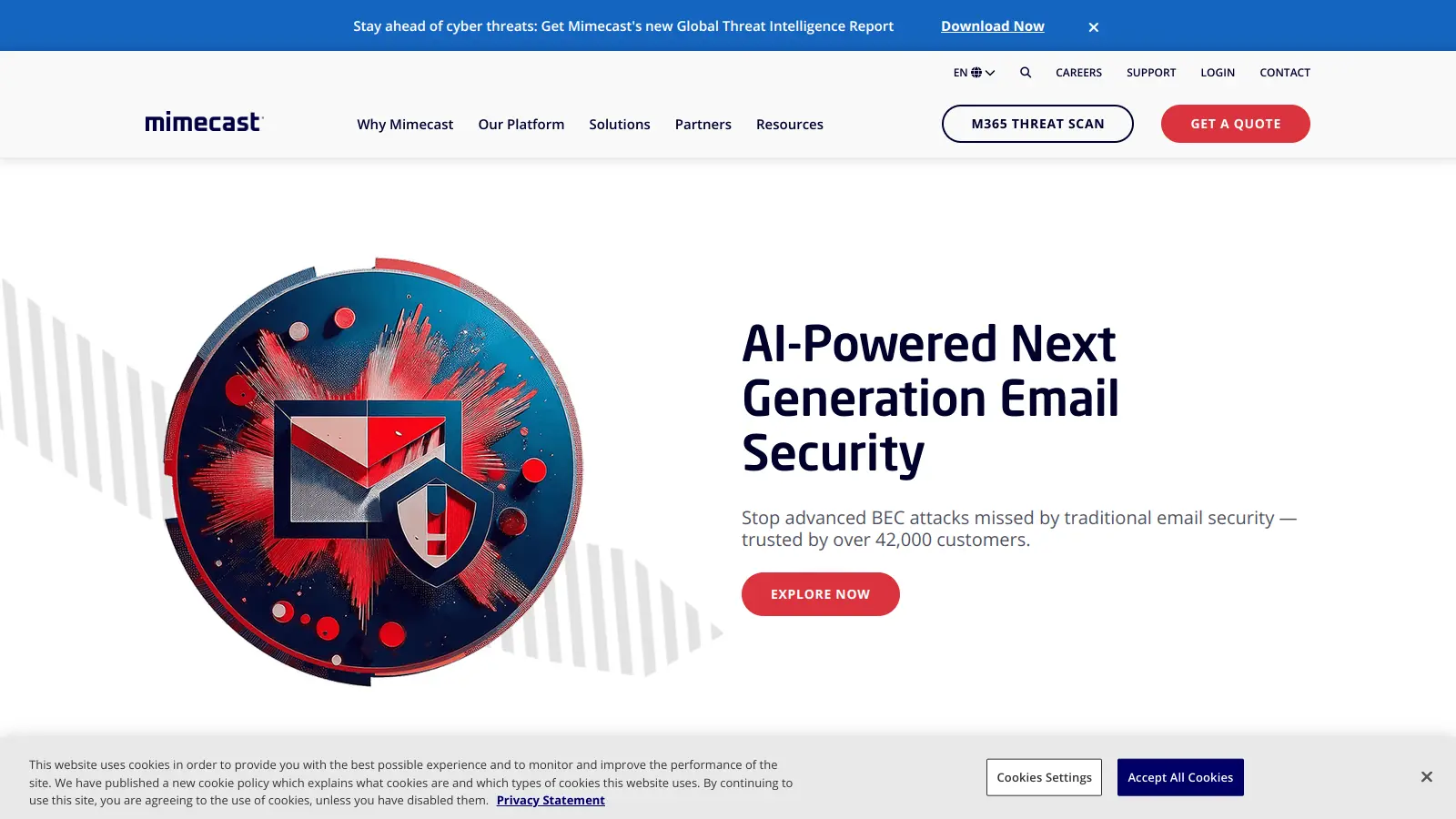
Mimecast screenshot
online buzz41k
trend (1M)18%
3.5based on real user feedback, community sentiment, pricing value, and fit for target audience. see our full methodology

Mimecast

Mimecast is a cloud-based cybersecurity platform that provides email security, archiving, and continuity solutions. It protects against phishing, malware, ransomware, and business email compromise using AI-powered detection engines, URL scanning, attachment sandboxing, and user awareness training.

best deal

Explore Mimecast's Protect Plan with AI-powered email security starting today.

Vanta screenshot
online buzz33k
trend (1M)18%
3.8based on real user feedback, community sentiment, pricing value, and fit for target audience. see our full methodology

Vanta

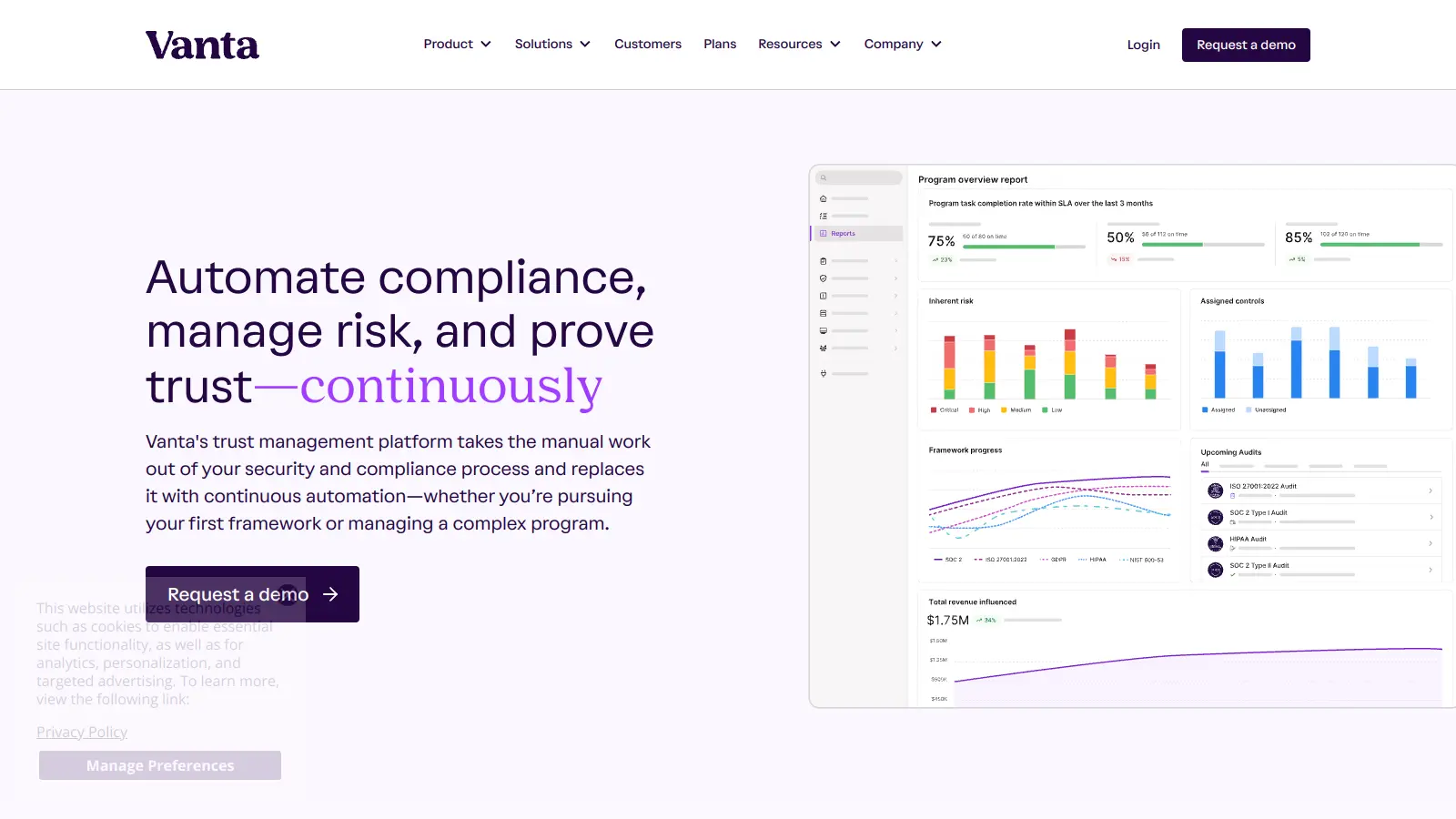
Vanta is a compliance and security platform that automates up to 90% of compliance work for major security frameworks like SOC 2 and ISO 27001. It offers automated evidence collection, policy management, access control, and AI-powered tools to help businesses streamline compliance processes, strengthen security, and build stakeholder trust.

best deal

Free trial available with no credit card required. Core plan starts at $7,500 annually.