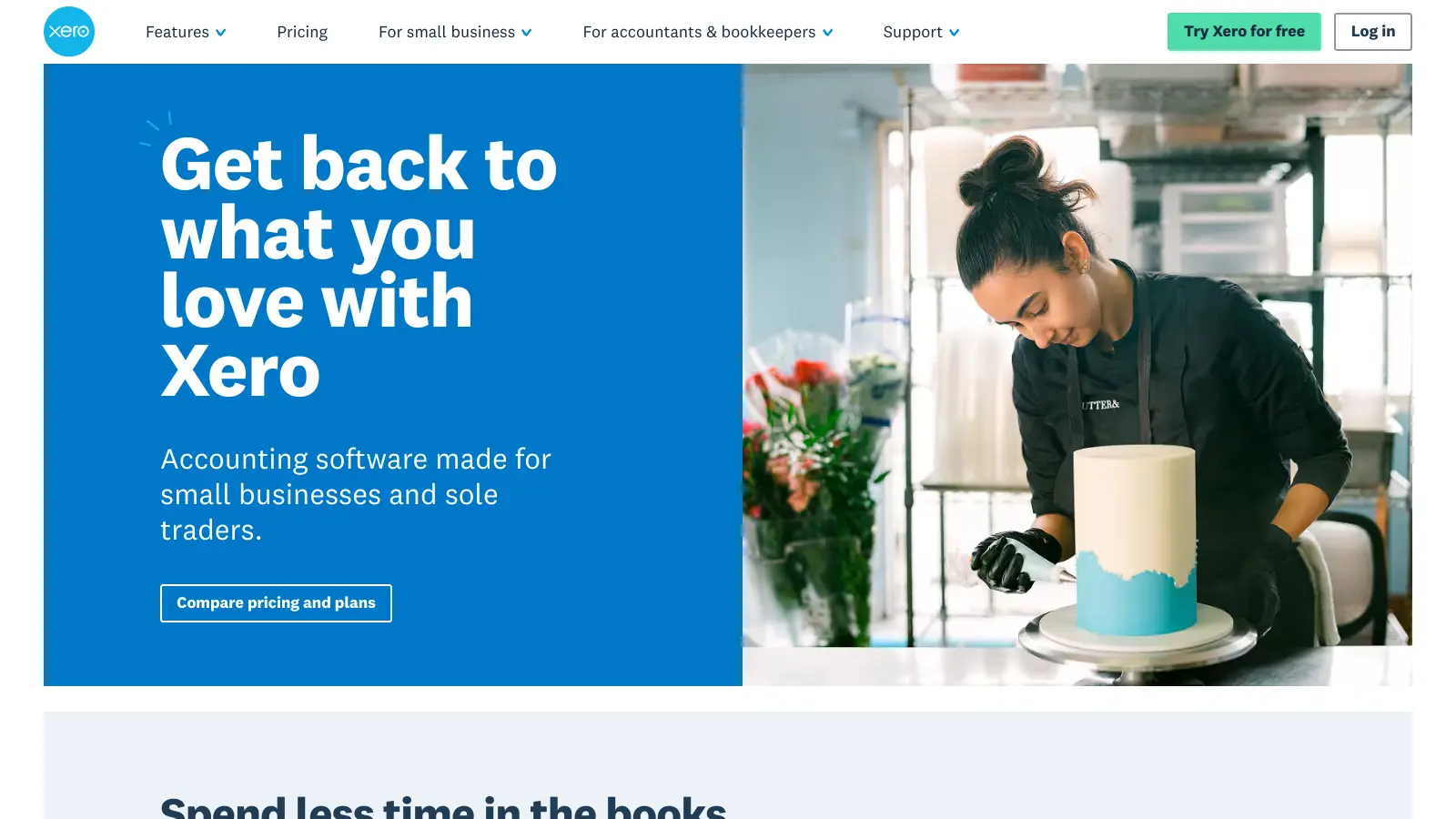
Xero is a cloud-based accounting software that helps small businesses, freelancers, and growing companies manage their finances. This New Zealand-based platform offers tools for everything from basic bookkeeping to complex financial management.
The software works through a customizable dashboard that connects with your bank accounts for automatic transaction feeds. Users can handle invoicing, track expenses, manage payroll, and reconcile bank transactions all in one place. The platform connects with banks worldwide, automating many daily financial tasks.
Small businesses can start with basic features and add more complex tools as they grow. The software works on computers, tablets, and phones, letting teams access financial data from anywhere. Role-based access controls let you collaborate in real-time with team members and accountants. Integration options with popular business apps help create a complete business management system.
Pricing starts at $25 per month for the Early plan with 20 invoices and 5 bills maximum, moves to $55 per month for the Growing plan with unlimited invoices and bills, and reaches $90 per month for the Established plan with multi-currency support and advanced features. The platform uses bank-level encryption to protect financial data and follows regulations like GDPR.
Xero is ideal for small to medium-sized business owners, freelancers, and growing companies who want to simplify their accounting processes. The cloud-based platform saves hours of bookkeeping time while offering professional-grade financial management that grows with your business.
Xero is commonly used by retailers, consultants, service providers, and creative agencies who need practical financial tools without the complexity of traditional accounting software.
Xero gets praise for its invoicing and billing features, along with integration capabilities with banks and accounting systems. Users mention the interface is easy to navigate, and many appreciate the reporting and financial insights available. The mobile app works well for on-the-go access, and automated workflows save time. Customer support and help resources generally receive positive marks, with users calling it good value for money across the pricing tiers.
The software is expensive for very small businesses or startups, especially as pricing increases over time. There's a learning curve for advanced features, and users with minimal accounting knowledge find it complex. Bank connection sync issues crop up occasionally. Some features require add-ons at extra cost, which adds up. Certain reports are difficult to customize. API documentation could be better. Customer support response times vary. Limited offline functionality is another complaint.
Log in to your Xero account and go to the Banking menu. Click on "Add Bank Account" and search for your bank from the list of supported financial institutions. Follow the prompts to enter your banking credentials. Once connected, Xero will start importing your transactions automatically, usually within 1-2 business days. If your bank isn't supported for direct feeds, you can upload bank statements manually in CSV or OFX format. Check your feeds regularly to make sure they're working properly.
Can I use Xero on my phone or tablet?Yes. Xero has mobile apps for both iOS and Android devices. The apps let you handle many key tasks on the go, like sending invoices, capturing receipts, reconciling transactions, and checking your cash flow. You can download the Xero mobile app from the App Store or Google Play Store for free. The app uses the same login as your regular Xero account, so all your data stays in sync between your phone, tablet, and computer.
What happens if I need help using Xero?Xero offers several support options. Their help center has articles, guides, and video tutorials that cover most common questions. If you can't find what you need there, you can contact their support team through email or live chat right from your Xero account. They also have a community forum where users share tips and solutions. For more hands-on training, Xero offers webinars and courses through Xero Central. Many users say the support team is friendly and quick to respond, though wait times might be longer during busy periods.
How secure is my financial data in Xero?Xero uses bank-level encryption to protect your data both while it's stored and when it's being transferred. All information is backed up across multiple locations to prevent data loss. Xero has two-factor authentication to add an extra layer of protection for your account. The company regularly undergoes security audits and complies with global regulations like GDPR. You can also set up different user roles with custom permissions, so your team members only see the information they need to do their jobs.
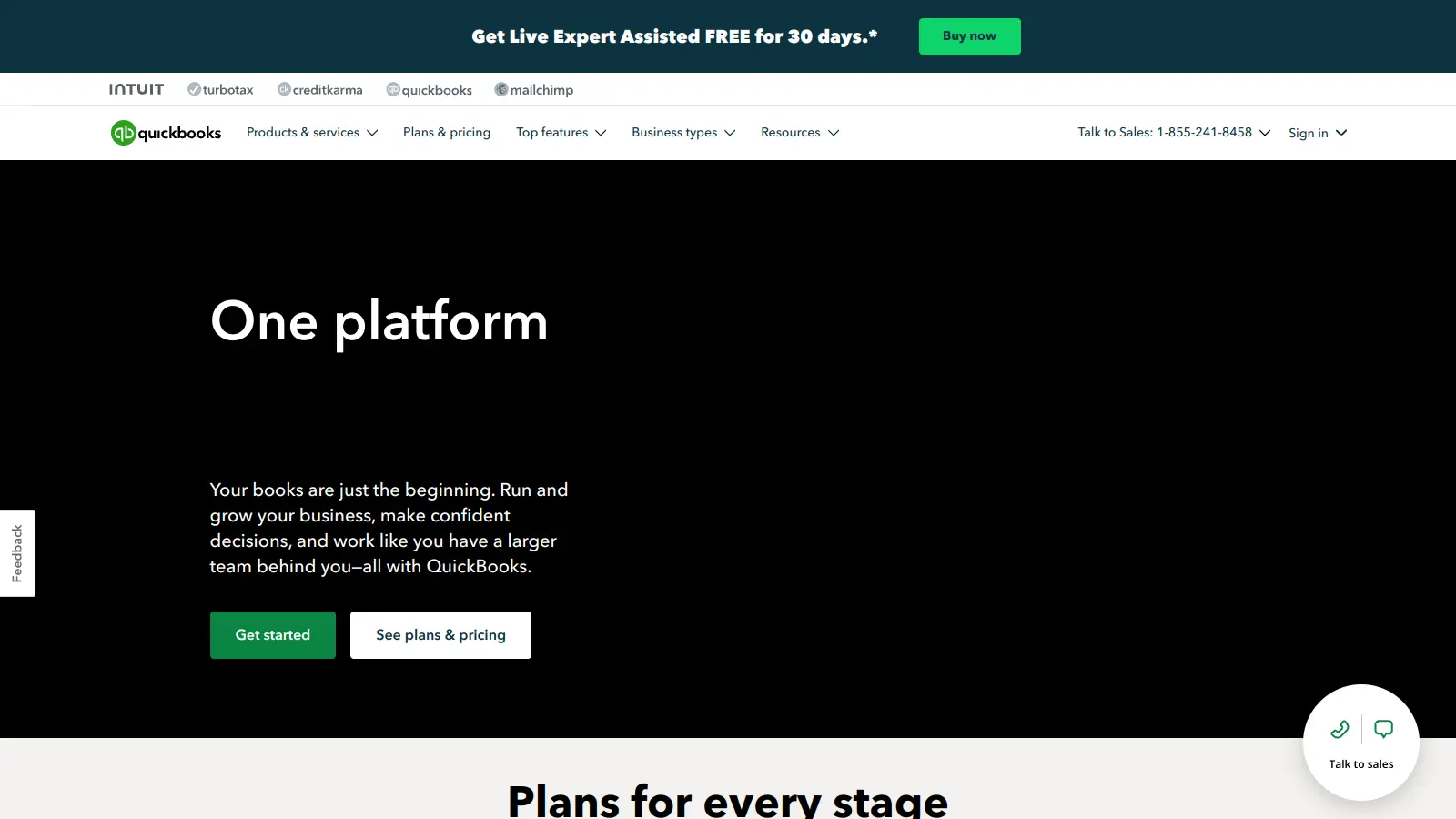
How does Xero compare to QuickBooks?Xero and QuickBooks are both popular accounting solutions, but they have different strengths. Xero is known for its cleaner, more intuitive interface and better bank reconciliation tools. It also offers unlimited users on all plans, while QuickBooks charges per user. QuickBooks has stronger inventory management and more detailed reporting options out of the box. Xero works better for businesses that need multi-currency support at a reasonable price. The choice really depends on your specific needs — Xero tends to be favored by smaller teams who value simplicity, while QuickBooks appeals to businesses that need more detailed features and are willing to deal with a steeper learning curve.


Our newsletter comes with exclusive discounts, trials and practical insights from within the industry