Best Otter.ai Alternatives in 2026: For Teams & Budget Users
7 alternatives reviewedlast reviewed 22 march 2026
Editorial note:this was originally published in march of 2026
Otter.ai works well enough until it doesn't. The free plan runs out fast at 300 minutes per month, the pricing jumps sharply between tiers, and if your team works in languages other than English, Spanish, or French, you're stuck. These aren't edge cases — they're the most common reasons people start looking for something else.
This page covers 7 alternatives worth considering in 2026. Each one is reviewed against Otter.ai specifically, so you can see exactly where it wins and where it falls short. The picks range from direct transcription replacements to tools built around deeper meeting intelligence, sales coaching, or privacy-first recording.
Selection criteria: transcription accuracy, free plan usability, language support, pricing relative to features, and how much friction is involved in switching from Otter.ai.
We collect first-hand reviews from people who use these tools every day — what works, what doesn't, whether it's worth paying for. We research pricing, features, and comparisons so that feedback has real context behind it. For this page, prioritisation went to tools offering real-time transcription, speaker identification, and searchable transcript libraries. Read our full research methodology.
looking for a Otter.ai alternative?
tell us what you're considering and why — it helps others in the same position.
What is Otter.ai?
Otter.ai is an AI transcription and meeting notes tool. It joins your Zoom, Google Meet, or Microsoft Teams calls via a bot (called OtterPilot), transcribes the conversation in real-time, and produces a searchable text record with speaker labels, automated summaries, and action items. You can also upload audio or video files manually for transcription.
It's used most heavily by remote teams, journalists, students, and content creators who need to convert spoken conversations into searchable written records without typing notes manually. The free tier gives 300 minutes per month with a 30-minute cap per session. Paid plans start at around $16.99 per user per month (Pro) and scale up to Business at $30 per user per month.
People look for alternatives primarily because of three issues: the free plan is too limited for regular use, the pricing jumps feel disproportionate for what you get, and Otter only supports three languages, which blocks global teams entirely. Speaker identification accuracy and transcript editing tools also draw consistent complaints from users across review platforms.
Live transcript overlay for Google Meet, Zoom, and Teams in your browser.
Privacy-focused users and those in bot-restricted environments
FreemiumFree plan available; paid from $12/mo
vs Otter.aiBetter than Otter.ai for teams that need free unlimited transcription with CRM integration and don't want to hit a monthly minute ceiling.
our top pick
1
Fireflies.ai
Meeting transcription with team collaboration and conversation analytics.
Freemium
Best for · Remote teams and sales teamsPricing · Free plan available; paid from $10/user/mo
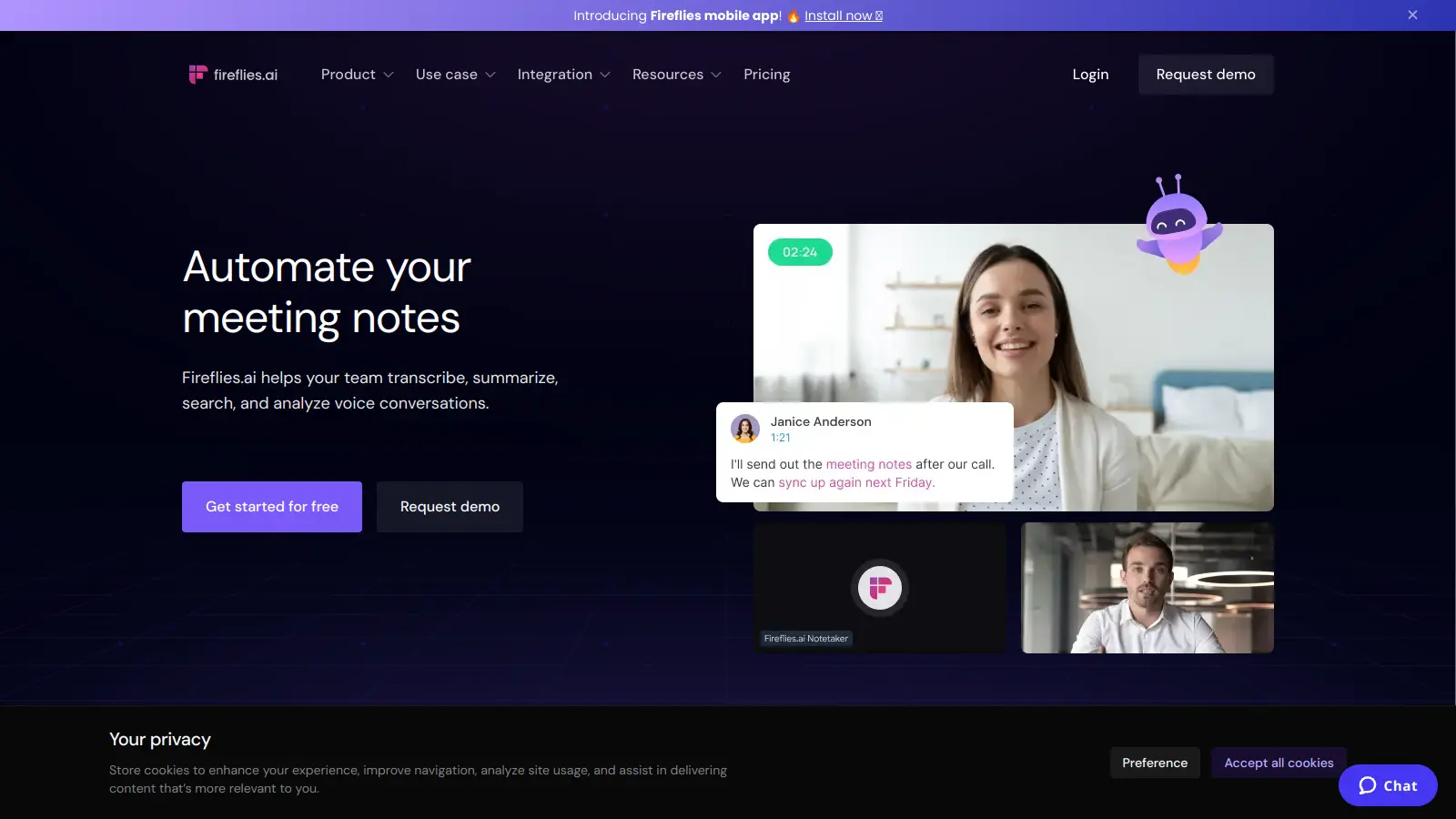
Fireflies.ai joins your calls as a bot, transcribes in real-time, and gives you searchable notes, speaker analytics, and topic tracking. It integrates with over 40 apps including Salesforce, HubSpot, Slack, and Notion. The free plan includes unlimited transcription with 800 minutes of storage, which is more usable than Otter's 300-minute monthly cap.
Pros
✓Free plan has no monthly minute cap on transcription
vs Otter.aiThe clearest upgrade over Otter.ai when your team includes speakers of languages outside English, Spanish, or French.
2
Notta
Transcription in 58 languages with clean export and file import.
Freemium
Best for · Global teams and multilingual usersPricing · Free plan available; paid from $13.99/mo
Notta handles real-time and file-based transcription across 58 languages, which makes it the most direct upgrade for anyone blocked by Otter's language limitations. It records from meetings, uploaded audio, or directly from your browser. Summaries and action items are generated automatically, and transcripts can be exported to Word, PDF, SRT, or TXT.
Pros
✓58-language support, the widest of any alternative here
✓File import for audio, video, and cloud recordings
vs Otter.aiBetter than Otter.ai when you need meeting notes without a visible bot, especially for in-person meetings or platforms Otter doesn't support.
3
Jamie
Bot-free meeting notes that work offline and on any platform.
Freemium
Best for · Privacy-conscious professionals and consultantsPricing · Free plan available; paid from $24/mo
Jamie records directly from your device's audio output rather than joining calls as a bot, which means it works on any video platform, in-person meetings, and even offline. It produces structured meeting notes rather than raw transcripts, organizing the conversation into sections with decisions and tasks. There's no visible bot in the call, which matters for sensitive or client-facing meetings.
Pros
✓No meeting bot — records any call or in-person conversation
✓Works offline without internet dependency
✓Structured notes format, not just raw transcript
Cons
✗Paid plans are more expensive than most alternatives
✗Less useful if you need verbatim transcripts with timestamps
vs Otter.aiBetter than Otter.ai for solo users who want unlimited free meeting notes without hitting monthly minute limits.
4
Fathom
Free AI meeting notes for individuals with Zoom and Google Meet.
Freemium
Best for · Individual professionals and freelancersPricing · Free for individuals; team plans from $19/user/mo
Fathom is a meeting recording and summarization tool with a genuinely free tier that has no minute caps for personal use. It records Zoom, Google Meet, and Microsoft Teams calls, produces timestamped highlights you can clip and share, and sends a summary email after each meeting. The free plan is specifically designed for individual users rather than as a paid-plan funnel.
Pros
✓Unlimited free recordings for individuals with no minute cap
✓Clip and share specific meeting moments easily
✓Automatic summary email after each call
Cons
✗Team collaboration features require a paid plan
✗Only supports Zoom, Google Meet, and Teams — no file upload on free
vs Otter.aiBetter than Otter.ai when you need per-meeting engagement analytics and automated highlight sharing, not just a text transcript.
5
MeetGeek
Meeting recording with built-in analytics on talk time and engagement.
Freemium
Best for · Team managers and operations leadsPricing · Free plan available; paid from $15/user/mo
MeetGeek records and transcribes meetings, then layers conversation analytics on top — things like talk-time ratios per speaker, sentiment tracking, and topic frequency across meetings. It auto-shares meeting highlights with attendees and integrates with tools like Notion, Slack, HubSpot, and Trello. The analytics features make it useful for managers who want visibility into how meetings actually run.
Pros
✓Talk-time and engagement analytics per speaker
✓Automated highlight clips sent to attendees post-meeting
✓Strong integration library including HubSpot and Notion
Cons
✗Free plan limited to 5 hours of transcription per month
✗Analytics depth may be overkill for simple note-taking needs
vs Otter.aiBetter than Otter.ai for sales teams that need conversation intelligence, deal tracking, and coaching features in a single tool rather than a basic transcript.
6
Avoma
Meeting intelligence platform built around sales and customer conversations.
Paid
Best for · Sales teams and customer success managersPricing · From $19/user/mo
Avoma covers the full meeting lifecycle: scheduling, transcription, AI notes, and post-meeting coaching. It's built specifically for sales and customer success teams, with features like deal health tracking, conversation scorecards, and rep coaching tools. It integrates directly with Salesforce, HubSpot, and most major dialers. It's more expensive than Otter but replaces several tools at once for revenue teams.
Pros
✓Conversation scorecards and rep coaching built in
✓Full CRM sync with deal-level meeting data
✓Covers scheduling, recording, and follow-up in one place
vs Otter.aiBetter than Otter.ai when your organization blocks meeting bots or you want transcripts without sending audio to a third-party server.
7
Tactiq
Live transcript overlay for Google Meet, Zoom, and Teams in your browser.
Freemium
Best for · Privacy-focused users and those in bot-restricted environmentsPricing · Free plan available; paid from $12/mo
Tactiq is a Chrome extension that captures the live captions generated by Google Meet, Zoom, or Teams and saves them as a structured transcript — no bot required, no audio recording on Tactiq's servers. It runs entirely in your browser and exports clean notes to Google Docs, Notion, or Slack. Because it uses the platform's own captions rather than independent audio processing, it works well on calls where a bot would be unwelcome or blocked.
Pros
✓No audio sent to external servers — uses platform captions
✓No bot visible to other call participants
✓Direct export to Notion, Google Docs, and Slack
Cons
✗Transcript quality depends on the platform's own caption accuracy
✗Only works in Chrome — no desktop app or mobile support
Otter supports only English, Spanish, and French. If your team includes speakers of other languages, this alone disqualifies it. Tools like Notta support 58 languages, and Fireflies.ai handles over 60. Confirm language support before committing to any paid plan.
Decide whether you need a meeting bot or bot-free recording
Most tools send a bot into your call, which some meeting participants find intrusive. Bot-free alternatives like Jamie record directly from your device's audio, which means no visible bot, no permission issues, and the ability to transcribe in-person or offline conversations. Match the recording method to your actual workflow.
Evaluate the free plan against your real usage
A free plan that covers 300 minutes sounds generous until you have three one-hour calls in a week. Look at monthly minute caps, per-session limits, and which features are gated. Some tools offer genuinely usable free tiers; others use the free plan mainly to funnel you toward paid.
Consider whether you need transcription only or full meeting intelligence
If you just want accurate transcripts, a dedicated transcription tool is often cheaper and more accurate than an all-in-one meeting assistant. If you need CRM sync, deal tracking, coaching scorecards, or team analytics, look at tools built specifically for those use cases rather than paying for features you won't use.
Factor in how your team shares and searches notes
Transcripts aren't useful if they sit in a silo. Check whether the tool integrates with Notion, Slack, HubSpot, or wherever your team already works. Also check search quality — some tools index transcripts well for full-text search; others make retrieval awkward.
frequently asked questions
The most common reasons are hitting the free plan's limits too quickly (300 minutes per month runs out fast for anyone with daily meetings), frustration with speaker identification accuracy, and the lack of language support beyond English, Spanish, and French. Pricing is also a factor: the jump from Pro ($16.99/mo) to Business ($30/mo) is steep for features many teams don't fully use.
Yes. Fireflies.ai's free plan includes unlimited transcription with some storage limits, and Notta offers a free tier that covers more languages than Otter. The key is checking the per-session and monthly minute caps — some free plans cap individual recordings at 30-40 minutes, which may still be enough depending on how long your meetings typically run.
Otter.ai lets you export transcripts as text, PDF, SRT, or DOCX files from within the app. Export your conversations before canceling your account. Most alternatives can import audio or video files for re-transcription, but they won't import Otter's native format directly. Budget time to export and re-organize your archive if it's extensive.
Notta is the strongest option here, with support for 58 languages. Fireflies.ai supports over 60. If your team regularly works across multiple languages and Otter's three-language limit is the core problem, either of those would be a direct upgrade without requiring major workflow changes.
It depends on your meeting volume. For occasional use, several free tiers — including Fireflies.ai and Notta — cover basic transcription adequately. For teams with daily meetings or anyone who needs CRM integration, automated follow-ups, or advanced search, a paid plan is almost always necessary. Most tools offer meaningful free trials on their paid tiers, so it's worth testing before committing.
tools for humans
toolsforhumans editorial team
Reader ratings and community feedback shape every score. Since 2022, ToolsForHumans has helped 600,000+ people find software that holds up after launch. The picks here come from that.