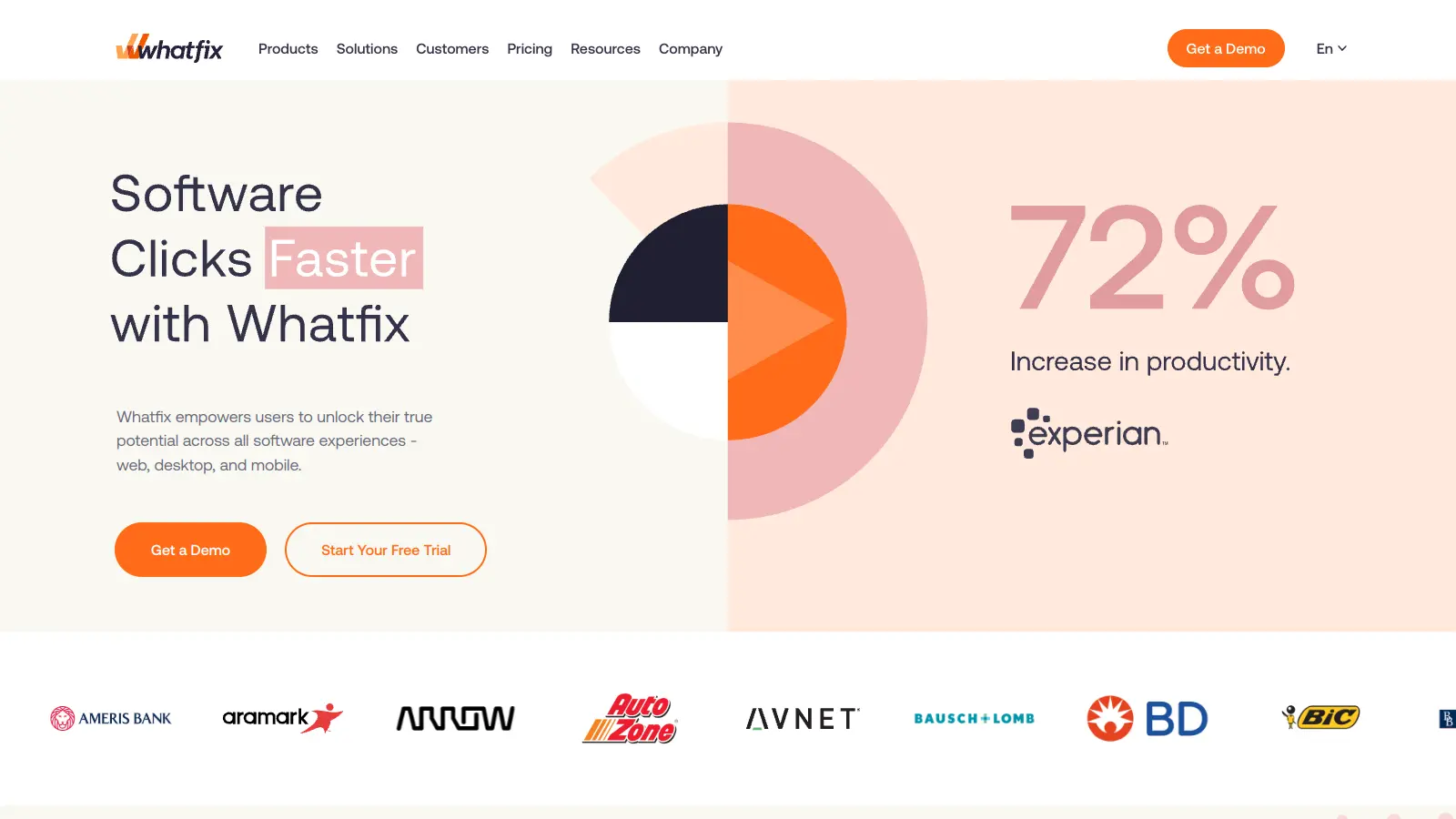
Whatfix is an AI-powered digital adoption platform that helps organizations make the most of their software applications. It guides users through complex software with interactive walkthroughs, tips, and real-time support, all without leaving the application they're using.
The platform uses ScreenSense, its proprietary AI technology, to interpret user context and real-time intent within applications. It delivers contextual guidance through flows, smart tips, pop-ups, and AI-generated answers. The Self-Help Widget aggregates content from repositories like Confluence and SharePoint, offering searchable, AI-powered assistance directly in-app.
Organizations can track user progress through built-in analytics tools. User Journey Analytics creates Sankey charts that visualize engagement patterns and identify where users drop off. The platform works across web, desktop, and mobile applications, integrating with many common business tools.
Whatfix offers a free trial but doesn't maintain a permanent free tier. Paid plans are customized based on specific business needs, with typical starting costs ranging from $1,200 to $2,000 per month. The platform maintains high security standards with ISO 27001:2013 and SOC 2 certifications.
Whatfix is for organizations that need to improve user adoption and proficiency with their software applications. This digital adoption platform saves training time and increases productivity by providing contextual guidance that helps users learn while they work.
Healthcare, financial services, retail, and manufacturing companies get the most value from Whatfix since they tend to have complex software ecosystems where proper application usage directly impacts business outcomes.
Whatfix gets strong praise for its user adoption features, contextual in-app guidance, and integration capabilities. Users report that it reduces support tickets and training costs while providing useful analytics for tracking user behavior. The customer support and onboarding assistance receive positive mentions, and many find the interface intuitive for creating walkthroughs.
Pricing is high for smaller organizations. The learning curve for advanced features is steep, and complex implementations require technical resources. Performance issues with large-scale deployments come up occasionally. Some users report slow customer support response times. The platform can feel heavy for simple use cases, and offline functionality is limited.
Whatfix doesn't offer a permanent free tier, just a free trial to test the platform. Paid plans include AI-powered features like ScreenSense, AI Agents for authoring and insights, deeper analytics with User Journey visualizations, and enterprise-level security. You'll also get dedicated customer support with paid plans, while trial users have limited access to support resources. The exact features in each tier aren't publicly listed since they customize packages based on company size and needs.
How long does it take to implement Whatfix?Most companies can get Whatfix up and running within 2-4 weeks. The timeline depends on how many applications you're adding it to and how complex your guides need to be. Simple implementations with pre-built templates can be ready in days, while enterprise-wide rollouts across multiple software platforms might take 1-2 months. Their team provides implementation support to speed things up.
Do I need technical skills to create content in Whatfix?You don't need coding skills to create basic flows and guides in Whatfix. Their editor uses a point-and-click interface that's pretty straightforward. That said, complex implementations might require technical resources, especially for advanced customizations. The AI Authoring Agent can help create content faster. Most companies have non-technical team members create their content after a short training session, though there's a learning curve for advanced features.
Can Whatfix work with desktop and mobile applications or just web-based software?Whatfix works across web, desktop, and mobile applications. For web apps, implementation is simpler since it uses browser extensions. For desktop applications, you'll need to use their Desktop App Agent, which supports Windows programs. They've expanded their mobile support as well. Some legacy applications might have compatibility issues, so it's best to check with their team about your specific software.
How does Whatfix compare to Pendo and other competitors?Whatfix focuses more on in-app guidance and digital adoption, while Pendo is stronger in product analytics and user feedback collection. Whatfix's AI-powered features like ScreenSense and the Self-Help Widget give it an edge for contextual assistance. WalkMe has been around longer and offers more features, but Whatfix is often considered more user-friendly and faster to implement. The pricing can be high compared to some competitors, but users report good ROI from reduced support tickets and training costs.


Our newsletter comes with exclusive discounts, trials and practical insights from within the industry