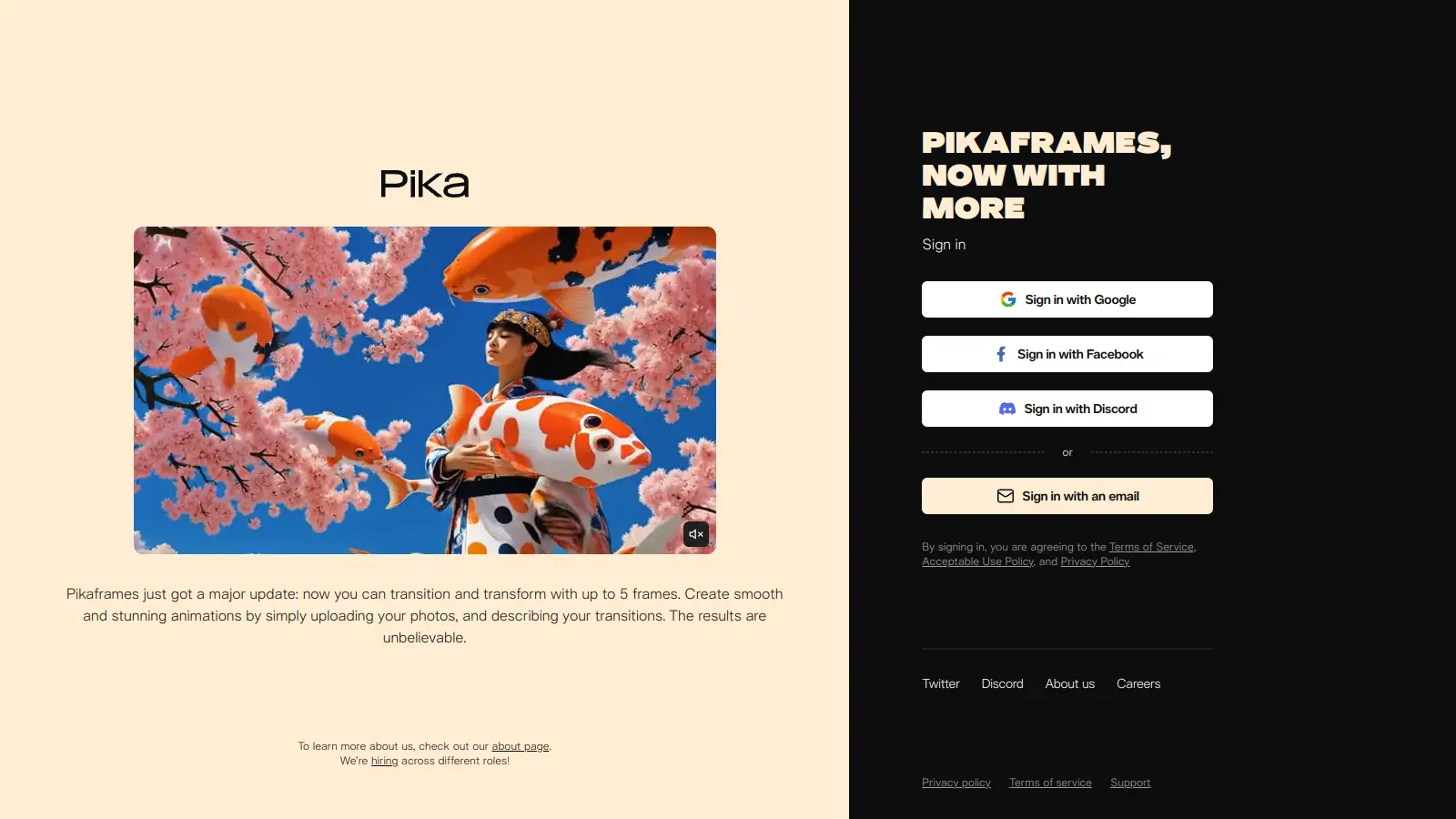
Pika Art transforms text prompts, images, and videos into short video clips through artificial intelligence. This AI-powered tool helps users create and edit videos without needing technical knowledge or experience.
The platform works through a web interface and iOS app that lets you generate videos from text descriptions or convert static images into moving sequences. You can adjust video styles, swap objects, add new elements to footage, and sync lip movements to audio. It's useful for content creators, marketers, and storytellers who want to produce visual content quickly.
Available through web browsers at pika.art and iOS devices (Android coming soon), Pika Art offers both free and premium plans. The free version gives users 80 monthly credits to try core features, while paid tiers unlock higher resolution outputs, faster generation, and commercial usage rights.
The tool uses the latest Pika 2.2 model for improved prompt adherence and video quality. Users can access features like Pikaframes for keyframe transitions, Pikadditions for adding elements, Pikaswaps for replacing objects, and Pikaffects for effects like explode or melt. Videos can be generated in realistic, 3D, anime, and cinematic formats, with support for resolutions up to 1080p HD.
Pika Art is for creative professionals and content creators who need to produce short-form videos without technical expertise or specialized equipment. It saves time by transforming text prompts or static images into video clips within seconds to minutes.
From digital marketers and YouTube creators to small business owners and education professionals, Pika Art works for anyone looking to incorporate video content into their work without the traditional barriers of video production.
Pika Art gets praise for fast video generation that often happens in seconds, producing high-quality animations with smooth motion and realistic results. Users appreciate the web interface that makes it easy for beginners to start creating, and features like lip-sync and character consistency are impressive. The generous free tier with monthly credits gives people a good way to test the platform, and frequent updates like the Pika 2.2 model show the team is actively improving the tool.
The watermarks on free plan outputs are prominent and hard to remove. The credit system runs out quickly when creating longer or complex videos, and the Pro plan at $76/month feels expensive for heavy users. Users encounter glitches with prompt adherence or artifacts in motion, and there's limited control over camera angles and specific movements. Generation times can slow down significantly during peak hours.
Pika 2.2 is the latest model and brings improvements in prompt adherence and video quality compared to earlier versions like 1.5. You'll see better motion consistency, more accurate interpretation of text prompts, and smoother animations. The newer model handles complex scenes and character movements more reliably, with fewer artifacts and distortions. Each version update has focused on making the AI better at understanding what you want and delivering cleaner results.
Can I use Pika Art for commercial projects?Yes, but only if you're on the Pro or Fancy plan. The Free, Basic, and Standard plans restrict you to personal use only and don't include commercial rights. If you want to use Pika-generated content for business purposes, marketing campaigns, or monetized content, you need to upgrade to the Pro plan at $76/month or the Fancy plan to get licensing rights for commercial usage.
How many credits do I need for a typical video?Credit usage varies based on the length, complexity, and features you use. A simple text-to-video generation typically uses fewer credits than complex transformations with multiple effects. Using features like Pikadditions, Pikaswaps, or Pikaffects will consume additional credits beyond the base generation cost. The free plan gives you 80 monthly credits, which lets you create several basic videos each month, while heavier users will need paid plans with 700 to 6,000 credits depending on their production volume.
Does Pika Art add watermarks to my videos?Videos created with the Free and Basic plans include watermarks that are prominent and hard to remove. If you want to create watermark-free videos, you need to upgrade to the Standard, Pro, or Fancy plan. The paid plans allow you to generate clean videos without Pika branding, which is important if you're creating content for clients or your own brand identity.
How long can videos be in Pika Art?Pika Art can generate videos up to 10 seconds in length, which works for short-form content, social media clips, or animated sequences. The exact length you can create depends on your prompt complexity and the features you're using. If you need longer videos, you'll need to create multiple clips and join them together using video editing software, or use the Pikaframes feature to create transitions between different scenes within that 10-second window.


Our newsletter comes with exclusive discounts, trials and practical insights from within the industry