Codeium review — ai code autocomplete & chat

last reviewed 24 march 2026
how we review

We start with direct ratings from our readers, then look at what real users are saying in practitioner forums and community spaces. We pair that with search demand data and profession-level persona analysis.

full methodology →

Editorial note: this was originally published in january of 2023

quick take

  • Best for: solo developers and learners who want Copilot-quality autocomplete for free
  • Skip if: you're rolling out to a team and need reliable extension stability and documentation
  • £Best value: free tier covers almost everything most developers need
½3.8/ 5 — editorial rating

based on real user feedback, community sentiment, pricing value, and fit for target audience. see our full methodology

used Codeium? we'd love to know your thoughts

reader ratings shape our score

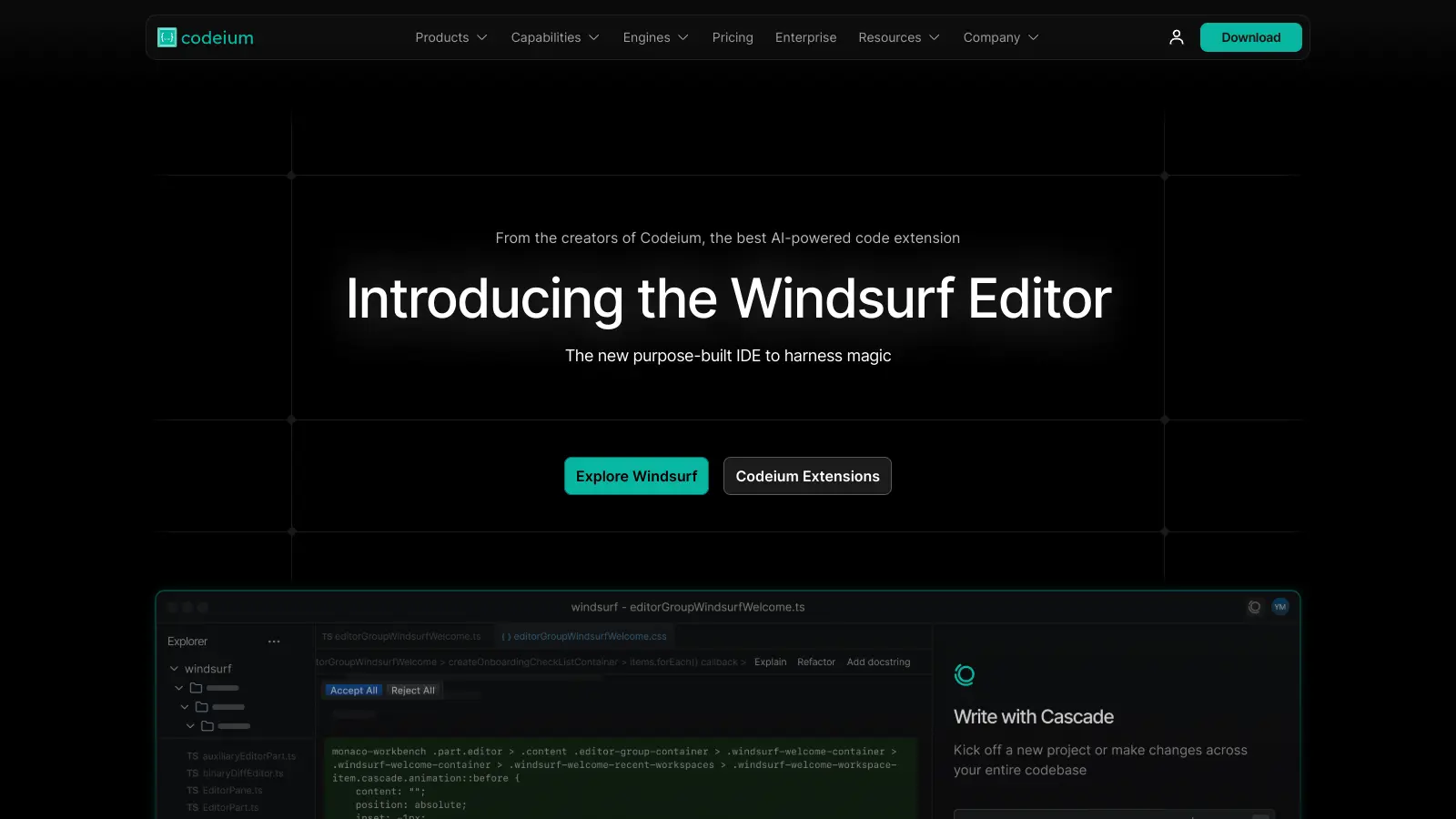
Codeium is an AI coding assistant that helps developers write and manage code more efficiently. It works alongside popular development environments like Visual Studio Code, IntelliJ, and PyCharm to provide real-time coding support.

At its core, the tool offers intelligent code completion that understands context and can suggest both single-line and multi-line code snippets. Developers can chat with the AI directly in their editor to solve problems, refactor code, or generate documentation. It also includes smart search capabilities to help navigate through large codebases quickly.

Security remains a priority, with no training occurring on private code. The platform supports more than 70 programming languages, including Python, JavaScript, Java, and C++. While the free version provides access to core features, paid plans starting at $15 per month unlock advanced capabilities like expanded context awareness and priority access to larger AI models.

The tool fits naturally into existing development workflows, whether you're working solo or as part of a team. It helps reduce repetitive tasks and catches potential errors early, letting developers focus on solving complex problems rather than getting caught up in routine coding tasks.

how popular is Codeium?

monthly search interest

5.4k/mo now

09.9k19.8k30k2023202420252026
peak interest27k/moApr 2025
searches now5k/moFeb 2026
1-month change— steadyvs prev month

Codeium grew steadily from late 2022 through mid-2024, then spiked sharply in August 2024 when it launched the Windsurf editor, pulling in a much wider audience. Since that peak it has dropped roughly 80%, settling back toward pre-spike levels. That kind of pattern usually means the core product is solid but the viral moment has passed: you're now looking at the real user base, not the hype wave, which is actually a reasonable time to evaluate it.

who is Codeium for?

Whether Codeium is worth it depends heavily on where you are in your career and how you're planning to use it. Pick your role below to see the honest breakdown.

overall sentiment

select your role to see what people like you are saying

Senior Software Engineer

positive

Codeium's autocomplete is genuinely strong at this level, with repository context awareness that surfaces relevant suggestions more reliably than GitHub Copilot at a fraction of the cost. The free tier is hard to argue with if you're mainly after fast, intelligent completions. The main frustration is model diversity: when you need architectural-level reasoning or want to swap in a specific model, you're stuck with what Codeium offers.

strengths

  • Autocomplete capabilities outperform GitHub Copilot
  • Strong repository context awareness for intelligent suggestions
  • Free or affordable pricing compared to enterprise alternatives
  • Seamless integration across VS Code and JetBrains IDEs

concerns

  • Limited diversity in AI model options for specialized use cases
  • Occasional VS Code extension bugs requiring workarounds

what users are saying

AI-assisted IDEs fail in 73% of enterprise deployments above 15,000 lines, and Codeium's missing security certifications and architectural-level dependency tracking are exactly why you should not roll this out to a large team without doing the homework first.

Community discussion around Codeium has shifted significantly since the product rebranded its editor as Windsurf in late 2024. Comparative guides from independent sources consistently position it as the strongest free-tier option in the AI coding assistant space, with autocomplete quality frequently cited as matching or beating GitHub Copilot at no cost. The main criticism that surfaces across discussions is around VS Code extension instability and documentation gaps that leave developers troubleshooting without much support. One detailed guide notes that AI-assisted IDEs fail in 73% of enterprise deployments above 15,000 lines due to missing security certifications and architectural-level dependency tracking, which is a real concern for anyone evaluating Codeium at scale. The rebrand to Windsurf has also created some confusion, with developers unsure whether they're evaluating the standalone plugin, the Windsurf editor, or a combination of both.

Our take: Codeium's free tier is genuinely the best deal in AI-assisted coding right now, and if you're a solo developer or learning to code, there's almost no reason not to use it. The autocomplete is fast and context-aware, and supporting 70+ languages without a subscription is a real differentiator. But if you're a team lead thinking about rolling this out to a 10+ person team, the extension bugs and thin documentation will create support overhead that erodes the cost savings. At that scale, Cursor is worth the per-seat cost for its stability and better documentation. Don't pay for the Pro tier at $15/month unless you're hitting the free tier's context length limits regularly.

features

  • AI-Driven Autocomplete: Provides intelligent code suggestions that help developers write code faster and more accurately, supporting both single and multi-line completions while reducing errors and boosting productivity.
  • In-Editor AI Chat: Enables real-time problem-solving, code refactoring, and documentation generation directly within your integrated development environment, streamlining the coding process and enhancing collaboration.
  • Advanced Context Awareness: Delivers highly relevant code suggestions by understanding the current coding context, with advanced capabilities in paid plans that improve the accuracy and effectiveness of AI recommendations.
  • Privacy-Focused Design: Ensures developer security by preventing training on non-permissive data and protecting sensitive information, giving users peace of mind about their codebase privacy.
  • Multilingual Development Support: Supports over 70 programming languages including JavaScript, Python, TypeScript, and more, providing versatile coding assistance across different development environments.
  • Flexible Pricing Options: Offers a free version for individual developers and affordable team plans starting at $15 per seat, with options to scale based on organizational needs and complexity.

pricing

  • Free version offers unlimited AI features including autocomplete, in-editor AI chat, support for over 70 programming languages, and basic context awareness with no hidden fees.
  • Pro Plan at $15/month provides 500 premium model User Prompt credits, 1,500 Flow Action credits, priority access to larger AI models, fast autocomplete speed, and expanded context lengths.
  • Pro Ultimate Plan at $60/month offers infinite premium model User Prompt credits, 3,000 Flow Action credits, priority support, and more advanced AI capabilities.
  • Teams Plan starts at $35 per user/month with 300 premium User Prompt credits per user, pooled credits, organizational analytics, seat management, and AI code review features.
  • Teams Ultimate Plan costs $90 per user/month with infinite premium User Prompt credits, 2,500 Flow Action credits per user, and enhanced team collaboration tools.
  • Enterprise Plan offers custom pricing with deployment options including SaaS and on-premise, live training, enterprise support, private codebase finetuning, and advanced organizational analytics.

frequently asked questions

The free tier is worth it unconditionally for individual developers. You get unlimited autocomplete across 70+ languages with no credit cap, which is more than most paid alternatives offered two years ago. The Pro plan at $15/month is only worth it if you're regularly hitting context length limits or need faster response times during heavy sessions. Most developers won't need it. The Pro Ultimate at $60/month is hard to justify unless you're doing serious agentic workflows through Windsurf.

Junior developers get the most value here: the free access removes financial barriers, and the real-time suggestions act as a learning scaffold across multiple languages. Senior software engineers who want Copilot-level autocomplete without the subscription cost are the other strong fit. Team leads considering org-wide rollout should approach with caution given the extension stability issues and documentation gaps.

The VS Code extension has recurring stability bugs that require workarounds, which is frustrating for experienced developers and actively confusing for beginners. Documentation is incomplete, so when something breaks or behaves unexpectedly, you're largely on your own. AI model diversity is limited, meaning you can't swap in a different model for complex architectural decisions the way you can with some competitors. Enterprise deployments at scale face real security certification and dependency tracking gaps.

If cost is a constraint or you're working solo, choose Codeium. The free tier is unmatched and the autocomplete quality is comparable. If you're working on a larger codebase, need reliable extension stability, or are rolling out to a team, Cursor is the better call. Cursor's documentation and IDE experience are more polished, and at $20/month the per-seat cost is justifiable if extension bugs would cost you more in lost time.

Honestly, they might. The extension issues are consistent enough to appear across multiple independent reviews, not just isolated reports. For a senior developer, a quick reinstall or config tweak is a minor annoyance. For a junior developer learning the tools, an unexpected extension failure can be hard to distinguish from a mistake in your own code, which is a real problem. If you rely on VS Code heavily, test it for a week before committing to it as your primary assistant.

tools for
humans

toolsforhumans editorial team

Reader ratings and community feedback shape every score. Since 2022, ToolsForHumans has helped 600,000+ people find software that holds up after launch. how we research →

other tools to check out

Shopify screenshot
online buzz1M
trend (1M)18%
4.0based on real user feedback, community sentiment, pricing value, and fit for target audience. see our full methodology

Shopify

Shopify is an e-commerce platform that enables businesses of all sizes to create, manage, and grow online stores. It offers tools for store creation, product management, payment processing, and multichannel sales, supporting both online and in-person transactions. With customizable themes, extensive app integrations, and flexible pricing plans, Shopify caters to entrepreneurs, small businesses, and global brands.

best deal

Get Shopify Basic for $29/month when billed annually (regularly $39/month)

Wix screenshot
online buzz673k
trend (1M)steady
3.5based on real user feedback, community sentiment, pricing value, and fit for target audience. see our full methodology

Wix

Wix is a website builder that lets individuals and businesses create professional websites without coding. It offers drag-and-drop editing, AI-powered design tools, templates, and features for e-commerce, SEO, and marketing. Pricing ranges from free to enterprise-level, covering everything from personal portfolios to online stores.

best deal

Get 50% off Wix annual plans, with Light Plan starting at $17/month

Jotform screenshot
online buzz246k
trend (1M)steady
3.8based on real user feedback, community sentiment, pricing value, and fit for target audience. see our full methodology

Jotform

Jotform is an AI-powered form builder that enables individuals and businesses to create, customize, and manage digital forms, apps, and workflows without coding skills. It offers a drag-and-drop interface, 10,000+ templates, payment integrations, AI agents for customer support, and connects with over 1,000 apps. The platform provides conditional logic, form analytics, and robust security, making data collection and workflow automation simple across industries.

best deal

Try the Starter plan for free with 5 forms, 100 monthly submissions, and all standard features. Nonprofits and educational institutions get 50% off paid plans.

Replit screenshot
online buzz246k
trend (1M)steady
3.5based on real user feedback, community sentiment, pricing value, and fit for target audience. see our full methodology

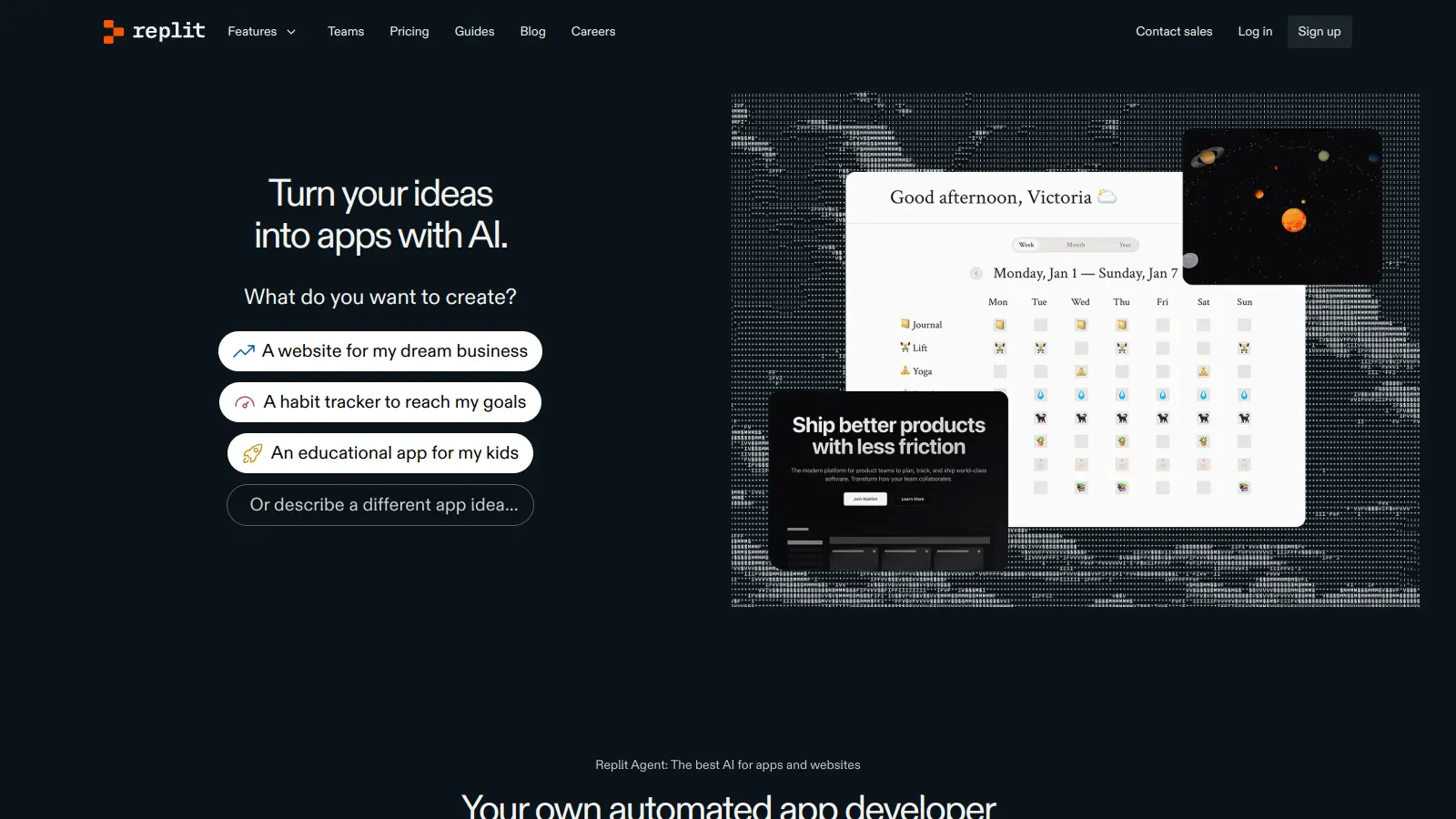
Replit

Replit is an AI-powered cloud-based integrated development environment (IDE) that supports over 50 programming languages, offering real-time collaboration, AI assistance through Replit Agent that can build complete applications from natural language prompts, and direct application deployment. It provides a platform for developers of all levels, enabling coding, project sharing, and hosting directly from a web browser with pricing tiers from free to enterprise-level plans.

best deal

Teams users automatically upgraded to Pro at no additional cost for remainder of term; yearly Teams subscribers get $100 monthly credits free until term ends

Dora AI screenshot
online buzz201k
trend (1M)steady
3.0based on real user feedback, community sentiment, pricing value, and fit for target audience. see our full methodology

Dora AI

Dora is a no-code AI platform that enables users to create dynamic, 3D animated websites without coding knowledge. It offers AI-driven design assistance, seamless 3D integration, and a user-friendly interface similar to Figma. The tool allows for easy customization, responsive design, and incorporates advanced features like automated design tasks and 3D model incorporation, making web design more accessible to beginners and professionals alike.

best deal

Try Dora AI Free - Unlimited projects with AI website building, 3D animation, and responsive design.

Zapier screenshot
online buzz165k
trend (1M)steady
3.8based on real user feedback, community sentiment, pricing value, and fit for target audience. see our full methodology

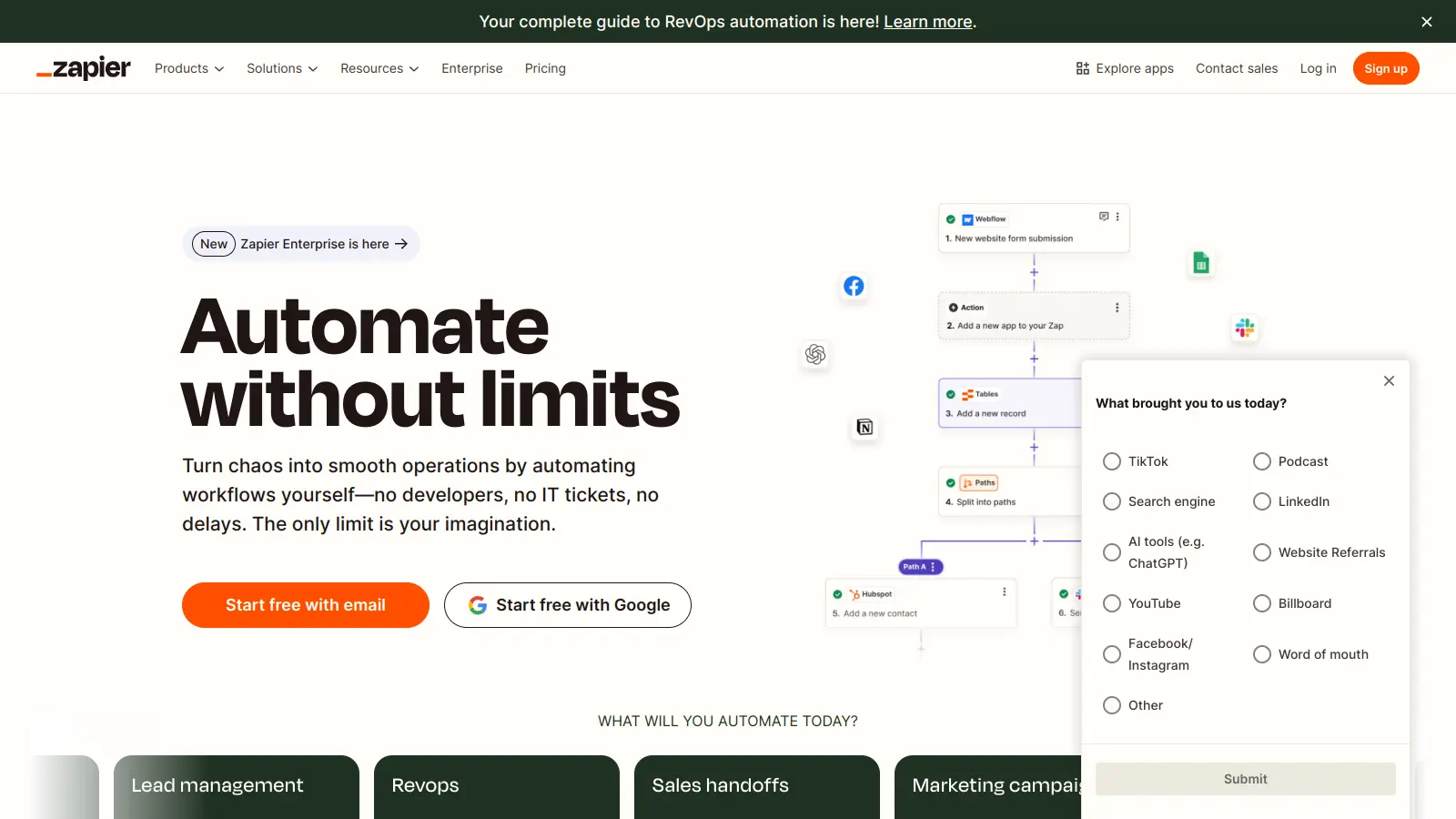
Zapier

Zapier is a no-code automation platform that connects over 8,000 apps, enabling users to create automated workflows called "Zaps" without coding. It integrates different services, automating repetitive tasks through customizable triggers, multi-step processes, and real-time data transfer. Pricing ranges from free to enterprise tiers.

best deal

Start automating with unlimited Zaps and 100 monthly tasks free – no credit card needed