Wondershare Filmora Review 2026 - Features, Pricing & Deals

Last Updated
Feb 14, 2026

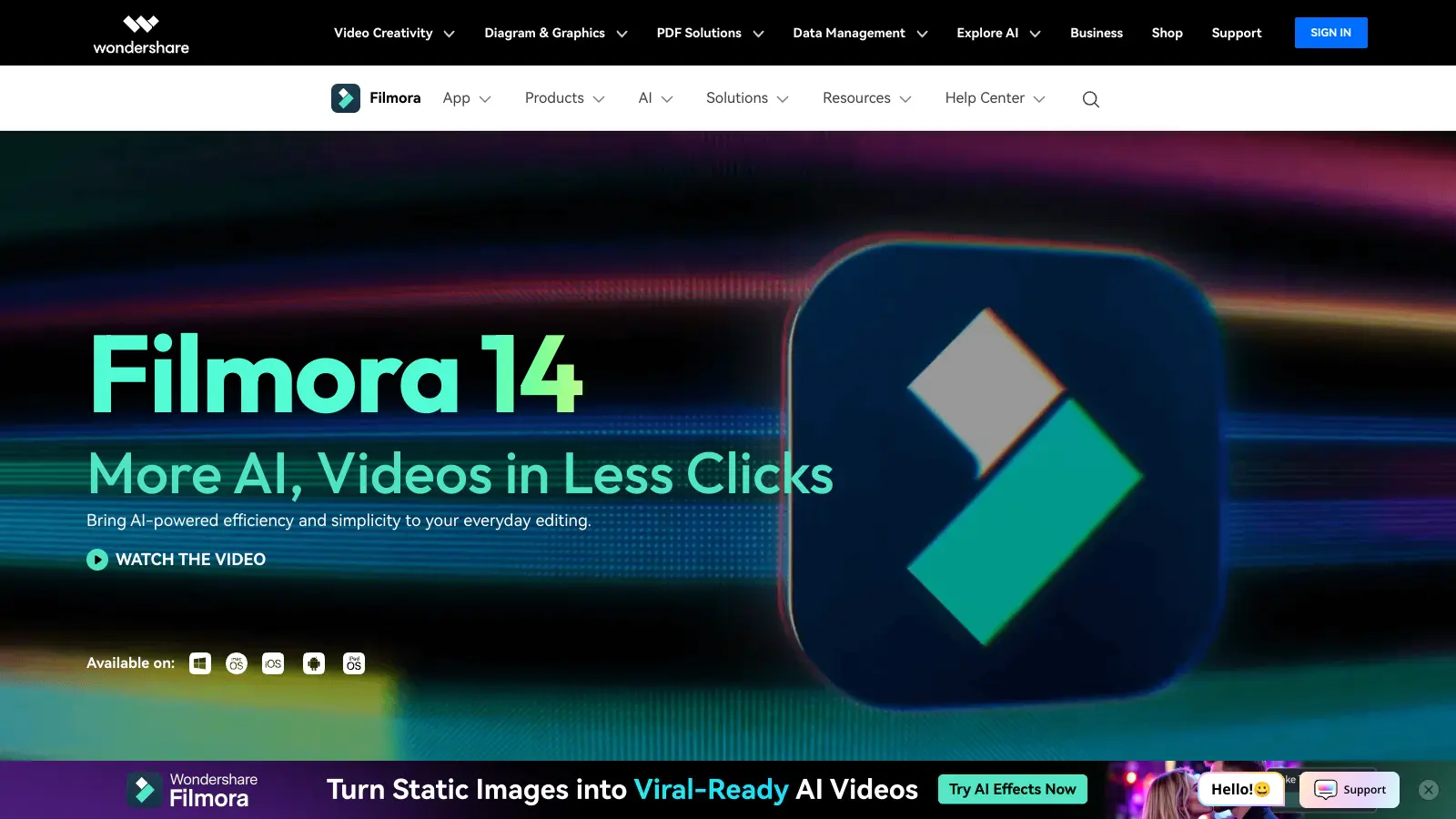
Wondershare Filmora helps both beginners and experienced editors create professional-looking videos. This software combines user-friendly tools with AI-powered features, making it a practical choice for content creators, businesses, and casual users alike.

The software has an intuitive timeline editing interface with dual-timeline view and keyframe animation. Users can access a rich collection of effects, transitions, and templates. The drag-and-drop system lets you adjust clips and fine-tune your projects without getting overwhelmed.

Standout features include AI Video Enhancer that upscales footage to 4K, AI Object Remover for cleaning up unwanted elements, and smart scene cut for automatic editing. The motion tracking and planar tracking work well for following moving objects. Audio tools include AI-powered noise reduction and silence detection. You can also access stock media from platforms like GIPHY, Pixabay, and Unsplash right within the program.

The free version includes watermarks and limits you to ten exports. Paid plans start at $49.99 yearly or $79.99 for lifetime access to Filmora X. These unlock the full feature set and remove restrictions. The software works on both Windows and Mac, with companion apps available for mobile devices.

Whether you're making YouTube videos, TikTok content, or business presentations, Filmora provides the tools needed to bring your ideas to life without requiring years of editing experience.

Who is Wondershare Filmora for?

Wondershare Filmora works well for creators who want professional results without the steep learning curve. It bridges the gap between beginner-friendly simplicity and advanced editing capabilities.

  • Beginners and Hobbyists: The intuitive interface and AI-assisted tools help you create polished videos quickly, whether you're editing vacation footage or starting your first YouTube channel.
  • YouTube and TikTok Creators: Smart Short Clips and AI Text-to-Video features help you extract highlights and optimize content for social media platforms without spending hours on manual editing.
  • Small Business Owners: Create marketing videos, product demonstrations, and social media content without hiring a dedicated video editor, thanks to ready-to-use templates and easy-to-apply effects.
  • Social Media Managers: The Social Content Planner and export options help you adapt videos for different platforms, saving hours of reformatting time.
  • Professional Users: Multi-camera editing, 4K upscaling, chroma key, and motion tracking make Filmora capable of handling more complex projects at a fraction of the cost of professional software.
  • Students and Educators: The straightforward interface and affordable pricing make Filmora perfect for academic projects, classroom presentations, and educational content creation.
  • Screen Recording Needs: The built-in screen recorder helps create tutorials, demos, and presentations without needing separate recording software.

Filmora has become a go-to video editing software for freelancers, marketing teams, online instructors, and social media influencers who need professional results without the professional learning curve.

Online Reviews (Last 6 Months Summarised)

Users praise Filmora's interface for being easy to learn quickly. The pricing is affordable compared to professional software like Premiere Pro, and the selection of effects, transitions, and stock media is solid. The keyframing and motion tracking features are powerful for the price point. Many report good performance on mid-range hardware with fast exports, and customer support gets positive marks with frequent updates.

The watermark on the free version is hard to remove without paying. Frequent upselling prompts and subscription pushes interrupt workflow. Export quality falls short of competitors, especially for 4K footage. Color grading and audio tools are limited compared to pro software. Occasional crashes and bugs happen with large projects. The software is resource-heavy on lower-end PCs with high RAM and CPU usage.

Features

  • AI-Powered Video Enhancement: Transform your videos with AI Video Enhancer that reduces blur and upscales footage to 4K, plus AI Video Denoiser and Audio Denoise to clean up visual and audio quality automatically.
  • AI Object and Background Removal: Remove unwanted objects or backgrounds from your footage without complex manual masking, making cleanup work fast and simple.
  • Motion Tracking and Planar Tracking: Track moving objects in your videos and attach text, graphics, or effects that follow the motion for professional-looking results.
  • Multi-Camera Editing: Edit footage from multiple camera angles in sync, making it easy to create videos from different perspectives.
  • Smart Scene Cut and Silence Detection: Automatically detect scene changes and remove silent sections from your footage, saving hours of manual timeline editing.
  • Extensive Transitions and Effects: Choose from over 100 professionally designed transitions and effects that help you create smooth video sequences across multiple styles and genres.
  • Stock Media Library: Access royalty-free stock media from GIPHY, Pixabay, and Unsplash, allowing you to enhance your projects with high-quality visual and audio resources.
  • Keyframe Animation and Speed Ramping: Create precise custom animations and speed effects with keyframe controls and speed ramping tools for professional timing and movement.
  • AI Text-to-Video and Smart Short Clips: Generate videos from written content or automatically extract highlights from longer footage, perfect for creating quick social media posts.
  • Built-in Screen Recorder: Record your screen directly within Filmora for tutorials, demos, and presentations without needing separate recording software.
  • Cross-Platform Compatibility: Edit across Windows, macOS, Android, and iOS devices, keeping your creative workflow flexible and uninterrupted.

Pricing

  • Free trial available with watermark on exports, limited to ten exports, and full feature access.
  • Annual Plan costs $49.99 per year, includes no watermark, one year of updates, one month AI Portrait Add-On, unlimited assets download and preview, and senior tech support.
  • Perpetual Plan offers lifetime access to Filmora X version for a one-time payment of $79.99, includes no watermark, one month AI Portrait Add-On, unlimited assets download and preview, and senior tech support.
  • Bundle Subscription Plan priced at $109.99 per year, includes one-year Filmstock Standard subscription plus Filmora, no watermark, one year of updates, and senior tech support.
  • Monthly Plan starts at $9.99 per month with cancel anytime option.
  • Custom pricing available for businesses and educators upon request.

Frequently Asked Questions

Is Wondershare Filmora good for beginners?

Yes, Filmora is great for beginners! The interface is simple to navigate with an intuitive timeline editing system that makes sense even if you've never edited video before. You don't need special training to start creating nice-looking videos. Many users pick it up in just a few hours of playing around with the software. The drag-and-drop features, pre-made templates, and AI-assisted tools help you create professional-looking content without a steep learning curve.

What's the difference between the free and paid versions?

The free trial lets you test all of Filmora's features, but your exported videos will have a watermark and you're limited to ten exports total. The paid version removes this watermark and gives you unlimited exports. Paid users also get access to regular software updates, tech support, one month of AI Portrait Add-On, and can download unlimited assets from Filmora's libraries. If you're just testing the waters, the free version works fine, but for videos you plan to share publicly, you'll want to upgrade to remove that watermark.

Can I use Filmora on my Mac/PC/Phone?

Filmora works on both Windows and Mac computers, and there are mobile versions for iOS and Android too. The desktop versions have more features, but the mobile apps let you make quick edits on the go. Your projects can be moved between devices, so you could start an edit on your phone and finish it on your computer. Just make sure to check the system requirements before downloading to ensure your device can handle the software.

How does Filmora compare to Adobe Premiere or other professional editors?

Filmora is more affordable and user-friendly than professional tools like Adobe Premiere, but it offers fewer advanced features. While Premiere targets professionals with complex tools, Filmora aims at creators who want good results without the complexity. Many users report that Filmora renders videos faster than some competitors. Filmora now includes multi-camera editing and 4K upscaling, bridging some of the gap. If you need detailed color grading or the most advanced audio tools, you might find Filmora limited. But for most YouTube videos, TikTok content, and personal projects, Filmora offers plenty of capabilities without the steep learning curve.

Does Filmora offer AI tools for video editing?

Yes! Filmora includes several AI-powered features that can save you tons of time. There's AI Video Enhancer that reduces blur and upscales footage to 4K, AI Video Denoiser and Audio Denoise for cleaning up quality issues, and AI Object Remover and Background Remover for eliminating unwanted elements. The Smart Scene Cut automatically detects scene changes, and Silence Detection removes quiet sections from your timeline. There's also AI Text-to-Video for creating videos from written content and Smart Short Clips that extract highlights from longer footage for social media.

Other Tools To Check Out

Best Deal

Try Simplified Free: Get one-time AI quota, limited social accounts, and 500MB storage to test the platform. Annual plans save ~35%!

Redeem Now

Best Deal

Try Munch for just $19/month with our Candy Bar Plan and transform your videos into social-ready clips today!

Redeem Now
Online Buzz
250+ Searches
Trend (1M)
21%
Green arrow going upred arrow going down

Namecheap Logo Maker

Best Deal

Explore Namecheap Logo Maker for free - create logos with unlimited customization and high-resolution downloads with no watermarks.

Redeem Now

Find Out How Best To Utilise Tools

Our newsletter comes with exclusive discounts, trials and practical insights from within the industry

Sign Up Today