Guru review — AI-searchable knowledge management

last reviewed 24 march 2026
how we review

We start with direct ratings from our readers, then look at what real users are saying in practitioner forums and community spaces. We pair that with search demand data and profession-level persona analysis.

full methodology →

Editorial note: this was originally published in august of 2024

quick take

  • Best for: support and IT teams of 15+ who need a governed, AI-searchable knowledge base
  • Skip if: you're under 10 people or don't have budget for $250/month minimum
  • £Best value: 30-day free trial first, Self-Serve annual plan only after proven adoption
½3.7/ 5 — editorial rating

based on real user feedback, community sentiment, pricing value, and fit for target audience. see our full methodology

used Guru? we'd love to know your thoughts

reader ratings shape our score

Guru is a knowledge management platform built around a single idea: the answer to any question your team has should surface instantly, inside whatever tool they're already using. IT Managers, Customer Support Leads, and Operations Managers get the most direct value, since all three roles spend measurable time hunting for information that should be findable in seconds. Guru's edge over a basic wiki is its automated content verification, which prompts owners to review cards on a schedule so documentation doesn't silently go stale. The tradeoff is real: you're paying for infrastructure, and that infrastructure only works after you've done the hard work of building and populating a quality knowledge base.

The Self-Serve plan starts at $25 per user per month with a 10-seat minimum, so the floor is $250/month. Enterprise pricing requires a sales conversation. There's a 30-day free trial with no credit card required, which is the right place to start. Before you commit, make sure you have someone who owns content governance: Guru surfaces knowledge fast, but only if someone has been feeding and pruning it consistently.

how popular is Guru?

monthly search interest

60.5k/mo now

033k66k100k2023202420252026
peak interest91k/moDec 2025
searches now61k/moFeb 2026
1-month change18%vs prev month

Guru's search volume has been remarkably stable for three years, oscillating between 60,500 and 74,000 monthly searches with a brief spike to 90,500 in December 2025. This is a tool with a settled, returning user base rather than one riding a new wave of interest. For you, that means the product is mature and battle-tested, but don't expect the community ecosystem or third-party reviews to be as rich as faster-growing tools in the category.

who is Guru for?

Guru works quite differently depending on your team size, role, and how your knowledge is currently managed. Pick your role below to see whether the return on the setup effort is actually there for your situation.

overall sentiment

select your role to see what people like you are saying

IT Manager

positive

If your technical documentation is scattered across shared drives, Confluence spaces, and Slack threads, Guru's centralized knowledge base with automated verification prompts is a genuine fix. You'll stop finding six-month-old procedures being followed because no one updated the doc. The 10-seat minimum at $25/user means it's priced for teams, not individuals, so budget accordingly.

strengths

  • Automated verification ensures technical documentation stays current and accurate
  • Centralized repository eliminates time wasted searching across multiple systems
  • Integration capabilities reduce friction in existing IT workflows
  • Scales well as team grows without creating silos

concerns

  • Limited public reviews make it harder to assess real-world implementation challenges
  • Unclear how well automated verification handles complex or frequently-changing protocols
  • Adoption and change management effort required to move teams away from legacy documentation systems

what users are saying

The platform only delivers value after a serious upfront investment in knowledge base setup: the AI search is only as good as the content you've put in.

Community data on Guru's knowledge management platform is thin. The one commercial review source in the data has 194 reviews sitting at 2.0 stars, which is a rough signal, but it's worth noting the page appears to be pulling results for a freelancer marketplace called Guru rather than the knowledge management tool at getguru.com. The two products share a name and this kind of misattribution is common on aggregator platforms. Genuine reviews of the knowledge management Guru are sparse enough online that drawing firm conclusions from community sentiment alone is difficult. What does surface in product discussions is that the 10-seat minimum on the Self-Serve plan at $25 per user ($250/month minimum) is a real barrier for smaller teams, and that initial setup and knowledge base population requires significant investment before the tool delivers value.

Our take: Guru is a solid choice for mid-size to enterprise teams that genuinely need a governed, AI-searchable knowledge base across departments. The $250/month floor rules it out for small teams or solo operators immediately. If you're evaluating it for a team under 15 people, Notion or Confluence will get you further for less. The automated content verification is the feature that earns Guru its place in serious shortlists: if your team is losing time to outdated SOPs or inconsistent support responses, that alone justifies the trial. Don't commit to the annual plan before running a 30-day trial with real content and real users.
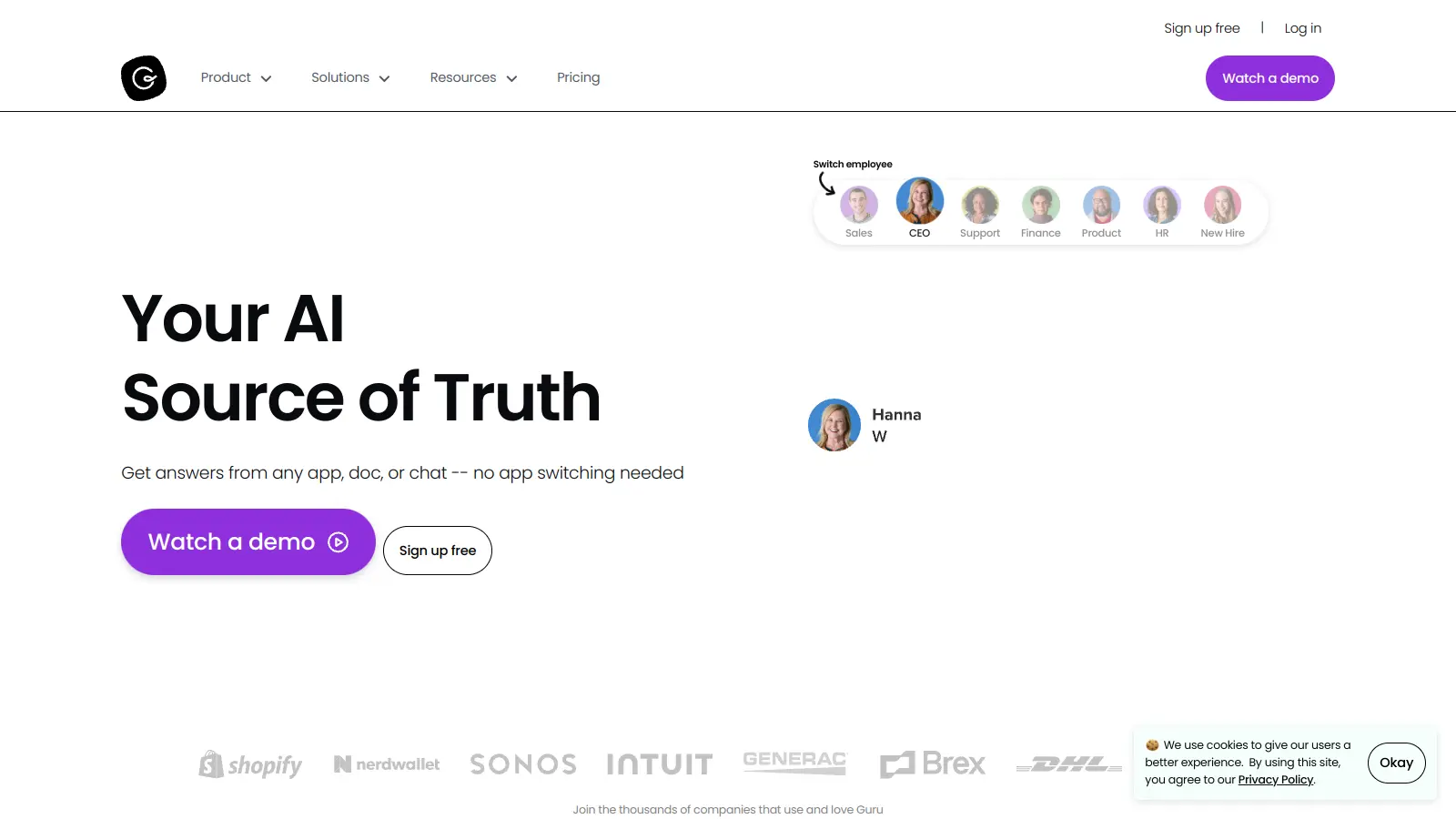

features

  • AI-Powered Semantic Search: Uses contextual understanding and reasoning to retrieve relevant information rather than matching keywords, with Agentic Search that retrieves, reasons, and responds with needed knowledge.
  • Knowledge Cards: Organize company information into digestible, interconnected formats that can contain policies, best practices, training materials, and FAQs.
  • Automated Content Verification: Keeps information accurate and compliant through automatic review cycles, expiration dates, and verification workflows.
  • Workflow Integration: Connects with Slack, Microsoft Teams, Asana, Trello, Jira, SharePoint, Confluence, Google Drive, and Salesforce so users can access knowledge without switching applications.
  • Agent Center: Handles automated question answering and answer editing with proactive AI suggestions and triggers.
  • Permission-Aware Governance: Respects source system access controls with role-based permissions and custom access settings to protect sensitive information.
  • Research Mode: Guided research with sources and citations for thorough investigation of topics.
  • Collaborative Editing: Shared drafts with version tracking and duplicate detection to identify redundant content.
  • Browser Extension: Provides web-wide access to company knowledge from anywhere.
  • Analytics Dashboard: Tracks usage insights to understand how teams interact with knowledge.

pricing

  • Self-Serve Plan costs $25 per user monthly with a 10-seat minimum ($250/month annual or $300/month billed monthly). Includes enterprise AI search, intranet, wiki, and AI credits.
  • Enterprise Plan has custom pricing requiring direct sales contact, offering enterprise-grade security with SOC 2 Type 2 compliance and dedicated support.
  • 30-day free trial available with no credit card required.
  • Guru for Good program offers reduced pricing for eligible 501(c)(3) nonprofits with 50+ users.

frequently asked questions

The Self-Serve plan at $25 per user per month with a 10-seat minimum means you're paying at least $250/month before anyone gets real value. If you have 15 or more people who genuinely lose time hunting for documentation or giving inconsistent answers to customers, it pays for itself. For teams under 10 or those with lightweight knowledge needs, it doesn't. Start with the 30-day free trial before touching the annual billing option.

Customer Support Leads and IT Managers get the clearest return. Support teams cut response time by surfacing accurate answers without agents leaving their workflow. IT teams finally get a single place for protocols and documentation that doesn't go stale. Operations Managers see real value too, but the ROI depends more on how complex and change-prone your workflows are.

First, the 10-seat minimum at $25/user shuts out small teams entirely. Second, the platform only delivers value after a serious upfront investment in knowledge base setup: the AI search is only as good as the content you've put in. Third, there's limited independent community feedback to gauge how real teams experience implementation, which makes it harder to predict adoption challenges before you're committed.

Confluence is cheaper for small teams and has a larger ecosystem of integrations through Atlassian. Guru wins on AI-powered search, automated content verification, and the browser extension that surfaces answers inside other tools without context switching. If your team lives in Jira and Google Workspace, Confluence is probably fine. If your support or ops teams need answers surfaced in real time inside Slack or Salesforce, Guru has the edge.

That's the right question to ask, and there's no guarantee. Guru's browser extension and Slack integration reduce the friction of going to a separate tool, which helps. The automated verification prompts push subject matter experts to keep content current. But if you don't assign ownership of knowledge cards from day one, it will drift. The teams that succeed with Guru treat knowledge maintenance as a workflow, not a one-time migration project.

Guru in our guides

tools for
humans

toolsforhumans editorial team

Reader ratings and community feedback shape every score. Since 2022, ToolsForHumans has helped 600,000+ people find software that holds up after launch. how we research →

is this your tool?

claim your listing to update details, respond to our review, or upgrade to a featured partnership.

claim this listing →

other tools to check out

ChatGPT screenshot
online buzz124M
trend (1M)steady
4.0based on real user feedback, community sentiment, pricing value, and fit for target audience. see our full methodology

ChatGPT

ChatGPT is an AI chatbot by OpenAI that uses language models to hold conversations, generate content, and complete tasks. It includes web browsing, image generation and analysis, voice interaction, autonomous task automation, and custom GPT creation. Available in multiple pricing tiers from free to enterprise, ChatGPT handles creative writing, data analysis, coding, and real-world automation.

best deal

Try ChatGPT Free: Basic AI conversations with GPT-5.2 Instant access (around 10 messages every 5 hours) at no cost.

Canva screenshot
online buzz24.9M
trend (1M)steady
3.8based on real user feedback, community sentiment, pricing value, and fit for target audience. see our full methodology

Canva

Canva is a graphic design platform that lets individuals and professionals create designs without advanced design skills. It offers hundreds of thousands of templates, design tools, collaboration features, and photo/video editing capabilities. With both free and pro versions, Canva provides access to millions of design elements for creating social media graphics, presentations, posters, and more through its drag-and-drop interface.

best deal

Get 50% off Canva Pro or Business plans for new customers, or try Canva free with 250,000+ templates and 5GB storage

Gemini screenshot
online buzz20.4M
trend (1M)23%
3.5based on real user feedback, community sentiment, pricing value, and fit for target audience. see our full methodology

Gemini

Gemini is an advanced AI assistant by Google that processes text, code, images, audio, and video across Google's ecosystem. It offers content creation, coding assistance, research capabilities, and workflow automation through the Gemini app, web interface, and integrations with Google Workspace, Pixel phones, and Chrome.

best deal

Google AI Plus: Get 50% off at $3.99/month for the first 2 months (new subscribers); Google AI Pro: Try free for one month.

Copilot AI screenshot
online buzz4.1M
trend (1M)steady
3.0based on real user feedback, community sentiment, pricing value, and fit for target audience. see our full methodology

Copilot AI

Microsoft 365 Copilot is an AI-powered productivity tool that integrates seamlessly with Microsoft 365 apps like Word, Excel, PowerPoint, and Outlook. It uses advanced language models and Microsoft Graph to provide intelligent, context-aware suggestions, automate tasks, and enhance collaboration by generating content, analyzing data, and offering real-time insights across various work processes.

best deal

Try Copilot Free: Experience basic AI assistance without Office integration

Claude screenshot
online buzz3.4M
trend (1M)83%
4.2based on real user feedback, community sentiment, pricing value, and fit for target audience. see our full methodology

Claude

Claude is an AI assistant developed by Anthropic that handles coding, writing, and analysis tasks. It uses Constitutional AI for safety-focused interactions, supports multiple languages, and offers models like Sonnet and Opus with different capabilities. Claude prioritizes user privacy and context-aware responses.

best deal

Try Claude Free - 30-100 daily messages with code generation, image analysis, web search, and access to Claude's latest models

Grammarly screenshot
online buzz3.4M
trend (1M)22%
3.8based on real user feedback, community sentiment, pricing value, and fit for target audience. see our full methodology

Grammarly

Grammarly is an AI-powered writing assistant that provides real-time grammar, spelling, and punctuation checks, tone adjustments, and generative AI features for composing, rewriting, and proofreading text. It integrates with platforms like Google Docs, Gmail, Microsoft Word, Slack, and web browsers, offering both free and paid versions with features ranging from basic corrections to plagiarism detection and AI writing tools.

best deal

Try Grammarly's Free Version Today - Get Basic Grammar Checks & 100 AI Prompts Per Month Across Your Favorite Apps



