tools for
humans

BlueWillow AI review 2026 - features, pricing & deals

published 7 april 2025last updated 13 february 2026
how we review

we track global search demand across every software category, monitor what real users are saying online, identify which professions rely on each tool, and surface the questions people are actually asking. reviews are consistently updated and reviewed for reliability.

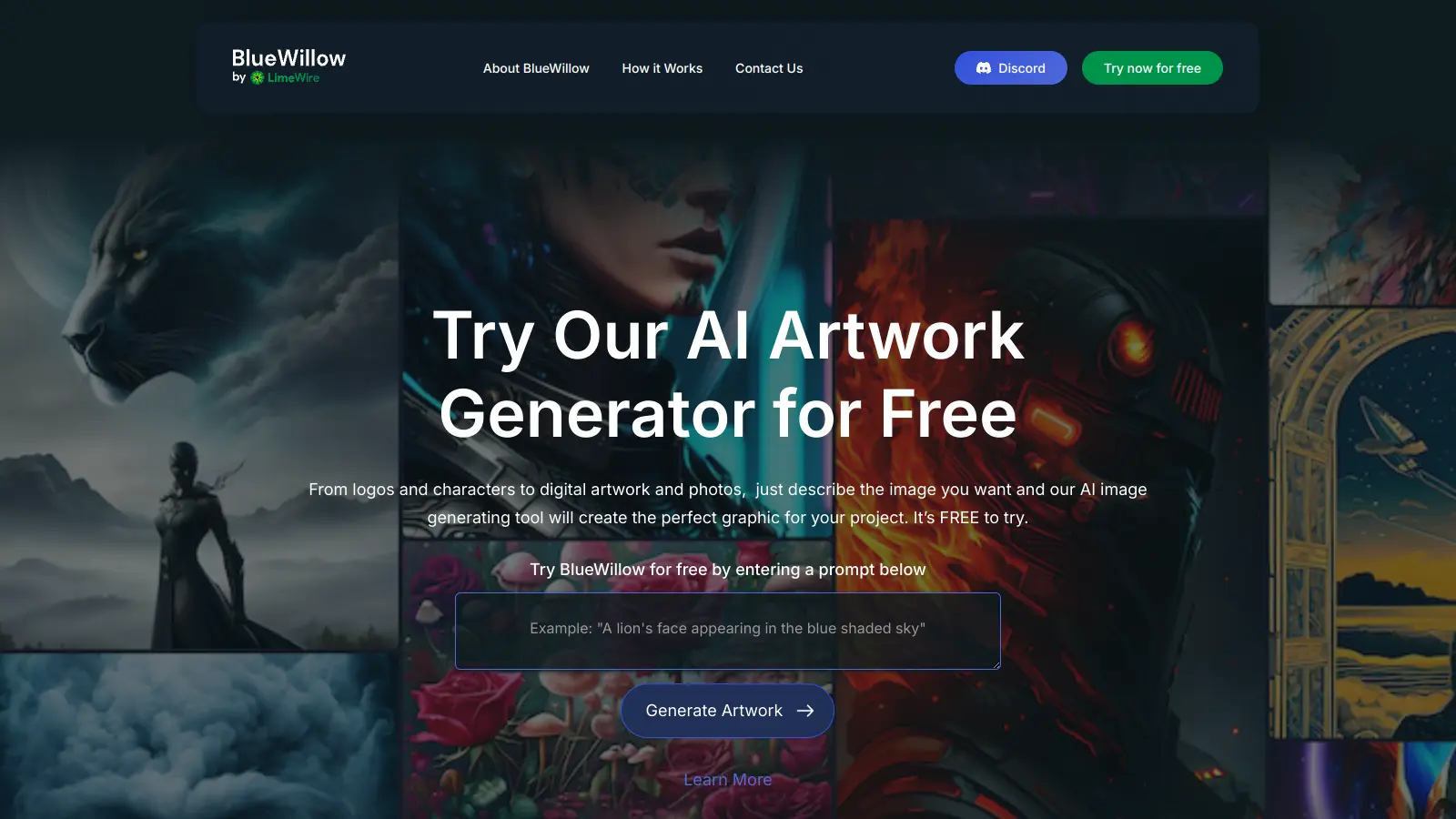
BlueWillow AI transforms text prompts into digital artwork through artificial intelligence. This platform helps users create images for social media content, marketing materials, and other projects without needing design skills.

The tool offers different art styles and can produce high-resolution images quickly. Users can get started with a free plan that includes 1,000 credits monthly (up to 2,000 images), while paid plans starting at $9.99 monthly unlock additional capabilities and higher usage limits.

The platform shines in its simplicity. A straightforward interface lets users type what they want to create, and the AI handles the technical aspects of image generation. It supports both text-to-image and image-to-image generation, along with in-painting and customizable editing options like aspect ratio, seed, and styles.

Community plays a big role in the BlueWillow experience. Users can join the Discord server to share their creations, get feedback, and learn from others. This social aspect helps people improve their prompting skills and discover new ways to use the tool.

The platform needs an internet connection to work and some advanced features require a subscription. BlueWillow is now owned and operated by LimeWire, founded in 2023.

who is BlueWillow AI for?

BlueWillow AI is suited for individuals and teams who need digital artwork without design skills or expensive software. This text-to-image generation tool saves hours of design time while delivering professional-quality visuals through a straightforward interface.

  • Creatives, Artists, and Designers who want to generate artwork and visual assets from text descriptions.
  • Social Media Managers and Marketers who need a steady stream of eye-catching visuals to maintain engagement across platforms and campaigns.
  • Small Businesses, Startups, and SMEs who need logos, marketing materials, and social media content but lack the budget for a dedicated designer.
  • Game Developers looking to create characters, environments, and concept art quickly for prototyping or production.
  • Content Creators and Influencers who require regular visual content to stand out in crowded feeds.
  • Enterprises and Larger Organizations seeking to produce concepts, mockups, and finished visuals for campaigns without waiting for traditional design turnaround times.
  • Educators and Trainers who want to enhance learning materials with custom illustrations that match their specific teaching content.

From solo entrepreneurs to marketing departments at mid-sized companies and game studios, BlueWillow works for anyone who needs regular, high-quality visuals without the traditional barriers of cost, skill, or time.

online reviews (last 6 months summarised)

BlueWillow AI gets praise for being free to use with no paywall requirements, which makes it accessible to people who want to try AI image generation without financial commitment. Users report good quality image generation compared to other free alternatives, with strength in anime and fantasy art styles. The interface is easy to use, image generation is fast, and you don't need to create an account for basic usage.

Limited customization options compared to paid alternatives like Midjourney or DALL-E. Image quality can be inconsistent, and generated images may include watermarks. Server downtime and rate limiting happen during peak usage. The tool struggles with complex prompts or specific details, and there's less control over prompt interpretation than some competitors offer. Image copyright and licensing concerns also come up, along with limited resolution options.

features

  • AI Image Generation: Create digital artworks by entering text prompts, with support for text-to-image, image-to-image, and in-painting generation modes.
  • Multiple AI Models: Access Stable Diffusion XL, Playground v2, and BlueWillow's proprietary model exclusive to LimeWire.
  • Customizable Editing Tools: Adjust aspect ratio, seed values, styles, and use post-processing tools to fine-tune your generated images.
  • High-Resolution Output: Produce professional-grade images for business, marketing, and creative projects with crisp, clear visual quality.
  • Fast Image Processing: Generate artwork quickly, often in seconds, to support rapid creative workflows and time-sensitive projects.
  • Community Engagement: Connect with other creators on Discord, share artwork, receive feedback, and collaborate on creative ideas.
  • Web and Discord Access: Use BlueWillow through both a web app interface and Discord bot, giving you flexibility in how you create.

pricing

  • Free Plan provides 1,000 credits per month, up to 2,000 images per month, 400 audios per month, access to all AI models, faster image generation, 50% ad revenue-share, PRO badge on profile, no ads, and full creation history.
  • Advanced Plan at $9.99 per month offers 3,750 credits per month, 2,000 images per month, 400 audios per month, access to all AI models, faster image generation, 50% ad revenue-share, PRO badge on profile, no ads, and full creation history.
  • Pro Plan at $49.99 per month provides 5,000 credits per month, 10,000 images per month, 2,000 audios per month, access to all AI models, faster image generation, 70% ad revenue-share, PRO badge on profile, no ads, full creation history, and priority customer support.
  • Pro Plus Plan at $99.99 per month delivers 11,250 credits per month, 22,500 images per month, 4,500 audios per month, access to all AI models, faster image generation, 70% ad revenue-share, PRO badge on profile, no ads, full creation history, and priority customer support.
  • Annual plans receive 20% off the monthly rates.

frequently asked questions

What is BlueWillow AI and how is it different from other AI art generators?

BlueWillow AI is a text-to-image AI art generator that turns your written prompts into digital artwork. What makes it stand out is its accessibility. You don't need design skills to create images. It offers a generous free tier with 1,000 credits monthly (up to 2,000 images), making it more accessible than many alternatives. It also has a community aspect through its Discord server where users can share creations and get feedback. BlueWillow uses multiple AI models including Stable Diffusion XL and its own proprietary model, and is operated by LimeWire.

Do I need to be a professional artist to use BlueWillow?

Not at all! BlueWillow is built for users of all skill levels. You just need to type in text descriptions of what you want to create, and the AI does the hard work. Many beginners find it helpful for visualizing ideas without needing drawing skills. The more detailed your text prompt, the better your results will be, but there's no artistic experience needed to get started.

How many images can I create with the free plan?

The free plan gives you 1,000 credits per month, which can generate up to 2,000 images monthly. This is enough for casual users who want to try out the platform or create regular artwork. If you need more, paid plans start at $9.99 monthly for 3,750 credits, with higher tiers offering up to 11,250 credits per month.

Can I use BlueWillow images for commercial projects?

Yes, you can use images created with BlueWillow for both personal and commercial projects. This includes using them for marketing materials, website content, or products you sell. Just remember that while you have rights to use the images you create, the AI might have learned from existing artwork, so it's smart to review images carefully before commercial use to avoid any potential copyright issues.

What types of images work best with BlueWillow?

BlueWillow works well with realistic photos, artistic illustrations, fantasy scenes, and abstract designs. Users report getting particularly good results with anime and fantasy art styles. It can handle detailed landscapes, character portraits, product mockups, and stylized art. The key to success is writing clear, detailed prompts that describe not just what you want to see but also the style, mood, lighting, and composition. Adding specific art styles like "watercolor," "digital art," or "photorealistic" to your prompts can help guide the AI toward your desired result. Just know that complex prompts or very specific details can sometimes be challenging for the tool.

other tools to check out

ChatGPT screenshot
online buzz25M+ Searches
trend (1M)23%

ChatGPT

ChatGPT is an AI chatbot by OpenAI that uses language models to hold conversations, generate content, and complete tasks. It includes web browsing, image generation and analysis, voice interaction, autonomous task automation, and custom GPT creation. Available in multiple pricing tiers from free to enterprise, ChatGPT handles creative writing, data analysis, coding, and real-world automation.

best deal

Try ChatGPT Free: Basic AI conversations with GPT-5.2 Instant access (around 10 messages every 5 hours) at no cost.

Gemini screenshot
online buzz1M+ Searches
trend (1M)4%

Gemini

Gemini is an advanced AI assistant by Google that processes text, code, images, audio, and video across Google's ecosystem. It offers content creation, coding assistance, research capabilities, and workflow automation through the Gemini app, web interface, and integrations with Google Workspace, Pixel phones, and Chrome.

best deal

Google AI Plus: Get 50% off at $3.99/month for the first 2 months (new subscribers); Google AI Pro: Try free for one month.

Claude screenshot
online buzz500k+ Searches
trend (1M)-13%

Claude

Claude is an AI assistant developed by Anthropic that handles coding, writing, and analysis tasks. It uses Constitutional AI for safety-focused interactions, supports multiple languages, and offers models like Sonnet and Opus with different capabilities. Claude prioritizes user privacy and context-aware responses.

best deal

Try Claude Free - 30-100 daily messages with code generation, image analysis, web search, and access to Claude's latest models

Microsoft CoPilot screenshot
online buzz250k+ Searches
trend (1M)4%

Microsoft CoPilot

Microsoft Copilot is an AI-powered assistant that provides real-time help across Microsoft apps and platforms. It uses advanced language models to automate tasks, generate content, analyze data, and provide suggestions while integrating with Microsoft 365 applications like Word, Excel, Teams, and Outlook.

best deal

Try Microsoft Copilot Chat free with your eligible Microsoft 365 subscription, or get Copilot Business at $18/month promotional pricing for small businesses.

Perplexity screenshot
online buzz250k+ Searches
trend (1M)22%

Perplexity

Perplexity AI is an AI-powered search engine that provides real-time, conversational responses to user queries. Founded in 2022, it uses natural language processing and large language models to deliver answers with source transparency. The platform offers multiple search modes, supports file and image uploads, and provides both free and paid plans for individual users and businesses.

best deal

Try Perplexity Free - Get unlimited basic searches with citations, 5 daily Pro Searches, and save your search history with access to basic AI models.