Ai Content Generation Tool+2 more

Study Fetch
best deal
Try StudyFetch with a 7-day trial of premium features, or save 20% with the annual plan at $99.99 per year
redeem now
Study Fetch
best deal
Try StudyFetch with a 7-day trial of premium features, or save 20% with the annual plan at $99.99 per year
redeem nowWe start with direct ratings from our readers, then look at what real users are saying in practitioner forums and community spaces. We pair that with search demand data and profession-level persona analysis.
Editorial note: this was originally published in april of 2025
quick take
based on real user feedback, community sentiment, pricing value, and fit for target audience. see our full methodology
used Study Fetch? we'd love to know your thoughts
reader ratings shape our score
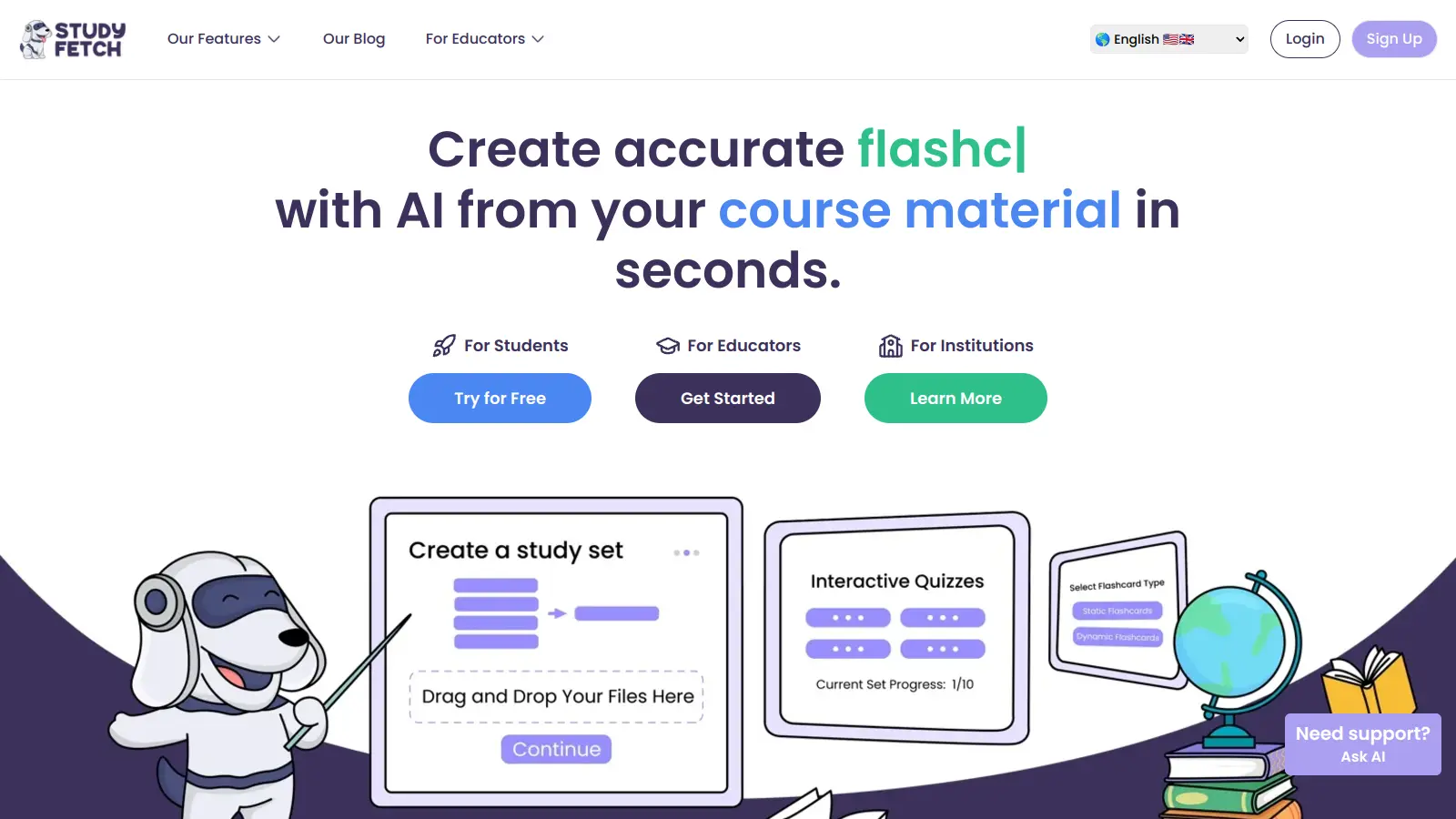
StudyFetch is an AI-powered learning platform that helps students create personalized study materials and get academic support. Students can upload their course materials like PDFs, PowerPoint slides, YouTube videos, or even import from Canvas, Quizlet, and Google Docs, and the platform transforms them into study sets.
At its core, the platform features an AI tutor called Spark.E that offers 24/7 support for questions and provides guidance on complex topics. The system can generate flashcards, quizzes, and practice tests from your materials, making study preparation more efficient.
The platform includes helpful tools like an AI Image Analyzer to explain complex diagrams, and a LiveLecture feature that creates notes from recorded classes. Students can also use the Essay Grader for feedback and the Study Calendar to plan AI-scheduled study sessions.
StudyFetch offers a free basic plan with limited features, while paid plans start at $7.99 monthly. The Premium plan at $11.99 per month unlocks unlimited access to all features including the Live Lecture Assistant and handwritten-notes image uploads.
monthly search interest
74k/mo now
StudyFetch search volume follows an unmistakable academic calendar: near zero until late 2023, then sharp spikes every September and January that align with semester starts, with the October 2025 peak at 110,000 monthly searches its highest point yet. This isn't viral hype, it's students discovering the tool when they're suddenly under pressure. The pattern means the product is well-suited to seasonal, high-pressure study periods, and consistently growing year-on-year peaks suggest it's genuinely accumulating users rather than fading. The current 74,000 figure reflects a standard post-peak dip, not a long-term decline.
Whether StudyFetch is worth it depends almost entirely on what you're studying and how you learn best. Pick your role below to see the honest breakdown.
overall sentiment
select your role to see what people like you are saying
Overwhelmed College Student
positiveIf you're behind on three courses simultaneously, the drag-and-drop upload and instant flashcard generation genuinely saves hours. The free tier burns out fast (10 Spark.E conversations, one study set), so budget for at least the $7.99 Base plan if you're going to use it properly. It's one of the more affordable all-in-one study tools available to students.
strengths
concerns
STEM/Medical Student
mixedStudyFetch handles volume well, processing large sets of technical notes quickly, but the AI makes meaningful errors on equations, chemistry notation, and medical terminology. You'll need to review every generated flashcard before trusting it for exam prep. If you treat it as a first draft that still needs your corrections, it saves time. If you treat the output as ready-to-study, it's a liability.
strengths
concerns
Visual/Auditory Learner with Learning Differences
positiveThe audio recaps, podcast-style summaries, and AI image analysis of complex diagrams make this one of the few study tools that genuinely accommodates different ways of processing information rather than defaulting to text alone. If dense textbook reading is where you lose focus, having the same material repackaged as audio or visual breakdowns is a real practical difference.
strengths
concerns
Remote/Self-Directed Learner
mixedThe 24/7 Spark.E tutor covers the biggest gap for self-directed learners: having someone (or something) to ask when you're stuck at midnight and can't access a professor. The Premium plan's unlimited conversations and live lecture assistant make it a workable independent study setup. Just keep in mind that Spark.E's answers in technical subjects aren't always reliable, so cross-check anything critical.
strengths
concerns
“I am currently taking anatomy and physiology I and II together this semester (and struggling) until I discovered study fetch. However, I am now needing to pay for a subscription to have more uses for the tutor ai section and it has helped me understand the material really well.”
Reddit r/GetStudying
Community discussion around StudyFetch is thin but directionally positive, with the strongest signal coming from students who discovered it mid-semester and found it genuinely useful. In r/GetStudying, one user taking anatomy and physiology simultaneously credited StudyFetch with helping them understand the material, then asked whether any alternatives existed once they hit the paywall on Spark.E conversations, which tells you something: the tool worked well enough that they wanted more of it, but the free tier ran out at an inconvenient moment. Another thread asked whether StudyFetch was worth it for someone with ADHD who needed studying to feel less miserable, framing it as a potential fix for engagement problems rather than just time savings. Independent blog reviews describe it as delivering on the flashcard and quiz generation promise, with the AI tutor being the feature most likely to genuinely change how a student works through difficult material, particularly in content-heavy courses like biology or medical terminology. The most consistent friction point across sources is the free tier limit: 10 Spark.E conversations and one study set disappear fast, and the jump to $7.99 or $11.99 per month catches students off guard when they're already mid-workflow.
The Premium plan at $11.99 per month is worth it if you're taking multiple content-heavy courses and using Spark.E regularly. The Base plan at $7.99 covers most of what students actually need: 100 Spark.E conversations, 100 study sets, and five practice tests. The free tier is a trial, not a working plan, you'll hit the limits within a week of real use. If you only need it for one intense exam season, check whether a semester bundle is available before committing to monthly billing.
Overwhelmed College Students juggling multiple courses get the most out of it. Visual and auditory learners with learning differences also benefit specifically from the audio recap and podcast generation features, which most competitors don't offer. STEM and medical students can use it for efficiency, but need to factor in time for reviewing AI-generated content for accuracy.
First, accuracy in technical subjects is a real problem. The AI regularly misses nuance in chemistry equations, math problems, and medical terminology. If you study incorrect flashcard content, that's worse than no flashcard at all. Second, the free tier is too restricted to give you a genuine sense of whether the platform is worth paying for: 10 tutor conversations and one study set aren't enough to evaluate something you might pay $144 a year for.
These tools don't really compete. Notion is a note-taking and organisation tool; StudyFetch is a study material generator with an AI tutor. If you want to organise your notes and build a knowledge base, Notion wins. If you want to upload your lecture slides and get flashcards and quizzes in 30 seconds, StudyFetch does that and Notion doesn't. Most students end up using both: Notion for staying organised, StudyFetch for active revision.
It has real potential here. The multiple format options (audio recaps, podcasts, visual breakdowns, quizzes) mean you're not stuck reading dense text, which is where a lot of students with attention difficulties check out. Breaking material into varied, shorter chunks is genuinely useful. That said, no tool makes studying automatic, and you still need to sit down and work through the generated content. The engagement benefit is real but not unconditional.
toolsforhumans editorial team
Reader ratings and community feedback shape every score. Since 2022, ToolsForHumans has helped 600,000+ people find software that holds up after launch. how we research →
is this your tool?
claim your listing to update details, respond to our review, or upgrade to a featured partnership.
claim this listing →
ChatGPT is an AI chatbot by OpenAI that uses language models to hold conversations, generate content, and complete tasks. It includes web browsing, image generation and analysis, voice interaction, autonomous task automation, and custom GPT creation. Available in multiple pricing tiers from free to enterprise, ChatGPT handles creative writing, data analysis, coding, and real-world automation.
best deal
Try ChatGPT Free: Basic AI conversations with GPT-5.2 Instant access (around 10 messages every 5 hours) at no cost.

Gemini is an advanced AI assistant by Google that processes text, code, images, audio, and video across Google's ecosystem. It offers content creation, coding assistance, research capabilities, and workflow automation through the Gemini app, web interface, and integrations with Google Workspace, Pixel phones, and Chrome.
best deal
Google AI Plus: Get 50% off at $3.99/month for the first 2 months (new subscribers); Google AI Pro: Try free for one month.

Microsoft 365 Copilot is an AI-powered productivity tool that integrates seamlessly with Microsoft 365 apps like Word, Excel, PowerPoint, and Outlook. It uses advanced language models and Microsoft Graph to provide intelligent, context-aware suggestions, automate tasks, and enhance collaboration by generating content, analyzing data, and offering real-time insights across various work processes.
best deal
Try Copilot Free: Experience basic AI assistance without Office integration

Claude is an AI assistant developed by Anthropic that handles coding, writing, and analysis tasks. It uses Constitutional AI for safety-focused interactions, supports multiple languages, and offers models like Sonnet and Opus with different capabilities. Claude prioritizes user privacy and context-aware responses.
best deal
Try Claude Free - 30-100 daily messages with code generation, image analysis, web search, and access to Claude's latest models

Perplexity AI is an AI-powered search engine that provides real-time, conversational responses to user queries. Founded in 2022, it uses natural language processing and large language models to deliver answers with source transparency. The platform offers multiple search modes, supports file and image uploads, and provides both free and paid plans for individual users and businesses.
best deal
Try Perplexity Free - Get unlimited basic searches with citations, 5 daily Pro Searches, and save your search history with access to basic AI models.

PhotoAI.me is an AI-powered platform that transforms personal photos into unique, high-resolution images across 100+ styles for various social media platforms. Users can upload a photo, select a themed package, and receive AI-enhanced images within hours, making profile personalization simple and quick for those seeking professional or creative profile pictures without advanced editing skills.
best deal
Transform your profile photo with 100+ AI styles starting at $19/month