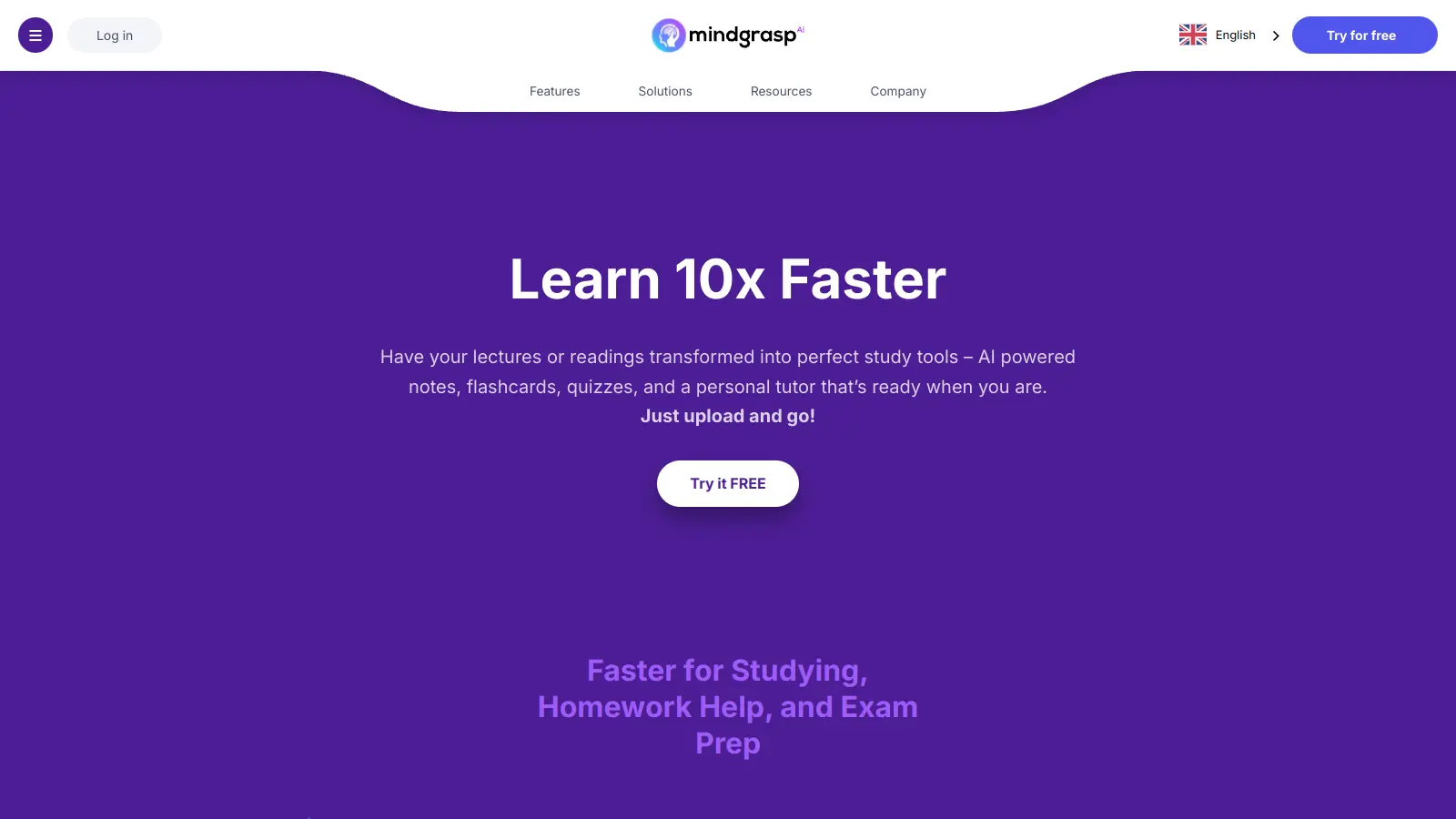
Mindgrasp AI helps students, professionals, and lifelong learners process and understand information faster. This AI-powered platform turns documents, videos, and audio files into summaries, notes, and study materials.
The tool uses artificial intelligence to help users comprehend and retain information across different media types. Upload a research paper, lecture video, or podcast, and Mindgrasp AI extracts key insights and creates structured resources.
The platform generates automatic summaries, flashcards, quizzes, and personalized answers to your questions. Upload PDFs, video lectures, podcasts, and articles—the AI creates study materials in minutes using natural language processing, speech-to-text, and computer vision technology.
With multilingual support and accessibility across different devices, Mindgrasp AI saves time and improves information retention for anyone looking to learn more efficiently.
Mindgrasp AI works for busy learners who need to process information quickly without sacrificing comprehension. The tool saves time by transforming complex content into study materials that match your learning style.
Medical students reviewing case studies, business professionals staying current with industry trends—anyone who needs to learn faster and retain information better.
Users appreciate how much time Mindgrasp AI saves by automatically summarizing lectures and notes. Students value the AI-generated quizzes for test prep, with many noting the accuracy helps them study more efficiently. Visual learners report that the mind maps and flashcards work well for their study style, and uploading PDFs, videos, and audio files is easy. Students with disabilities and those in fast-paced courses mention that it helps them keep up with demanding coursework.
The pricing is too steep after the free trial ends, particularly for students on tight budgets. Summaries are occasionally inaccurate, and key points get missed during processing. Large files or videos can be slow to process, which frustrates users working on tight deadlines. The limited free version only allows 3 uploads, which isn't enough to properly evaluate the tool. Customer support response times are slow when issues arise.
Mindgrasp AI works with PDFs, text documents, video and audio files, YouTube videos, podcasts, and web articles. It doesn't support PowerPoint (PPT) files, which some users find limiting. The tool can process images too, though it sometimes struggles with complex graphs and diagrams. If you're studying from multiple sources, it handles different formats in one place.
How accurate are Mindgrasp AI's summaries?The accuracy is generally good for text-based content. It captures key points from articles, research papers, and documents quite well. For videos and audio, the quality depends on how clear the speech is. Complex technical content might lose some nuance in the summarization process, and occasionally key points get missed. The tool works best when the original material is well-structured and clearly presented. Always review the summaries for critical information, especially for academic or professional use.
Can I use Mindgrasp AI with my learning management system?Yes, the Scholar and Premium plans include compatibility with Canvas, Blackboard, and Panapto through their Chrome extension (currently in Beta). This integration lets you use the tool's features directly within your school's online learning platform. If you're taking online courses or use these platforms for your studies, this keeps everything in one workflow instead of switching between different apps.
Does Mindgrasp AI work offline?No, Mindgrasp AI needs an internet connection to work. It's a cloud-based tool that processes your uploads on their servers. This means you can't use it on flights or in places without internet access. The benefit is that processing happens off your device, saving your computer's resources. For the best experience, a stable internet connection is needed, especially when uploading large files or using the live recording feature that comes with higher-tier plans.
Is Mindgrasp worth the subscription price?It depends on how much you'll use it. The discounted prices ($5.99 to $10.99 per month) are more affordable than the original rates, and if you're processing multiple lectures or documents daily, the time savings can justify the expense. Students with heavy course loads report it's worth it during exam periods. If you only need occasional help with one or two documents a month, the limited free version (3 uploads) or the 4-day trial might be enough. Consider your study volume and budget before committing to a paid plan.


Our newsletter comes with exclusive discounts, trials and practical insights from within the industry