Huemint Review 2026 - Features, Pricing & Deals

Last Updated
Feb 13, 2026

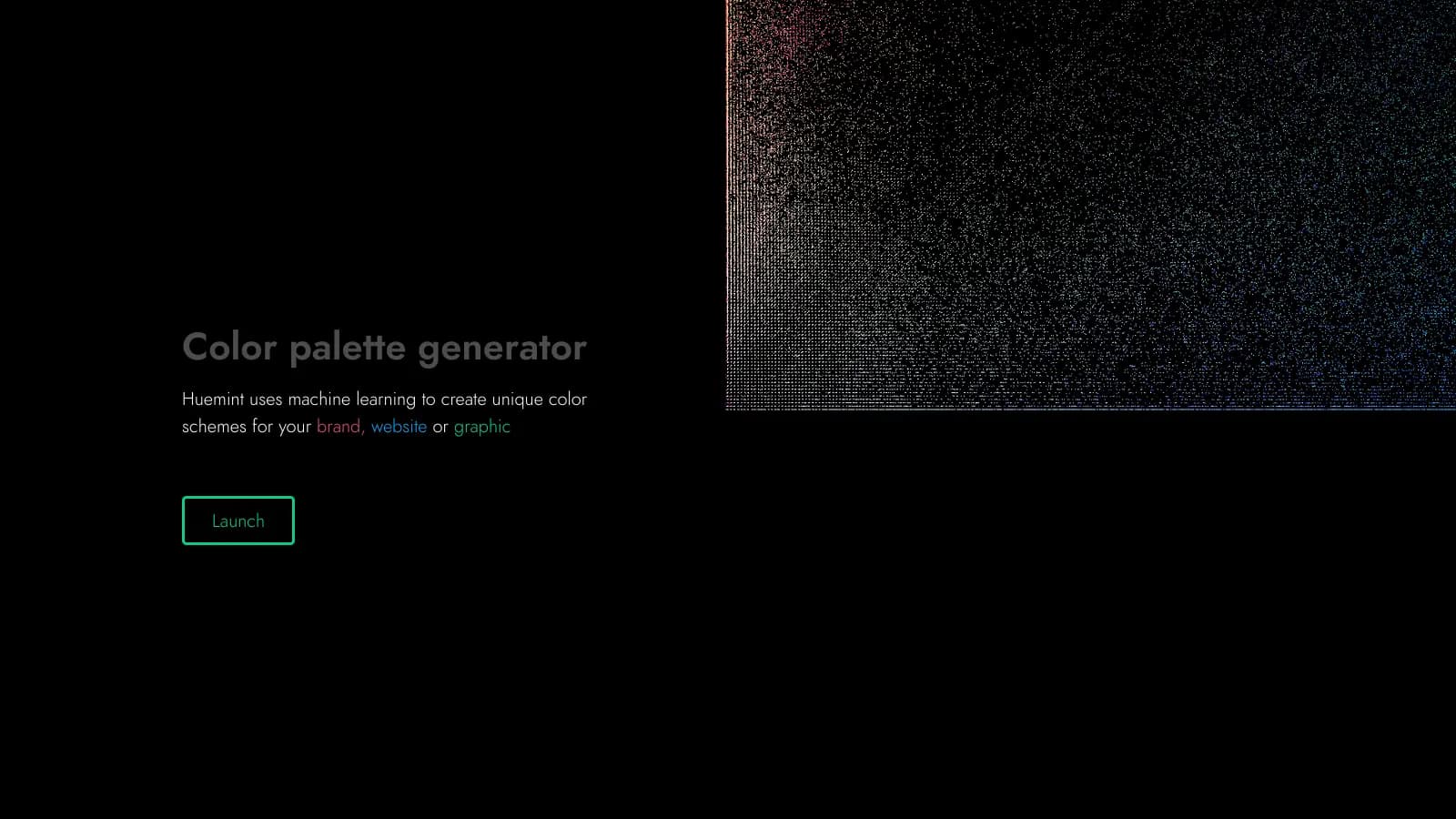
Huemint helps designers and brands create color palettes using artificial intelligence. The tool analyzes design trends and context to generate color combinations that work well together.

At its core, this color palette generator offers both simplicity and depth. Users can quickly generate harmonious color schemes with a creativity slider that adjusts how bold or conservative the AI's suggestions are. You can input context through keywords or upload images, and the tool will create palettes that match your needs. Real-time previews and 3D color space visualization help you see how different combinations interact.

The free tool proves especially useful for branding projects, web design, UI/UX work, and graphic design. It considers accessibility and color blindness when generating palettes, and you can extract contrast relationships from existing designs to build on what already works. Export options make it easy to bring your palettes into popular design software.

While primarily aimed at designers, Huemint works well for creative professionals in marketing, interior design, fashion, and product packaging. The tool offers automated suggestions with manual controls through its creativity slider. Some users want more granular control over the AI generation parameters.

Who is Huemint for?

Huemint is for designers and creative professionals who need harmonious color palettes fast. The AI generates professional-quality color schemes in seconds instead of hours spent on manual selection.

  • Graphic Designers benefit from quick access to trend-aware color combinations that can be customized for client projects and immediately exported to design software.
  • UI/UX Designers can quickly generate accessible color schemes that meet modern standards while maintaining visual appeal for digital interfaces.
  • Marketing Teams without formal design training can create on-brand color palettes that convey the right emotional messaging for campaigns.
  • Freelancers appreciate the free version that helps deliver professional results without investing in expensive color theory training or tools.
  • Brand Managers can ensure color consistency across materials by generating and sharing standardized palettes with their teams.
  • Web Developers with limited design experience can select visually pleasing, accessible color schemes for websites and applications.
  • Interior Designers, Fashion Professionals, and Product Packaging Designers can use the tool to explore color combinations and ensure their choices work well together before committing to final designs.

This tool serves professionals in advertising agencies, tech startups, e-commerce businesses, and independent studios where color decisions impact brand perception and user experience.

Online Reviews (Last 6 Months Summarised)

Huemint has limited public discussion online compared to more established color tools. There aren't many user reviews on typical software review sites or active community forums dedicated to the tool. It's a specialized tool serving a specific need, and plenty of designers use it without leaving public feedback.

Where users do share opinions, they praise the speed and intuitiveness of the AI-generated palettes. Some designers want more control over the AI generation parameters. The pricing for commercial use isn't clearly documented, which creates confusion. The small community means fewer tutorials and discussions about advanced features compared to more popular alternatives.

Features

  • AI-Powered Color Palette Generation: Create unique and professional color schemes using machine learning that analyzes your design context and current trends to suggest harmonious combinations.
  • Creativity Slider: Adjust how bold or conservative the AI's color suggestions are, giving you control over whether you get safe, traditional palettes or more experimental options.
  • Context-Based Generation: Input keywords, images, or specific design context to guide the AI toward palettes that match your project's needs and brand identity.
  • Extract Contrast Relationships: Upload existing designs to analyze and extract their color relationships, helping you build on what already works or maintain consistency.
  • 3D Color Space Visualization: View your palettes in 3D color space (Lab/RGB) to understand how colors relate to each other beyond traditional 2D representations.
  • Real-Time Color Preview: Instantly visualize how selected colors interact, allowing quick adjustments and refined design decisions.
  • Accessibility Considerations: The tool factors in accessibility standards and color blindness when generating palettes for inclusive design across platforms.

Pricing

  • Free version available for non-commercial use with access to AI-powered color palette generation.
  • Pricing for commercial use and premium features is not clearly documented on the public website.
  • Public API available for non-commercial applications on an "as-is" basis without guaranteed uptime.
  • For large-scale or commercial applications, users are recommended to contact Huemint directly for potential custom pricing or enterprise solutions.

Frequently Asked Questions

What is Huemint and how does it work?

Huemint is an AI tool that creates color palettes for your design projects. It uses machine learning to understand color relationships and generate combinations that look good together. You can input context through keywords or upload images (with flat color areas), adjust a creativity slider to control how bold or safe the suggestions are, and the AI will create palette options for you. The tool analyzes current design trends and color theory to make sure your colors will work well for branding, websites, or graphic design projects.

Can I use Huemint for free?

Yes! Huemint offers a free version for non-commercial use that lets you generate color palettes using its AI technology. This free access works great for personal projects and learning. For commercial applications or if you need more advanced features, you might want to reach out to them directly to ask about pricing and licensing options.

How is Huemint different from other color palette generators?

While many color tools just use basic color wheel rules, Huemint uses AI to create palettes based on the context you provide. It can adapt to current design styles and lets you adjust a creativity slider to get more conservative or experimental results. You can also extract contrast relationships from existing designs to build on what already works, and visualize your palettes in 3D color space. The tool considers accessibility and color blindness when generating suggestions, making it easier to create inclusive designs.

Can I customize the color palettes Huemint creates?

Yes! You can guide Huemint by providing keywords, uploading images, or specifying the context for your design. The creativity slider lets you adjust how adventurous or safe the AI's suggestions are. You can see changes in real-time and generate multiple palette options until you find one that fits your project. Some users do mention wanting more granular control over specific AI parameters, but the current customization options work well for most design needs.

Can I export palettes to my design software?

Huemint offers export options in multiple formats so you can bring your generated palettes into popular design tools. This makes it easy to move from palette generation to actually using the colors in your design workflow. The exact export formats available aren't detailed in public documentation, but the tool is designed to work with standard design software.

Other Tools To Check Out

Best Deal

Login to take a free trial with sufficient credits to test VanceAI's features

Redeem Now

Best Deal

Transform your profile photo with 100+ AI styles starting at $19/month

Redeem Now

Best Deal

New subscribers get 50% off Creative Cloud Pro for the first 3 months - includes 20+ apps and Firefly AI features

Redeem Now

Find Out How Best To Utilise Tools

Our newsletter comes with exclusive discounts, trials and practical insights from within the industry

Sign Up Today