Digital Content Creation Software+2 more

Fotor
best deal
Try Fotor Basic for free with no credit card required, then upgrade to Fotor Pro for $8.99/month to unlock HD watermark-free downloads and 100+ advanced editing tools.
redeem now
best deal
Try Fotor Basic for free with no credit card required, then upgrade to Fotor Pro for $8.99/month to unlock HD watermark-free downloads and 100+ advanced editing tools.
redeem nowwe track global search demand across every software category, monitor what real users are saying online, identify which professions rely on each tool, and surface the questions people are actually asking. reviews are consistently updated and reviewed for reliability.
Fotor combines photo editing and graphic design in an online platform that works for both casual users and professionals. You get image enhancement, design creation, and collage making through a web-based interface.
The platform includes AI-powered editing tools, template libraries, and batch processing. It supports cloud storage integration, letting you work on projects across different devices. For social media creators and marketers, Fotor provides customizable templates and a collection of design assets.
The free version gives users basic editing capabilities, while the premium plans start at $8.99 per month or $3.33 per month when billed annually. These paid tiers unlock advanced features like AI image generation, professional templates, and ad-free editing. The platform also offers mobile apps for iOS.
Fotor requires an internet connection to function, though it does update regularly and includes a library of fonts, effects, and stock photos. The interface focuses on simplicity, helping newcomers start editing without a steep learning curve.
Fotor works well for anyone who wants professional-looking images and designs without advanced technical skills or expensive software. This online platform simplifies photo editing and graphic design for both beginners and experienced creators who value time-saving solutions.
It's also practical for professionals in retail, real estate, hospitality, and education who need to create visual content regularly but don't have specialized design teams.
Fotor gets praise for its beginner-friendly interface and AI photo editing tools. Users particularly like the background removal, object eraser, and one-click enhancement features that make quick edits easy. The mobile app performs well, and many appreciate the selection of free templates, filters, and effects available for collages and social media graphics.
The free version displays intrusive ads and slaps watermarks on exports. The constant upselling and subscription prompts annoy users. AI features can be glitchy or inaccurate. The Pro version feels expensive for what you get compared to alternatives. Users who need advanced editing capabilities report that Fotor can't match the depth of tools like Photoshop.
You can use Fotor for free with the Basic plan, but it comes with limitations. The free version gives you basic editing tools and some templates, but your downloads will have watermarks and won't be in HD quality. You also get limited AI credits and 500M of cloud storage. For full access to all features, AI tools, and watermark-free HD exports, you'll need to upgrade to a paid plan. Pro plans start at $8.99 per month or around $3.33 monthly when billed annually. A free trial is available without requiring a credit card.
How good is the AI photo enhancer?The AI photo enhancer is one of Fotor's standout features. It uses one-click technology to automatically unblur images and improve quality by adjusting color, lighting, and sharpness. Many users find it works well for quick fixes and basic improvements. That said, some report that results can be inconsistent or glitchy depending on the photo. It's great for everyday enhancements but won't replace professional editing for complex work.
Can I remove watermarks without paying?No, you can't remove watermarks from your exports without upgrading to a paid plan. The free Fotor Basic version adds watermarks to all non-HD downloads. To get watermark-free, high-resolution exports, you need to subscribe to Fotor Pro or Pro+. This is one of the most common complaints from free users who find the watermarks intrusive.
Does Fotor work well on mobile vs desktop?Fotor has a mobile app for iOS that many users find convenient and well-performing. Your projects sync across devices through cloud storage, so you can start editing on your phone and finish on your computer. The mobile version includes many of the same features as the web version, though some advanced tools work better on larger screens. Users generally report good experiences with the mobile app for quick edits on the go.
How does Fotor compare to Photoshop and other editors?Fotor sits between basic phone apps and professional software like Photoshop. It's much easier to learn than Photoshop and works great for quick edits, social media content, and basic design work. The AI tools like background removal and object eraser are genuinely helpful. However, it lacks the advanced editing capabilities and precision that professional designers need from Photoshop. If you want simple, fast editing with AI help, Fotor works well. If you need deep control over every aspect of an image, you'll hit its limits quickly.

Canva is a graphic design platform that lets individuals and professionals create designs without advanced design skills. It offers hundreds of thousands of templates, design tools, collaboration features, and photo/video editing capabilities. With both free and pro versions, Canva provides access to millions of design elements for creating social media graphics, presentations, posters, and more through its drag-and-drop interface.
best deal
Get 50% off Canva Pro or Business plans for new customers, or try Canva free with 250,000+ templates and 5GB storage

Grammarly is an AI-powered writing assistant that provides real-time grammar, spelling, and punctuation checks, tone adjustments, and generative AI features for composing, rewriting, and proofreading text. It integrates with platforms like Google Docs, Gmail, Microsoft Word, Slack, and web browsers, offering both free and paid versions with features ranging from basic corrections to plagiarism detection and AI writing tools.
best deal
Try Grammarly's Free Version Today - Get Basic Grammar Checks & 100 AI Prompts Per Month Across Your Favorite Apps

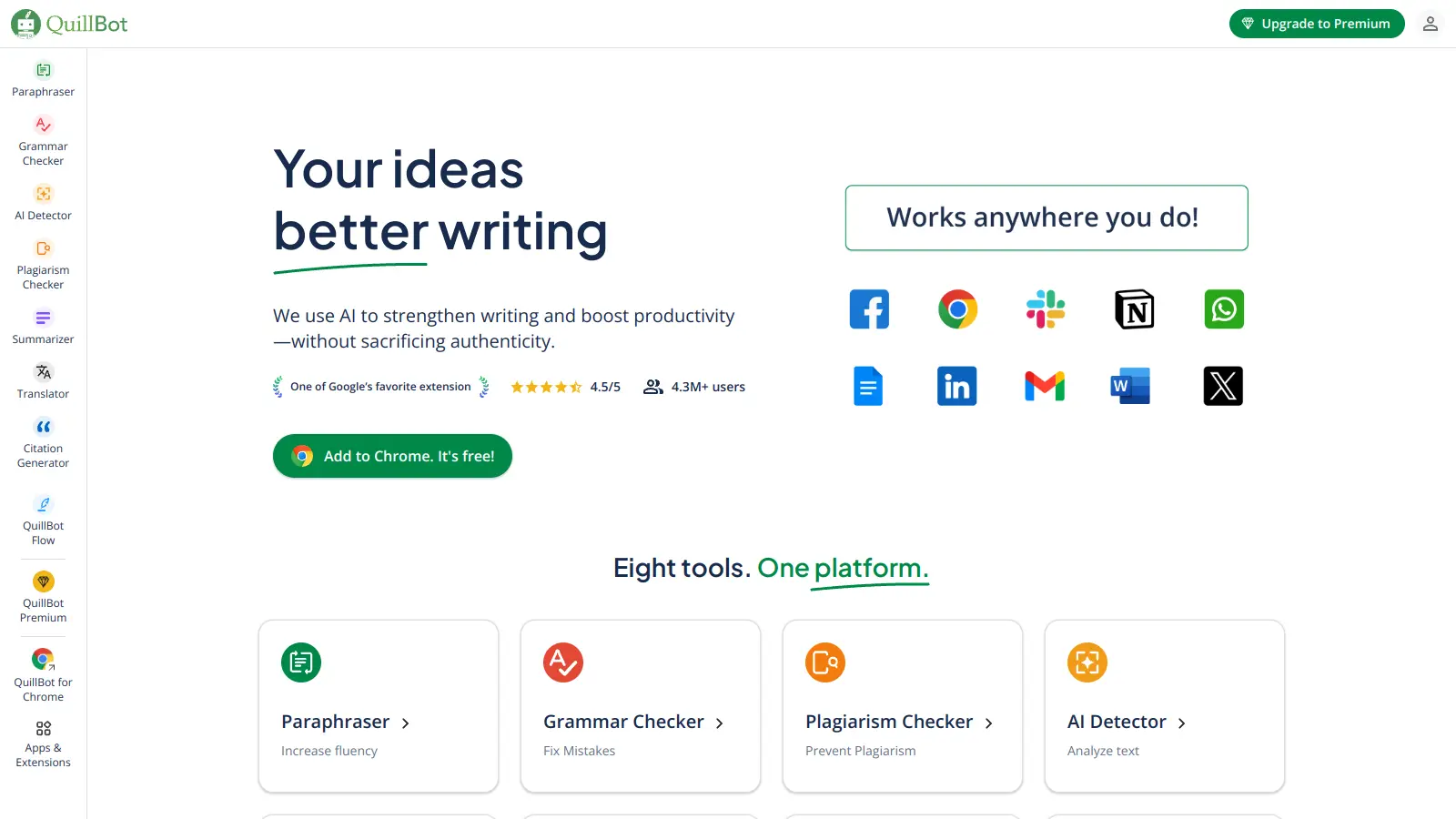
QuillBot is an AI-powered writing tool that helps users improve their writing through features like paraphrasing, grammar checking, summarization, plagiarism detection, citation generation, translation, and AI detection. It offers a web-based interface, Chrome extension, and Google Docs integration, with pricing plans ranging from a free version to monthly, semi-annual, and annual premium subscriptions. The tool uses advanced natural language processing to provide contextually appropriate text modifications.
best deal
Try QuillBot free or upgrade to Premium for just $8.33/month with unlimited paraphrasing and advanced tools. 3-day money-back guarantee included.

Adobe is a software company founded in 1982, offering digital solutions across creative, document, and marketing domains. Their flagship products include Photoshop, Illustrator, Premiere Pro, and Acrobat, which enable professionals and consumers to create, edit, and manage digital content. With Creative Cloud, Document Cloud, and Experience Cloud, Adobe provides tools for image editing, graphic design, video production, PDF management, and digital marketing.
best deal
New subscribers get 50% off Creative Cloud Pro for the first 3 months - includes 20+ apps and Firefly AI features

Wix is a website builder that lets individuals and businesses create professional websites without coding. It offers drag-and-drop editing, AI-powered design tools, templates, and features for e-commerce, SEO, and marketing. Pricing ranges from free to enterprise-level, covering everything from personal portfolios to online stores.
best deal
Get 50% off Wix annual plans, with Light Plan starting at $17/month

DeepAI is an AI platform offering creative tools including image generation, video creation, chatbot interactions, music generation, and text processing. Designed for users with varying technical skills, it provides affordable pricing options.
best deal
DeepAI Pro yearly plan at $89.99/year saves $29.89 compared to monthly billing (equivalent to 3 months free)