Conker Review 2026 - Features, Pricing & Deals

Last Updated
•
Feb 13, 2026

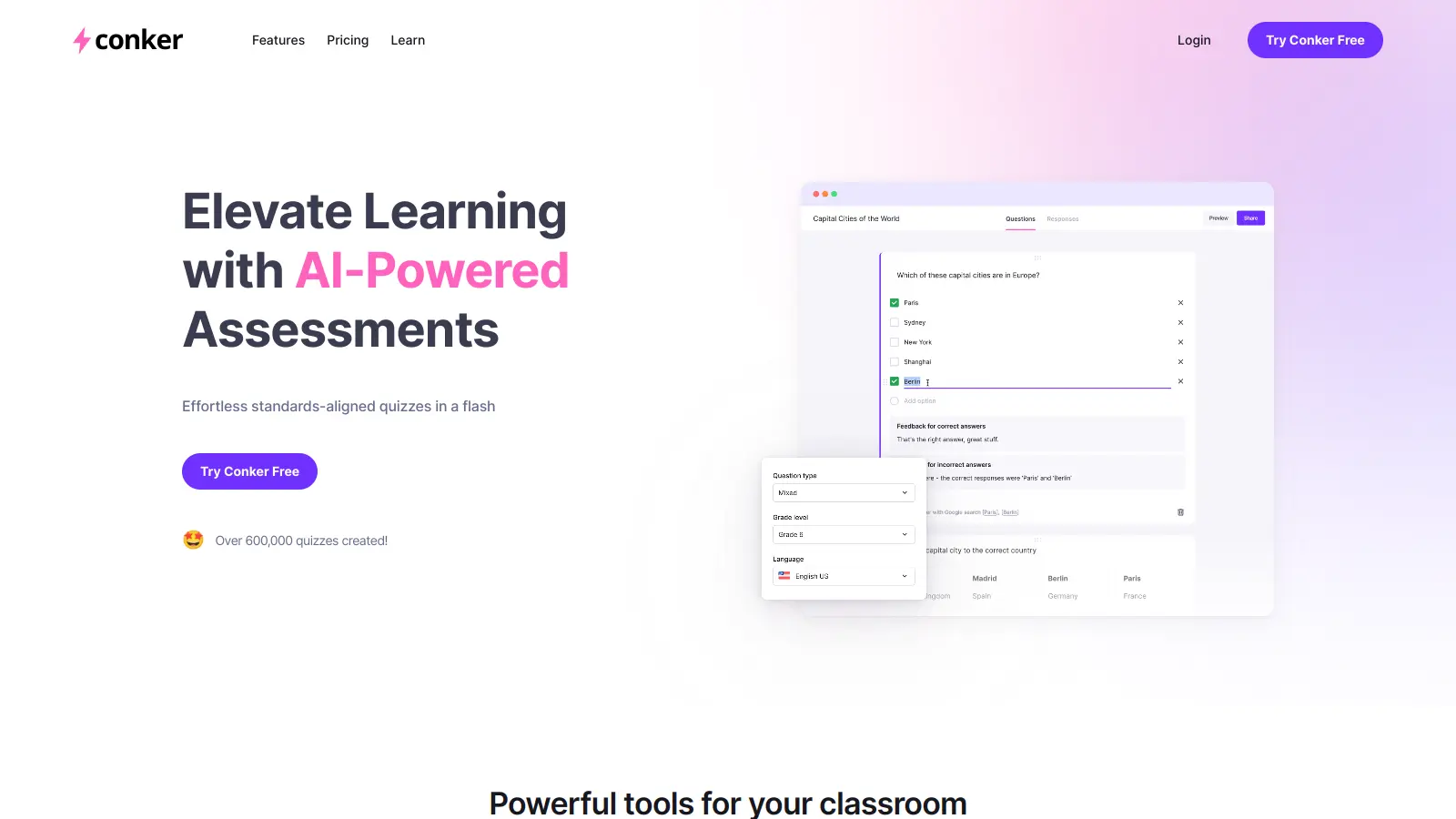
Conker is an educational assessment tool that uses artificial intelligence to help teachers create quizzes and learning materials. Designed primarily for K-12 educators, it also serves teaching assistants, course creators, and instructional designers who want to streamline their assessment process.

The platform uses AI technology to generate multiple question types—multiple-choice, fill-in-the-blank, short-answer, true/false, and reading comprehension—while ensuring alignment with educational standards like NGSS and TEKS. Teachers can quickly create customized quizzes based on specific topics or standards.

Built with accessibility in mind, Conker includes features like read-aloud functionality and integration with learning management systems such as Google Classroom, Canvas, and Clever. Teachers can share quizzes through unique codes, export them to Google Forms, or download them as PDFs.

The tool offers a free plan with limited access, along with paid plans starting at $3.99 monthly for basic features and $5.99 monthly for the Pro tier. The free version provides basic quiz creation features, while premium users get access to more quizzes, expanded question limits, and more customization options.

Who is Conker for?

Conker is designed for educators who want to save time creating assessments. It helps teachers quickly generate quizzes that align with educational standards, freeing up time for instruction and personalized student support.

  • K-12 Teachers who need to create standards-aligned assessments quickly and want to spend less time on quiz creation and more time on teaching.
  • Special Education Instructors who benefit from the accessibility features like read-aloud functionality to support diverse learning needs in their classrooms.
  • Tech-Savvy Educators who are comfortable integrating digital tools with platforms like Google Classroom and want streamlined assessment workflows.
  • Teaching Assistants who need to generate supplementary assessments and practice materials that align with the main curriculum.
  • Course Creators and Instructional Designers who want customizable, accessible educational materials that can be tailored to specific student needs.
  • Department Heads or Curriculum Coordinators who need consistent assessment methods across multiple classrooms while ensuring alignment with standards like NGSS and TEKS.
  • Private Tutors or Learning Centers who need flexible, reusable assessment tools to track individual student progress across different subjects and levels.

From elementary school science teachers to course creators and tutoring professionals, Conker serves anyone who wants to create assessments without the traditional time investment.

Online Reviews (Last 6 Months Summarised)

Conker is a relatively new educational tool launched by Mote Technologies in 2023, and there isn't much public discussion about it yet. The online conversation around the platform remains quiet, which makes it difficult to find detailed user experiences or feedback from teachers who've used it in their classrooms.

The limited buzz doesn't necessarily mean the tool isn't effective. Many niche educational technology tools build their user base gradually through word-of-mouth in teaching communities rather than generating widespread online reviews. Teachers interested in AI-powered quiz creation might want to try the free plan themselves to see if it fits their workflow.

Features

  • AI-Generated Quizzes: Quickly create assessments using AI technology that supports multiple question types including multiple-choice, short-answer, fill-in-the-blank, true/false, and reading comprehension formats.
  • Standards Alignment: Generate quizzes that match NGSS and TEKS educational standards for curriculum compliance.
  • Customizable Settings: Tailor assessments by adjusting difficulty level, quiz length, and question types to match specific student needs and learning objectives.
  • Accessibility Features: Support students with special needs through integrated read-aloud functions and inclusive quiz design.
  • Learning Management Integration: Share quizzes across platforms like Google Classroom, Canvas, and Clever using unique codes and easy export options to Google Forms or PDF.
  • Instant Generation and Editing: Generate complete quizzes in seconds based on topics or standards, then refine and edit questions to match your teaching style before sharing with students.
  • Real-Time Feedback: Provide instant grading and performance analytics that help students understand their progress and teachers customize instruction.

Pricing

  • Basic Plan costs $3.99 per month with ability to share up to 10 quizzes, collect 100 responses, access all question types, and create quizzes with up to 10 questions.
  • Pro Plan costs $5.99 per month, offering expanded quiz sharing, increased responses, all question types, and capability to include more words in reading materials.
  • Schools Plan requires contacting Conker AI for a customized quote, providing all Pro tier features plus Canvas LMS integration and administrative account management functionalities.
  • Free Plan available with limited access to standards-aligned quizzes and basic features for teachers who want to try the platform.

Frequently Asked Questions

What makes Conker AI different from other quiz-making tools?

Conker AI uses artificial intelligence to create quizzes in seconds rather than hours. Unlike traditional quiz builders where you write every question yourself, you simply tell Conker what topic or standard you need, and it generates aligned questions instantly. It offers multiple question types including multiple-choice, fill-in-the-blank, short-answer, true/false, and reading comprehension, and automatically aligns content to educational standards like NGSS and TEKS, which many other tools don't do automatically.

How long does it take to create a quiz with Conker AI?

Most teachers create complete, classroom-ready quizzes in under 2 minutes. You just enter your topic or select a standard, choose your settings like difficulty and question types, and Conker does the rest. This is much faster than the typical 30-60 minutes teachers spend creating quizzes using traditional methods.

Can I edit the quizzes Conker AI creates?

Yes, you have full editing control. After Conker generates your quiz, you can change any question, modify answer options, add your own questions, or remove ones you don't like. Many teachers find the initial AI-generated content needs just small tweaks to match their exact teaching style or classroom needs.

How do students access quizzes made with Conker AI?

Students don't need accounts to take quizzes. You can share quizzes through a simple link, a unique code, or integrate directly with Google Classroom, Canvas, or Clever. Students can access quizzes on any device with an internet connection including phones, tablets, and computers. Quizzes can also be exported to Google Forms or downloaded as PDFs if you prefer using those formats.

Does Conker AI provide feedback on student performance?

Yes, Conker gives you instant access to student results and performance data. You'll see which questions students struggled with most, class-wide trends, and individual student performance. This helps you quickly identify learning gaps without spending hours grading papers. Students also get immediate feedback on their answers when they complete a quiz, helping them learn from their mistakes right away.

Other Tools To Check Out

Best Deal

Launch your storytelling journey with the free tier - create comics with basic features including character consistency, reference image uploads, and single/double page layouts at no cost.

Redeem Now

Best Deal

Start creating free music with 25 song saves and 1 release on Boomy

Redeem Now

Best Deal

Try Frosting AI Free - Get 100 Daily Credits

Redeem Now

Find Out How Best To Utilise Tools

Our newsletter comes with exclusive discounts, trials and practical insights from within the industry

Sign Up Today