Brisk Teaching Review 2026 - Features, Pricing & Deals

Last Updated
Feb 13, 2026

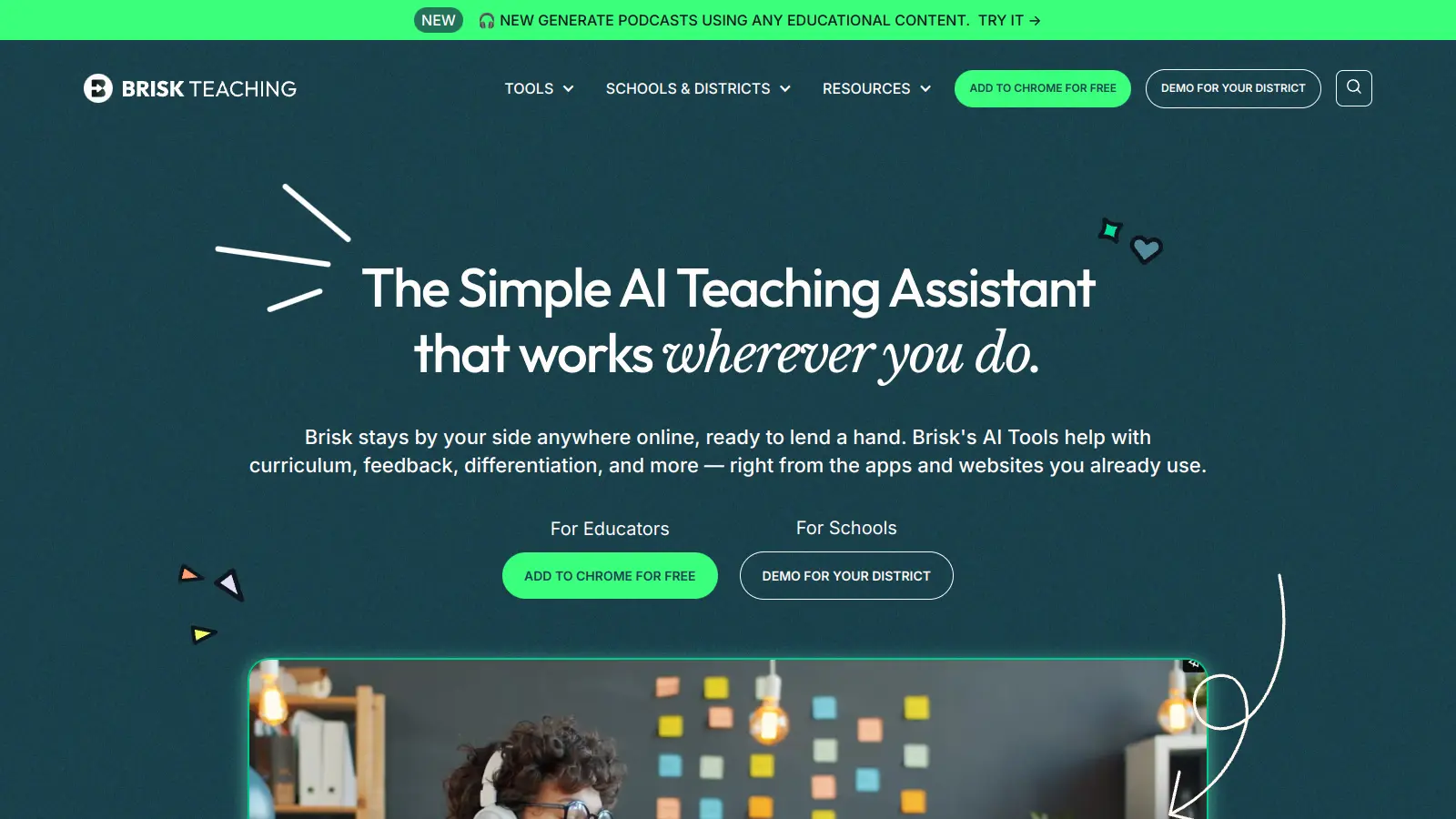
Brisk Teaching is an AI-powered Chrome extension that helps teachers spend less time on paperwork and more time teaching. The tool combines lesson planning, feedback systems, and content creation into one platform that works alongside Google Classroom and Canvas.

Teachers can generate lesson plans, create presentations, and develop quizzes using the AI capabilities. The platform also includes tools for writing analysis, curriculum development, and student progress tracking. Features like automated grading and customizable learning paths help manage daily tasks.

The basic version is free forever with over 20 AI tools that integrate with common education platforms. After a 14-day premium trial, users can continue with the free plan or upgrade to Brisk Educator Pro for $99.99 per year. Schools and districts can also get customized pricing based on enrollment.

The platform aims to support teachers rather than replace them, offering assistance with routine tasks while leaving room for personal teaching styles and methods. Like any digital tool, users should consider both the benefits of automated assistance and the importance of maintaining a human touch in education.

Who is Brisk Teaching for?

Brisk Teaching works for educators who want to spend less time on paperwork and more time connecting with students. This Chrome extension handles lesson planning, feedback, and content creation while integrating with Google Classroom and Canvas.

  • K-12 teachers who need curriculum-aligned lesson plans and want to save 10+ hours per week on administrative tasks
  • Educators who already use Google Workspace tools and want to add AI features without learning new systems
  • Teachers who need to differentiate instruction by adjusting reading levels and translating content for students at different levels
  • Special education teachers who regularly create customized materials and need ways to adapt content for different learning needs
  • New teachers who need help creating lesson plans and assessments while developing their teaching style
  • Department heads or curriculum coordinators who need to maintain consistent standards across multiple classrooms while allowing for personalization
  • Educators providing frequent student feedback who want to monitor writing processes and deliver personalized comments

From individual classroom teachers to district-wide curriculum specialists, Brisk Teaching supports education professionals across K-12 settings who want to bring efficiency to their daily tasks without sacrificing quality.

Online Reviews (Last 6 Months Summarised)

Public discussion about Brisk Teaching is limited. While you'll find some educator mentions on social media and education technology forums, there isn't much detailed feedback available on major review platforms yet.

The lack of widespread public conversation doesn't mean the tool is flawed. Education-focused tools often build their reputation through word-of-mouth in teacher communities and school districts rather than generating broad online buzz. Teachers considering Brisk Teaching should try the free plan themselves or reach out to colleagues who've used it to get firsthand impressions.

Features

  • AI-Driven Lesson Plan Generator: Creates detailed, curriculum-aligned lesson plans in seconds in over 30 languages, allowing teachers to focus more on teaching and less on planning.
  • AI Presentation Maker: Automatically generates presentations based on your content and converts articles, YouTube videos, and PDFs into slideshows, saving time for busy educators.
  • AI Quiz Generator: Develops customized quizzes tailored to lesson content and student learning levels, and transforms existing content into multiple assessment formats.
  • Inspect Writing Tool: Monitors and replays students' editing processes, including copy/paste actions, to track progress, check assignment integrity, and provide insights into their writing development.
  • Feedback Enhancement Tools: Delivers personalized feedback directly in student work using rubrics, strengths, areas for growth, or probing questions.
  • Level Resources: Adjusts reading complexity of articles and documents for different grade levels and translates text into different languages to support students at different proficiency levels.
  • Brisk Boost: Creates interactive, school-safe AI-powered activities including tutoring chatbots, character conversations, debates, brainstorming exercises, and exit tickets.

Pricing

  • Brisk Educator Free includes over 20+ tools with usage limits, covering lesson planning, presentations, text leveling, and more. A 14-day Premium trial is included, then the account transitions to free forever.
  • Brisk Educator Pro costs $99.99 per year ($8.33/month) and includes unlimited usage, Turbo AI LLM, targeted feedback, presentation templates, and academic standards integration.
  • Brisk for Schools & Districts provides customized pricing based on enrollment and number of accounts, with unlimited usage, Turbo AI, advanced tools, professional development, and a district dashboard.

Frequently Asked Questions

What is Brisk Teaching and how does it help teachers?

Brisk Teaching is an AI-powered Chrome extension that helps teachers save time on daily tasks. It works with Google Docs, Google Classroom, Google Slides, Canvas, and PDFs to create lesson plans, generate quizzes, provide student feedback, and make presentations. Teachers can use it to quickly turn videos or articles into teaching materials, adjust reading levels for students, and create classroom communications without starting from scratch.

Is Brisk Teaching free to use?

Yes, Brisk Teaching offers a free plan that includes over 20 AI-powered tools with usage limits. You get a 14-day premium trial when you sign up, then your account transitions to the free forever plan. The free version lets teachers access core features like the feedback generator, presentation maker, and lesson plan creator. Many teachers find the free version meets their needs for daily classroom tasks.

How much time can Brisk Teaching save me?

Most teachers report saving 10+ hours per week using Brisk Teaching. The biggest time-savers are the automatic lesson plan generator, which turns content into ready-to-use plans in seconds, and the feedback tool that helps you quickly give personalized comments on student work. The quiz generator and presentation maker also cut down prep time that would normally take hours.

Does Brisk Teaching work with the platforms I already use?

Brisk Teaching works with Google Docs, Google Slides, Google Classroom, Canvas, YouTube, and PDFs. Since it's a Chrome extension, you can use it wherever you browse the web. You don't need to switch between different apps or learn new systems - it adds features right into the tools you already use daily.

Will Brisk Teaching replace my skills as a teacher?

No, Brisk Teaching won't replace your teaching skills - it just handles the repetitive parts of your job. You still make all the important decisions about content, teaching approach, and how to connect with your students. Think of it as an assistant that handles the time-consuming tasks so you can focus on what matters most: actually teaching and supporting your students.

Other Tools To Check Out

Best Deal

Try Writesonic's Free Plan with 25 one-time credits before upgrading to the $10/month Short-Form or $13/month Long-Form Plan.

Redeem Now

Best Deal

Start summarizing articles for free - condense long documents into key bullet points with no signup required

Redeem Now

Best Deal

Save up to 33% on HIX.AI yearly plans - Basic starts at $19.99/mo (regularly $29.99) or try 3,000 words free!

Redeem Now

Find Out How Best To Utilise Tools

Our newsletter comes with exclusive discounts, trials and practical insights from within the industry

Sign Up Today